Pair programming with AI in 2025: habits that stick
Actualizado: 2026-05-03
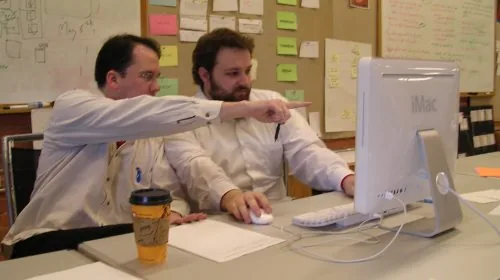
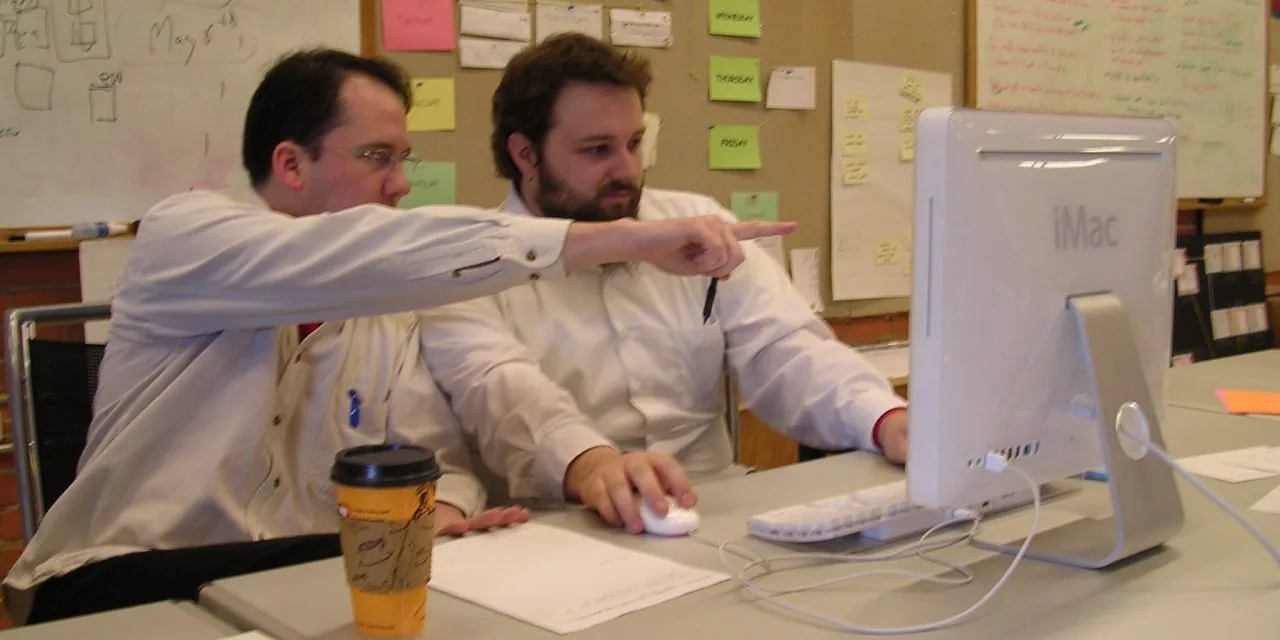
After two years living with AI assistants in the editor, work routines have settled enough to offer a more mature reflection than when we started. Back then we were all discovering how to use Copilot, experimenting with prompts, and feeling a mix of fascination and skepticism. Today the experience is more sober, more practical, and there are concrete habits that have stuck while others haven’t.
This post isn’t a tool review, but a personal balance of how pair programming with AI has changed, telling what habits have remained and which have fallen away.
Key takeaways
- Friction for writing boilerplate code has almost completely vanished.
- Exploring unknown code with the assistant is faster than grep-and-read, without replacing reading — the AI guides it.
- Always review generated code before committing: the subtle-error rate is real (poorly named variables, nonexistent functions, imagined libraries).
- Agent mode (Claude Code, Cursor Composer) works well for scoped tasks; without active supervision it can generate unwanted mass changes.
- AI is an amplifier, not a substitute: skills like reasoning about concurrency or designing APIs rust if you always delegate.
What has changed day-to-day
Most important is that friction in writing boilerplate code has vanished. Anything repetitive (a CRUD, a standard integration test, a parser for a known format) is delegated to the assistant and comes out reasonably well. Its cumulative effect over two years is considerable: a certain kind of work that used to eat mornings now takes minutes.
Exploring unknown code has also changed. Entering a new codebase and asking the assistant “how does the authentication flow work here?” is much faster than grep-and-read. And it doesn’t replace reading, it guides it: the AI points you, and you read the relevant parts with the right focus.
The third change is ease of trying ideas. If I have an idea of how to solve a problem but I’m not sure, asking Claude or Cursor to show what that approach would look like in my code is a five-minute exercise. Before, probing an alternative ate an afternoon; now I try two or three before deciding.
Habits that have stuck
- Writing brief context before asking for anything significant. Five or six lines explaining what I’m trying to achieve, what constraints exist, and what decisions are already made.
- Always reviewing generated code before committing. AI produces code that looks right but has subtle errors: poorly named variables, reversed conditions, uses of nonexistent functions, imagined libraries. Reading line by line is faster than debugging later.
- Asking for tests at the same time as production code. If I ask for a new function, I also ask for tests covering it.
- Using “agent” mode with caution. Tools that run commands and modify files by themselves (Claude Code, Cursor Composer, Aider) are very useful when the task is well scoped. Telling the agent “fix all linter warnings” without supervising can end in mass changes you didn’t intend.
Habits that haven’t stuck
- Asking for full architectural designs. AI is good at helping think about alternatives, but asking “design the architecture of this microservice” produces results that aren’t better or worse than what I’d do on my own.
- Trusting explanations of other people’s code without verifying. The AI sometimes invents behavior that doesn’t exist. For important things, reading the code is inevitable.
- Using the assistant as sole source for learning new technologies. The result is serious comprehension gaps. Today I use official documentation as first source.
- Trying to make the assistant understand the style of a whole project. With large repositories, current tools don’t yet have the capacity to maintain large-scale style coherence.
What has surprised me most
First is how my relationship with programming languages has changed. I used to prefer certain languages (Python, Go) because they were comfortable. Today, with the assistant, the friction of using a less familiar language (Rust, Kotlin, Elixir) is much lower. I can pick the right language for the problem rather than the one I’m fastest in.
Second is how much context quality matters. The same prompt, with the same model, produces very different results depending on what files the editor has open. Cursor, Zed, and Claude Code have invested heavily here. Part of the difference between teams getting value from AI and those not reduces to how they manage context.
Third is that initial enthusiasm has moderated. Two years ago I felt AI was about to change everything; today I feel it already has, to the extent it was going to short-term. AI in the editor is a mature tool with clear benefits and clear limitations, and that maturity is healthy.
My recommendation for those starting now
- Pick one tool and use it for three months before judging. All serious options (Copilot, Cursor, Claude Code, Zed with AI, Windsurf) are reasonably good; switching weekly prevents developing effective habits.
- Start with tasks where you can immediately verify the result: writing tests, generating standalone scripts, refactoring small functions.
- Always ask the assistant to explain what it did, even if the code seems obvious. That explanation reveals whether it understood what you wanted.
- Keep the habit of writing code without assistant now and then. Not out of nostalgia, but because some skills (reasoning about concurrency, designing APIs, reading other people’s code) rust if you always delegate. AI is an amplifier, not a substitute.
How I think it will evolve
Short-term, improvements will come from two sides: more integrated assistants across the full toolchain; and better handling of large contexts.
Medium-term, focus will be on reliability: reducing subtle errors, improving the assistant’s ability to say “I don’t know” instead of inventing.
What seems unlikely short-term is the “autonomous developer” writing and deploying software on its own. For those who code, the message is reassuring: the tool will keep improving, but your role remains essential.