Google ADK: The Agent Development Kit for Building Agents
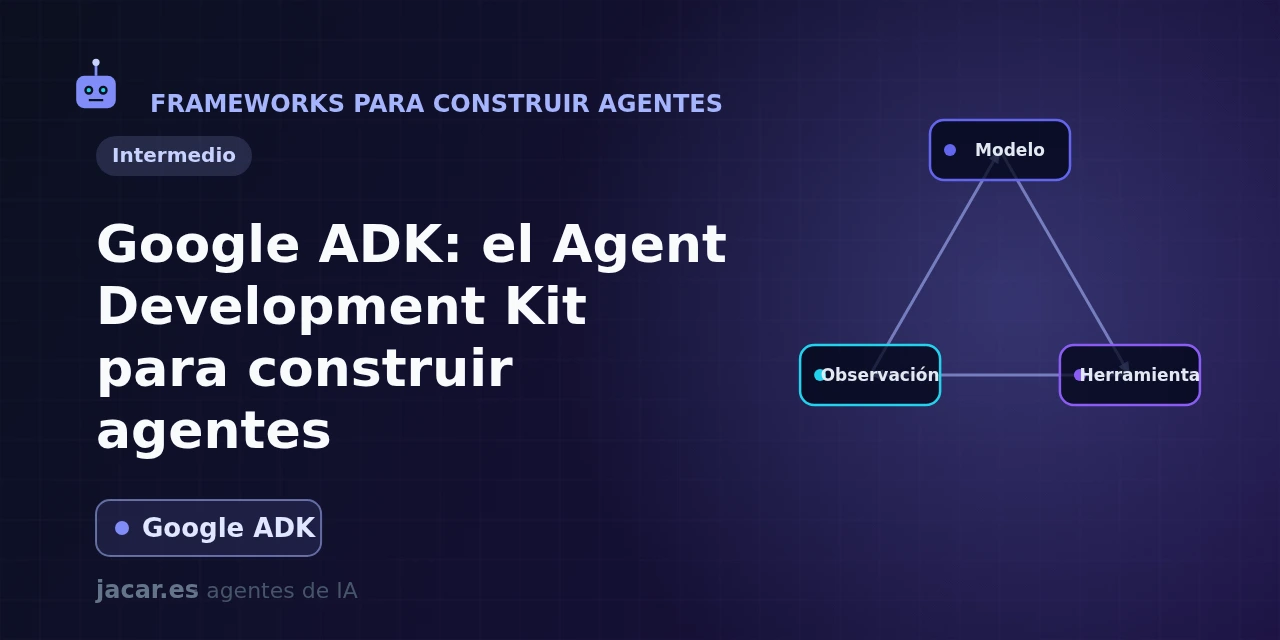
Table of contents
- Key takeaways
- What is the Agent Development Kit?
- Installation and a basic agent
- Tools, sessions and memory
- Multi-agent systems and deployment
- ADK versus the OpenAI Agents SDK
- Frequently asked questions
- Is Google ADK free and open source?
- Can I use ADK without Gemini or Google Cloud?
- How does an LlmAgent differ from a workflow agent?
- Conclusion
- Sources
Google ADK (Agent Development Kit) is the open-source framework Google wants you to use to build your own AI agents, the same way it builds them internally for products like Agentspace. It is code-first, works with Gemini and almost any model, and takes you from a ten-line agent to a service deployed on Vertex AI without switching tools. This guide explains what it is, how to stand up your first agent and when to pick it over the OpenAI Agents SDK. The same explanation is available in Spanish.
Key takeaways
- ADK is an open-source kit (Apache-2.0 license) to build, evaluate and deploy agents; its
google/adk-pythonrepo has over 20,000 GitHub stars and version 2.5.0 dates from 16 July 2026. - It was announced at Google Cloud Next 2025 and ships official SDKs for Python, Java, Go, TypeScript and Kotlin, with a shared development interface (
adk web). - It offers two agent families:
LlmAgent, which reason, and workflow agents (SequentialAgent,ParallelAgent,LoopAgent), which orchestrate steps deterministically. - It is model-agnostic: it uses Gemini natively and connects to Claude, GPT or Ollama on your own machine through LiteLLM.
- It deploys the same agent to Vertex AI Agent Engine, to Cloud Run or to your own container, with traces in Cloud Trace.
What is the Agent Development Kit?
The Agent Development Kit is a library Google released so anyone can build AI agents with the same approach the company uses itself. The official docs describe it as "an open-source, code-first toolkit for building, evaluating and deploying sophisticated agents with flexibility and control". The key word is code-first: you define the agent’s behaviour in Python (or Java, Go, TypeScript and Kotlin) rather than dragging blocks in a visual interface.
The project is open under the Apache-2.0 license, its google/adk-python repo has over 20,000 stars and it moves fast. It was unveiled at Google Cloud Next 2025 and the current stable release is 2.5.0, from 16 July 2026. May 2026 brought ADK 2.0, which rewrote the execution engine: it moved from a hierarchical model to a graph-based engine where agents, tools and functions are nodes in a workflow graph. That change gives much finer control over how tasks are routed.
ADK does not lock you into Google Cloud. You can develop on your laptop, run everything with an open model and deploy wherever you want. The deep Vertex AI integration is there when you need it, but it is optional.
Installation and a basic agent
Installing ADK in Python is a single line:
pip install google-adkIt requires Python 3.10 or later. An agent lives in an agent.py file that exposes a root_agent variable. Tools are ordinary Python functions: ADK reads their signature and docstring to know when and how to call them.
from google.adk.agents import Agent

def get_time(city: str) -> dict:
    """Return the current time in a city.

    Args:
        city: city name, for example "Madrid".
    """
    return {"status": "ok", "city": city, "time": "10:30"}

root_agent = Agent(
    name="assistant",
    model="gemini-2.5-flash",
    instruction="You are a helpful assistant. Always answer in English.",
    tools=[get_time],
)
To try it you have three commands. adk run opens a conversation in the terminal, adk web launches a browser chat interface with a trace inspector that is handy for debugging, and adk api_server exposes the agent as an API. You do not need to write the reasoning loop by hand: ADK handles it for you.
Tools, sessions and memory
Tools are what make an agent useful, and ADK supports them all. Beyond your Python functions, it ships built-in tools such as Google Search or code execution. It also consumes any API described with OpenAPI and connects to MCP servers (Model Context Protocol, the open standard for connecting external tools to an agent) through its MCPToolset. You can also reuse LangChain or CrewAI tools, or turn a whole agent into another agent’s tool.
For an agent to remember, ADK separates three pieces. The SessionService stores the conversation history (in memory, in a database or in Vertex), State holds working variables within a session, and the MemoryService offers long-term memory that survives across conversations. Because every action is recorded as an event, state is reconstructible: if a deployment fails and restarts, the agent can resume where it was instead of repeating work.
On the model, ADK uses Gemini natively (gemini-2.5-flash, gemini-2.5-pro), but it is agnostic: through the LiteLlm class it connects to Claude, GPT and over a hundred providers, and to an open model served by Ollama or vLLM. So you can prototype with Gemini and later move to a model you run yourself.
Multi-agent systems and deployment
ADK’s strength is composing agents together. An LlmAgent can have sub_agents and delegate to them, and workflow agents orchestrate the work explicitly: SequentialAgent runs steps in order, ParallelAgent fires them at once and LoopAgent repeats until a condition is met. Combining them, you build anything from a simple handoff between specialists to hierarchical multi-agent systems with a coordinator in charge.
A sequential flow of two agents is written like this:
from google.adk.agents import SequentialAgent, LlmAgent

researcher = LlmAgent(name="researcher", model="gemini-2.5-flash",
                      instruction="Find facts about the topic and summarise them.")
writer = LlmAgent(name="writer", model="gemini-2.5-flash",
                  instruction="Write clear text from the summary.")

root_agent = SequentialAgent(name="pipeline",
                             sub_agents=[researcher, writer])
Once the agent is ready, ADK offers two deployment routes. The most integrated is Vertex AI Agent Engine, a managed runtime that handles infrastructure, authentication and observability with Cloud Trace. If you prefer to control the deployment, you package the agent in a container and ship it to Cloud Run or Kubernetes (GKE), or to any server of your own. ADK also supports the Agent-to-Agent (A2A) protocol so agents from different systems can collaborate.
ADK versus the OpenAI Agents SDK
Google ADK and the OpenAI Agents SDK were both born in 2025 and solve the same problem, but with different priorities. The OpenAI SDK is lighter: it revolves around handoffs and the "agents as tools" pattern, performs best with OpenAI models and ships its own tracing. ADK bets on a more structured, enterprise approach: declarative workflow agents, sessions with state recorded event by event, five languages with near-equal coverage and a direct path to Vertex AI.
The rule of thumb: choose the OpenAI Agents SDK if you want something minimal and work mostly with OpenAI models. Choose ADK if you build on Google Cloud, need Java or Go, or want deterministic multi-agent orchestration with managed deployment. Since ADK is model-agnostic, you do not give up using Claude or an open model along the way.
Frequently asked questions
Is Google ADK free and open source?
Yes. The framework is open source under the Apache-2.0 license and its code lives in google/adk-python; installing and using it costs nothing. You pay only for what you consume separately: the model calls (Gemini or another provider) and, if you choose to deploy on Vertex AI Agent Engine or Cloud Run, the corresponding Google Cloud infrastructure.
Can I use ADK without Gemini or Google Cloud?
Yes. ADK uses Gemini natively, but through its LiteLLM integration it works with Claude, GPT, Ollama or vLLM models and over a hundred providers. And since you can deploy the agent in your own container or on Cloud Run, you are not forced to use Vertex AI. Google Cloud adds convenience, it is not a requirement.
How does an LlmAgent differ from a workflow agent?
An LlmAgent decides what to do with the model at each step, so it is flexible but less predictable. A workflow agent (SequentialAgent, ParallelAgent or LoopAgent) runs a fixed structure you define in code, without the model deciding the order. They combine: the model reasons within each step and the workflow guarantees the overall path.
Conclusion
Google ADK is a serious effort to give any developer the same tools Google uses to build agents in production. Its mix of an easy start (an agent fits in ten lines) and room to grow (multi-agent, stateful sessions, managed deployment) makes it fit for both a weekend experiment and an enterprise system. Start with the agent.py from the example, try it with adk web and, when you want to coordinate more than one agent, review the multi-agent system patterns.
Sources: [1] Official ADK documentation[1], [2] ADK Python on GitHub[2], [3] What’s new in ADK 2.0[3], [4] Vertex AI Agent Engine[4].
Sources
Source code
Access all the source code for this post on GitHub.
View on GitHub