To install OpenBao with Docker, run the openbao/openbao:2.6.2 image with Raft storage on a volume, initialise it with bao operator init and unseal it with three of the five keys. OpenBao is the MPL 2.0 fork of HashiCorp Vault and keeps its API, so your applications read secrets the same way.
Paperless-ngx 3 suggests title, tags, correspondent and dates with an LLM and answers questions about your documents, all locally with Ollama. You upgrade from 2.20.15 by changing the image tag. On CPU, Gemma 4 E4B took 25.8 s per suggestion and used about 7 GiB, provided you dodge a bug with reasoning models.
OpenClaw 2026.9.4 installs with Docker Compose from the official GHCR image, which ships for amd64 and arm64. To run it without a cloud API, connect it to a llama-server on the compose file's internal network. Publish port 18789 on 127.0.0.1 only, because the repository's compose file opens it on every interface.
Jellyfin 12.0 came out on 8 September 2026 and rewrites the database on startup, so there is no way back without a backup. In Docker, the safe path is to stop the container, copy /config, remove third-party plugins, change the tag to 12.0, migrate and run a full library scan.
MinIO images no longer pull from Docker Hub, and the quay.io copy is frozen in 2025. To migrate from MinIO to Garage with Docker, run Garage v2.4.1 next to MinIO, copy the buckets with rclone sync, verify them with rclone check, and switch endpoint, keys and region in your clients.
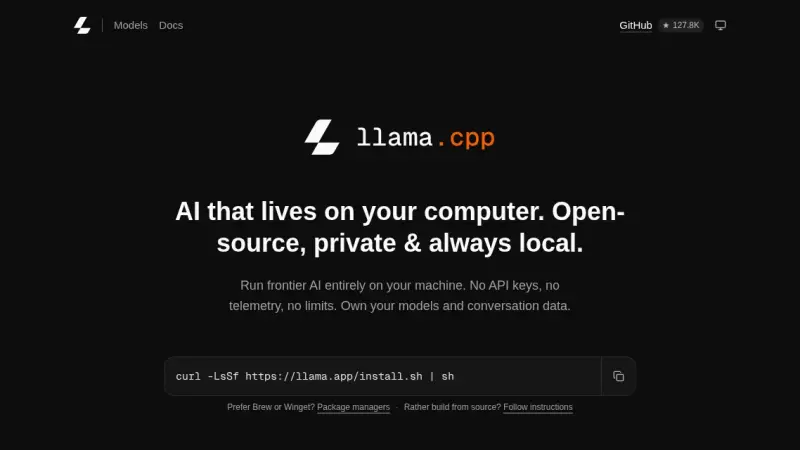
There are four ways to install llama.cpp: the llama.app script, which drops a 15 MB llama binary into ~/.local/bin; Homebrew; the server-v0.4.1 Docker image; or CMake. I tested them on 14 September 2026 on Linux arm64 with Gemma 4 E2B, in the terminal with llama cli and as an OpenAI-compatible API.
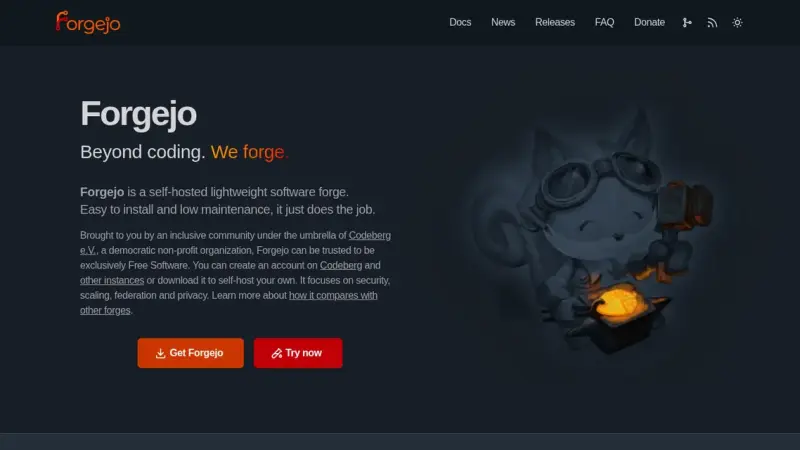
To install Forgejo with Docker, use the codeberg.org/forgejo/forgejo:16.0 image, which since 10 September 2026 is 16.0.4 and fixes a critical remote code execution flaw. Put it behind Caddy with REVERSE_PROXY_TRUSTED_PROXIES set to the proxy's IP, and register Forgejo Runner 13 against the instance's public URL.
Jellyfin is a GPL-2.0 media server that asks for no account and no subscription. You install it from the official compose file, which publishes port 8096 and mounts three separate volumes for configuration, cache and media. The stable release in August 2026 is 10.11.11, and hardware transcoding is included.
k3s is a conformant Kubernetes distribution that fits in a 68 MiB binary and installs with one command. It ships containerd, Flannel, CoreDNS, Traefik, ServiceLB and local storage already wired, keeps its state in SQLite, and has a node serving in three seconds.
Karakeep is a self-hosted bookmark manager that stores links, notes, images and PDFs, archives the whole page with monolith and videos with yt-dlp, and tags everything with a language model. It installs from a three-container compose file, and tagging works with either a hosted model or a local Ollama.
Pangolin is an identity-aware tunneled reverse proxy you install on a VPS with Docker Compose. The Newt connector opens the connection outward from your network to the server, so nothing at home listens for inbound traffic, and Traefik issues the Let's Encrypt certificates at the other end.
Immich installs from two files you download from its latest release, docker-compose.yml and .env, plus one docker compose up -d. The server listens on port 2283, the mobile app uploads your camera roll on its own, and your backup has to include the database, not just the photos.
Pocket ID is an OpenID Connect provider that accepts passkeys and nothing else, so it stores no passwords at all. You deploy it with one container, one port and one env file, it demands HTTPS because WebAuthn needs a secure context, and it puts your self-hosted apps behind single sign-on.
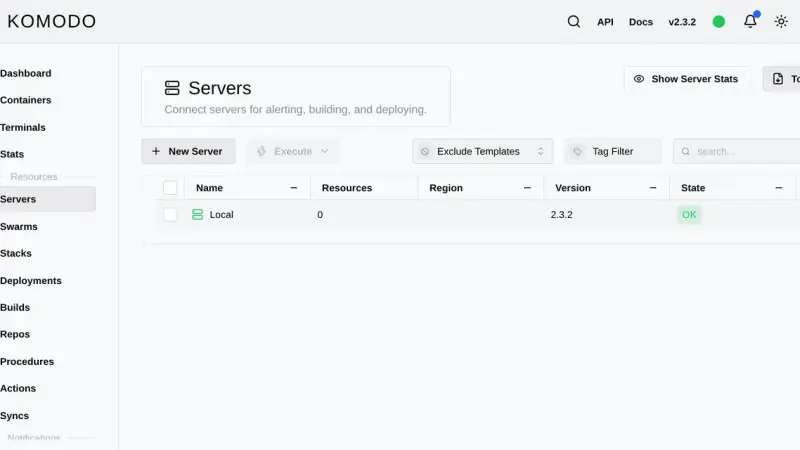
Komodo is a Rust web application that manages containers, compose stacks and image builds across as many servers as you want. You install it with an official compose file that starts MongoDB, the Core server on port 9120 and the Periphery agent, then add each extra machine with an onboarding key.
PegaProx 0.9.x is an AGPL-3.0 panel that manages several Proxmox VE 8 and 9 clusters, plus XCP-ng, from a single screen. It adds live migration across clusters, OIDC with Entra ID, a CVE scanner and one-click hardening on top of the stock GUI, which only covers one cluster at a time.
Coolify is a self-hosted deployment platform that runs on top of Docker: it manages Git applications, databases, and SSL certificates from its own web panel. It installs with an official script that brings up Docker and the Coolify containers in 2 to 5 minutes on Ubuntu 24.04 or Debian 13, with no additional manual steps.
You install Portainer with Docker Compose by writing a single compose.yaml file and running two commands. Portainer CE 2.40 STS supports Docker Compose v2 natively, enables HTTPS on port 9443 out of the box, and manages Docker Engine, Swarm, Kubernetes and ACI from one panel. It runs on Ubuntu 24.04 or Debian 13.
The Model Context Protocol has gone from proposal to de facto standard for connecting editors with external tools. This practical guide walks through standing up a local MCP server, wiring it into VS Code or your client of choice, and understanding exactly what you are exposing.
Uptime Kuma installs with Docker Compose and the louislam/uptime-kuma:2.5.5 image (not latest, which still points to 1.x), with a persistent volume at /app/data and port 3001. Bring the container up with docker compose up -d, pick SQLite on the first screen, then create the admin account.
restic is the encrypted, deduplicated, incremental backup tool I run in production on several servers. A practical guide to installing it on Debian, setting up an S3-compatible repository, automating daily backups with systemd, and verifying that restore actually works before you need it.
n8n is the low-code automation project that has best adapted to self-hosting. A walk through the real install with Docker Compose, the database and queue decisions to make, and the points where most people trip up the first time.
An Authentik Docker Compose install now needs only three containers: PostgreSQL, the server and the worker, since Redis stopped being mandatory in version 2025.10. Once running, it acts as your identity provider for single sign-on over OAuth2, OIDC, SAML and LDAP, and a reverse proxy such as Traefik can delegate authentication to it through forward auth.
Generics arrived in Go in March 2022 with high expectations and some skepticism. Three years on, idiomatic code barely uses them on the surface, but they have transformed deep libraries: type-safe collections, database clients, concurrency primitives. This analysis examines what has taken hold and why.
JuiceFS is a distributed, POSIX-compliant file system that separates data, stored in an S3-compatible object store, from metadata, stored in a database such as PostgreSQL or Redis. This guide installs JuiceFS on a three-node Linux cluster to share files without relying on NFS.
Installing Ollama on an Apple Silicon Mac is as simple as running one Homebrew command. Then pick a model based on available RAM (Phi-3 for 8 GB, Llama 3.1 8B for 16 GB) and expose the local, OpenAI-compatible HTTP API on port 11434 to plug it into your own applications.
CrowdSec 1.8.1 replaces fail2ban by separating detection (agent plus LAPI) from blocking (bouncers). Install the agent with the official script on Debian or Ubuntu and review the acquisition the installer generates. Then add the Traefik or firewall bouncer, the AppSec WAF with its two collections and, optionally, Cloudflare Turnstile captcha.
Traefik is the default reverse proxy for Docker Swarm: automatic service discovery via labels, Let's Encrypt certificates with DNS challenge, and reusable middleware chains. This guide covers the overlay network, static and dynamic configuration, certificate storage for multi-manager setups, and the production decisions that actually matter.
This guide installs PostgreSQL 18.6 with pgvector 0.8.6 on Debian or Ubuntu from the official PGDG repository, or in Docker. It creates a dedicated role and database, tunes memory for production, and explains when HNSW beats IVFFlat, with recall and build times measured on 99,000 embeddings.
Installing Docker on Debian 13 means replacing Debian's docker.io package (26.1.5) with the official repository: store the key in /etc/apt/keyrings/docker.asc, declare the repository in docker.sources, install docker-ce, docker-ce-cli, containerd.io, docker-buildx-plugin and docker-compose-plugin, then set log rotation and live-restore in daemon.json before exposing the server to production.
Ollama makes it trivial to run models like Llama 2 or Mistral on your own computer: one binary, one command, and quantised weights downloading to disk with no compilation required. Covers installation on macOS, Linux, and Windows with an honest look at what local inference can and cannot do compared to frontier models.
To install Docker on Ubuntu 24.04 LTS, add Docker's official repository instead of using Ubuntu's packages, then install Docker Engine: the dockerd daemon, the command-line client, and the Compose and Buildx plugins. The repository line needs a GPG key stored under /etc/apt/keyrings, because apt-key add is retired on 24.04, and it carries the noble codename from /etc/os-release.
Traefik is a reverse proxy that automatically discovers Docker containers through labels and renews TLS certificates via Let's Encrypt without manual work. To install it with Docker Compose, define its static configuration in traefik.yml, generate basic-auth credentials for the dashboard, and start the container connected to a dedicated Docker network.
Docker Compose is Docker's official tool for defining and running multi-container applications with a YAML file: one command spins up every service, network, and volume it describes. On Ubuntu 20.04 it is installed by downloading the standalone binary from GitHub, though Docker recommends moving to the v2 CLI plugin, since v1 is no longer maintained.
To install Docker on Ubuntu 20.04, add Docker's own repository (not Ubuntu's, which tends to lag behind), import its GPG key, install the docker-ce package, and add your user to the docker group so you can run containers without sudo. Running docker run hello-world at the end confirms the daemon works.
4 min2764.4
We use first- and third-party cookies to analyze site traffic. You can accept them, reject them, or configure your choice.
Learn more about cookies
Cookie preferences
NecessaryEssential for the site to work. Always on.
AnalyticsHelp us understand how the site is used (Google Analytics).