The OpenAI Agents SDK
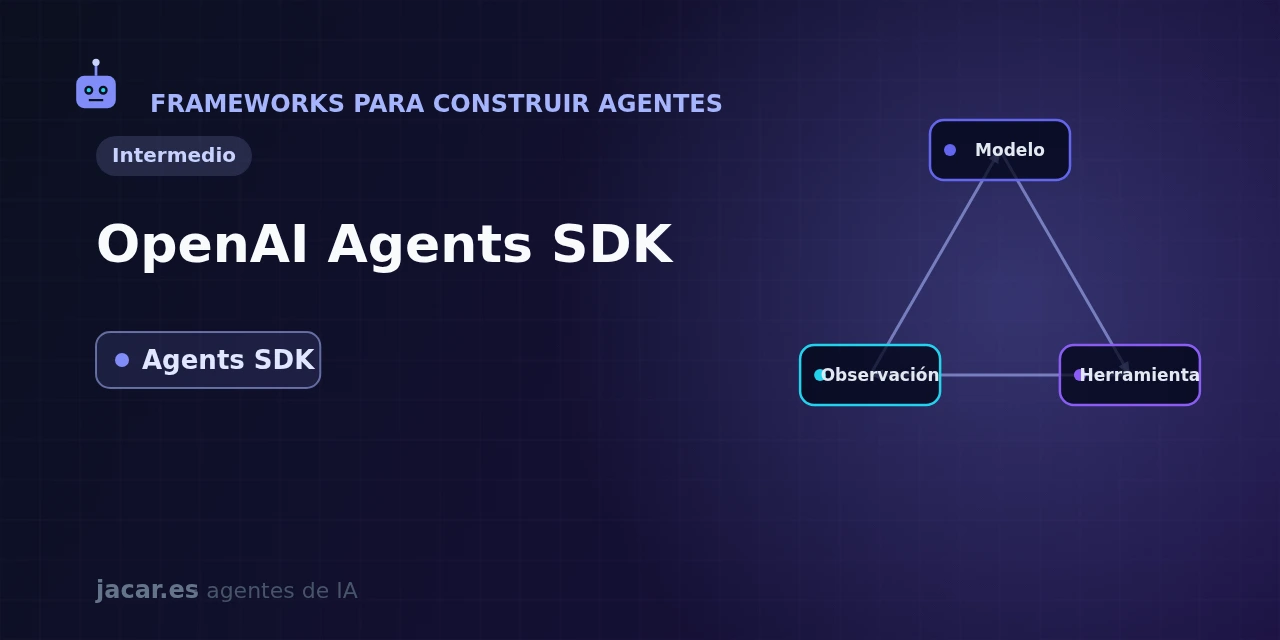
Table of contents
- Key takeaways
- What is the Agents SDK and where does it come from?
- How do you install it and what is a minimal agent?
- What are tools, handoffs and guardrails?
- How does built-in tracing work?
- SDK or building the loop by hand?
- Frequently asked questions
- Does the OpenAI Agents SDK only work with OpenAI models?
- How does it differ from Swarm?
- Do I need to know async to use it?
- Conclusion
- Sources
Writing an agent from scratch means hand-building the loop that calls the model, reads which tool it wants to use, runs it and calls again. The OpenAI Agents SDK gives you that loop ready-made with very few pieces. It is a lightweight Python framework for building agents and multi-agent systems without odd abstractions, leaning on the language itself.
In this guide you will install the package, write a minimal agent with the Runner, and see its four core ideas (tools, handoffs, guardrails and tracing) and when it beats writing the loop yourself. The same explanation is available in Spanish.
Key takeaways
- The OpenAI Agents SDK is a Python framework for building AI agents with a small set of primitives: agents, tools, handoffs, guardrails and sessions.
- You install it with
pip install openai-agentsand import everything from theagentsmodule; version 0.18.2 shipped on 11 July 2026 and requires Python 3.10 to 3.14. - It is the production-ready version of Swarm, the October 2024 experiment of under 1,000 lines that gathered about 20,000 stars despite being marked "not for production".
- It does not tie you to OpenAI: it supports the Responses and Chat Completions APIs and works with over 100 LLMs through LiteLLM, including models you run on your own machine.
- It ships with built-in tracing: every agent run is recorded with its steps, tools and handoffs, without adding a separate library.
What is the Agents SDK and where does it come from?
The OpenAI Agents SDK is a Python library for building agentic applications with very few abstractions. The official documentation defines it as "a small set of primitives" that, combined with Python, are enough "to build real-world applications without a steep learning curve". The idea is not to reinvent a workflow language: you use ordinary functions, classes and async/await to orchestrate the agents.
Its origin is Swarm, an educational framework OpenAI published in October 2024. Swarm fit in under 1,000 lines and its README warned it was not for production. It still gathered around 20,000 stars, because its abstractions were good and the alternative was hand-writing handoff logic on top of Chat Completions.
The Agents SDK takes those ideas and turns them into a maintained, stable library. By mid-2026 the openai/openai-agents-python repository sits near 28,000 stars and keeps shipping releases, such as 0.18.2 on 11 July 2026.
The SDK rests on two explicit principles: to gather "enough features to be worth using, but few enough primitives to make it quick to learn", and to "work great out of the box, but let you customise exactly what happens". That balance places it between a heavy framework and hand-writing the loop, a middle ground the Anthropic agent SDK also targets.
How do you install it and what is a minimal agent?
Installation is a single command. It pays to create a virtual environment first and set your API key in an environment variable:
python -m venv .venv && source .venv/bin/activate
pip install openai-agents
export OPENAI_API_KEY="your-key"
A minimal agent is two objects: an Agent with a name and instructions, and the Runner that runs it. The Runner is what builds the loop internally: it calls the model, checks whether it asks for a tool or a handoff, acts and repeats until the agent produces a final output.
from agents import Agent, Runner

agent = Agent(
    name="Assistant",
    instructions="You are a clear, concise assistant.",
)

result = Runner.run_sync(agent, "Write a haiku about recursion.")
print(result.final_output)
run_sync is the synchronous variant; there is also Runner.run (async, with await) and Runner.run_streamed to receive the answer as it is generated. The result object holds more than final_output: it keeps the whole trace of steps, tool calls and handoffs, which is exactly what feeds the tracing we cover below.
What are tools, handoffs and guardrails?
On that skeleton, the SDK adds three primitives that turn a chat into a useful agent.
A tool is a Python function you decorate with @function_tool. The SDK generates the argument schema from your type signature (it uses Pydantic underneath), so the model is told how to call it and with which parameters. A handoff lets one agent pass the turn to a more specialised one: a triage agent decides and hands over the whole conversation, without you writing the routing. And a guardrail validates the input or output in parallel, and stops execution if something breaks a rule (an off-topic request, say, or personal data in the answer).
from agents import Agent, Runner, function_tool

@function_tool
def weather(city: str) -> str:
    return f"It is 22 degrees and clear in {city}."

support = Agent(name="Support", instructions="You help with issues.")

triage = Agent(
    name="Triage",
    instructions="Route to the right agent or answer with the weather.",
    tools=[weather],
    handoffs=[support],
)

print(Runner.run_sync(triage, "What is the weather in Madrid?").final_output)
These pieces combine without friction: one agent can hold its own tools, cede control to other agents, and be wrapped by input and output guardrails. With handoffs you build anything from a simple triage to the most complex multi-agent system patterns, such as orchestrator-workers.
How does built-in tracing work?
Observability is not an add-on: it comes by default. Every run generates a trace with its spans (model calls, tool executions, handoffs, guardrail checks), which you can view in the traces dashboard of the OpenAI platform. This matters because debugging an agent blind is maddening: without the trace you cannot tell why it chose a tool or fell into a loop.
Tracing is extensible through processors, so you can send the same data to external tools. If you prefer a solution you run on your own machine, it fits well with Langfuse (an open source tracing and metrics platform for LLMs that you can self-host) for agent observability. Langfuse ingests traces over OpenTelemetry. Alongside tracing, in April 2026 OpenAI extended the SDK with native sandbox execution and an enterprise-focused harness, available first in Python with TypeScript planned later.
SDK or building the loop by hand?
Writing the agentic loop yourself on top of the Chat Completions API is perfectly viable and educational: you understand every step. The cost shows up in the details: retries, tool schemas, streaming, handoffs, step limits and traces. The SDK solves all of that with tested primitives and lets you write the rest in ordinary Python. Against more typed alternatives like Pydantic AI (the Pydantic team’s agent framework, with strict schema validation), the Agents SDK bets on minimal ceremony and on staying loosely tied to the provider.
| Approach | Advantage | Drawback |
|---|---|---|
| Loop by hand | Full control, no dependencies | You rewrite retries, tools and traces |
| OpenAI Agents SDK | Few primitives, tracing by default, over 100 LLMs | Another dependency and its conventions |
| Heavy framework | Many features ready | Learning curve and its own abstractions |
The practical rule: start by hand to learn, and adopt the SDK as soon as you need tools, coordination between agents or serious debugging.
Frequently asked questions
Does the OpenAI Agents SDK only work with OpenAI models?
No. It is designed for OpenAI’s Responses and Chat Completions APIs, but it works with over 100 LLMs through the LiteLLM provider. Those include open models you run on your own machine with Ollama (a tool for downloading and serving open source LLMs locally) or vLLM. You change an agent’s model without touching the rest of the code, so you can prototype with a powerful model and then move part of the work to a cheaper or local one.
How does it differ from Swarm?
Swarm was an educational experiment from October 2024, with under 1,000 lines and a warning that it was not production-ready. The Agents SDK takes its ideas (agents and handoffs) and turns them into a maintained library, with guardrails, memory sessions, built-in tracing, multi-provider support and regularly published releases. If you were using Swarm, the SDK is its recommended successor.
Do I need to know async to use it?
Not to get started. Runner.run_sync runs the agent synchronously and is enough for scripts and tests. When you build a service that handles concurrent requests, you will want Runner.run with await and Runner.run_streamed for streaming answers, but they are the same API with the async variant.
Conclusion
The OpenAI Agents SDK gets it right by offering few well-chosen primitives (agents, tools, handoffs, guardrails, sessions and tracing) on top of ordinary Python, rather than a workflow language to memorise. It is the serious evolution of Swarm, does not tie you to OpenAI and brings observability out of the box, which makes it a good entry point for building real agents. The natural next step is to write the minimal agent in this guide and, when you want to coordinate more than one, move to the multi-agent system patterns.
Sources: [1] OpenAI Agents SDK, official documentation[1], [2] openai/openai-agents-python repository on GitHub[2], [3] openai-agents package on PyPI[3], [4] OpenAI Swarm, the earlier experiment[4].