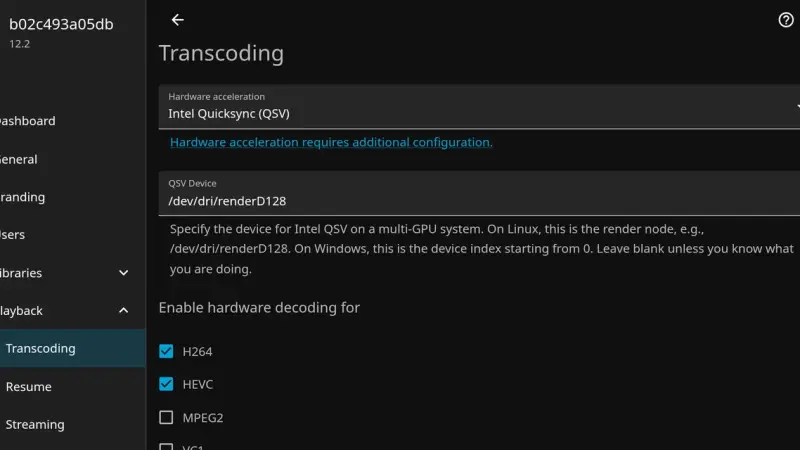
The Error loading configuration file: /config/config/encoding.xml message in Jellyfin 12.0 and 12.1 comes from the EncoderPreset xsi:nil line that 10.11 writes by default. The server starts, but transcoding falls back to defaults and QSV is gone. Jump to 12.2 before migrating, or change that line to auto.
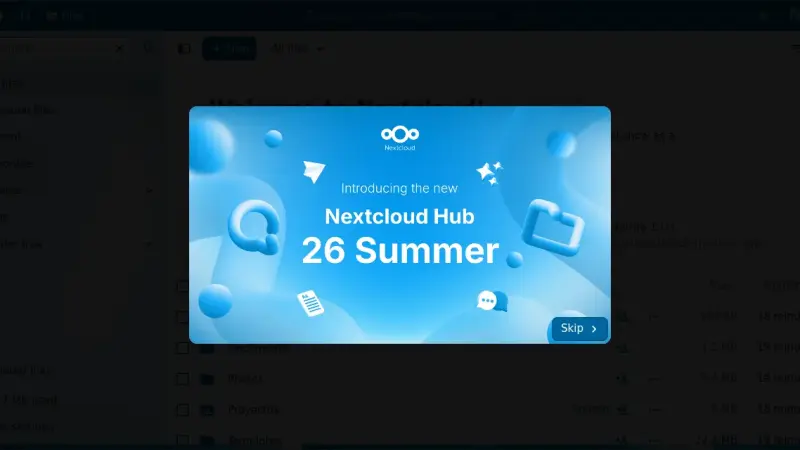
To upgrade Nextcloud 34 to 35 in Docker, back up the database and the volume, switch the image to nextcloud:35 and let the container start run occ upgrade. You can only move one major version at a time. What breaks are apps with no release for 35, and going back to 34 means restoring the backup.
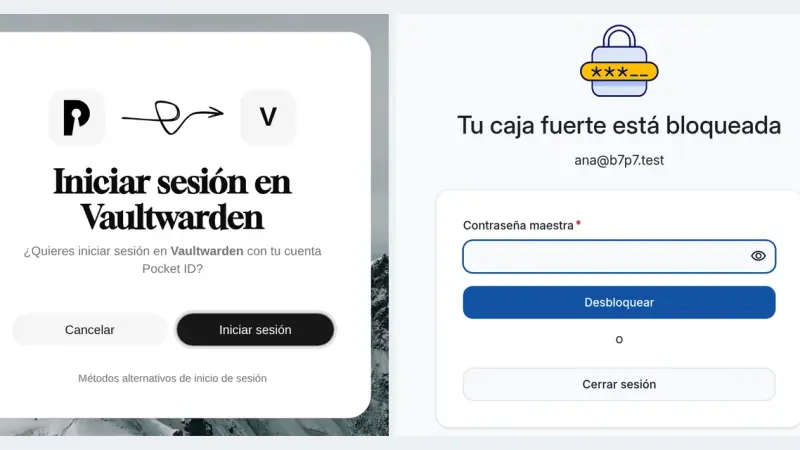
Vaultwarden 1.37.3 supports single sign-on over OpenID Connect through SSO_ENABLED, SSO_AUTHORITY and a client registered in your provider. With Pocket ID you sign in with a passkey, but the master password is still required because it is what encrypts the vault. SSO_SIGNUPS_ALLOWED decides whether SSO may create new accounts.
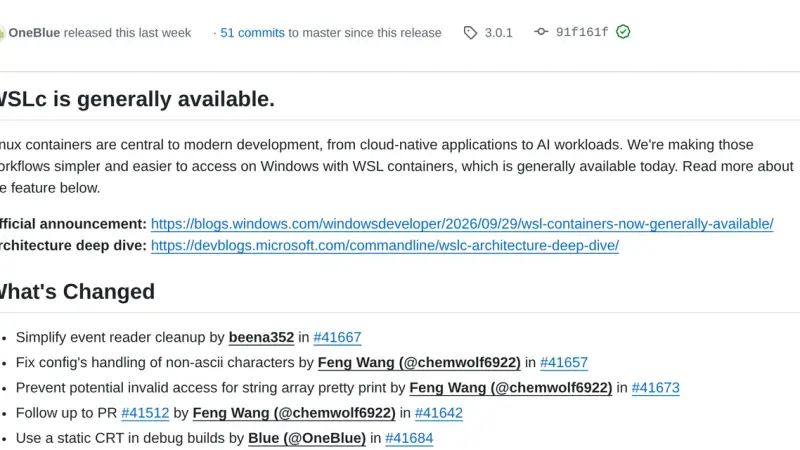
WSL containers is the WSL 3.0.1 feature that ships wslc.exe, a CLI with Docker syntax to build and run Linux containers on Windows without installing another engine. It has been stable since 29 September 2026, but it does not read compose.yaml yet, so Docker Desktop is still needed for Compose projects.
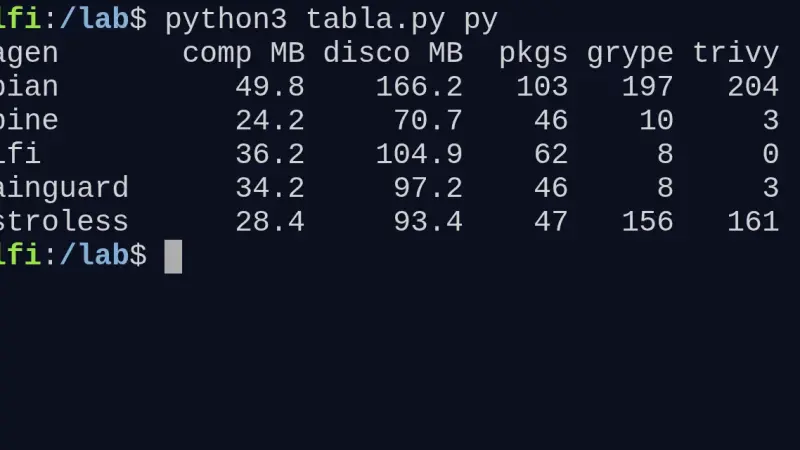
I built the same Go and Python app on Wolfi, Alpine, distroless and Debian slim. For Go, chainguard/static and distroless/static leave 3.1 and 3.3 MB compressed with zero CVEs. For Python, Alpine gives the smallest image (24.2 MB) if every dependency ships a musl wheel; Debian slim weighs twice as much and Trivy reports 204 findings.
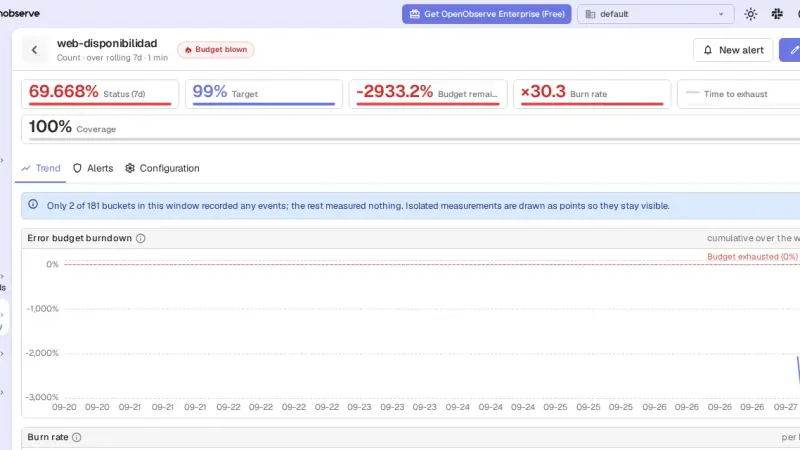
OpenObserve 1.0 is a single binary that stores logs, metrics and traces, and its AGPL edition ships SLOs with burn-rate alerts. With Docker Compose, Vector and the v1.0.4 image I had it ingesting nginx logs within minutes; the SLO and its alert worked after four traps that this guide explains.
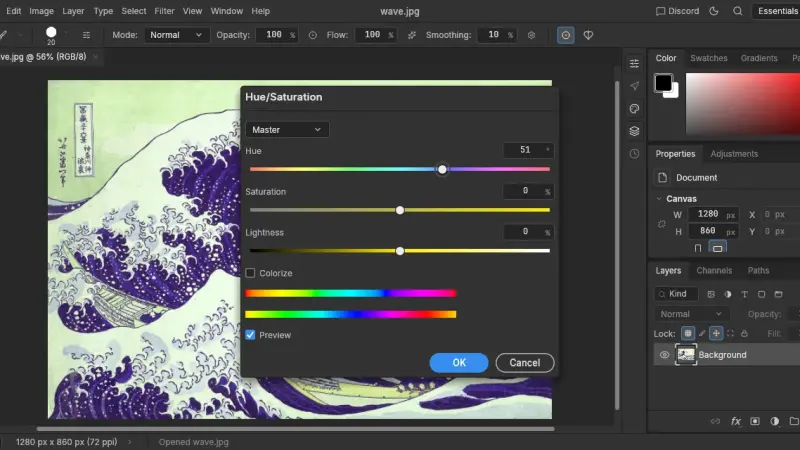
ArtCraft's Crafting Apps are twelve open-source creative apps written in Rust, licensed MIT or Apache 2.0, that you can also drive from a CLI and over MCP. I tested them on 13 October 2026 on Linux arm64: PhotoCraft 0.8.2 and PdfCraft 0.7.1 work from the terminal, over MCP and in the browser, but they are still early alpha.
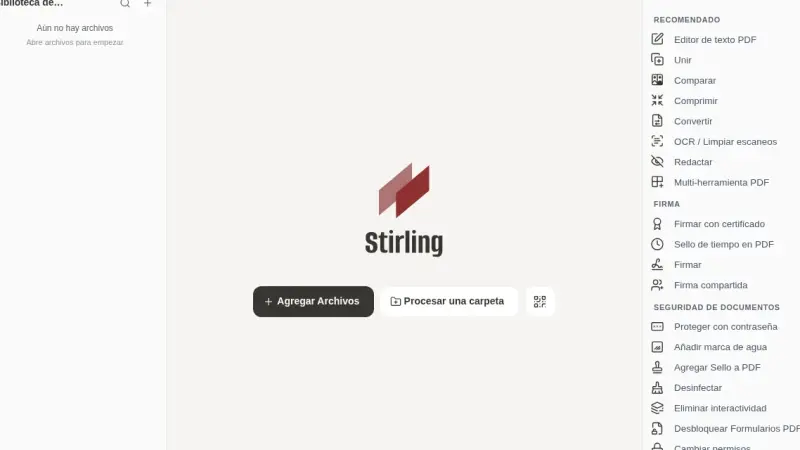
Stirling-PDF 3.0.0 upgrades in Docker by changing the image tag: users, settings, API keys and watched folders survive. But 3.0 adds a 1,000 PDFs per month meter for the API and automations, which answers with a 402 error once it runs out, and it needs a new volume for /storage.
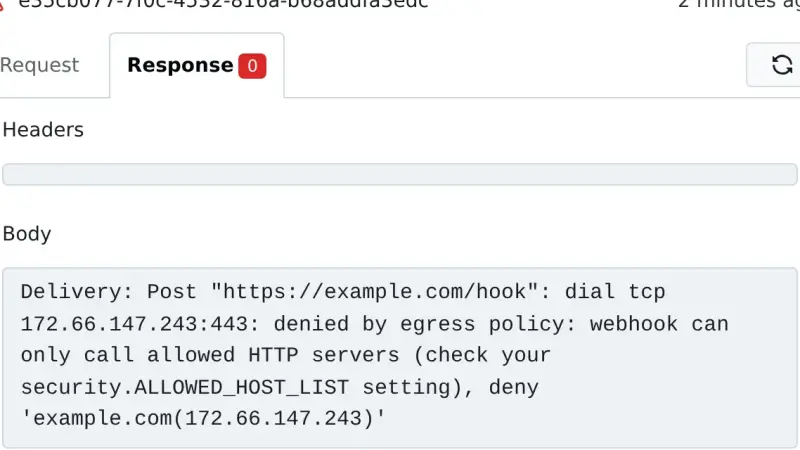
To upgrade Gitea 1.27 to Gitea 28 with Docker, stop the container, dump PostgreSQL and the /data volume, remove the legacy egress keys from app.ini and change the tag. In my test a wildcard BLOCKED_DOMAINS entry that was valid on 1.27 stopped 28 from starting, and webhooks to public hosts started going out again.
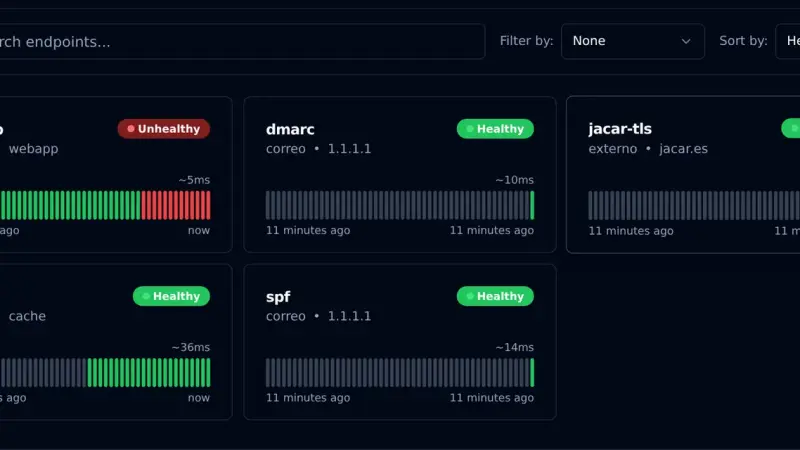
Gatus is an uptime monitor you configure with YAML files instead of a web interface. With Docker Compose, the v5.37.0 image and a volume for SQLite, it checks HTTP, TCP, certificates and DNS TXT records, and alerts through a webhook. In my test it alerted on an nginx outage after 30 seconds, the time three 10-second checks take.
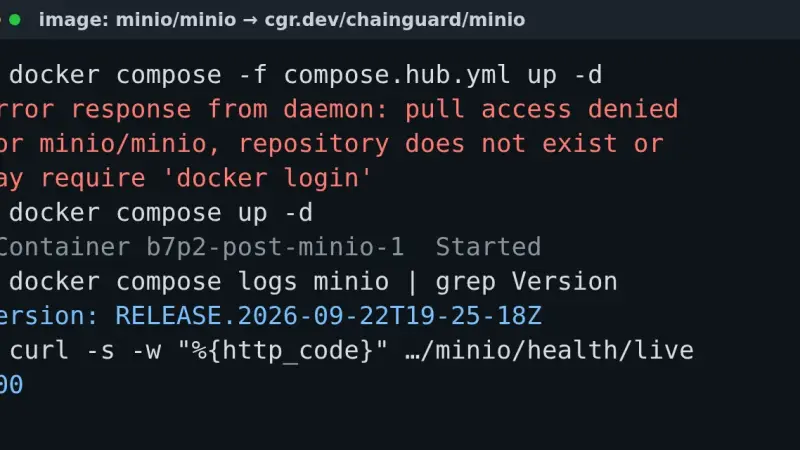
The pull access denied for minio/minio error appears because MinIO removed its Docker Hub images in September 2026, and quay.io has required an account since the 24th. Point your compose file at cgr.dev/chainguard/minio, at the pgsty/silo fork or at an image built from source: your existing data keeps working.
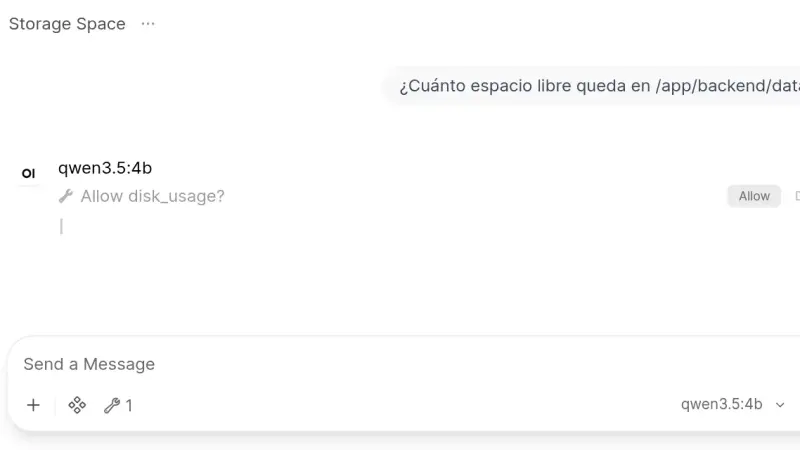
Open WebUI 0.11.4 installs from a two-service docker-compose.yml: Ollama runs the models and the slim Open WebUI image, which on arm64 downloads 176 MB against 1.49 GB for the full one, serves the interface. This guide creates the admin account, chats with a local model and turns on tool approval.
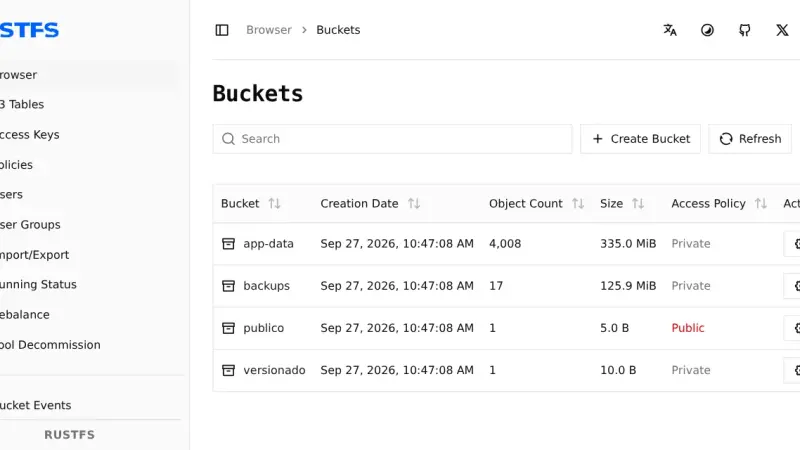
To migrate from MinIO to RustFS 1.0 with Docker, run RustFS next to MinIO, import the users with mc admin cluster iam, copy the buckets with rclone sync --metadata and compare them with rclone check --download. In my test 4,012 objects arrived identical; versions, tags and public access had to be redone by hand.
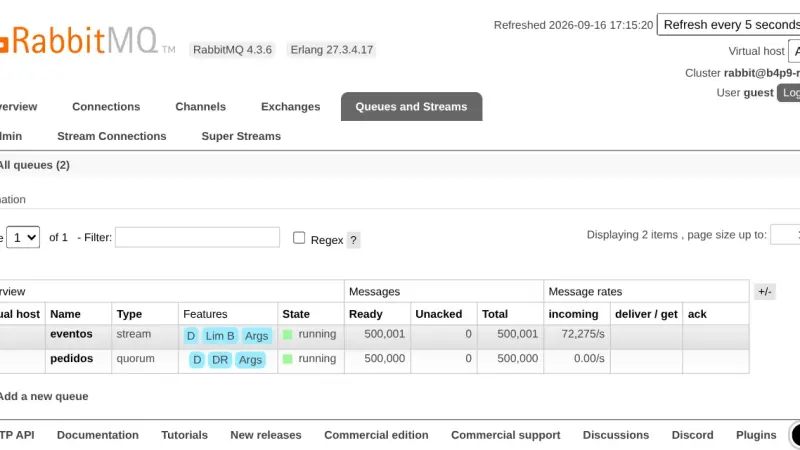
A RabbitMQ quorum queue deletes each message once it is acknowledged and fsyncs before accepting it; a stream keeps it for rereading. On RabbitMQ 4.3.6, with 1 KB messages, the quorum queue moved 45,156 msg/s and the stream, over its own protocol, 281,330 msg/s, using 9 KB of memory per million messages against 20.5 MB.
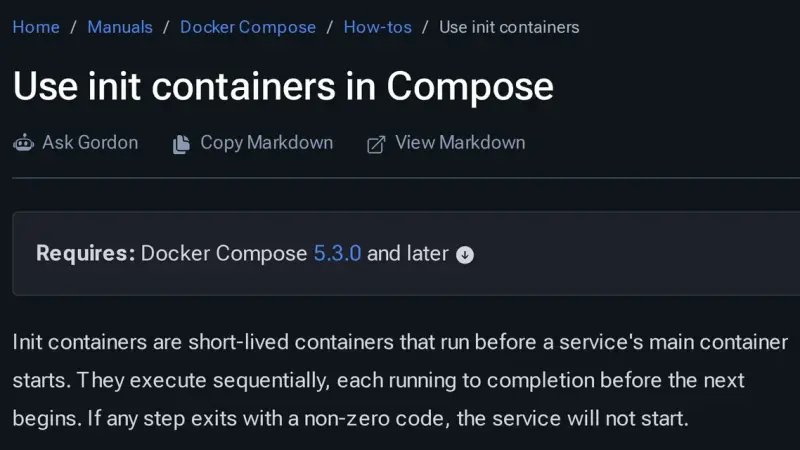
Docker Compose 5.3.0, released on 2 July 2026, adds init containers through the pre_start key: steps that run in ephemeral containers, in order, before the service starts. Use them for migrations, volume permissions and generated configuration. Compose 2.40.3 rejects the whole file, and every step must be idempotent because it runs again.
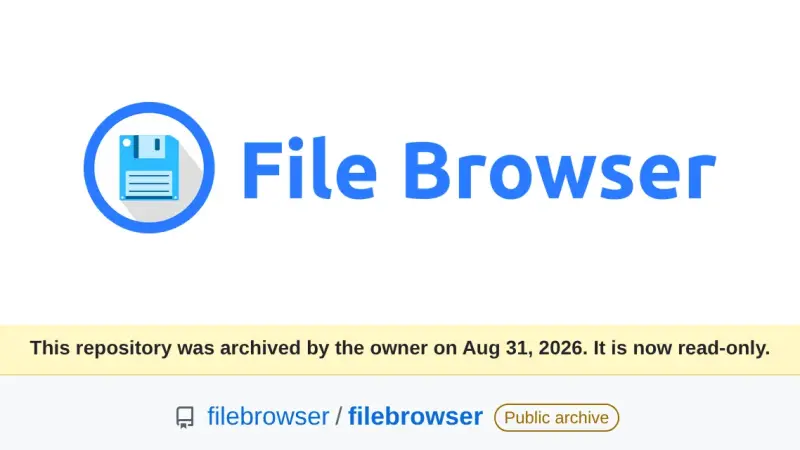
File Browser was archived on 31 August 2026 and its v2.63.23 carries at least 8 published vulnerabilities that will never be patched. After testing the alternatives in Docker on the same folder, FileBrowser Quantum is the drop-in replacement, copyparty the lightweight pick for sharing large files, and Filestash the right one when your data lives in S3, SFTP or SMB.
CrowdSec 1.8 adds bot detection to its WAF, still in alpha, which serves every visitor a page with a proof of work and a browser fingerprint. You enable it with the appsec-bot-challenge collection and its configs in the AppSec acquisition, always behind a compatible bouncer such as OpenResty 1.2.3.
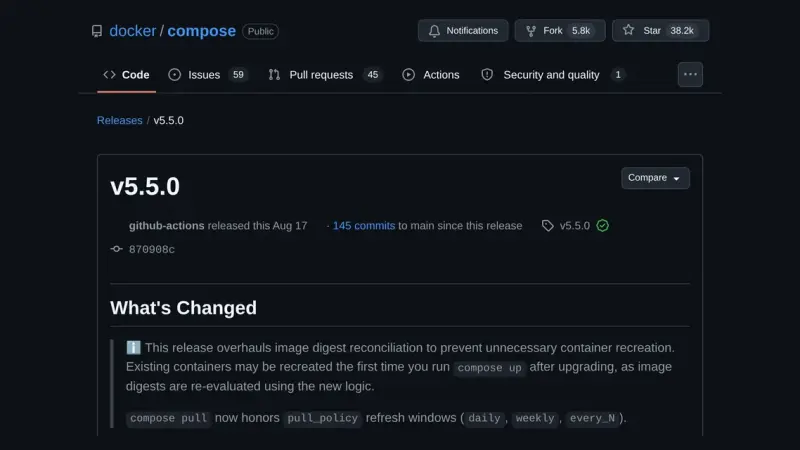
Docker Compose 5.5 changes the digest it uses to decide whether a container's image has changed. On the containerd image store, containers that Compose 2.40 or a pulling 5.4 up labelled with the index digest are recreated once on the first up, with no real change. up --dry-run lists them beforehand.
n8n 3.0 is not out yet: n8n plans it for October 2026 and the stable release is 2.39.6. To prepare a Docker install, open Settings > Migration Report, replace the removed nodes, pin the defaults that change, move binaryData to storage and try the v3-nightly image on a copy.
Open Storage for Proxmox is a GPL-3.0 storage plugin you install on every Proxmox VE node. It creates one zvol per disk on TrueNAS 25.10, publishes it over iSCSI or NVMe/TCP through the API, with no SSH, and adds ZFS snapshots and clones. The current release is 2.1.23~beta3.
n8n is not open source: its Sustainable Use License limits you to your own internal business purposes and forbids charging people to access a hosted instance. Activepieces publishes its core under MIT but keeps agents, projects and API access outside it. Windmill compiles to AGPLv3 from source, yet the distributed Community Edition is not open.
k3s and k0s are Kubernetes distributions you install on a conventional Linux host you keep administering; Talos Linux is an immutable operating system with no shell and no package manager, driven by an API, running upstream Kubernetes. They are not layers: you pick one, and node count decides which.
Obscura is a headless browser engine written in Rust and released under Apache-2.0. It runs JavaScript on V8, speaks the Chrome DevTools Protocol and replaces headless Chrome inside Playwright or Puppeteer without touching your code. Its measured advantage is memory: around 38 MB per session against 532 MB for Chromium.
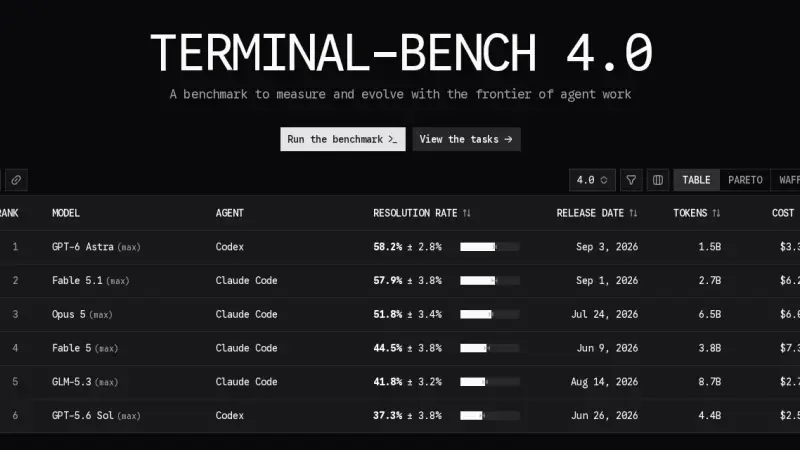
All three are terminal agents, but they bet on different things. On the official Terminal-Bench 4.0 board, published on 28 August 2026, Claude Code with Opus 5 solves 51.8% of trials at $18.09 each, and Codex with GPT-5.6 Sol solves 37.3% at $7.70. Muse Code appears on no board at all.
Authelia protects applications from the reverse proxy, Pocket ID is a certified OIDC provider that only accepts passkeys, and Authentik adds SAML, LDAP, SCIM and RADIUS in exchange for PostgreSQL, Redis and 2 GB of RAM. Picking homelab SSO means deciding which of those three mechanisms you need.
Dockge edits your compose files and leaves them untouched on disk; Portainer is the mature all-round console, with roles and GitOps reserved for Business Edition, free up to three nodes; Komodo deploys from Git across several servers with nothing held back for paying users, at the cost of a database and one agent per machine.
The Portainer Agent is a container you deploy on each remote machine, exposing port 9001 over TLS. The Portainer server connects to it and manages that host as one more environment, without exposing the Docker socket to the network or maintaining permanent SSH tunnels.
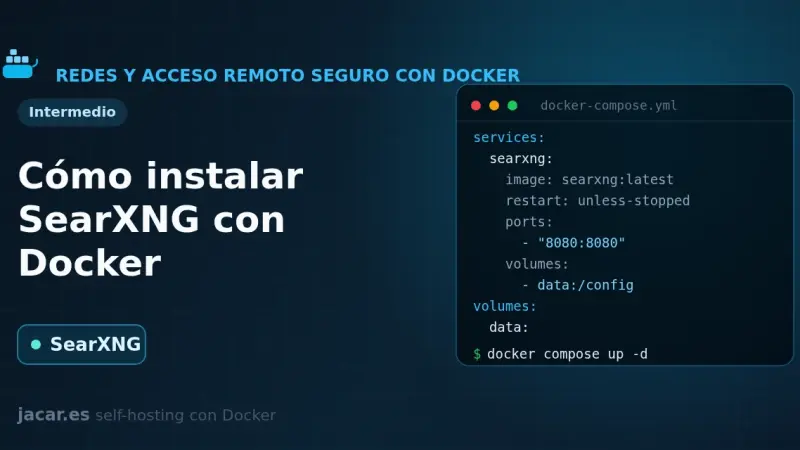
SearXNG is a free, privacy-respecting metasearch engine that aggregates results from more than 70 services without tracking or profiling you. With Docker you bring it up in a container alongside Valkey, set a secret_key in settings.yml and in minutes you have your own private search engine listening on port 8080.
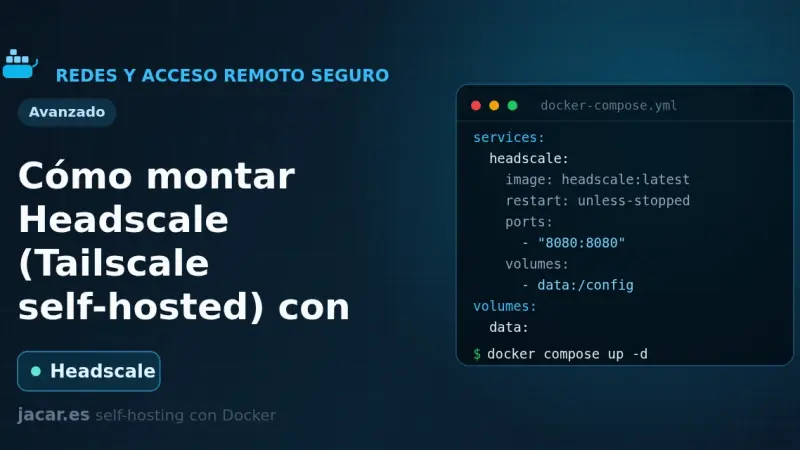
Headscale is a free, self-hosted implementation of the Tailscale control server: it gives you a private WireGuard mesh network without depending on Tailscale's cloud or its plan limits. This guide brings it up with Docker Compose in its version 0.29.2, prepares the config.yaml file, registers the first node and adds a web panel with headscale-ui.
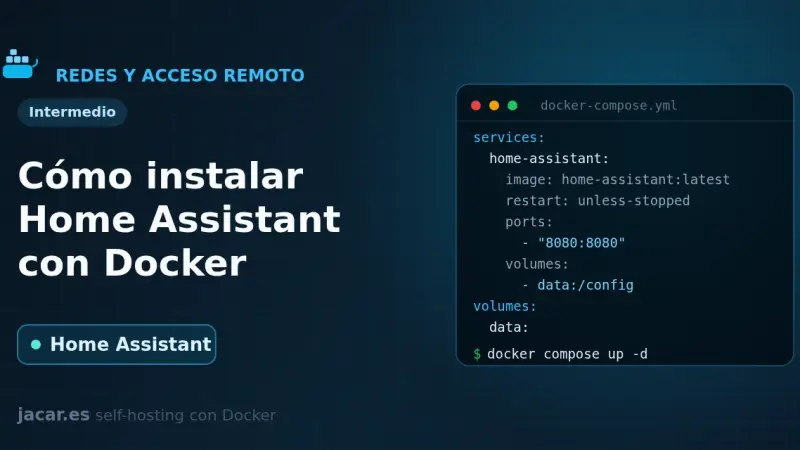
Home Assistant Container is the local home-automation platform installed as a Docker container: an official image, port 8123 and host-mode networking to discover devices. This guide brings it up with docker-compose, covers the first boot and backups, and makes clear it does not include the Supervisor add-on store.
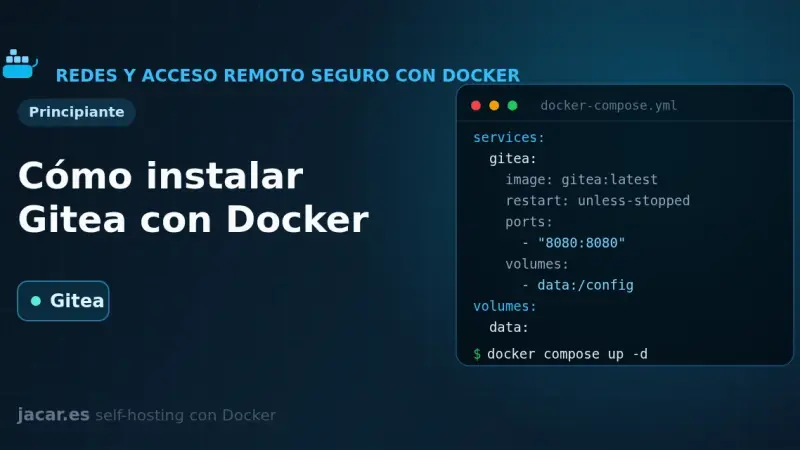
Gitea is a self-hosted Git service written in Go, lightweight and a single binary, an alternative to GitHub and GitLab. With Docker you install it from a docker-compose.yml alongside PostgreSQL: it publishes the web interface on port 3000 and Git over SSH on port 22, and is configured with GITEA__ variables. It ships Actions for CI and webhooks.
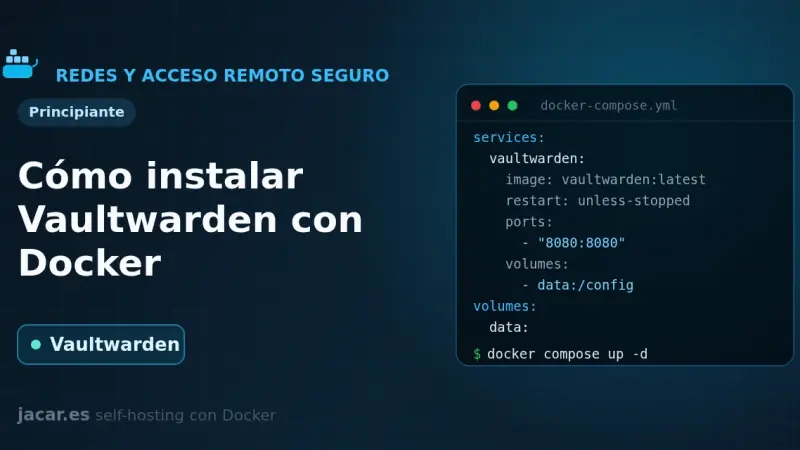
Vaultwarden is a Bitwarden-compatible password server written in Rust and released under the AGPL-3.0 license that barely uses any RAM. This guide brings it up with Docker Compose, publishes it behind a reverse proxy with HTTPS (mandatory for the browser encryption to work), protects the /admin panel with an ADMIN_TOKEN and closes off registration.
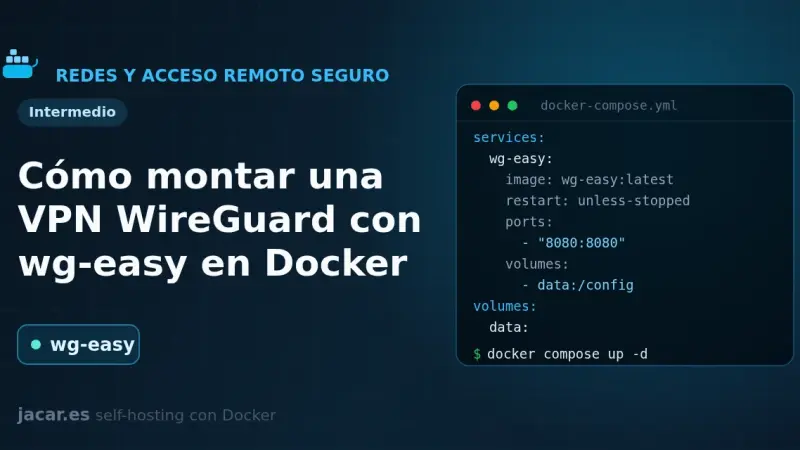
wg-easy is the simplest way to self-host a WireGuard VPN: a single container that bundles the server and a web panel to create clients in one click. This guide brings it up with Docker Compose in its version 15, completes the first-run setup wizard on port 51821 and connects your first device with a QR code.
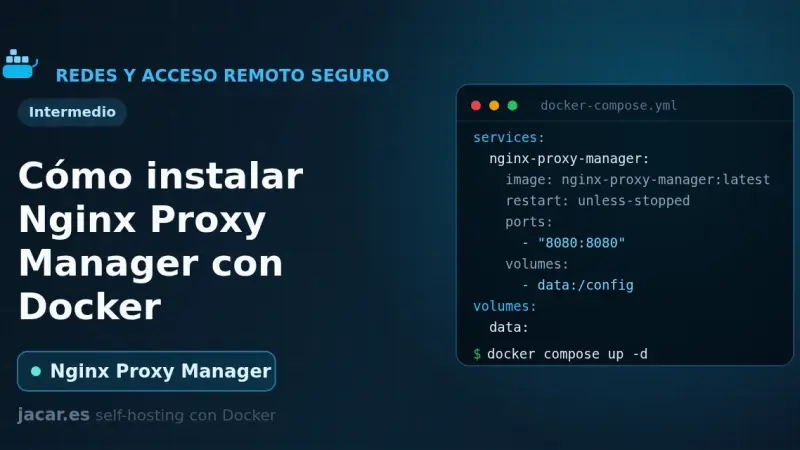
Nginx Proxy Manager is an open-source reverse proxy that puts a web interface over Nginx and Certbot, so you create proxy hosts and request Let's Encrypt certificates with a few clicks. With Docker it installs as a container next to its database, exposes ports 80, 443 and 81, and spares you from editing Nginx config files by hand.
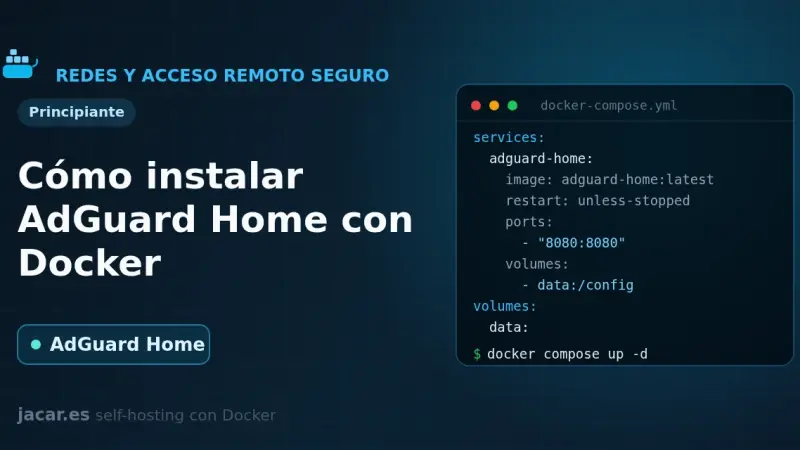
AdGuard Home is a free, open-source DNS server that blocks ads and trackers across your whole network from a single container. This guide brings it up with Docker Compose, fixes the port 53 conflict, walks through the setup wizard and turns on encrypted DNS and DNS rewrites.
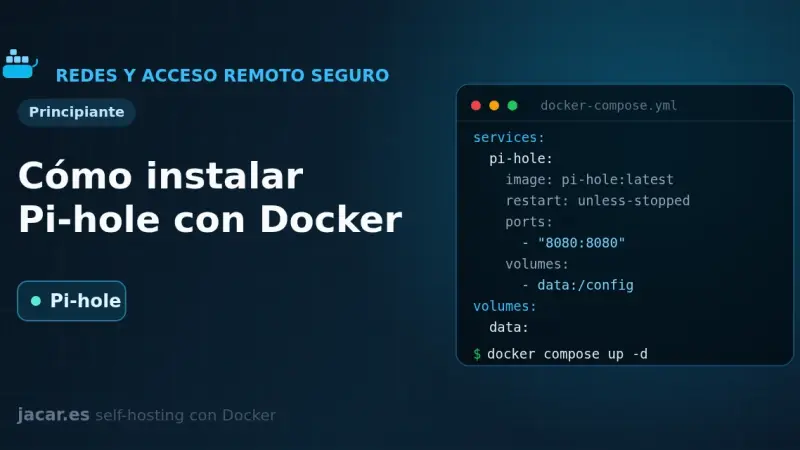
Pi-hole is a DNS server that blocks ads and trackers across your whole network. With Docker you install it from a single docker-compose.yml: version 6 embeds the web panel into the pihole-FTL binary, exposes DNS on port 53 and the admin UI on port 80, and is configured with FTLCONF_-prefixed variables.
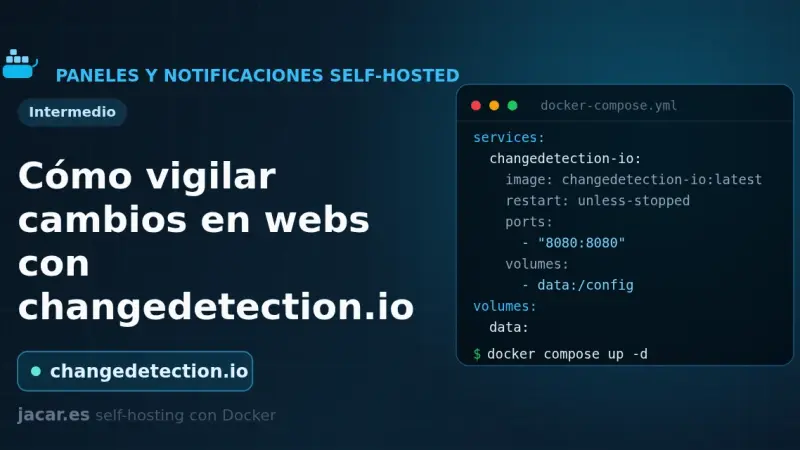
changedetection.io is an open-source tool that watches web pages and alerts you when they change: prices, stock, versions or official notices. This guide installs it with Docker Compose, adds a Playwright browser container for JavaScript sites, creates watches with CSS or XPath filters and sends notifications to ntfy or Gotify.
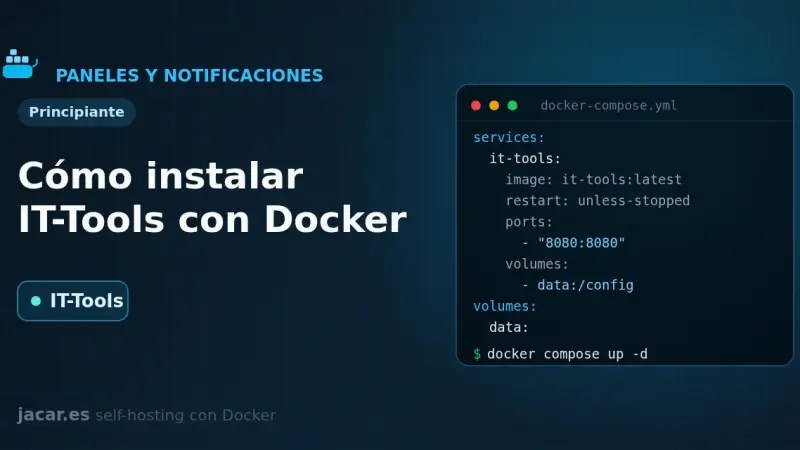
IT-Tools bundles more than eighty developer utilities (JWT, hashes, cron expressions, colour converters) into a single web app that runs entirely in your browser. With Docker you bring it up from one docker-compose.yml, it listens on port 80 and stores nothing: with no server and no database, it needs no volume either.
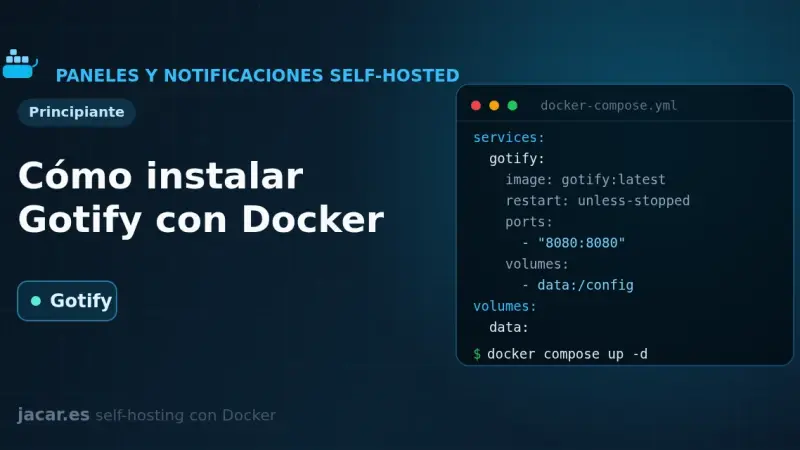
Gotify is a self-hosted push notification server written in Go and released under the MIT license that gathers messages from your scripts and services in one place. This guide brings it up with Docker Compose on port 80, creates an application with its token and sends the first message through its REST API with curl.
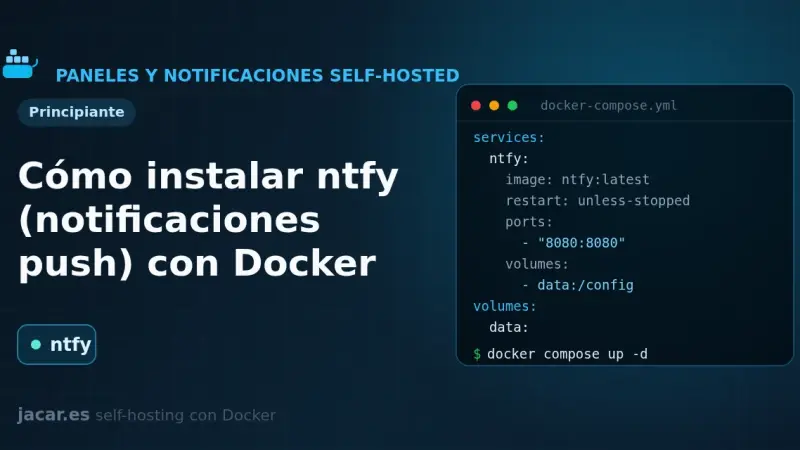
ntfy is a free, open-source HTTP-based push notification service that lets you send alerts to your phone or desktop with a simple PUT or POST request to a topic. This guide runs your own ntfy server with Docker Compose, publishes and subscribes to topics, and adds authentication and access control.
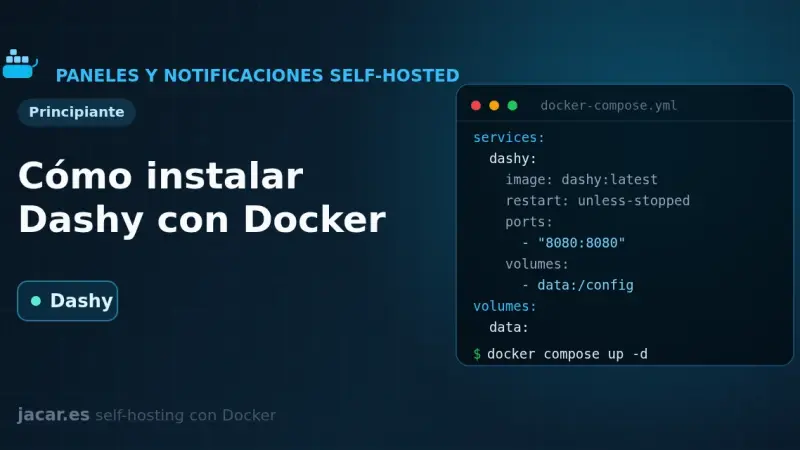
Dashy is a self-hosted start page, written in Vue, that gathers all your services onto a single page with status checking, widgets, themes and icons. With Docker you bring it up with a single docker-compose.yml and one image, lissy93/dashy; all its configuration lives in a conf.yml file that you edit by hand or from its visual interface.
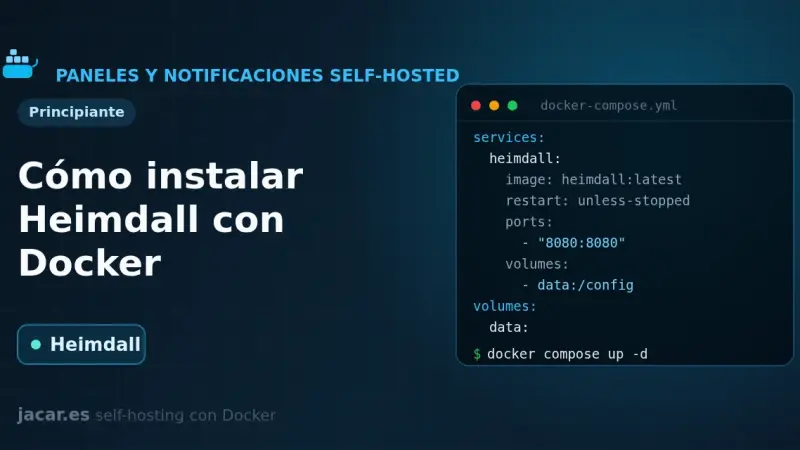
Heimdall is a self-hosted application dashboard, maintained by LinuxServer.io and written in PHP with Laravel, that gathers the links to all your services on a single elegant page. With Docker it installs as one container using the LinuxServer image and the /config volume, with no external database, and it supports enhanced apps that show live status.
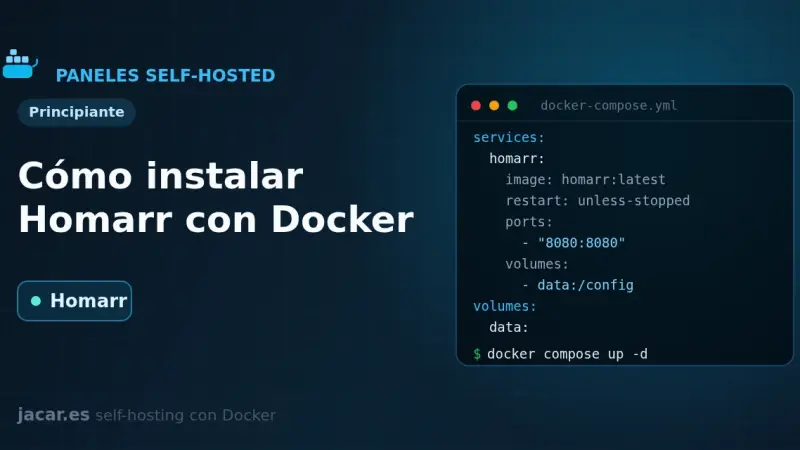
Homarr is a service dashboard for your homelab that you configure by dragging and dropping, with no YAML files to edit. With Docker you bring it up with a single docker-compose.yml, it listens on port 7575 and stores everything in its own SQLite database; you only need a 64-character encryption key before you start it.
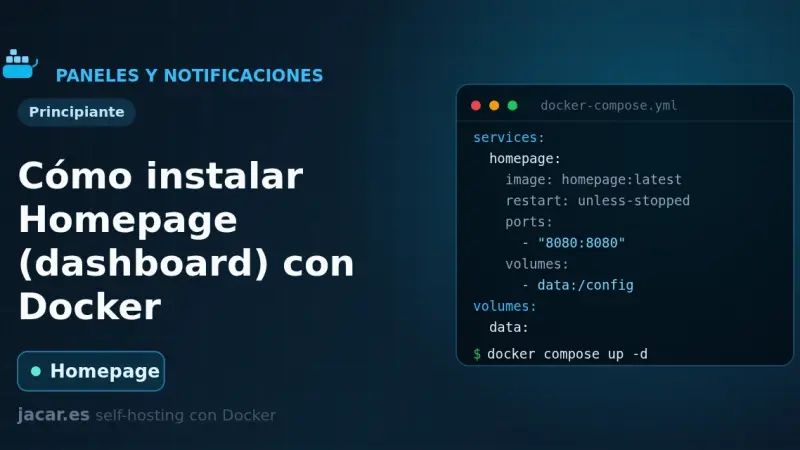
Homepage is a fast, fully static service dashboard written in Next.js that gathers all your containers into a single front page. With Docker you bring it up with a docker-compose.yml, configure it with YAML files, it listens on port 3000 and discovers your services automatically by reading each container's labels.
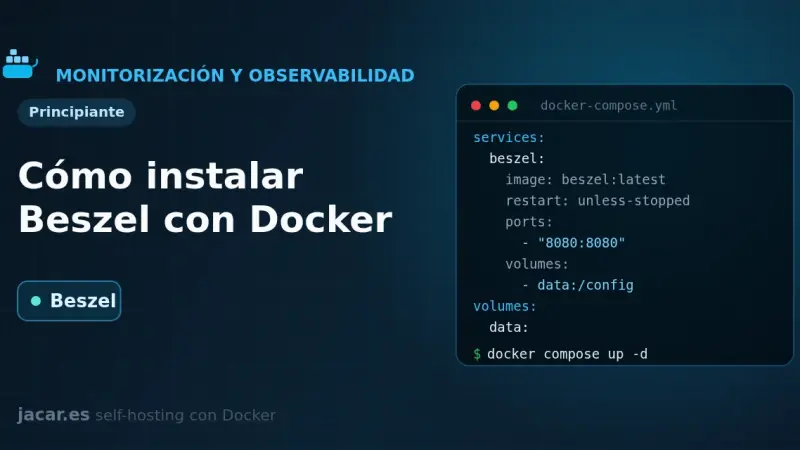
Beszel is a lightweight server monitoring platform built on PocketBase that splits into two pieces: a hub with a web dashboard on port 8090 and an agent that runs on each watched machine and listens on 45876. This guide brings both up with Docker Compose, pairs them and sets up alerts.
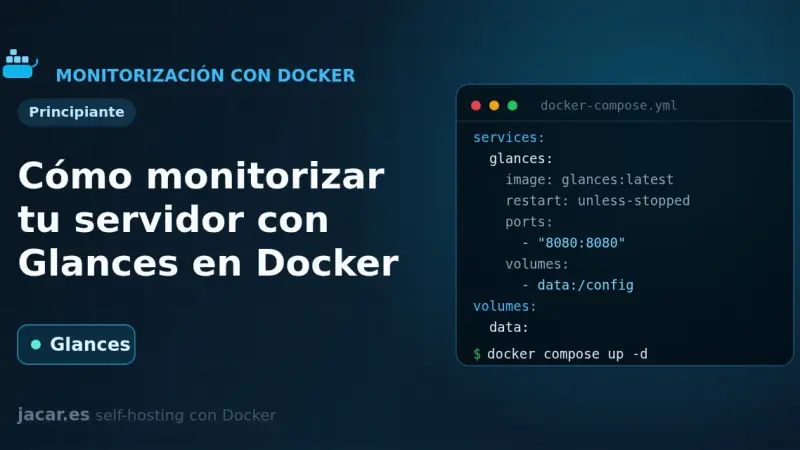
Glances is a real-time system monitor written in Python that, in web server mode, shows CPU, memory, disk, network and containers from the browser on port 61208. With Docker you bring it up with a single docker-compose.yml, mounting the Docker socket, and it also exposes a REST API at /api/4 to automate things.
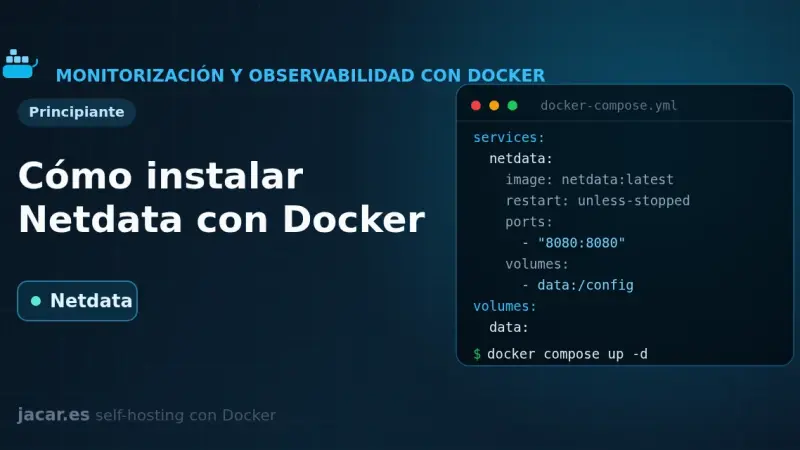
Netdata is a real-time monitoring system that, with Docker, shows hundreds of per-second metrics from your server and its containers with almost no configuration. It comes up with a single docker-compose.yml that mounts the host system paths, exposes a full dashboard on port 19999 and automatically detects every service you run.
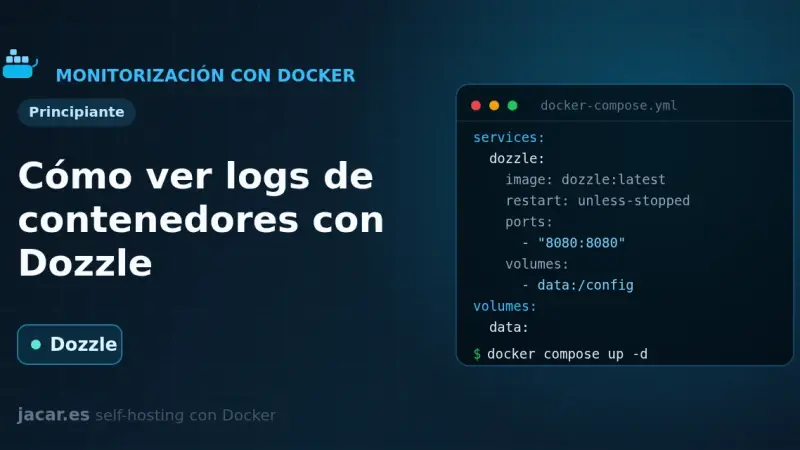
Dozzle is a real-time log viewer for containers, written in Go: it stores nothing, it reads the logs straight from the Docker socket and streams them to your browser. With Docker you bring it up with a single docker-compose.yml, it listens on port 8080 and shows the live logs of every one of your containers.
9 min51
We use first- and third-party cookies to analyze site traffic. You can accept them, reject them, or configure your choice.
Learn more about cookies
Cookie preferences
NecessaryEssential for the site to work. Always on.
AnalyticsHelp us understand how the site is used (Google Analytics).