Composio: Tools and Integrations for Agents
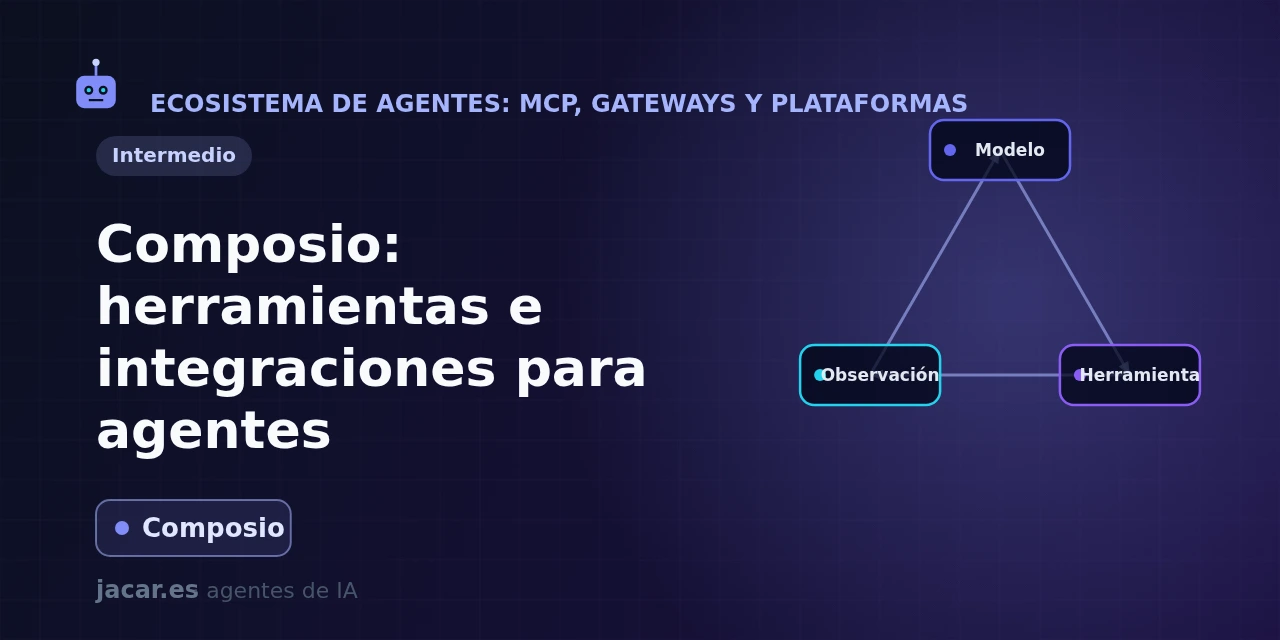
Table of contents
- Key takeaways
- What has changed since 0.18.0
- What is Composio?
- What integrations does it offer: GitHub, Slack, Gmail and hundreds more?
- How does Composio handle OAuth authentication?
- How to use Composio with your agent framework?
- Composio or building the tools by hand?
- Frequently asked questions
- Is Composio free and open source?
- How does Composio differ from an MCP server?
- Do my users have to authenticate on each application?
- Conclusion
- Sources
Updated: 2026-09-02
Composio connects your AI agent to more than a thousand applications (GitHub, Slack, Gmail, Notion) through pre-authenticated tools. The agent can then act in the real world without you writing each integration or managing each OAuth token. A model on its own can reason, but it cannot open an issue or send an email; for that it needs tools wired to real services, with per-user authentication.
In this guide you will see what Composio is and how it covers hundreds of integrations. Then how it handles OAuth authentication for you, and how to hand it to your agent framework in a few lines. The same explanation is available in Spanish.
Key takeaways
- Composio is an open-source platform (MIT licence) that gives your agent more than 1000 pre-authenticated toolkits: GitHub, Slack, Gmail, Notion, Jira and Salesforce, among others. Its
ComposioHQ/composiorepository has over 30,000 stars on GitHub. - The Python package
composiois on version 0.21.0, released on 27 August 2026; an equivalent TypeScript SDK exists (@composio/core). - Its real value is managed authentication: Composio stores each user’s OAuth credentials in “connected accounts”, so your agent acts on behalf of the right person without you touching a single token.
- It integrates with the usual frameworks through providers: OpenAI, the OpenAI Agents SDK, Anthropic, Claude Agent SDK, LangChain, LangGraph, LlamaIndex, CrewAI, Google ADK, Mastra and the Vercel AI SDK.
- It is a managed alternative to standing up your own MCP server: instead of coding and authenticating each tool, you request the ones you need by name and execute them.
What has changed since 0.18.0
This guide was written with the Python SDK on 0.18.0 (15 July 2026). Since then 0.18.1, 0.18.2, 0.19.0, 0.20.0 and 0.21.0, released on 27 August 2026, have shipped. 0.21.0 is the current release on PyPI[1], paired with @composio/core 0.18.0 on the TypeScript side. Checked on 2 September 2026:
- Session-aware tool-call helpers: 0.20.0, from 18 August 2026[2], added session-aware tool call helpers to the Python and TypeScript providers, validation of the URLs the API returns and lazy creation of the cache directory (
COMPOSIO_CACHE_DIRis resolved per call). - Strict schemas with nested and optional parameters: 0.21.0[3] normalises schemas recursively for strict mode and, when a schema cannot be represented strictly, falls back to non-strict mode with a warning instead of silently narrowing the input. Strict mode stays opt-in: anyone not passing
strict=Truekeeps the previous behaviour. - Hardened file transfers: 0.21.0 refuses to upload sensitive paths, omits files given as an empty string and, in TypeScript, connects to the exact IP address that passed SSRF validation to close a DNS rebinding window.
- Node.js 22.22.3 or newer for the published TypeScript packages; an unsupported runtime fails at install time rather than at run time.
- Session-based quickstart: the 0.21.0 README on PyPI starts by creating a session per user,
session = composio.create(user_id="user_123"), and requesting its tools withsession.tools(), which returns OpenAI-format definitions by default. Thecomposio.tools.getexamples below are the API as documented in July 2026.
What is Composio?
Composio is a tool layer for AI agents: a catalogue of ready-built, authenticated actions you connect to your model so it moves from chatting to running real tasks. Its own repository describes it as a platform that “powers 1000+ toolkits, tool search, context management, authentication, and a sandboxed workbench to help you build AI agents that turn intent into action”. The underlying idea is that writing integrations (calling the GitHub API, refreshing the Slack token, mapping every endpoint) is repetitive work that Composio has already done for you.
The project is maintained by the company ComposioHQ and its code is free under the MIT licence. Adoption is notable: the ComposioHQ/composio repository has over 30,000 stars and the Python SDK is on version 0.21.0, released on 27 August 2026. Besides the library, it offers a managed cloud service with SOC 2 and ISO 27001:2022 certifications, aimed at teams taking agents to production.
Installing it and requesting a couple of tools takes two lines:
pip install composio
from composio import Composio

composio = Composio()

tools = composio.tools.get(
    user_id="ana@example.com",
    toolkits=["GITHUB", "SLACK"],
)
print(len(tools), "tools ready")
What integrations does it offer: GitHub, Slack, Gmail and hundreds more?
Composio’s catalogue is organised into toolkits: each toolkit groups the actions of one application. GitHub, Slack, Gmail, Notion, Jira, Linear, Salesforce, HubSpot, Google Calendar and Discord are just some of the more than a thousand available, and each exposes dozens of concrete actions with explicit names like GITHUB_CREATE_AN_ISSUE or SLACK_SEND_MESSAGE. You do not request “the GitHub API”: you request exactly the action your agent needs.
That granularity matters for a practical reason: the more tools you put into the context, the more the model gets distracted and the more tokens you burn. That is why Composio lets you filter by toolkit (toolkits=["GITHUB"]) or by individual action (tools=["GITHUB_CREATE_AN_ISSUE"]), and even offers tool search so the agent can discover the right action on the fly. You give your agent exactly the power the task needs, no more and no less, which ties directly into the context engineering of long-running agents.
How does Composio handle OAuth authentication?
This is Composio’s real contribution. Connecting an agent to Gmail or Slack is not hard because of the API itself, but because of authentication.
Each user has their own account and each service uses its own OAuth flow. Storing and refreshing those tokens securely is a headache. Composio models it with two pieces: the auth config (a reusable template with an app’s credentials and permissions) and the connected account (a specific user’s credential for that app).
The recommended flow in 2026 is hosted authentication (Connect Link): you generate a link, the user signs in to the service and Composio stores their connected account. It is worth knowing that the old connected_accounts.initiate() method was deprecated for Composio-managed OAuth auth configs from 3 July 2026; the current path is composio.connected_accounts.link():
link = composio.connected_accounts.link(
    user_id="ana@example.com",
    auth_config_id="ac_your_github_config",
)
print("Ask the user to open:", link.redirect_url)
Once the person finishes the process, their connected account is stored and, from then on, every call you make with that user_id uses their credentials transparently. You never see or store the token: that is exactly the load Composio takes off your shoulders.
How to use Composio with your agent framework?
Composio does not force you to change frameworks: it plugs into the one you already use through providers, which translate its tools into the format each library expects. There are providers for OpenAI, the OpenAI Agents SDK, Anthropic, the Claude Agent SDK, LangChain, LangGraph, LlamaIndex, CrewAI, Google ADK, Mastra and the Vercel AI SDK, among others. The basic pattern with OpenAI’s chat API chains three calls: you request the tools, pass them to the model and execute whichever one the model decides to use.
from openai import OpenAI
from composio import Composio

client = OpenAI()
composio = Composio()

tools = composio.tools.get(
    user_id="ana@example.com",
    tools=["GITHUB_CREATE_AN_ISSUE"],
)

response = client.chat.completions.create(
    model="gpt-4.1",
    messages=[{"role": "user", "content": "Open an issue in my repo."}],
    tools=tools,
)

result = composio.provider.handle_tool_calls(
    user_id="ana@example.com",
    response=response,
)
handle_tool_calls is the shortcut: it detects whether the model asked for a tool, executes it with the user’s credentials and returns the result. If you prefer full control, you can run any action by hand with composio.tools.execute("GITHUB_CREATE_AN_ISSUE", {"user_id": "ana@example.com", "arguments": {...}}). And if your agent also needs to read the web, you can combine Composio with a tool like Firecrawl, which Composio also offers as just another toolkit.
Composio or building the tools by hand?
The obvious alternative is to write each tool yourself: a function that calls the GitHub API and another for Slack. On top of that come the code for each one’s OAuth flow and a database to store per-user tokens. For a single simple integration, doing it by hand is perfectly reasonable and spares you an external dependency. The problem shows up when your agent needs five, ten or twenty services: each with its own authentication, token refreshes and API changes to maintain.
Composio lifts exactly that repetitive work: the integrations are already written and tested, authentication comes managed and everything is requested through the same uniform interface. In exchange you depend on a service (or on hosting the managed part) and you trust your authentication flows to a third party, even if the code is open and auditable.
The rule of thumb: for one or two stable integrations, your own code is fine. Once the agent goes beyond that in production, Composio saves you weeks of connectors and credential management. Compared with standing up your own MCP server, Composio is the managed option, and in fact it also exposes its tools as MCP endpoints.
Frequently asked questions
Is Composio free and open source?
Composio’s SDK is open source under the MIT licence, so you can read the code, install it with pip install composio and use the direct tools at no cost. Separately there is a managed cloud platform, with a free plan to get started and paid plans by volume, that hosts authentication, triggers and the sandbox for you. In short: the library is free, but the infrastructure that manages OAuth and scales in production is a commercial product.
How does Composio differ from an MCP server?
An MCP server is an open protocol for exposing tools to an agent, and you stand it up and authenticate it. Composio is a platform that already ships more than a thousand built integrations with their authentication solved, and it can also be exposed as MCP endpoints. Put another way: MCP is the connection standard; Composio is a managed catalogue of tools that speaks that standard, among others.
Do my users have to authenticate on each application?
Yes, but only once per application. Each user opens the authentication link you generate with connected_accounts.link(), signs in to the service (GitHub, Gmail…) and Composio stores their connected account. From then on, every call you make with their user_id reuses that credential transparently, and Composio refreshes the tokens for you without the person intervening again.
Conclusion
Composio solves the least glamorous but most real problem of AI agents: giving them hands to act in real services without you writing and authenticating each integration. With more than 1000 toolkits, managed per-user OAuth authentication and providers for every major framework, it turns “connect my agent to Gmail” into three lines of code. Remember that the current authentication flow is connected_accounts.link(), not the old initiate(). The next step is to install it with pip install composio, create an auth config for your first app and request its tools with composio.tools.get.
Sources
Source code
Access all the source code for this post on GitHub.
View on GitHub