Human-in-the-Loop in AI Agents
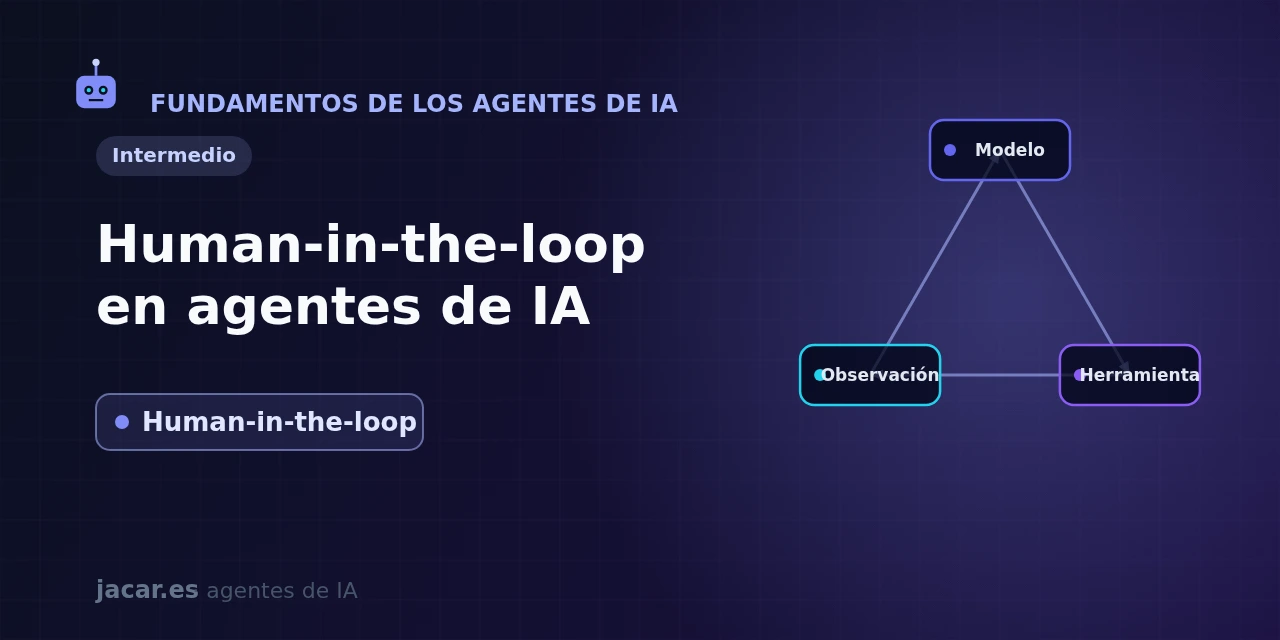
Table of contents
- Key takeaways
- What is human-in-the-loop in an agent?
- Which actions should go through an approval point?
- How do you interrupt and resume an agent without losing state?
- How do you design the approval interface?
- When should you require human oversight?
- Frequently asked questions
- Is human-in-the-loop the same as a guardrail?
- Doesn't this make the agent uselessly slow?
- Can I approve actions hours after the agent proposes them?
- Conclusion
- Sources
Human-in-the-loop is the pattern that keeps a person inside an AI agent’s decision loop to approve, correct or stop its actions before they happen. In this guide you will see what it means exactly and which actions should go through an approval point. Then, how to interrupt and resume an agent without losing its state using LangGraph and OpenAI’s Agents SDK. Finally, how to design the confirmation interface and when to require oversight.
It is a reliability pattern, not a brake: the point is to match control to the risk of each task. The same explanation is available in Spanish.
Key takeaways
- Human-in-the-loop (HITL) inserts a human decision into the agent’s loop: the agent proposes an action, stops and only continues once a person approves, edits or rejects it.
- It is reserved for irreversible or high-risk actions: moving money, deleting data, publishing content or writing to production systems. Low-risk tasks run on their own.
- Technically it is two things: an interruption that pauses execution and a state persistence layer that lets it resume exactly where it stopped, even days later.
- LangGraph solves it with the
interrupt()function and a checkpointer; OpenAI’s Agents SDK withneeds_approvaland theRunResult.interruptionslist. - The goal is not to slow the agent down but to match oversight to risk: the more dangerous or hard to undo the action, the more justified the approval point.
What is human-in-the-loop in an agent?
An AI agent works in a loop: the model reasons, picks a tool, runs it, observes the result and decides the next step. Human-in-the-loop introduces a third actor into that loop, a person, with veto power. Instead of running every action automatically, the agent marks certain steps as subject to review: it stops, shows what it intends to do and waits for a response before continuing.
The reference guide on the topic is Anthropic’s Building Effective Agents, published in December 2024. It recommends designing the system so that, in its words, "agents can then pause for human feedback at checkpoints or when encountering blockers". The same guide insists on including "stopping conditions (such as a maximum number of iterations) to maintain control". The core idea is that autonomy is what makes an agent useful, but the human keeps control over how its goals are pursued, especially before a high-impact decision.
It helps to distinguish HITL from other safeguards. A guardrail filters inputs or outputs automatically; observability logs what happened so you can review it later. Human-in-the-loop is different: it blocks the action in real time and hands the decision to a person before the effect occurs.
Which actions should go through an approval point?
Not everything deserves an interruption. If the agent asks for approval on every search or every file read, oversight becomes unbearable and the person ends up approving without looking. The rule of thumb: require confirmation when the action is hard or impossible to undo, and let the rest run.
These are the usual candidates for an approval point:
- Money movements: payments, transfers, refunds or any financial transaction.
- Destructive writes: deleting records, overwriting files, running a
DROP TABLEor deploying to production. - External communication: sending an email, posting to social media or opening a ticket on behalf of your company.
- Expensive or irreversible actions: provisioning infrastructure, buying resources or calling a costly pay-per-use API.
Read-only operations (querying a database, searching the web, summarising a document) rarely need approval. Anthropic puts it well: the goal is not to slow things down for its own sake but to match the level of oversight to the task’s risk. Low-risk ones run on their own; high-risk ones wait for a manual approval.
How do you interrupt and resume an agent without losing state?
Here is the technical challenge. Pausing a program has no mystery; pausing it and being able to pick it back up hours or days later, at the exact point and with all its state, is not. That is why human-in-the-loop needs two pieces: an interruption and a persistent state store (a checkpointer).
In LangGraph, the interrupt() function pauses the graph inside a node and returns to the client whatever value you want to show for review. The stable version on PyPI is 1.2.9 (2026). It needs a checkpointer to save the state and a thread_id to identify the conversation:
from langgraph.types import interrupt, Command

def review_send(state):
    decision = interrupt({
        "action": "send_email",
        "to": state["recipient"],
        "subject": state["subject"],
    })
    if decision == "approve":
        return {"status": "sent"}
    return {"status": "cancelled"}
When the node calls interrupt(), LangGraph raises a controlled exception, saves the full state snapshot and halts execution. To resume, the client invokes the graph again with Command(resume=...), and that value becomes what interrupt() returns inside the node:
graph.invoke(
    Command(resume="approve"),
    config={"configurable": {"thread_id": "thread-42"}},
)
The important detail is that the node is re-executed from the start on resume, so avoid side effects before the interrupt(). This mechanism replaced the older interrupt_before and interrupt_after breakpoints, which only let you pause between nodes.
OpenAI’s Agents SDK tackles it from the tool. You mark a function with needs_approval=True (or an async function that decides case by case) and, when the agent wants to invoke it, execution pauses and the pending call shows up in RunResult.interruptions as a ToolApprovalItem:
from agents import Agent, Runner, function_tool

@function_tool(needs_approval=True)
def delete_record(id: int) -> str:
    return f"record {id} deleted"

result = await Runner.run(agent, "delete record 42")
for item in result.interruptions:
    state = result.to_state()
    state.approve(item)   # or state.reject(item)
result = await Runner.run(agent, state)
The needs_approval option is available on five tool types: function_tool, Agent.as_tool, ShellTool, ApplyPatchTool and MCP tools, both local and remote. You capture the state with to_state(), approve or reject each item and resume by passing that state to Runner.run(). One caveat: paused runs wait indefinitely, with no built-in timeout, escalation or audit record. That part is on you.
How do you design the approval interface?
The interruption is half the work; the other half is what the approving person sees. A good approval screen has to answer three questions at a glance: what the agent is about to do, with what data and why. Showing only "Approve the action?" forces blind trust.
Some practices that work:
- Show the concrete action and its arguments: not "send email", but the exact recipient, subject and body that will go out.
- Offer more than two exits: beyond approve and reject, allow editing the proposal (fix the amount, change the recipient) before continuing. LangGraph returns the edited value as the result of
interrupt(). - Give the why: include the agent’s reasoning or the previous steps, so the person judges with information.
- Log the decision: record who approved what and when. It is the basis of an audit and of improving the agent over time.
Because runs can stay paused for a long time, approval tends to be asynchronous. The state is persisted, the person gets a notification (a message, an email, a card in a review queue) and the resume happens when they respond, perhaps from another device. That pattern fits naturally with a deployed agent in production, where approval requests go to a queue and an operator resolves them at their own pace.
When should you require human oversight?
The short answer: whenever the cost of a mistake outweighs the cost of the wait. The long answer depends on three factors.
The first is reversibility. An action you can undo with one click (renaming a draft) tolerates autonomy; one you cannot (settling a payment, deleting an account) calls for approval.
The second is the maturity of the agent: a new system, with no track record, deserves more checkpoints than one that has been getting it right in a narrow domain for months. You can start with strict oversight and relax it as you measure results. The third is the regulatory setting: in healthcare, banking or legal decisions, human oversight is not optional.
There is also the middle path of the automatic stopping conditions Anthropic mentions. You can cap the number of iterations, the maximum spend or the total time, so the agent stops and asks for help once a threshold is crossed even if nobody was watching. Combining explicit approval points with these limits gives reasonable control without turning the person into a permanent bottleneck. Workflow frameworks such as LangGraph build both mechanisms into the same graph.
Frequently asked questions
Is human-in-the-loop the same as a guardrail?
No. A guardrail is an automatic check that filters inputs or outputs (blocking a malicious prompt or a toxic response) with no human involvement. Human-in-the-loop hands the decision to a person in real time before a concrete action runs. They complement each other: the guardrail catches the obvious automatically and HITL reserves human judgement for what is ambiguous or irreversible.
Doesn’t this make the agent uselessly slow?
Only if you overuse approval points. If you ask for confirmation on every read, yes; if you reserve it for irreversible actions, the cost is tiny next to a serious mistake. The key is to match oversight to risk: let low-impact tasks run and stop only the dangerous ones. A well-designed agent asks for approval rarely, but at the moments that matter.
Can I approve actions hours after the agent proposes them?
Yes, if the framework persists the state. Both LangGraph (with its checkpointer and thread_id) and OpenAI’s Agents SDK (with to_state()) save the run so you can resume it later. The agent consumes no resources while it waits. You do have to add the notification, the timeout and the escalation: the tools pause the run, but they do not alert anyone on their own.
Conclusion
Human-in-the-loop is what turns an autonomous agent into a system you can trust for serious tasks. The recipe is clear.
Identify the irreversible actions, mark them for review with interrupt() in LangGraph or needs_approval in the Agents SDK, persist the state so you can resume. Then design an approval screen that shows the action, its data and its why. Match oversight to risk and relax it as the agent proves reliable. The next step is to add a single approval point to your agent on its most dangerous action and test the interruption-and-resume flow end to end.
Sources: [1] Interrupts in the LangGraph documentation[1], [2] Human-in-the-loop in OpenAI’s Agents SDK[2], [3] Anthropic’s Building Effective Agents[3], [4] langgraph package on PyPI[4].