Categories

How to Run a Private, Self-Hosted Docker Registry

A private Docker registry is the server that stores and serves your own container images instead of Docker Hub. In this lab you bring up the official registry:3 image, tag and push an alpine image, pull it back after deleting it locally, and secure it with htpasswd and TLS.

  • 7 steps
  • 5

Multi-Stage Docker Builds: Smaller, More Secure Images

A multi-stage Docker build chains several FROM stages inside one Dockerfile: one compiles with the full toolchain, and the final, minimal stage (Alpine, scratch or distroless) copies only the resulting binary with COPY --from=build. The production image ends up far smaller, with a much smaller attack surface.

  • 10 steps
  • 6

Docker Healthchecks and Restart Policies

A HEALTHCHECK tells Docker how to check whether a container is truly working, not just still running; docker inspect and docker ps surface that state as healthy or unhealthy. Restart policies decide what happens when the process fails: no, on-failure, always, or unless-stopped, and Compose can wait for a service to turn healthy before starting the next one.

  • 7 steps
  • 5

Managing Secrets in Docker (without baking them into the image)

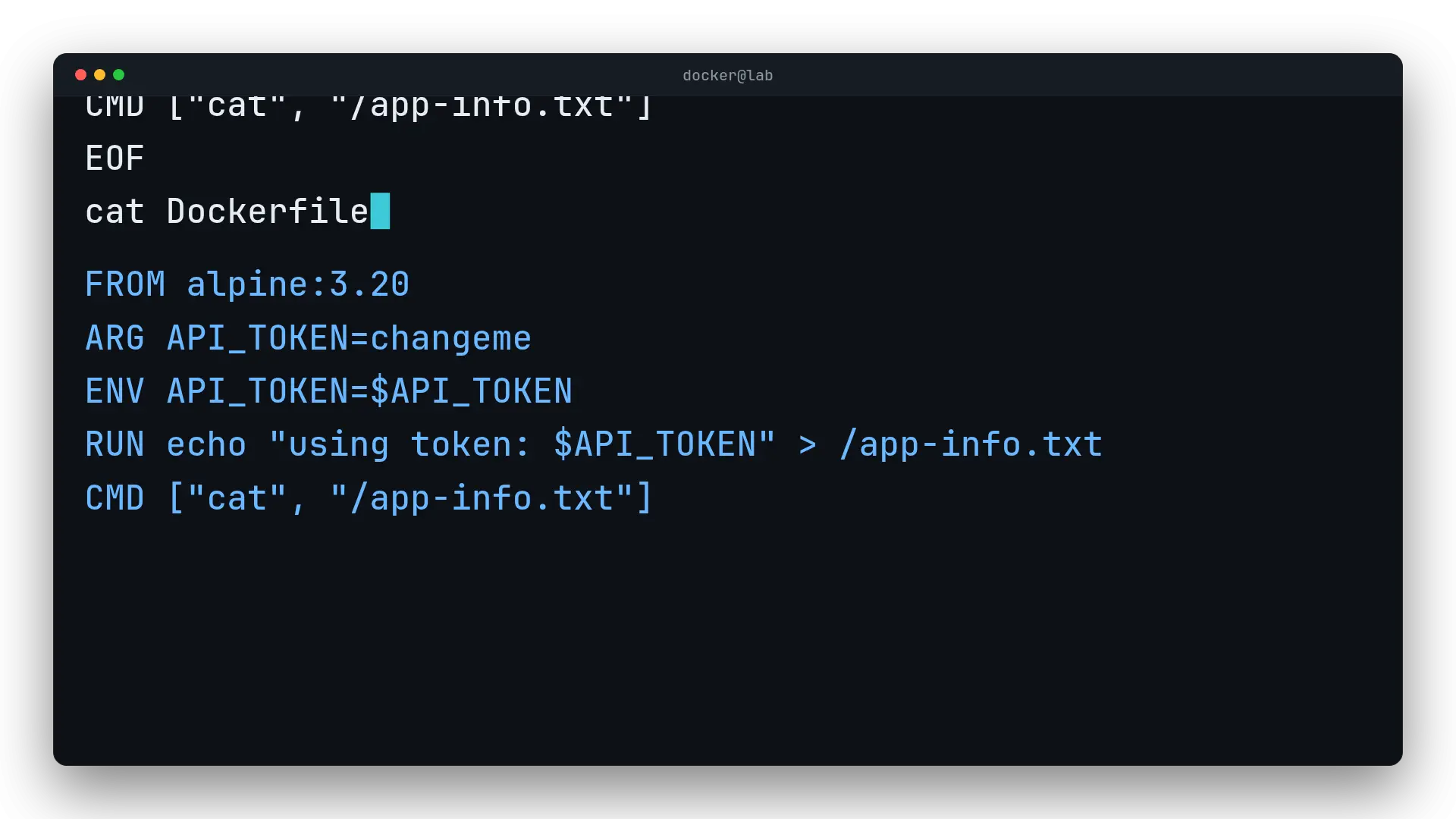
Docker secrets management means never leaving tokens or passwords in a Dockerfile's ARG, ENV, or COPY, because they get baked into the image forever. This lab demonstrates the real leak with docker history and fixes it with a BuildKit --secret, a read-only file mount, a scoped env-file, and Compose's native secrets.

  • 9 steps
  • 5

Traefik Reverse Proxy with Docker

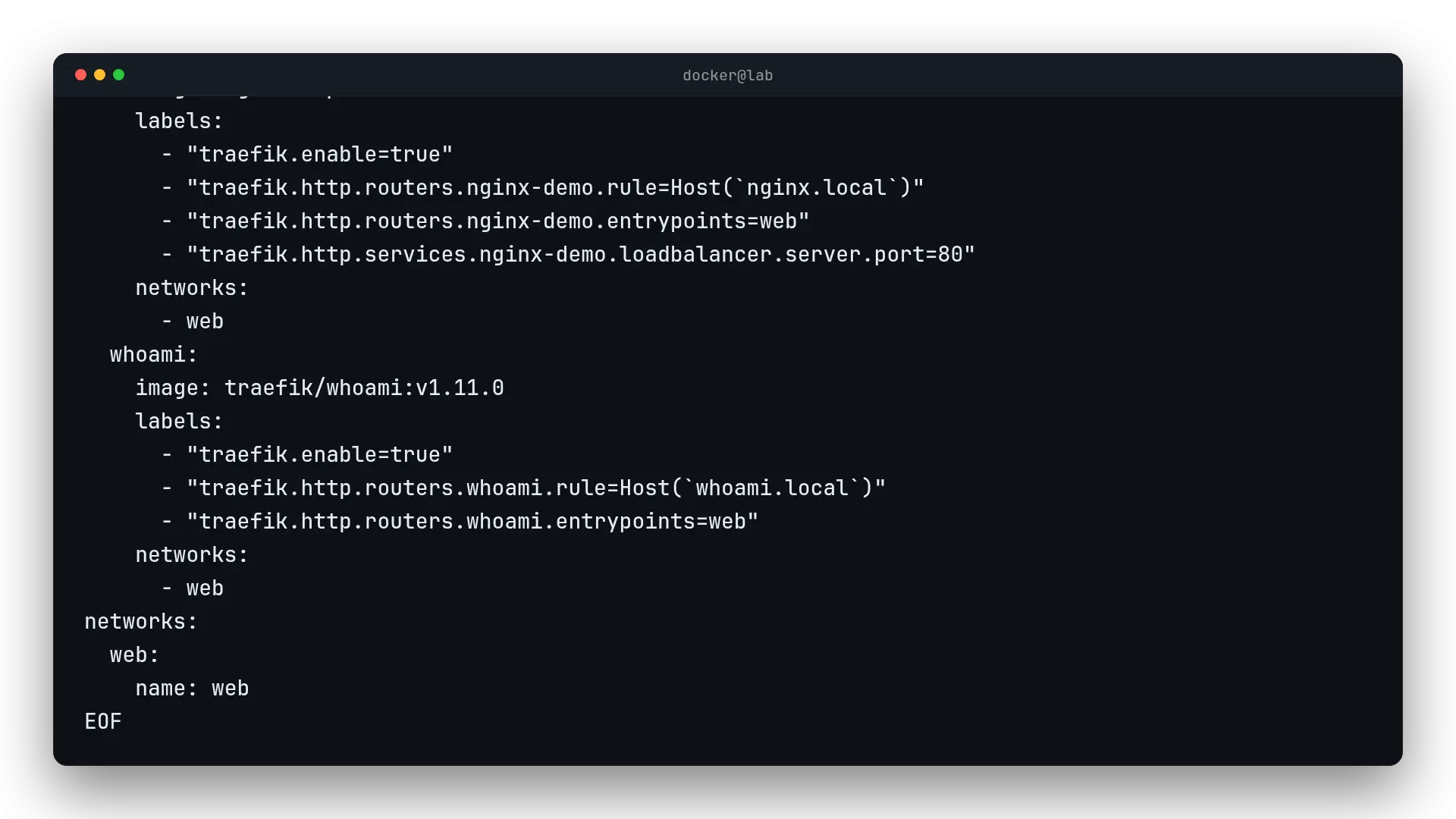
Traefik with Docker is a reverse proxy that reads the Docker socket and turns each container's labels into automatic routing rules. In this lab you bring it up alongside two backends and use curl to prove each hostname reaches the right container, without editing a single routes file.

  • 8 steps
  • 4

Pihole in Docker (DNS Sinkhole)

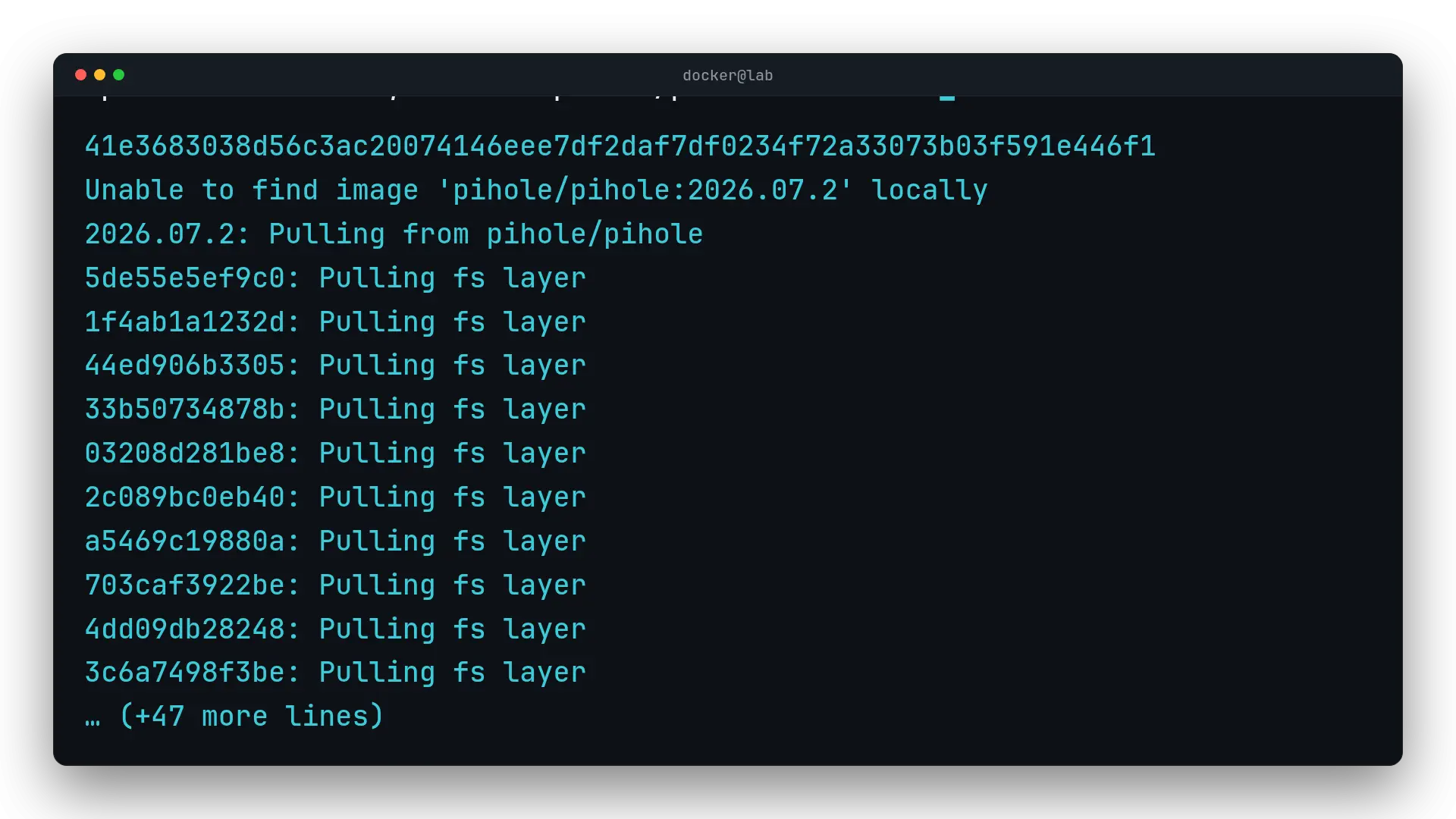
Pi-hole is a DNS resolver that acts as a sinkhole: it filters every query on your network before it reaches the internet and blocks ad and tracking domains from its lists, answering 0.0.0.0 instead of forwarding them. In this lab you run it in Docker and prove it live with dig.

  • 8 steps
  • 6

Docker Volume Backup and Restore

A Docker volume stores data outside the container, in a location Docker itself manages. To back it up, a throwaway alpine container mounts the volume and a host folder, then packs the data into a .tar.gz with tar. Restoring reverses the process: extract that file into a fresh volume and confirm the data comes back intact.

  • 7 steps
  • 6

How to Build a Multi-Container App with Docker Compose

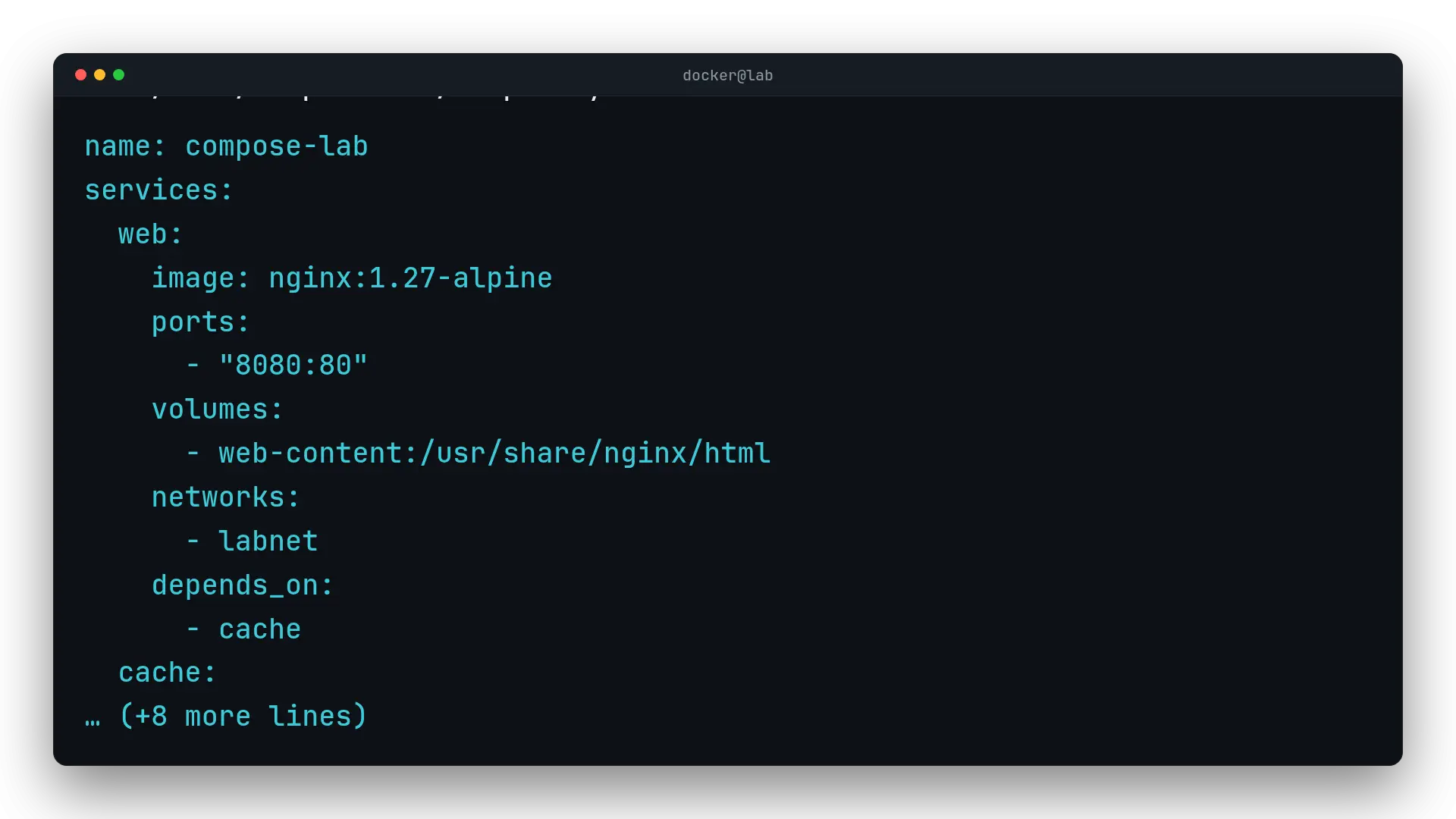
Docker Compose describes a multi-container application in a single YAML file: which services to run, how they talk to each other over the network, and which data persists in named volumes. In this lab you define an Nginx web service and a Redis cache, connect them by service name, and confirm it all works with curl.

  • 6 steps
  • 6

How Data Persists in Docker with Volumes and Bind Mounts

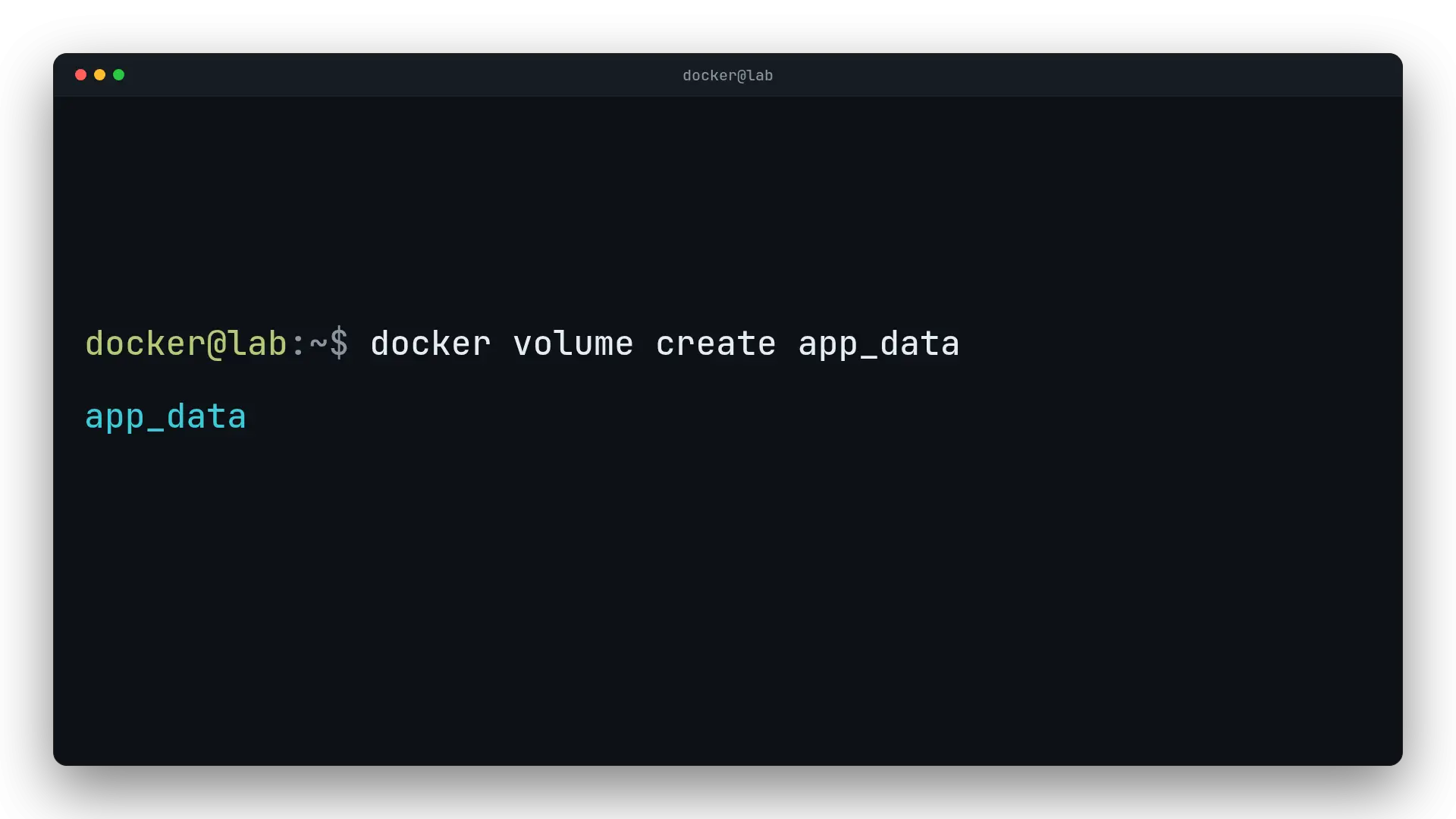
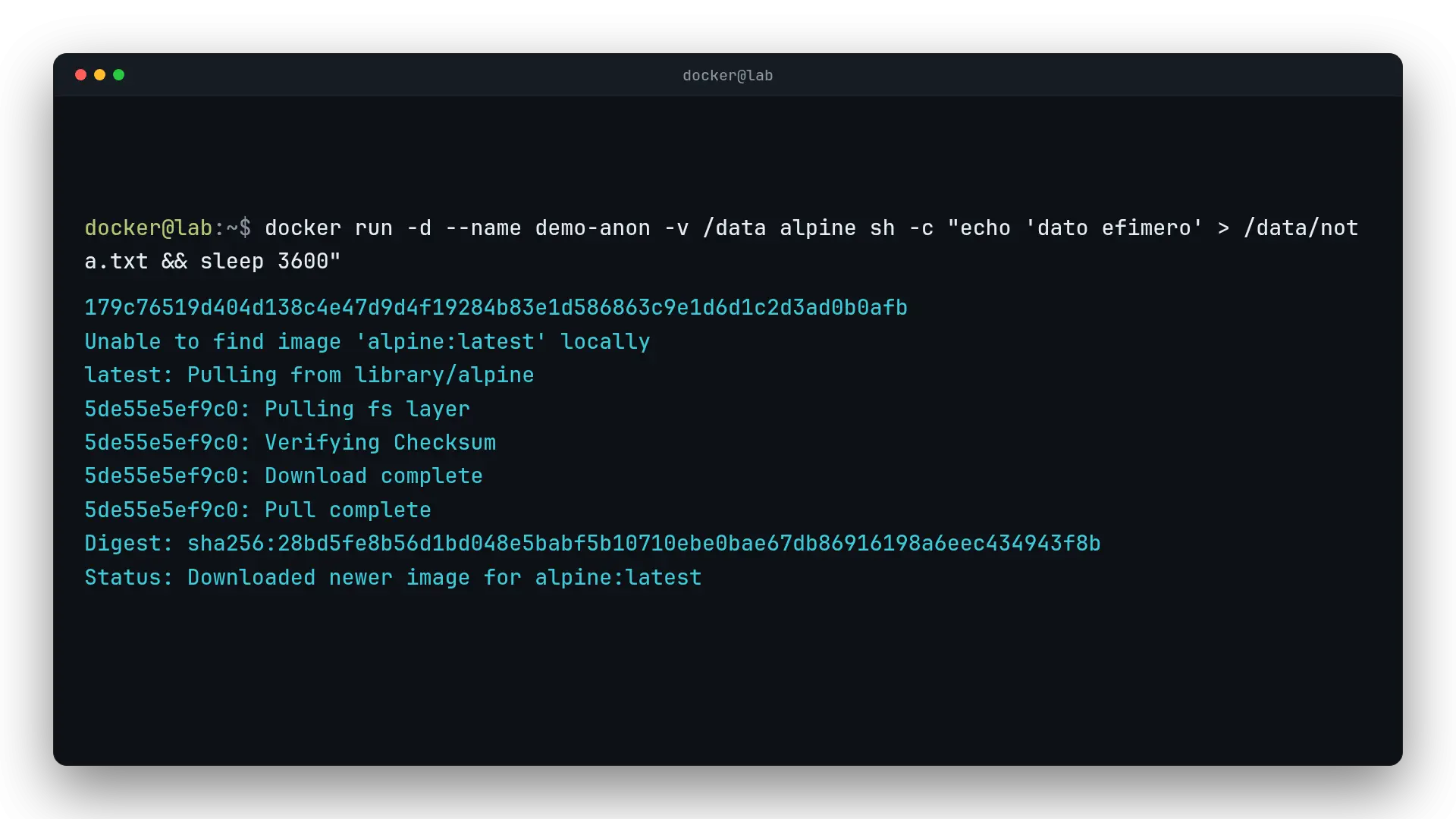
A container is ephemeral, but its data doesn't have to be. A Docker volume lives outside the container, managed by Docker itself, while a bind mount uses a host path directly. In this lab we create a named volume, write data from one container, remove that container entirely, and read the same data back from a brand-new one.

  • 9 steps
  • 5

Docker Networking (Bridge and Custom)

Docker attaches every container to a default bridge network, but that network only works by IP: it resolves no names. Create a user-defined network with docker network create and Docker turns on an internal DNS server, so containers reach each other by name and stay isolated from every other network.

  • 11 steps
  • 6

Install Portainer with Docker Compose v2

Install Portainer on Docker step by step: a persistent volume, the container serving the UI on port 9443, and verified web access. Every step is checked.

  • 4 steps
  • 46