Function calling with Ollama on your own machine
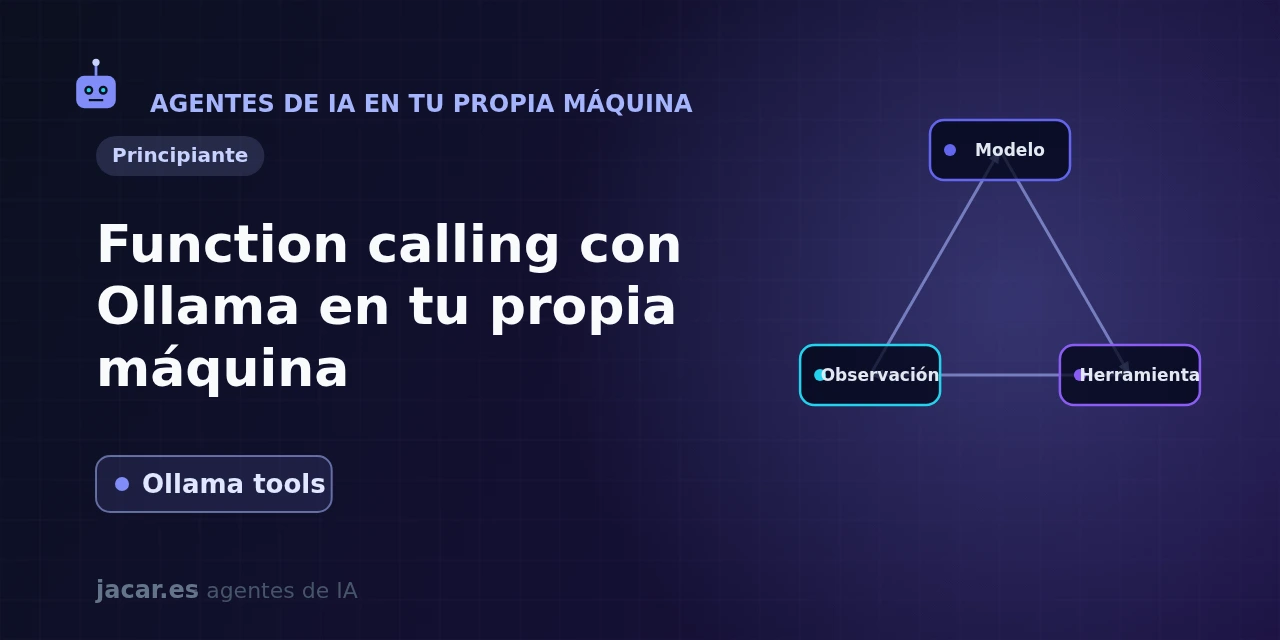
Table of contents
- Key takeaways
- Which Ollama models support tools?
- How does the Ollama tools API work?
- How do you write a Python example?
- How do you call a real tool (weather or a database)?
- What are the limits of tool calling on your own machine?
- Frequently asked questions
- Does Ollama run the function for me?
- Which local model should I pick for function calling?
- Does it work with the OpenAI-compatible API?
- Conclusion
- Sources
Function calling (or tool calling) is what turns a language model that only writes text into something that can act: check the weather, query a database or call an API. All with a model you run on your own machine with Ollama. In this guide you will see which Ollama models support tools, what its tools API looks like, a complete Python example and the limits of doing it locally. The same explanation is available in Spanish.
Key takeaways
- Ollama added tool support on 25 July 2024 and is now on version v0.32.1, released on 16 July 2026; the project has over 176,000 stars on GitHub.
- Function calling does not run anything on its own: the model returns the name of a function and its arguments, and your code is what executes it and passes the result back.
- Not every model works. The first ones with support were Llama 3.1, Mistral Nemo, Firefunction v2 and Command-R+; in 2026 the most reliable on your own machine are qwen3, llama3.3, mistral-small3.2, gemma3 and granite4.
- The API reuses the OpenAI schema: a
toolsarray of{type: "function", function: {...}}objects whereparametersis a JSON Schema. The Python SDK saves you writing it: you pass the function directly. - The small models that fit on your machine are less reliable than frontier APIs: they sometimes skip the call or produce malformed arguments, so always validate what they return.
Which Ollama models support tools?
Not every model can use tools: the model has to have been trained to emit function calls in a structured format. Ollama marks each compatible model with the Tools label in its catalogue, so that is the first place to look.
When Ollama shipped the feature on 25 July 2024, the list was short: Llama 3.1, Mistral Nemo, Firefunction v2 and Command-R+. Two years later the catalogue is far wider and, above all, more reliable. For 2026, independent tests agree that Alibaba’s qwen3 is the most stable on your own machine, with the lowest share of dropped calls. It is followed by llama3.3, mistral-small3.2, gemma3 (and the recent gemma4), IBM’s granite4 and gpt-oss.
The rule of thumb: the larger and less quantised the model, the better it reasons about when and how to call a tool. A qwen3:8b is a good starting point on a laptop with a GPU; if you want maximum reliability and have memory to spare, move up to a higher-parameter variant. Downloading any of them is a single command:
ollama pull qwen3

# The Python client we will use in the examples
pip install ollama
How does the Ollama tools API work?
Ollama adopted the same schema that OpenAI popularised, so if you have used function calling in the cloud it will feel familiar. The official documentation defines a tool as something that lets "a model answer a given prompt using tool(s) it knows about, making it possible for models to perform more complex tasks or interact with the outside world".
Each tool is described with three things: a name, a natural-language description (which the model reads to decide when to use it) and a parameter schema in JSON Schema format. That schema is a tools array you pass in the chat request. The flow always has four steps:
- You send the user’s message together with the list of
tools. - If the model decides to use one, it does not reply with text: it returns one or more entries in
message.tool_callswith the name and arguments. - Your code runs the real function with those arguments.
- You append the result as a message with
role: "tool"and callchatagain so the model writes the final answer.
The point that confuses beginners most is the third: Ollama never runs your function. It only tells you which function it wants and with what arguments; running it (and the security of doing so) is on you.
How do you write a Python example?
The convenient way is with the official Python client, which parses your function automatically: it reads the signature and docstring and builds the JSON Schema for you. You do not have to write it by hand. The following example defines a mock weather tool and lets qwen3 decide when to call it:
from ollama import chat

def get_weather(city: str) -> str:
    """Return the current temperature for a city."""
    data = {"Madrid": "31 degrees", "London": "18 degrees"}
    return data.get(city, "no data")

messages = [{"role": "user", "content": "What is the temperature in Madrid?"}]

response = chat(model="qwen3", messages=messages, tools=[get_weather])

# The model does not reply with text: it asks to call the tool
for call in response.message.tool_calls or []:
    result = get_weather(**call.function.arguments)
    messages.append(response.message)
    messages.append({"role": "tool", "tool_name": call.function.name,
                     "content": result})

# Second call: now the model writes the final answer
final = chat(model="qwen3", messages=messages)
print(final.message.content)
Notice the double call to chat: the first gets the model’s intent, you run the tool and the second produces the natural-language answer with the data already folded in. If you would rather not rely on the SDK’s introspection (from another language, say), you can pass the full JSON Schema in tools, with type, function.name, function.description and function.parameters.
How do you call a real tool (weather or a database)?
The example above returns made-up data; in a real case, inside get_weather you would make an HTTP request to a weather API. The pattern does not change. And that is the beauty of function calling: you can connect the model to anything you can express as a Python function. A database query, for instance, follows the same mould:
def count_orders(customer_id: int) -> str:
    """Count a customer's orders by their id."""
    row = db.execute(
        "SELECT COUNT(*) FROM orders WHERE customer_id = ?",
        (customer_id,),
    ).fetchone()
    return f"Customer {customer_id} has {row[0]} orders."
An important security tip: because the model chooses the arguments, always validate what arrives before touching the database. Never interpolate the arguments directly into a SQL query; use parameters (the ? in the example) to avoid injection. This pattern (a local model that plans and tools that act) is the basis of agents. If you want to orchestrate a sequence of steps with memory and branching, a framework like LangGraph or the Anthropic agent SDK flow will give you structure on top of these one-off calls.
What are the limits of tool calling on your own machine?
Doing it locally has clear upsides (privacy, zero cost per token and no cloud dependency), but it is worth being honest about its limits versus frontier APIs like GPT-4o or Claude:
- Reliability. A model of 7 or 8 billion parameters sometimes skips the call when it should make it, or produces arguments with the wrong field name. Larger models fail less, but demand more VRAM.
- JSON not guaranteed. On small models the arguments can be malformed; always validate and plan for a retry.
- No
tool_choice. Unlike OpenAI’s API, neither Ollama’s native API nor its OpenAI-compatible endpoint (/v1/chat/completions) let you force a specific tool withtool_choice: the model always decides on its own whether to use a tool and which one. Streamingtool_callsdoes work: you accumulate thecontentandtool_callschunks coming from the stream and send them back along with the tool result. - Context window. Each declared tool and each long result eats into the context window; watch the limit of whichever model you use.
The practical advice: start with one or two well-described tools, pick a model trained for it (qwen3, llama3.3) and add validation in your code. For critical tasks, or when a task chains tool after tool, a frontier API is still more robust; for prototypes, personal use and sensitive data, function calling with Ollama is an excellent option.
Frequently asked questions
Does Ollama run the function for me?
No. Ollama (and the model) only decide which function to call and with what arguments, and return that intent in message.tool_calls. Running the real function and returning the result with a role: "tool" message is your code’s job. That separation is deliberate: it gives you full control over what runs and with what permissions, which is key for security.
Which local model should I pick for function calling?
In 2026, qwen3 is the safest bet for its reliability at emitting calls; llama3.3, mistral-small3.2, gemma3 and granite4 also work well. Prioritise models Ollama marks with the "Tools" label and, if your machine allows it, choose higher-parameter variants: they reason better about when to use each tool and make fewer mistakes in the arguments.
Does it work with the OpenAI-compatible API?
Yes. Besides its own client, Ollama exposes an OpenAI-compatible /v1/chat/completions endpoint that also accepts the tools parameter. That lets you reuse libraries built for OpenAI (or the OpenAI SDK itself pointed at http://localhost:11434) without rewriting your tool code.
Conclusion
Function calling is the bridge between a model that only talks and an agent that acts, and with Ollama you can cross it without leaving your own machine. You describe your tools, let a model like qwen3 decide when to use them and your code runs them. Remember the two keys: the model never runs anything on its own, and locally the reliability depends heavily on which model you pick.
The next step is to install Ollama, download qwen3 and adapt the Python example above to a tool of your own. When the flow grows from a single call into a chain of steps, move up to an agent framework like LangGraph.
Sources: [1] Tool support announcement on the Ollama blog[1], [2] Official tool calling documentation[2], [3] OpenAI-compatible API documentation (supported fields)[3], [4] Ollama on GitHub[4], [5] Independent tests of local models for tool calling at Local AI Master[5].
Sources
Source code
Access all the source code for this post on GitHub.
View on GitHub