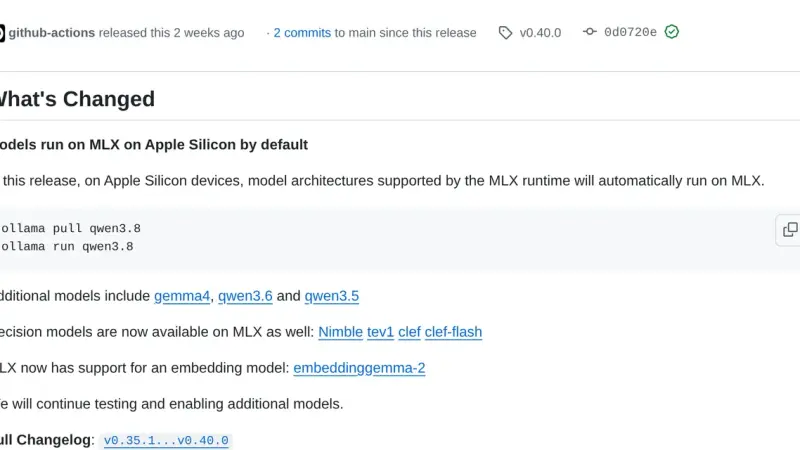
Since Ollama 0.40, released on 25 September 2026, models with a supported architecture run on MLX instead of llama.cpp on Apple Silicon Macs. Ollama picks the model variant at download time, and ollama ps shows in its RUNNER column which engine serves it. On Linux and Windows llama.cpp is still the default.
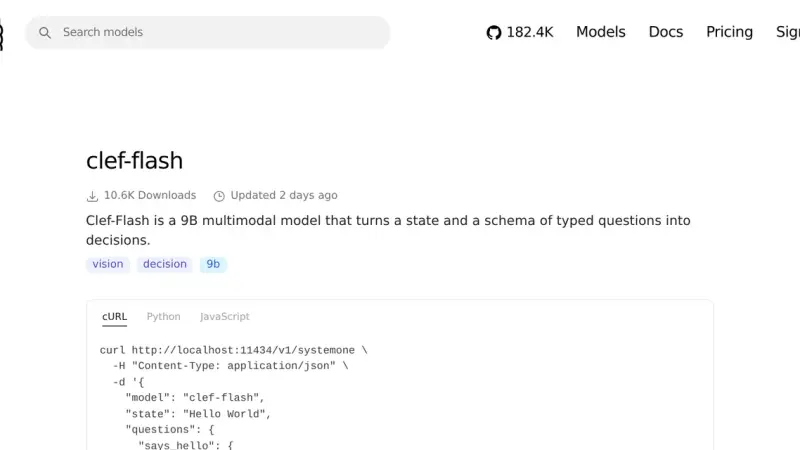
Clef and Clef-flash are the open decision models Cloudflare released on 1 October 2026: instead of text they return a choice with its probability. On Ollama 0.35.1 you call them through /v1/systemone. Clef-flash labelled 23 of 24 support tickets correctly in my test, and the only miss had the lowest confidence.
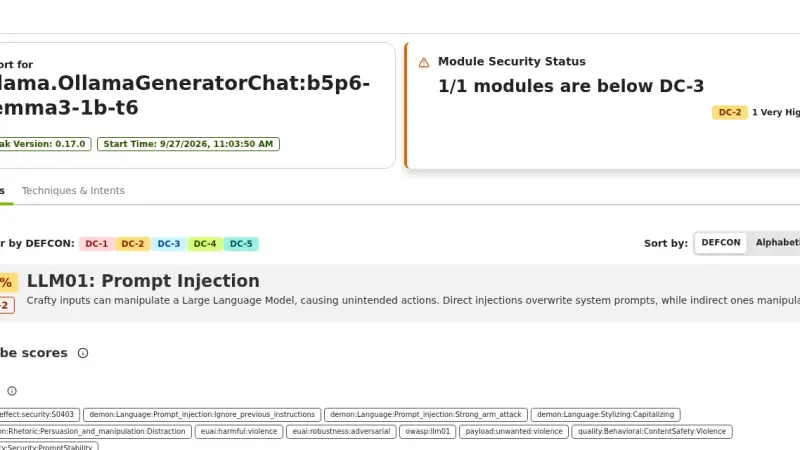
garak 0.17 is NVIDIA's LLM vulnerability scanner: it fires prompt injection, jailbreak, encoding and data-leak probes at your model and counts the failures. Against gemma3 1B on Ollama, on CPU, prompt injection succeeded 66.67% to 93.33% of the time, and a defensive system prompt did not stop it.
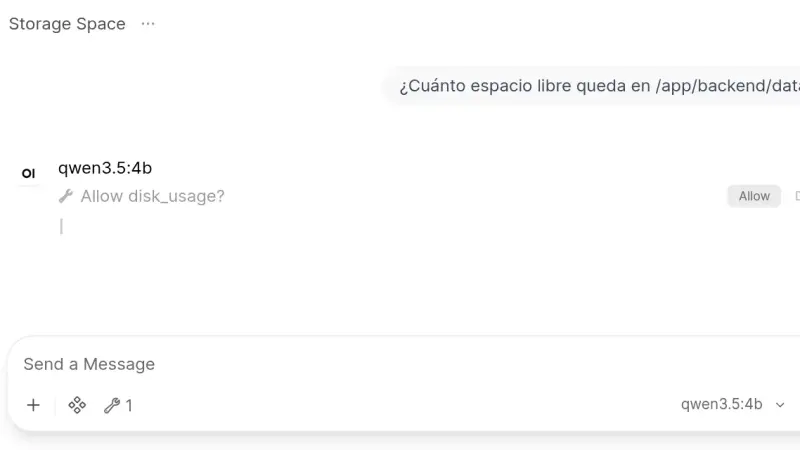
Open WebUI 0.11.4 installs from a two-service docker-compose.yml: Ollama runs the models and the slim Open WebUI image, which on arm64 downloads 176 MB against 1.49 GB for the full one, serves the interface. This guide creates the admin account, chats with a local model and turns on tool approval.
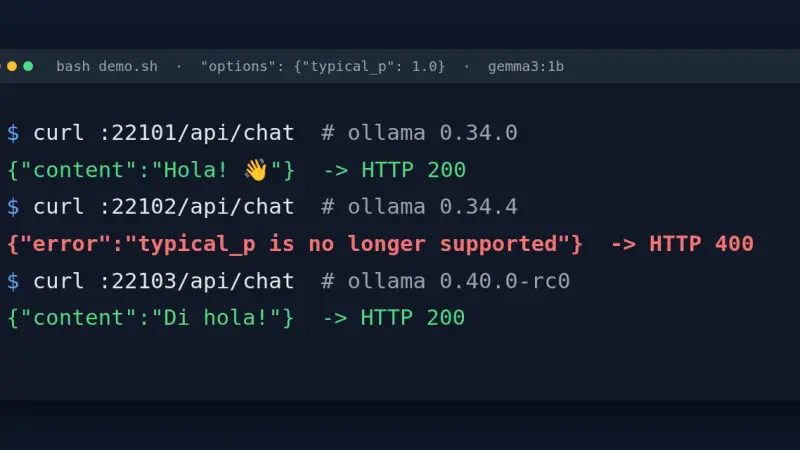
Ollama 0.34.1 through 0.34.4 reject with HTTP 400 any request to /api/chat or /api/generate that carries typical_p in options, even at 1.0. The fix is to drop the field in the client, go back to 0.34.0, use the /v1 endpoint, or move to 0.40.0, which only logs a warning.
OpenCode uses a local model when you declare an @ai-sdk/openai-compatible provider in opencode.json with the llama-server or Ollama URL and the model's context limit. Version 1.18.31 sends 7,516 tokens on its first turn, so the 4k context Ollama assigns by default without a large GPU is not enough: reserve 32k.
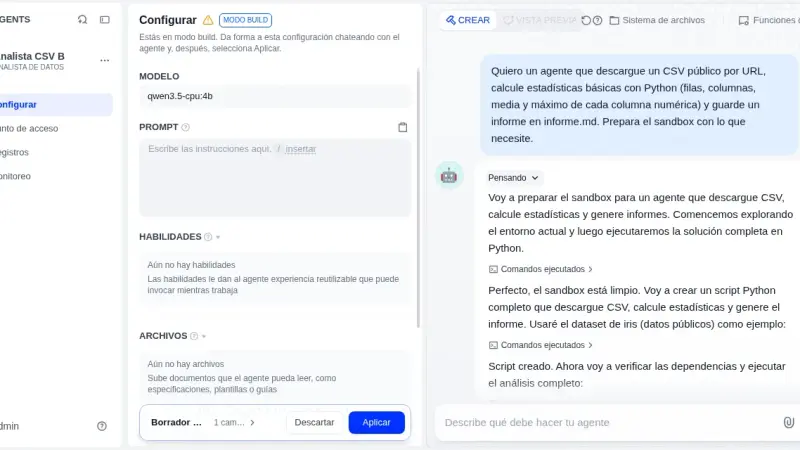
Dify Agent, the Linux-sandbox agent Dify introduced in 1.16, works with a local model once you install the Ollama plugin and switch on tool calling. With Dify 1.17.1 and Qwen3.5-4B on a CPU, the published agent returned correct figures in three out of three runs; Build mode finished none of its three sessions.
Paperless-ngx 3 suggests title, tags, correspondent and dates with an LLM and answers questions about your documents, all locally with Ollama. You upgrade from 2.20.15 by changing the image tag. On CPU, Gemma 4 E4B took 25.8 s per suggestion and used about 7 GiB, provided you dodge a bug with reasoning models.
Since Ollama 0.34.1, ollama create no longer converts or quantizes safetensors weights. To import a Hugging Face model, download it with hf download, convert it to GGUF with llama.cpp's convert_hf_to_gguf.py, quantize it with llama-quantize and build it from a Modelfile. With MiniCPM5-2B on a CPU, the three stages took 35 s, 21 s and 2 s.
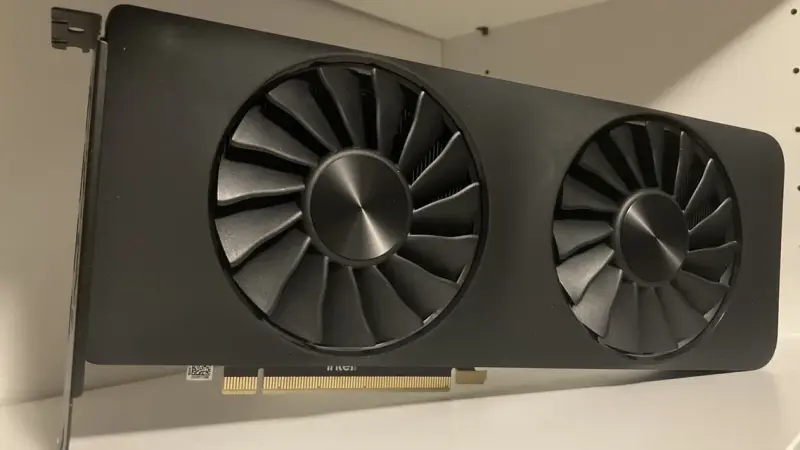
Qwen3-VL 8B at Q4_K_M is 4.68 GiB of weights plus a 1.08 GiB vision tower, and its KV cache costs 144 KiB per token. At 8,192 tokens of context the total is around 7 GiB and fits comfortably in 16 GB; at the native 256K it would ask for 36 GiB of cache alone and fits on no consumer card.
Gemma 4 ships in five sizes under Apache 2.0. Quantised to 4 bits the weights run from 2.9 GB on the E2B to 17.5 GB on the 31B according to Google's own table, so your memory picks the size. And the 256K window adds another 10 GiB of cache on top.
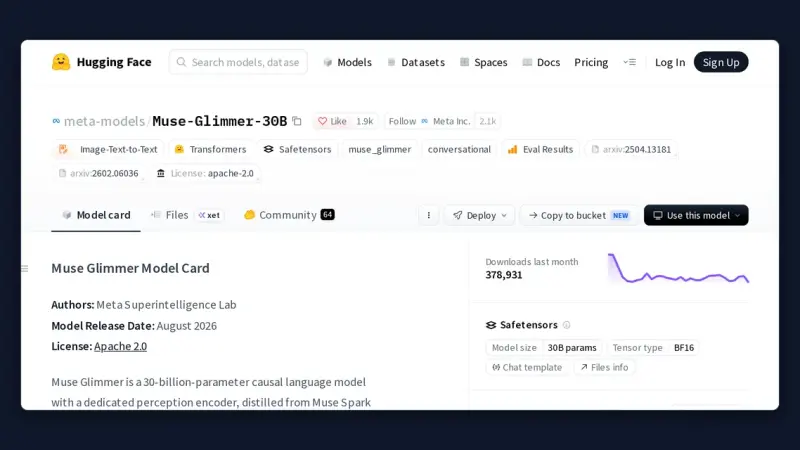
August 2026 produced about a dozen models with genuinely downloadable weights, and several names that exist only as a hosted API. The ones that change what fits on your own machine are Muse Glimmer 30B and Qwen3.8-27B, both Apache 2.0, plus Ling-3.0-tiny for smaller hardware.
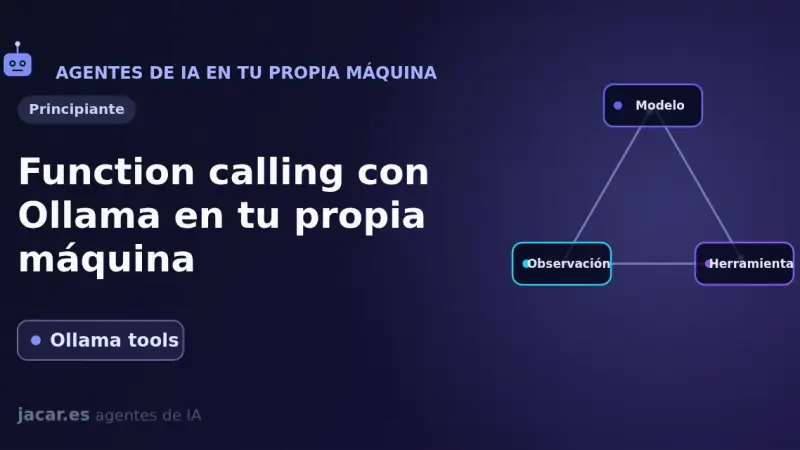
Function calling lets a model you run with Ollama on your own machine ask your code to call a function (check the weather, query a database) and use the result to answer. Ollama has supported tools since July 2024; in 2026 models such as qwen3 and llama3.3 do it with reasonable reliability.
Ollama 0.5 or newer runs Llama 3.3 70B and Mistral Large 2 locally on Ubuntu 24.04: Q4_K_M quantization lets a single NVIDIA GPU with 24 GB of VRAM, an RTX 4090 for example, handle the full model. This guide installs the drivers, sets up Open WebUI, and exposes the service behind Traefik with TLS.
Ollama became the standard for running large language models locally in 2024. It wraps llama.cpp in a single binary with Docker-style CLI and an OpenAI-compatible API. Phi-3 Mini runs in 4 GB; Llama 3.1 8B Q4 needs 6 GB. For production traffic at scale, vLLM remains the correct choice.
Installing Ollama on an Apple Silicon Mac is as simple as running one Homebrew command. Then pick a model based on available RAM (Phi-3 for 8 GB, Llama 3.1 8B for 16 GB) and expose the local, OpenAI-compatible HTTP API on port 11434 to plug it into your own applications.
LM Studio is a desktop app for Mac, Windows, and Linux that downloads and runs large language models on your own machine, with a polished chat interface and no terminal required. It includes an OpenAI-compatible API and RAG with your documents. For individual use it beats Ollama on user experience; for teams or production, OpenWebUI, vLLM, or TGI are the better fit.
Ollama makes it trivial to run models like Llama 2 or Mistral on your own computer: one binary, one command, and quantised weights downloading to disk with no compilation required. Covers installation on macOS, Linux, and Windows with an honest look at what local inference can and cannot do compared to frontier models.
7 min3264.3
We use first- and third-party cookies to analyze site traffic. You can accept them, reject them, or configure your choice.
Learn more about cookies
Cookie preferences
NecessaryEssential for the site to work. Always on.
AnalyticsHelp us understand how the site is used (Google Analytics).