OpenHands: An Autonomous Coding Agent
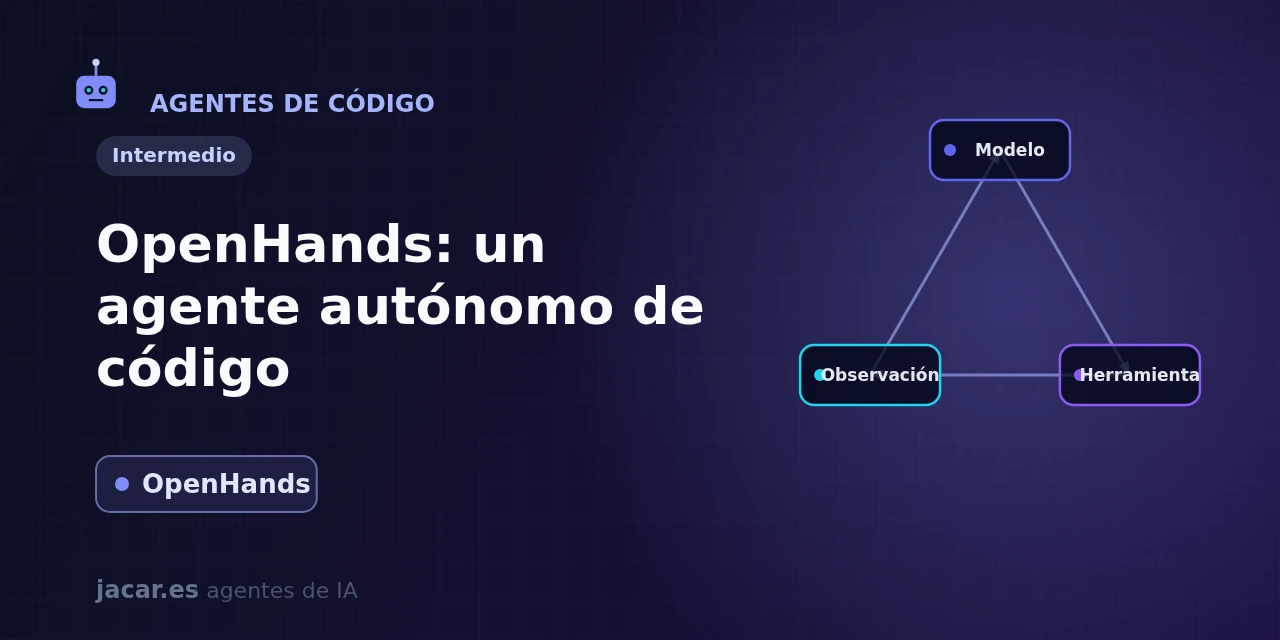
Table of contents
- Key takeaways
- What is OpenHands (formerly OpenDevin)?
- Running it with Docker
- The execution sandbox
- SWE-bench results
- OpenHands versus IDE assistants
- Frequently asked questions
- Is OpenHands the same as OpenDevin?
- Do I need a paid API key to use OpenHands?
- Is it safe to let an agent run commands on my machine?
- Conclusion
- Sources
OpenHands, formerly known as OpenDevin, is an open-source platform that turns a programming task into finished work without you hovering over it. It takes the request, opens an isolated container and works on its own inside it, editing files, running terminal commands and browsing the web until the problem is solved. Unlike an assistant that lives inside your editor, OpenHands is an end-to-end autonomous agent, designed for you to hand it a whole issue.
In this guide you will see what OpenHands is, how to run it with Docker, how its execution sandbox works, what results it gets on SWE-bench and how it differs from IDE assistants. The same explanation is available in Spanish.
Key takeaways
- OpenHands is an open-source autonomous coding agent (MIT licence) maintained by All Hands AI; its repository has more than 81,000 stars on GitHub, one of the highest counts in the field.
- It was born in 2024 as OpenDevin and was renamed OpenHands that same year; the project was described in the July 2024 paper arXiv 2407.16741[1].
- It runs locally with Agent Canvas, its official interface: a single Docker command brings up the interface at
http://localhost:8000/canvaswith theghcr.io/openhands/agent-canvas:1.4.0image (also installable without Docker vianpm install -g @openhands/agent-canvas). - Each session runs in an isolated sandbox container, where the agent runs bash, edits files and browses the web without touching your host system.
- It is model-agnostic: with a frontier model it solves around 72% of the problems in SWE-bench Verified, the reference exam for agents that fix real GitHub issues.
What is OpenHands (formerly OpenDevin)?
OpenHands is an open-source platform for building and running software agents. These are programs that solve development tasks by interacting with the world the way a person would: writing code, launching commands in a terminal and consulting the web. The project was born in 2024 under the name OpenDevin (an open answer to the closed Devin agent) and was renamed OpenHands shortly after, with the company All Hands AI behind it. Its GitHub repository[2] has more than 81,000 stars and ships under the MIT licence, except for the enterprise/ directory.
The difference from an autocomplete or a chat assistant is the degree of autonomy. You do not give OpenHands a line, you give it a goal: "fix the signup form bug and add a test." The agent explores the repository, decides which files to touch, applies the changes, runs the test suite and, if something fails, iterates until it passes. It is, in essence, an AI agent specialised in software engineering and able to walk a task from start to finish.
It is worth knowing that the project is in full flux. In October 2025 the GitHub organisation moved from All-Hands-AI to OpenHands, and the Docker images moved from ghcr.io/all-hands-ai/ to ghcr.io/openhands/. The documentation moved from docs.all-hands.dev to docs.openhands.dev, and the agent and server code was reorganised into separate repositories within a V1 architecture.
The old V0 architecture, with its local Docker interface on port 3000, was marked deprecated and removed on 1 April 2026. That is the price of working with a fast-moving tool: always check the current version and command, because a tutorial published before that date may no longer work as written.
Running it with Docker
The official way to try OpenHands on your own machine is Agent Canvas, the control interface that replaced the old local Docker GUI (the V0 architecture removed in April 2026). You need Docker installed and an API key from some model provider (or a local model); the official command downloads the image and launches the web interface on port 8000:
export PROJECTS_PATH="$HOME/projects"
mkdir -p "$PROJECTS_PATH" "$HOME/.openhands"

docker run -it --rm \
  -p 8000:8000 \
  -v "$HOME/.openhands:/home/openhands/.openhands" \
  -v "${PROJECTS_PATH}:/projects" \
  ghcr.io/openhands/agent-canvas:1.4.0
When it finishes booting, open http://localhost:8000/canvas in the browser (with the Docker-free install, npm install -g @openhands/agent-canvas followed by agent-canvas, the interface lands at http://localhost:8000). The first time, you go to Settings → LLM to choose a model provider and paste your API key: being model-agnostic, Agent Canvas works with Anthropic, OpenAI, Google or models you run locally. From there you describe the task in the chat and the agent gets to work.
Unlike the old V0 architecture, this command does not mount the host’s Docker socket: the agent runs shell commands inside the Agent Canvas container itself, without spinning up an extra container per session. If you want tighter per-project isolation you can configure a different backend (a separate Docker backend or a remote VM) from the app’s settings. If you would rather skip Docker entirely, the project offers more paths besides the npm install. There is a terminal CLI, a cloud version (OpenHands Cloud) and a GitHub Action that resolves issues automatically when you label them fix-me.
The execution sandbox
The component that makes OpenHands reliable is its sandbox. An agent that runs commands generated by a language model can make mistakes or receive malicious instructions, so letting it work directly on your system would be reckless. That is why each session runs inside an isolated Docker container, with its own filesystem and its own terminal, separated from your machine.
Inside that container, the agent has a small set of actions that define its workspace. It can run a bash command, write or edit a file, and use a browser to consult documentation or test a website.
The loop is always the same, the classic agentic pattern of reason, act and observe. The model decides the next action, the sandbox runs it and returns the result: the command output, the file content, the test error. With that observation the model decides the next step. That isolation is also the reason dedicated tools like E2B, the code sandbox for agents, exist, when you want to separate execution from orchestration.
This design has a practical advantage. Because the work happens in an ephemeral container, you can let the agent try things without fear of breaking your environment, and discard the result if it does not convince you. The trade-off is that you need Docker and some spare memory, because you are running a container inside another.
SWE-bench results
The most-cited measure of a coding agent is SWE-bench Verified, a set of real problems drawn from GitHub repositories. The agent receives an issue and the project code, and has to produce a patch that makes the tests pass. It is a hard exam because generating plausible code is not enough; you have to understand someone else’s project and actually fix it.
OpenHands has repeatedly ranked among the best open-source systems on this table. Its performance depends above all on the model you put behind it. With a recent frontier model, such as Claude Sonnet 4.5 with extended reasoning, it solves around 72% of the SWE-bench Verified problems.
It is worth putting the figure in context: when the original 2024 paper[1] was published, the best agents were at a much lower percentage. That jump reflects both the improvement in the models and in the agent’s own scaffolding.
The lesson for anyone choosing a tool is twofold. First, quality comes largely from the model, not the wrapper, so an open-source agent like OpenHands competes head to head with paid alternatives if you feed it a good model. Second, no agent yet solves three out of ten issues on its own, so human review of the patch is still essential before merging it.
OpenHands versus IDE assistants
Here is the key distinction. An IDE assistant like Cline, Cursor or GitHub Copilot lives inside your editor and works shoulder to shoulder with you. It suggests changes to your working copy and you approve them one by one through a diff. It is a pair-programming model, with the human in charge at every step.
OpenHands plays a different role. It is designed for you to delegate the whole task and have it go off to work on its own in its sandbox until it is done. That is more like a colleague you assign a ticket than a copilot that accompanies you as you type.
That makes it especially useful for bounded, well-defined jobs (fixing a bug with a clear reproduction, migrating a dependency, adding tests) that you can launch and review once they are ready. If what you want is a terminal agent that works similarly but from your shell, Goose, Block’s coding agent follows a close philosophy.
They are not mutually exclusive: you can use an IDE assistant for day-to-day interactive work and reserve an autonomous agent like OpenHands for tasks you can leave unattended. The question is not which is better, but how much autonomy you want to give the machine at each moment.
Frequently asked questions
Is OpenHands the same as OpenDevin?
Yes. OpenDevin was the project’s original name when it launched in 2024 as an open alternative to the closed Devin agent. Shortly after, it was renamed OpenHands, under the umbrella of the company All Hands AI, and that is the current name. If you find tutorials or links mentioning OpenDevin, they refer to the same project; only the name changed and, later, the documentation domain.
Do I need a paid API key to use OpenHands?
You need a model, but it does not have to be paid. OpenHands is model-agnostic and works with commercial providers (Anthropic, OpenAI, Google) through your API key, or with open models you run locally. The tool itself is free and open source; what costs money is model usage. For serious tasks a model with good reasoning is best, because it determines whether the agent stays on track.
Is it safe to let an agent run commands on my machine?
OpenHands mitigates that risk by running the agent inside an isolated Docker container, not directly on your system. With the default Agent Canvas install, commands run inside that same container, with no direct access to your machine. Even so it is best to run it in a trusted environment and review what it does, especially if you give it access to a real repository. As with any autonomous agent, the recommendation is to treat its output as a proposal that a human validates before merging.
Conclusion
OpenHands shows that an autonomous, open-source coding agent can solve development tasks end to end without locking you into a proprietary tool. It runs with Docker on your machine, works isolated in a sandbox and functions with the model you decide. Its strength is not to replace your editor, but to fill the space it does not cover: jobs you can fully delegate and review once done.
The natural next step is to bring it up with the Docker command above and try it on a real issue. Then compare it with an IDE assistant like Cline to decide what degree of autonomy fits your way of working.
Sources: [1] Official OpenHands documentation[3], [2] OpenHands on GitHub[2], [3] OpenHands paper on arXiv (2407.16741)[1], [4] SWE-bench, results leaderboard[4].
Sources
Source code
Access all the source code for this post on GitHub.
View on GitHub