
Learning path Beginner
AI Coding Agents
The agents that write and edit code for you: Cline and Roo Code in VS Code, OpenAI's Codex CLI, autonomous OpenHands, Goose, Gemini CLI, Windsurf and Continue.
- 14 resources
- 12 views
- ~134 min
- 13 guides + 1 lab
This path teaches you to use AI coding agents: assistants that can write, edit and debug code on their own, either inside your editor or from the terminal. It is built for developers who already code but have never delegated tasks to an AI agent before.
What you will learn
By the end you will know how to pick and install the right agent for your workflow, from editor extensions to command-line tools and full agentic editors. This is a beginner-level path: no prior experience with AI agents is required, just basic programming knowledge and some comfort with the terminal.
How the path builds
It starts with Cline, a VS Code extension that gives you a first hands-on look at an agent reading your project and proposing changes. Next comes Roo Code, a Cline fork with more customization options, before moving to the terminal with OpenAI’s Codex CLI. From there the path covers OpenHands, an agent built to work autonomously with less supervision, and closes with Windsurf and Continue, two alternatives that show how a full editor, one commercial and one open source, can make an agent the centerpiece of the workflow. In total, eleven tools with different approaches: editor extension, CLI and autonomous agent.
How to Use Cline in VS Code
Cline is a VS Code extension that turns your editor into an autonomous coding agent: it reads your project, plans changes in Plan mode and carries them out in Act mode, showing every edit as a diff you approve. It is open source and works with your own API key or with local models.
How to Use Roo Code
Roo Code is an open-source VS Code extension, born as a fork of Cline, that turns the editor into a team of agents with specialised modes (Code, Architect, Debug, Ask and Orchestrator). The project was archived in May 2026 at version 3.54.0, but its community continuation ZooCode keeps the same features alive.
OpenAI’s Codex CLI
The Codex CLI is OpenAI's coding agent that works inside your terminal: you describe a task, it reads your repository, proposes the changes and runs commands inside a sandbox you control. It is open source, installs with npm and works with your ChatGPT account or with an API key.
OpenHands: An Autonomous Coding Agent
OpenHands, formerly OpenDevin, is an open-source platform that solves programming tasks end to end: it takes a request, opens a sandbox container and edits files, runs commands and browses the web until it is done. It runs with Docker on your own machine and works with the model you choose.
Goose: Block’s Coding Agent
Goose is an open-source AI agent created at Block that runs on your own machine as a desktop app, CLI and API. It reads and writes files, runs commands and tests, and works with more than fifteen model providers and MCP extensions. It is free, licensed under Apache 2.0, and you pay only for model usage.
Gemini CLI: An Agent in Your Terminal
Gemini CLI is Google's coding agent for the terminal: open source, with a one-million-token context window and the Gemini 3 model. Since 18 June 2026 its free tier for individuals moved to Antigravity CLI, but the tool still works with an API key from AI Studio or an enterprise licence.
Muse Code: Meta’s terminal coding agent
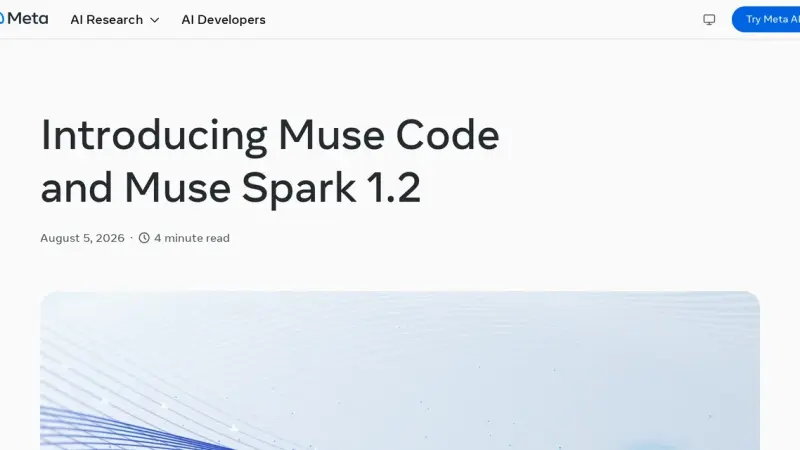
Muse Code is the terminal coding agent Meta Superintelligence Labs released in beta on 5 August 2026. It runs on Muse Spark 1.2, coordinates persistent background subagents, appends every model call and every edit to a local event log, and installs with a single command on macOS and Linux.
Claude Code vs Codex CLI vs Muse Code in 2026
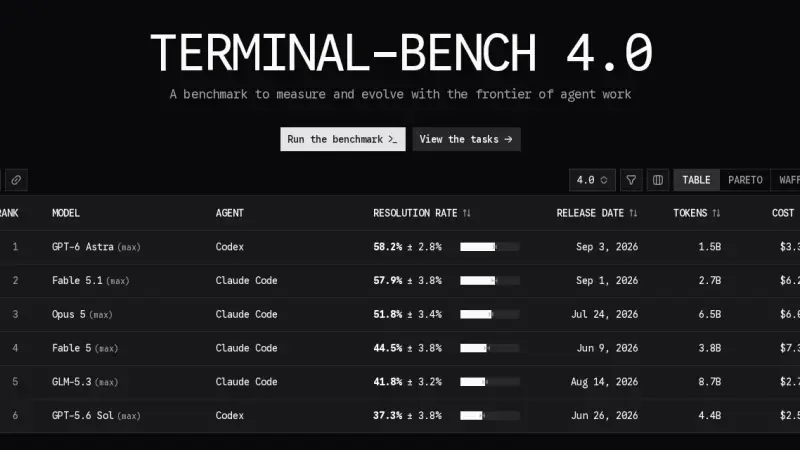
All three are terminal agents, but they bet on different things. On the official Terminal-Bench 4.0 board, published on 28 August 2026, Claude Code with Opus 5 solves 51.8% of trials at $18.09 each, and Codex with GPT-5.6 Sol solves 37.3% at $7.70. Muse Code appears on no board at all.
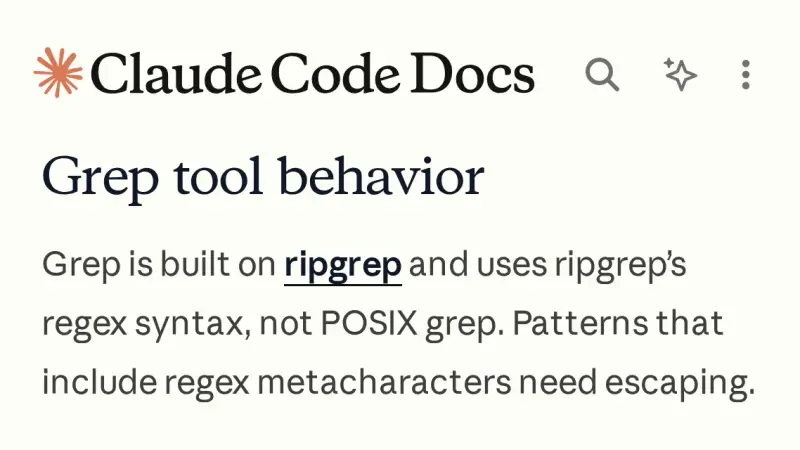
Why many code agents use agentic search instead of a vector database
Agentic search means the model plans its own queries against the repository using grep, file listings and a language server, instead of querying an embedding index built beforehand. Claude Code and Cline work this way by design, yet Cursor and Devin Desktop still index, and their own documentation says so.
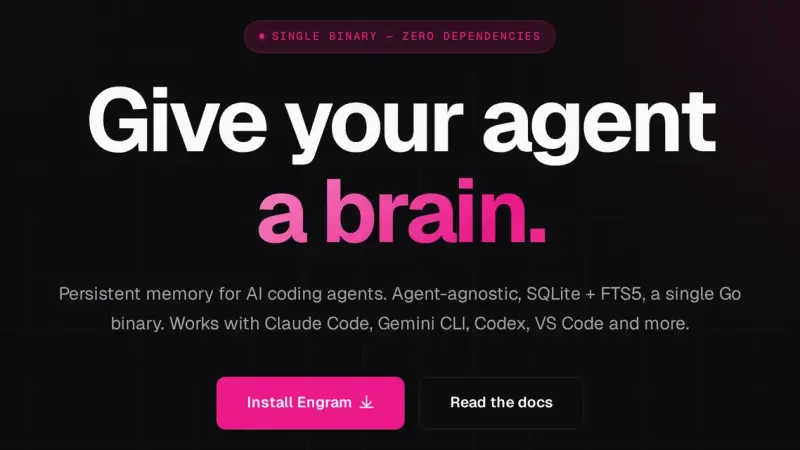
Engram: persistent memory for coding agents
Engram is a Go binary backed by SQLite and FTS5 that gives coding agents persistent memory over MCP. It stores decisions and conventions between sessions, syncs through git and needs no Node, Python or Docker. Its search is lexical rather than semantic, and that shapes what you should save.
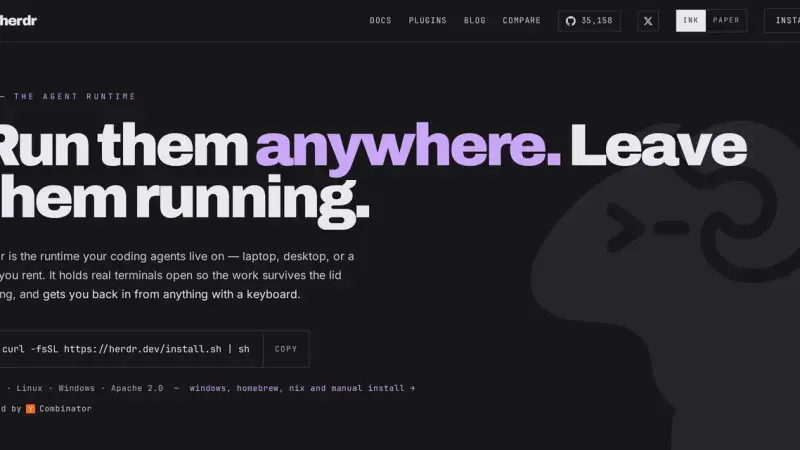
Herdr: a terminal multiplexer for coding agents
Herdr is a Rust terminal multiplexer that runs your coding agents inside a background server. It marks every pane as working, blocked or idle, and that status rolls up to the workspace, so you can see at a glance which agent is waiting on you.
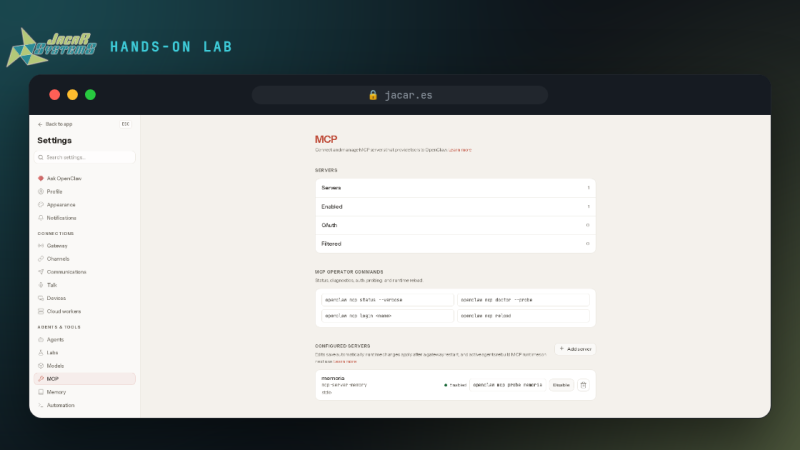
How to build an agentic VM with herdr and several AI CLIs
An agentic VM brings together on one machine the runtime that keeps several coding agents alive, a context all of them read and a remote way in. This lab builds it on Ubuntu with herdr, installs Claude Code, Codex, OpenCode and OpenClaw, and gives them one shared MCP memory.
Windsurf: The Agentic Editor
Windsurf is the agentic code editor created by Codeium: a VS Code fork whose agent reads your project, plans and edits several files with your approval. In July 2025 Cognition, the company behind Devin, bought it, and on 2 June 2026 it was renamed Devin Desktop; its agent Cascade reached end of life on 1 July 2026 and was replaced by Devin Local.
Continue: The Open-Source Coding Assistant
Continue is an open-source coding assistant for VS Code and JetBrains that brings chat, autocomplete, inline editing and an agent mode into a single panel. Under the Apache 2.0 licence it works with more than a hundred models, including ones you run locally with Ollama, so you pick the model and keep control of your code.