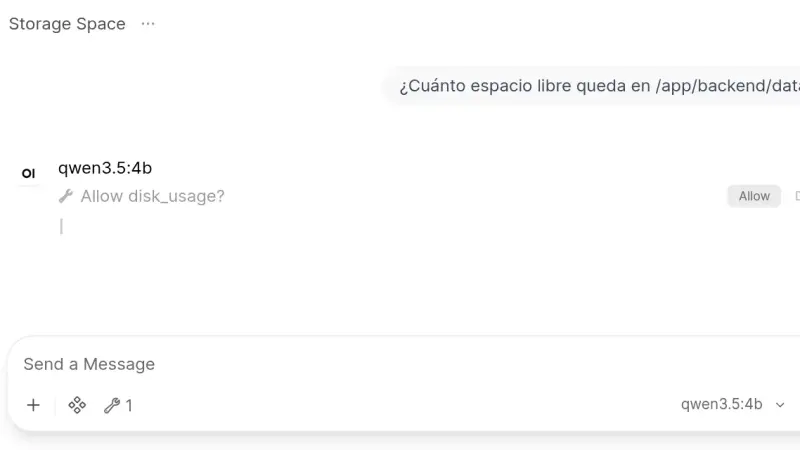
Open WebUI 0.11.4 installs from a two-service docker-compose.yml: Ollama runs the models and the slim Open WebUI image, which on arm64 downloads 176 MB against 1.49 GB for the full one, serves the interface. This guide creates the admin account, chats with a local model and turns on tool approval.
Ollama became the standard for running large language models locally in 2024. It wraps llama.cpp in a single binary with Docker-style CLI and an OpenAI-compatible API. Phi-3 Mini runs in 4 GB; Llama 3.1 8B Q4 needs 6 GB. For production traffic at scale, vLLM remains the correct choice.
Installing Ollama on an Apple Silicon Mac is as simple as running one Homebrew command. Then pick a model based on available RAM (Phi-3 for 8 GB, Llama 3.1 8B for 16 GB) and expose the local, OpenAI-compatible HTTP API on port 11434 to plug it into your own applications.
LM Studio is a desktop app for Mac, Windows, and Linux that downloads and runs large language models on your own machine, with a polished chat interface and no terminal required. It includes an OpenAI-compatible API and RAG with your documents. For individual use it beats Ollama on user experience; for teams or production, OpenWebUI, vLLM, or TGI are the better fit.
Ollama makes it trivial to run models like Llama 2 or Mistral on your own computer: one binary, one command, and quantised weights downloading to disk with no compilation required. Covers installation on macOS, Linux, and Windows with an honest look at what local inference can and cannot do compared to frontier models.
7 min3264.3
We use first- and third-party cookies to analyze site traffic. You can accept them, reject them, or configure your choice.
Learn more about cookies
Cookie preferences
NecessaryEssential for the site to work. Always on.
AnalyticsHelp us understand how the site is used (Google Analytics).