How to Install Outline with Docker
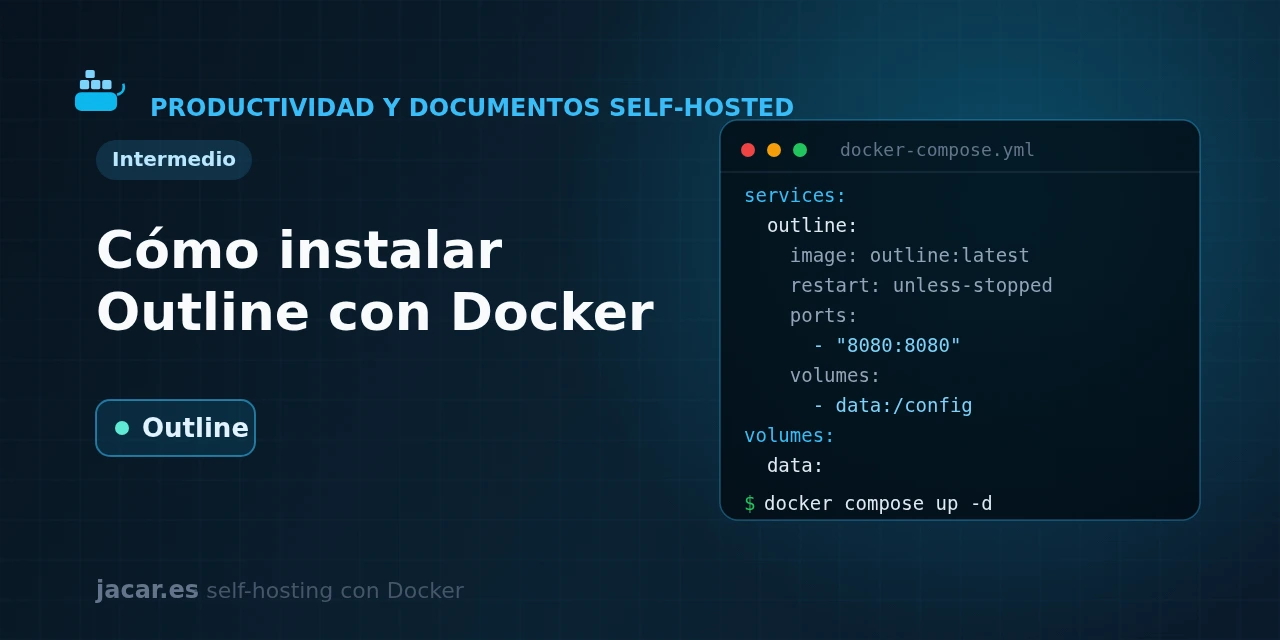
Table of contents
- Key takeaways
- What is Outline and what is it for?
- What do you need before you start?
- How do you set up login with Authentik or OIDC?
- The Outline docker-compose.yml
- Where does Outline store uploaded files?
- Frequently asked questions
- Can I use Outline without configuring an authentication provider?
- Why should I not use the image's latest tag?
- What is the difference between Outline and Docmost?
- Conclusion
- Sources
Outline is an elegant, fast team wiki you can self-host with Docker, though it has a requirement that catches people out: it ships with no login of its own. In this guide you bring up Outline alongside PostgreSQL and Redis with a single docker-compose.yml. You then wire up OIDC authentication (with Authentik as the example) and decide where to store file attachments, on local disk or in an S3 store like MinIO. The same explanation is available in Spanish.
Key takeaways
- Outline is a knowledge base and team wiki with a block editor, Markdown and real-time collaboration; the official image is
outlinewiki/outline, Alpine-based with monthly releases. - It needs three things to start: a PostgreSQL database, a Redis cache and, mandatorily, an external authentication provider.
- Outline has no local username and password: access is always delegated to an SSO provider (Google, Slack, Microsoft or a generic OIDC one like Authentik).
- Generate two keys with
openssl rand -hex 32forSECRET_KEYandUTILS_SECRET; without them the container will not even start. - Pin a specific image version (for example
outlinewiki/outline:1.9.1) instead of:latest, so you decide when you update.
What is Outline and what is it for?
Outline is a source-available knowledge base and team wiki: a self-hosted replacement for tools like Notion or Confluence. Its block editor works on top of Markdown, organises content into collections and nested documents, and allows real-time collaborative editing thanks to the websockets it manages with Redis.
Compared with other wikis in the series, Outline leans on visual polish and fast search rather than on install simplicity. It is worth knowing that it ships under the BSL 1.1 licence (Business Source License). The code is visible and you can self-host it at no cost, but it is not a pure OSI licence, so there are limits on reselling it as a managed service. For a team that just wants its own internal documentation, that is rarely a problem.
If you want an alternative with an even simpler install, later in the series there is Docmost.
What do you need before you start?
You need a Linux machine with Docker and the Compose plugin installed. If you do not have them yet, follow the guide to install Docker on Ubuntu 24.04 first. 2 GB of RAM is enough for a small team, though from a few dozen users upwards it is worth moving to 4 GB.
The hardest part to grasp is authentication. Unlike most applications, Outline offers no username-and-password form: it requires delegating login to an external provider. You have native integrations for Google, Slack, Azure and Microsoft, plus a generic OIDC integration that works with any compatible provider. In this series we use Authentik as a self-hosted OIDC provider, so the whole login also stays on your server.
Before writing the Compose file, generate the two secret keys Outline needs. Each is a 32-byte hex string (64 characters):
echo "SECRET_KEY=$(openssl rand -hex 32)"
echo "UTILS_SECRET=$(openssl rand -hex 32)"
How do you set up login with Authentik or OIDC?
With an OIDC provider like Authentik, the flow is always the same. Follow these steps:
- Create an application and an OAuth2/OpenID provider for Outline in Authentik.
- Note the
Client IDandClient Secretthe provider generates. - Set the redirect URL to
https://wiki.mydomain.com/auth/oidc.callback. - Copy the provider’s three URLs (authorisation, token and user info) into the
OIDC_AUTH_URI,OIDC_TOKEN_URIandOIDC_USERINFO_URIvariables. - Start the stack and sign in through the OIDC login button that appears on the access screen.
The variables that govern this integration are OIDC_CLIENT_ID, OIDC_CLIENT_SECRET, the three OIDC_*_URI values, plus OIDC_USERNAME_CLAIM (default preferred_username), OIDC_DISPLAY_NAME and OIDC_SCOPES, which in this setup is openid profile email. One important detail: the email of the user who signs in must match the configured domain for Outline to enrol them automatically.
The Outline docker-compose.yml
Create a folder for the project and save this docker-compose.yml inside it. Replace the passwords, the two keys you generated earlier and the OIDC values with your own:
services:
  postgres:
    image: postgres:16-alpine
    restart: unless-stopped
    environment:
      POSTGRES_USER: outline
      POSTGRES_PASSWORD: change_this_db_key
      POSTGRES_DB: outline
    volumes:
      - postgres_data:/var/lib/postgresql/data
    healthcheck:
      test: ["CMD-SHELL", "pg_isready -U outline"]
      interval: 30s
      timeout: 5s
      retries: 5

  redis:
    image: redis:7.4-alpine
    restart: unless-stopped
    volumes:
      - redis_data:/data
    healthcheck:
      test: ["CMD", "redis-cli", "ping"]
      interval: 30s
      timeout: 5s
      retries: 5

  outline:
    image: outlinewiki/outline:1.9.1
    restart: unless-stopped
    ports:
      - "3000:3000"
    depends_on:
      postgres:
        condition: service_healthy
      redis:
        condition: service_healthy
    environment:
      SECRET_KEY: paste_your_secret_key_here
      UTILS_SECRET: paste_your_utils_secret_here
      DATABASE_URL: postgres://outline:change_this_db_key@postgres:5432/outline
      PGSSLMODE: disable
      REDIS_URL: redis://redis:6379
      URL: https://wiki.mydomain.com
      PORT: 3000
      FILE_STORAGE: local
      FILE_STORAGE_UPLOAD_MAX_SIZE: 262144000
      OIDC_CLIENT_ID: paste_the_client_id
      OIDC_CLIENT_SECRET: paste_the_client_secret
      OIDC_AUTH_URI: https://sso.mydomain.com/application/o/authorize/
      OIDC_TOKEN_URI: https://sso.mydomain.com/application/o/token/
      OIDC_USERINFO_URI: https://sso.mydomain.com/application/o/userinfo/
      OIDC_USERNAME_CLAIM: preferred_username
      OIDC_DISPLAY_NAME: Authentik
      OIDC_SCOPES: openid profile email

volumes:
  postgres_data:
  redis_data:
Notice a couple of details. The outline service does not start until PostgreSQL and Redis pass their healthcheck, thanks to depends_on with the service_healthy condition. The PGSSLMODE: disable variable is needed because the Compose PostgreSQL does not use TLS; if you omit it, the boot fails with a connection error. And the container’s port 3000 is published on the host’s port 3000 only for this first test: in production you will put it behind a reverse proxy.
With the file ready, start the stack and follow the Outline container’s logs:
docker compose up -d
docker compose ps
docker compose logs -f outline
The first time, Outline runs the database migrations automatically before it starts listening. When the log shows the server listening on port 3000, open http://localhost:3000 and sign in with the OIDC button.
Where does Outline store uploaded files?
With FILE_STORAGE: local, Outline stores images and attachments in a volume inside the container. That is the simplest way to start, but for a serious install it is better to use an S3 store, which separates the data from the container and makes backups easier. In this series that store is MinIO, compatible with the S3 API and also self-hostable.
To switch to S3, set FILE_STORAGE to s3 and add the bucket variables. The default maximum upload size is 262144000 bytes (about 250 MB), controlled by FILE_STORAGE_UPLOAD_MAX_SIZE:
      FILE_STORAGE: s3
      AWS_ACCESS_KEY_ID: the_access_key
      AWS_SECRET_ACCESS_KEY: the_secret_key
      AWS_REGION: us-east-1
      AWS_S3_UPLOAD_BUCKET_URL: https://s3.mydomain.com
      AWS_S3_UPLOAD_BUCKET_NAME: outline
      AWS_S3_FORCE_PATH_STYLE: "true"
      AWS_S3_ACL: private
With MinIO, AWS_S3_FORCE_PATH_STYLE must be true so the paths point to the right bucket, and AWS_S3_UPLOAD_BUCKET_URL is the public address of your MinIO. To take Outline to the Internet with a valid certificate, place it behind a reverse proxy like Traefik, which routes HTTP/HTTPS traffic to each container and manages TLS certificates automatically. Remove the ports section and set the URL variable to your real domain. Remember that the OIDC redirect URL must match that domain.
Frequently asked questions
Can I use Outline without configuring an authentication provider?
No. Unlike other wikis, Outline includes no local username-and-password system, so you need at least one login provider configured before you can get in. The options are Google, Slack, Microsoft or any generic OIDC provider; to keep everything on your server, a self-hosted OIDC one like Authentik is the usual route.
Why should I not use the image’s latest tag?
Because :latest changes without warning and can apply an irreversible database migration during a simple restart. By pinning outlinewiki/outline:1.9.1 you decide when you update, you can read the release notes first and back up PostgreSQL in case you need to roll back.
What is the difference between Outline and Docmost?
Both are self-hostable team wikis on PostgreSQL and Redis. Outline stands out for its polished editor and search, while Docmost is lighter to install and supports local login without depending on an external provider. If Outline’s SSO requirement puts you off, Docmost is the more direct alternative.
Conclusion
With a single docker-compose.yml you have a complete team wiki: Outline, its PostgreSQL database and the Redis cache, with login delegated to your own OIDC provider. The logical next step is to move it to an S3 store with MinIO for attachments and publish it over HTTPS behind Traefik. From there, your team will have a fast, well-designed knowledge base, without handing your documents to someone else’s cloud.
Sources
Source code
Access all the source code for this post on GitHub.
View on GitHub