
Learning path Beginner
Self-hosted docs and productivity with Docker
Take back control of your documents, notes and tasks: private cloud, document management, wikis, collaborative notes, tasks, PDF tools and personal finance, all in containers.
- 12 resources
- 44 views
- ~126 min
This learning path teaches you to self-host a full productivity suite with Docker (private cloud, document management, wikis, task tracking, PDF tools and personal finance) so you can stop depending on Google Drive, Notion or Dropbox and take ownership of your own data.
What you’ll be able to do and the level required
By the end you will be able to deploy each application with Docker Compose, expose it on your local network, secure it with passwords and back up its data. The level is beginner: you just need Docker and Docker Compose installed and feel comfortable pasting commands into a terminal; no prior sysadmin experience is required.
How the path builds
The path starts with Nextcloud, the central piece that replaces commercial cloud storage for syncing files, calendars and contacts. From there it moves into document management with Paperless-ngx, which scans and indexes paperwork and invoices through OCR, then into team wikis: BookStack, Wiki.js, Docmost and Outline, four alternatives for documenting processes and centralizing notes depending on the style you prefer. The route closes with more specific tools: Vikunja for managing tasks and projects, Stirling-PDF for editing and signing PDF documents, and Firefly III for tracking personal finances without handing your banking data to a third party.
Working through all twelve guides, each with a step-by-step install you can finish in under twenty minutes, is the fastest way to build your own productivity control panel on a single Docker server.
How to Install Nextcloud with Docker
Nextcloud is an open-source private cloud platform that, in Docker, runs as three containers: the application, a MariaDB database and a Redis cache. With a single docker-compose.yml file you get your own self-hosted Drive, calendar and contacts in minutes, with your data stored in a volume that you control.

How to install Immich with Docker and leave Google Photos behind
Immich installs from two files you download from its latest release, docker-compose.yml and .env, plus one docker compose up -d. The server listens on port 2283, the mobile app uploads your camera roll on its own, and your backup has to include the database, not just the photos.
How to Install Paperless-ngx with Docker
Paperless-ngx is an open-source document manager that digitises and archives your papers with full-text search. In Docker it runs as five containers (application, PostgreSQL database, Valkey queue, Gotenberg and Tika) through a single docker-compose.yml, and it performs OCR and automatic tagging on every document you drop into its consume folder.
How to enable Paperless-ngx 3 local AI with Ollama
Paperless-ngx 3 suggests title, tags, correspondent and dates with an LLM and answers questions about your documents, all locally with Ollama. You upgrade from 2.20.15 by changing the image tag. On CPU, Gemma 4 E4B took 25.8 s per suggestion and used about 7 GiB, provided you dodge a bug with reasoning models.
How to Install BookStack with Docker
BookStack is an open-source documentation wiki platform, written in PHP with Laravel, that organises content into shelves, books, chapters and pages. With Docker it installs in minutes using the LinuxServer image alongside a MariaDB database, and you only need to set APP_URL and APP_KEY in a single docker-compose.yml file.
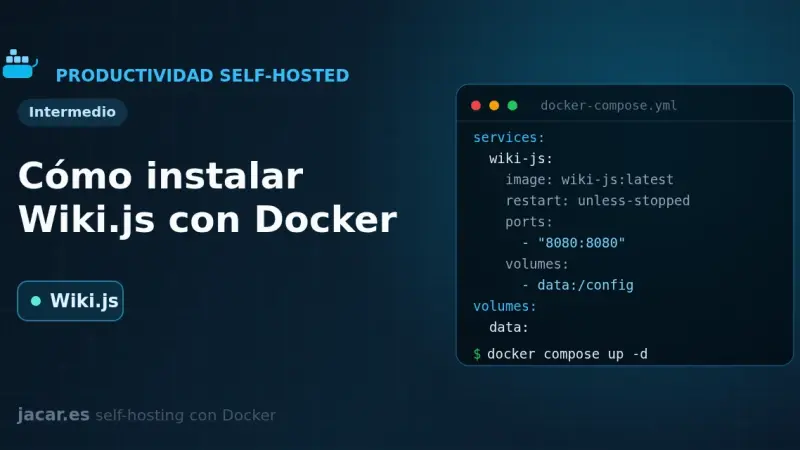
How to Install Wiki.js with Docker
Wiki.js is an open-source wiki engine written in Node.js that, in Docker, runs as two containers: the application and a PostgreSQL database. With a single docker-compose.yml file you get your own wiki with a Markdown editor, version control and more than forty authentication methods, and your pages stored in a volume that you control.
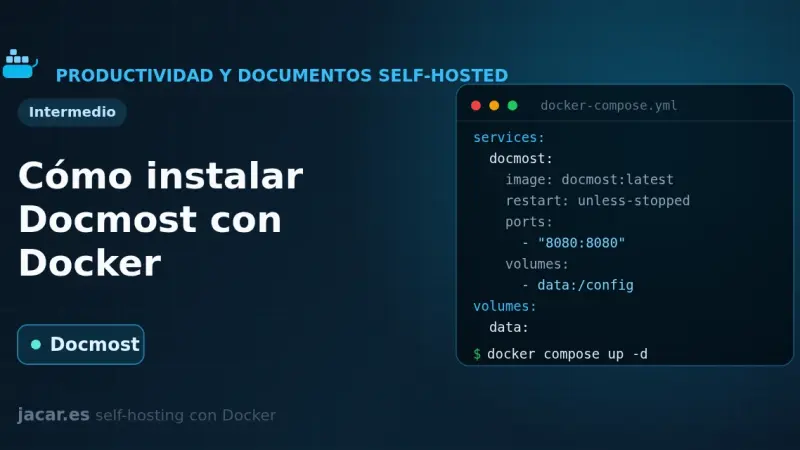
How to Install Docmost with Docker
Docmost is an open-source wiki and knowledge base, a self-hosted alternative to Confluence and Notion. On Docker it runs as three containers: the application, a PostgreSQL database and a Redis cache. A single docker-compose.yml file gives you workspaces, real-time collaborative editing and full control over your documents.
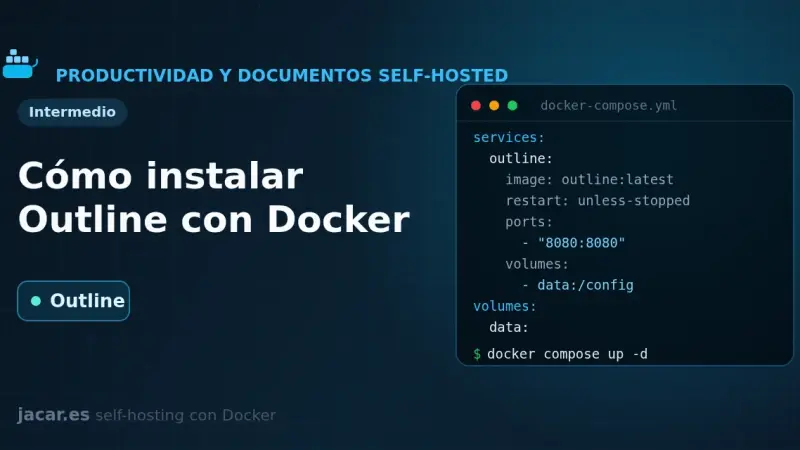
How to Install Outline with Docker
Outline is a source-available team wiki and knowledge base that in Docker needs three pieces: PostgreSQL, Redis and a login provider, because it ships with no local username and password. With one docker-compose.yml file you bring up the service, connect it to Authentik over OIDC and store attachments in MinIO.
How to install Karakeep, your bookmark manager with AI tagging
Karakeep is a self-hosted bookmark manager that stores links, notes, images and PDFs, archives the whole page with monolith and videos with yt-dlp, and tags everything with a language model. It installs from a three-container compose file, and tagging works with either a hosted model or a local Ollama.
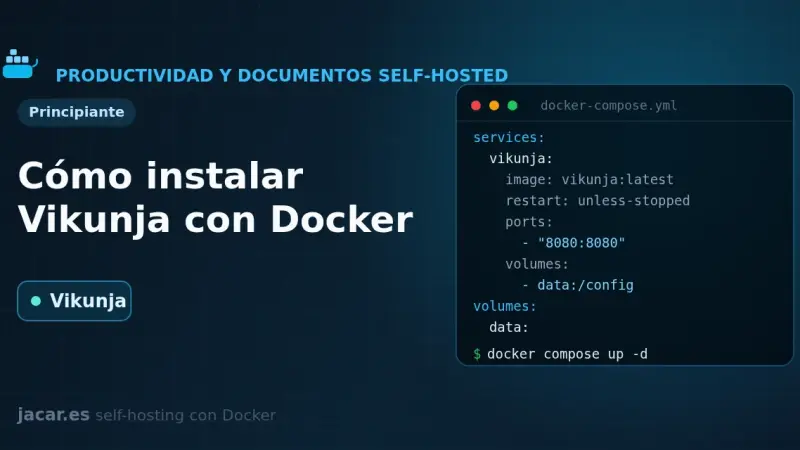
How to Install Vikunja with Docker
Vikunja is an open-source task manager that you self-host with Docker in a single image. With one docker-compose.yml file you bring up the application alongside a PostgreSQL database and organize your projects in list, kanban board, Gantt and table views, with all your data stored on your own server.
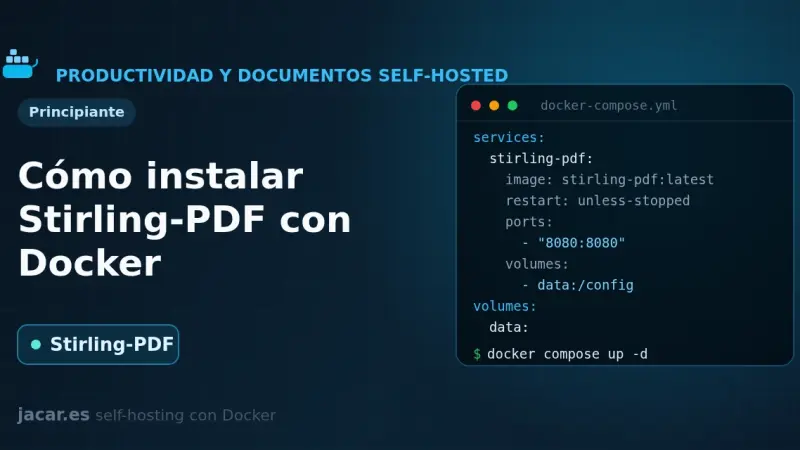
How to Install Stirling-PDF with Docker
Stirling-PDF is a web-based Swiss Army knife for PDFs that you self-host with Docker in a single container. With one docker-compose.yml file you bring up more than fifty tools to merge, split, compress, convert, sign and OCR your documents, all processed on your own server and without sending anything to the cloud.
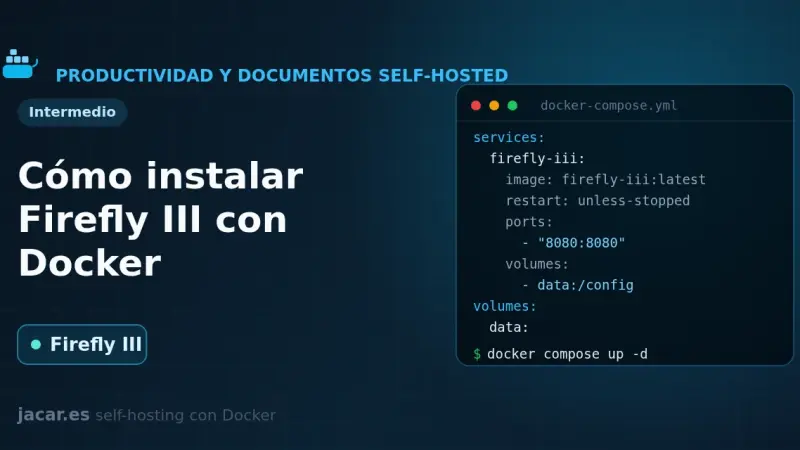
How to Install Firefly III with Docker
Firefly III is an open-source personal finance manager you self-host with Docker. With one docker-compose.yml file you bring up the application, a MariaDB database and the data importer, which connects to more than 6,000 banks through GoCardless. You generate the 32-character APP_KEY and keep control of all your money on your own server.