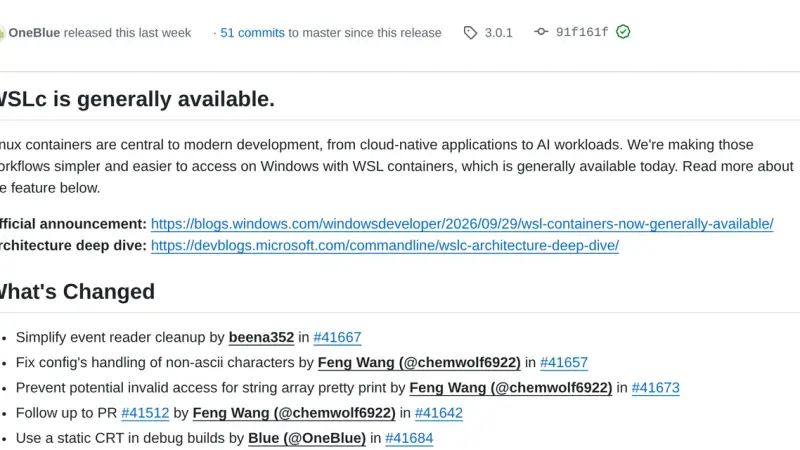
WSL containers is the WSL 3.0.1 feature that ships wslc.exe, a CLI with Docker syntax to build and run Linux containers on Windows without installing another engine. It has been stable since 29 September 2026, but it does not read compose.yaml yet, so Docker Desktop is still needed for Compose projects.
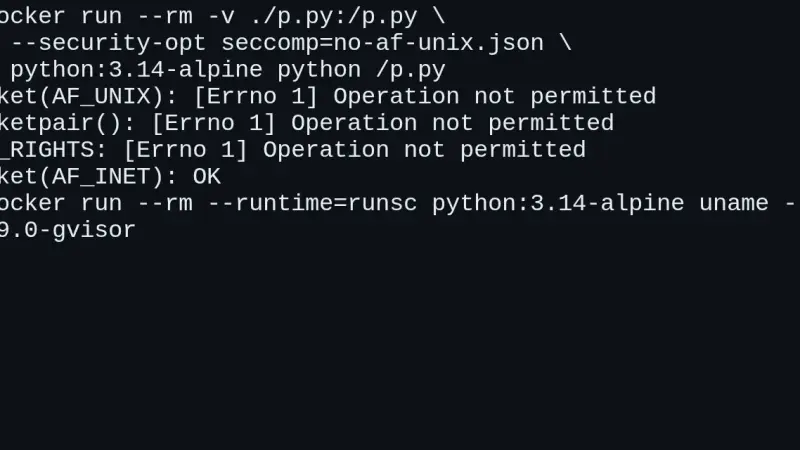
CVE-2026-80521 is a use-after-free in the Linux kernel's AF_UNIX socket garbage collector, with a public container escape exploit since 22 September 2026. You are affected if your kernel is 6.10 or later without the fix, or a 6.1 or 6.6 branch that received the backport. Patch and reboot; until then, isolate untrusted workloads with gVisor.
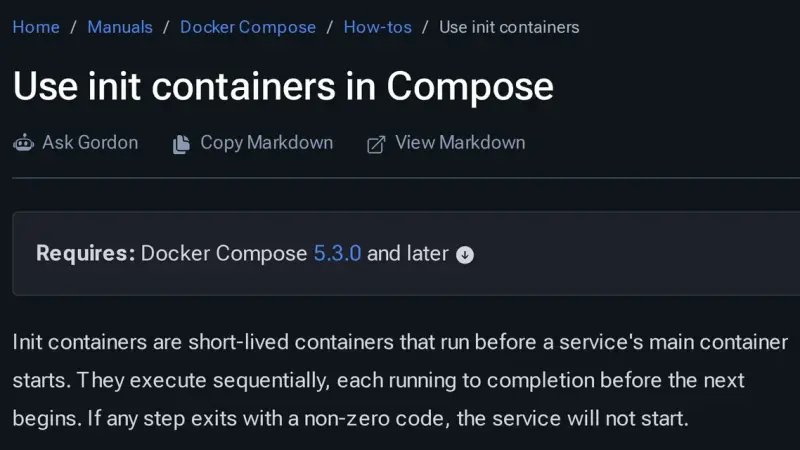
Docker Compose 5.3.0, released on 2 July 2026, adds init containers through the pre_start key: steps that run in ephemeral containers, in order, before the service starts. Use them for migrations, volume permissions and generated configuration. Compose 2.40.3 rejects the whole file, and every step must be idempotent because it runs again.
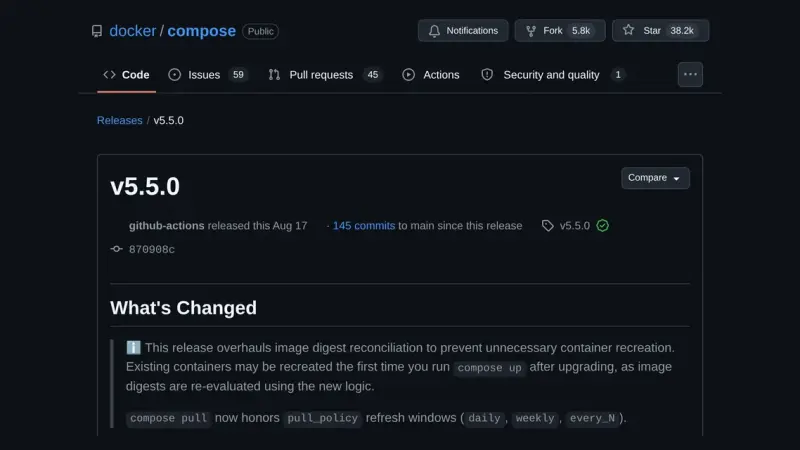
Docker Compose 5.5 changes the digest it uses to decide whether a container's image has changed. On the containerd image store, containers that Compose 2.40 or a pulling 5.4 up labelled with the index digest are recreated once on the first up, with no real change. up --dry-run lists them beforehand.
k3s and k0s are Kubernetes distributions you install on a conventional Linux host you keep administering; Talos Linux is an immutable operating system with no shell and no package manager, driven by an API, running upstream Kubernetes. They are not layers: you pick one, and node count decides which.
k3s is a conformant Kubernetes distribution that fits in a 68 MiB binary and installs with one command. It ships containerd, Flannel, CoreDNS, Traefik, ServiceLB and local storage already wired, keeps its state in SQLite, and has a node serving in three seconds.
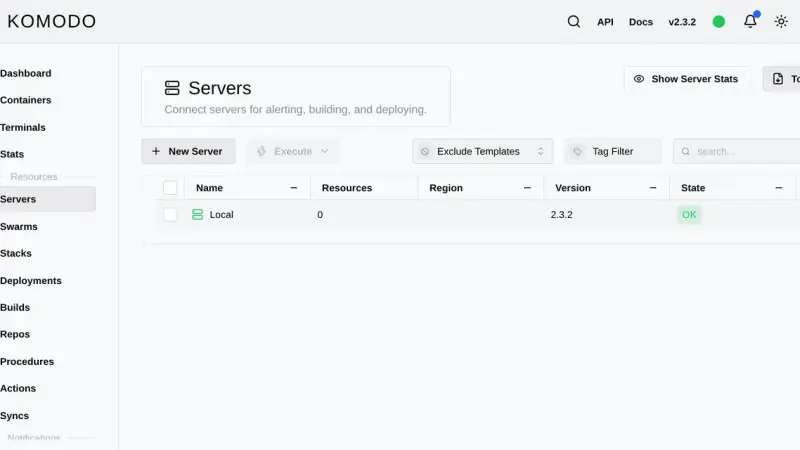
Komodo is a Rust web application that manages containers, compose stacks and image builds across as many servers as you want. You install it with an official compose file that starts MongoDB, the Core server on port 9120 and the Periphery agent, then add each extra machine with an onboarding key.
Dockge edits your compose files and leaves them untouched on disk; Portainer is the mature all-round console, with roles and GitOps reserved for Business Edition, free up to three nodes; Komodo deploys from Git across several servers with nothing held back for paying users, at the cost of a database and one agent per machine.
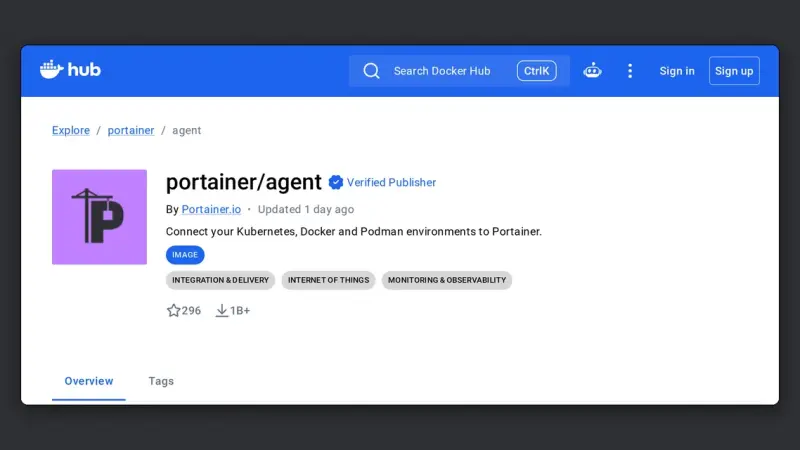
The Portainer Agent is a container you deploy on each remote machine, exposing port 9001 over TLS. The Portainer server connects to it and manages that host as one more environment, without exposing the Docker socket to the network or maintaining permanent SSH tunnels.
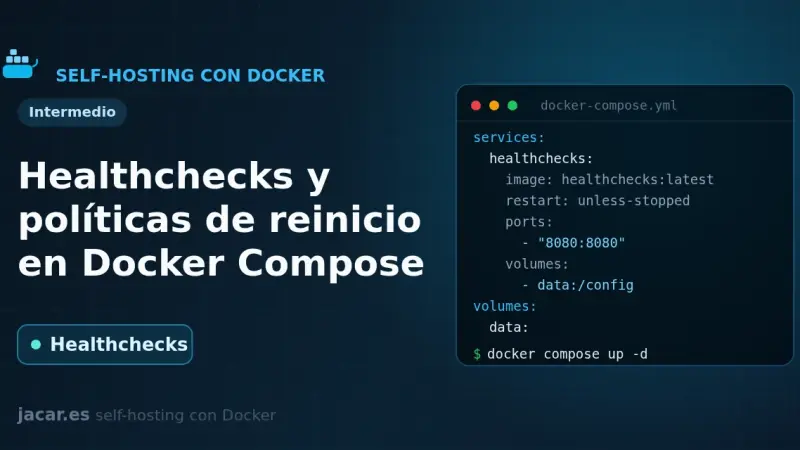
A healthcheck is a command Docker runs periodically inside the container to decide whether the service is healthy; its state moves from starting to healthy or unhealthy. Combined with a restart policy (no, always, on-failure or unless-stopped) and with depends_on and the service_healthy condition, it stops an application from starting before its database.
Kubernetes won the orchestration battle, but Docker Swarm stays maintained inside Docker Engine and makes real sense for small teams without dedicated SRE, self-hosted stacks on 1-5 VPS, and edge mini-clusters. In those contexts, Swarm's minimal learning curve and low operational cost outweigh Kubernetes's advanced features.
You install Portainer with Docker Compose by writing a single compose.yaml file and running two commands. Portainer CE 2.40 STS supports Docker Compose v2 natively, enables HTTPS on port 9443 out of the box, and manages Docker Engine, Swarm, Kubernetes and ACI from one panel. It runs on Ubuntu 24.04 or Debian 13.
Kubernetes 1.35 has reached feature freeze, and three items matter. CEL-based admission policies go stable, replacing admission webhooks with expressions evaluated inside the control plane and removing an external failure point. Dynamic Resource Allocation goes stable for GPUs, NPUs and other accelerators. The new KubeletConfigSource API pushes kubelet configuration without restarting the node.
gVisor isolates containers by inserting Sentry, a kernel written in Go, between the container process and the real host kernel, shrinking the system-call surface a hostile tenant can reach. Its OCI-compatible runsc runtime drops in where runc used to sit. Use systrap mode, the default since 2023: portable, no special hardware required.
Fly.io has spent years selling the idea that deploying an application across several regions should be almost as simple as pushing an image and writing one config line. After several real projects on the platform, here is an honest read on what it delivers, what is missing, and who it is worth choosing over more classic options.
Wolfi, the kernelless distribution Chainguard announced in 2022, is now the base of Chainguard OS. Guide re-tested on 16 September 2026 on arm64: glibc 2.44, how to search its 15,119 packages with apk, SBOMs and signatures, an apko-built image, the 6-month retention policy and a comparison with Alpine and Debian slim.
Kubernetes 1.34 ships with Dynamic Resource Allocation (DRA) graduating to stable, scheduler improvements, and CEL-based mutating admission policies that replace webhooks. A practical rundown of what is safe to upgrade now, what can wait, and what actually changes for teams running production clusters.
Six months after containerd 2.0 reached general availability there is enough real-world mileage to judge the migration from the 1.x branch in production. We cover what changes in the config file, what breaks on Kubernetes and Docker Swarm, and when planning the jump actually pays off.
Kubernetes 1.32 Penelope shipped in December and has been running in clusters for several months. It is a good time to look at which changes have aged well, which created extra work, and what lessons to carry into the jump to 1.33.
Kubernetes 1.33 (Octarine) lands April 23. In-place pod resize moves to beta and ships on by default, sidecar containers finally reach GA, and several endpoint and security deprecations arrive that operators should review before upgrading from 1.32.
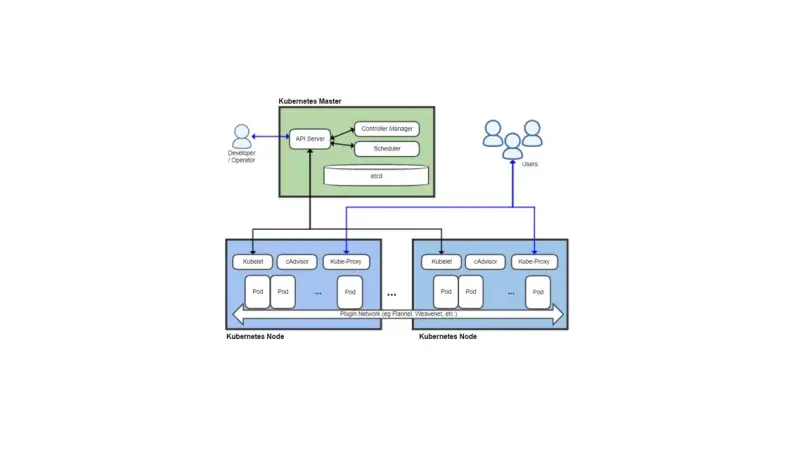
cAdvisor is still embedded in kubelet and covers surface metrics, but falls short for production Kubernetes. The modern minimum stack pairs it with kube-state-metrics, node-exporter, Prometheus, and Grafana as a base, eBPF for deep network and syscall visibility, and OpenTelemetry for application context.
Containerising SCADA makes sense for the upper architecture layers: HMI, historians, and data gateways. PLCs still control hardware with hard determinism. The biggest risk is cultural: applying DevOps patterns without adapting to OT context causes incidents. NIS2 requires managing containers as any other critical infrastructure asset.
Podman is the Docker alternative with no central daemon and no root privileges required. Each container runs as a direct child process of the launching user, with rootless support since version 1.0 in 2019. If a container escapes, it does not gain host root. When Podman makes sense and what real differences to expect.
Trivy and Grype are the two leading open-source tools for container image scanning in CI/CD pipelines. Both detect CVEs in OS packages and language dependencies with less than 5% coverage difference. Trivy stands out for IaC scanning; Grype natively integrates the SBOM workflow with Syft.
nerdctl is a Docker-compatible CLI that talks directly to containerd, the standard Kubernetes runtime since dockershim was removed in 2022. It adds rootless support by default, encrypted images with ocicrypt, lazy-pulling, and native CNI. It fits best where containerd already runs, though Docker Engine still wins on advanced Compose and Swarm.
Kubernetes 1.28 introduces native sidecar containers in alpha via KEP-753: adding restartPolicy Always to initContainers ensures correct startup and shutdown ordering. It fixes Jobs that never terminate. Istio, Linkerd, and observability agents like Fluent Bit are the primary beneficiaries.
To install Docker on Ubuntu 24.04 LTS, add Docker's official repository instead of using Ubuntu's packages, then install Docker Engine: the dockerd daemon, the command-line client, and the Compose and Buildx plugins. The repository line needs a GPG key stored under /etc/apt/keyrings, because apt-key add is retired on 24.04, and it carries the noble codename from /etc/os-release.
Traefik is a reverse proxy that automatically discovers Docker containers through labels and renews TLS certificates via Let's Encrypt without manual work. To install it with Docker Compose, define its static configuration in traefik.yml, generate basic-auth credentials for the dashboard, and start the container connected to a dedicated Docker network.
Docker Compose is Docker's official tool for defining and running multi-container applications with a YAML file: one command spins up every service, network, and volume it describes. On Ubuntu 20.04 it is installed by downloading the standalone binary from GitHub, though Docker recommends moving to the v2 CLI plugin, since v1 is no longer maintained.
To install Docker on Ubuntu 20.04, add Docker's own repository (not Ubuntu's, which tends to lag behind), import its GPG key, install the docker-ce package, and add your user to the docker group so you can run containers without sudo. Running docker run hello-world at the end confirms the daemon works.
4 min2774.4
We use first- and third-party cookies to analyze site traffic. You can accept them, reject them, or configure your choice.
Learn more about cookies
Cookie preferences
NecessaryEssential for the site to work. Always on.
AnalyticsHelp us understand how the site is used (Google Analytics).