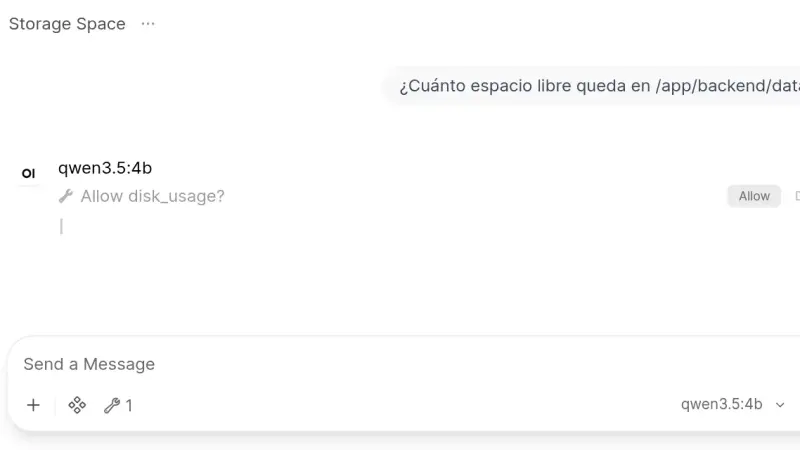
Open WebUI 0.11.4 installs from a two-service docker-compose.yml: Ollama runs the models and the slim Open WebUI image, which on arm64 downloads 176 MB against 1.49 GB for the full one, serves the interface. This guide creates the admin account, chats with a local model and turns on tool approval.
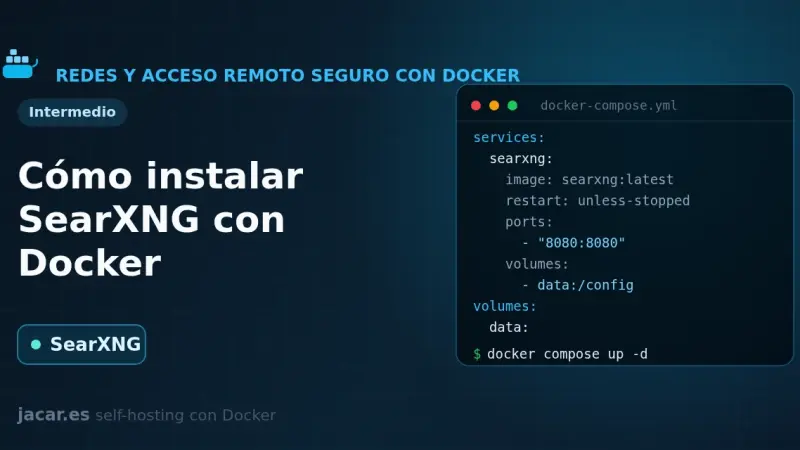
SearXNG is a free, privacy-respecting metasearch engine that aggregates results from more than 70 services without tracking or profiling you. With Docker you bring it up in a container alongside Valkey, set a secret_key in settings.yml and in minutes you have your own private search engine listening on port 8080.
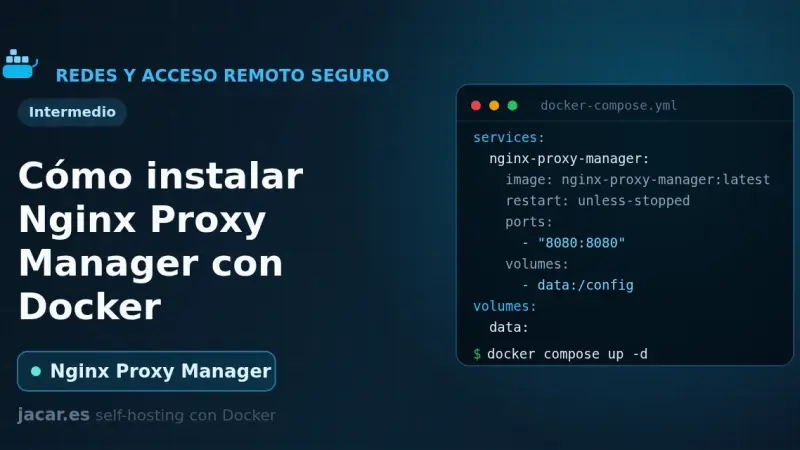
Nginx Proxy Manager is an open-source reverse proxy that puts a web interface over Nginx and Certbot, so you create proxy hosts and request Let's Encrypt certificates with a few clicks. With Docker it installs as a container next to its database, exposes ports 80, 443 and 81, and spares you from editing Nginx config files by hand.
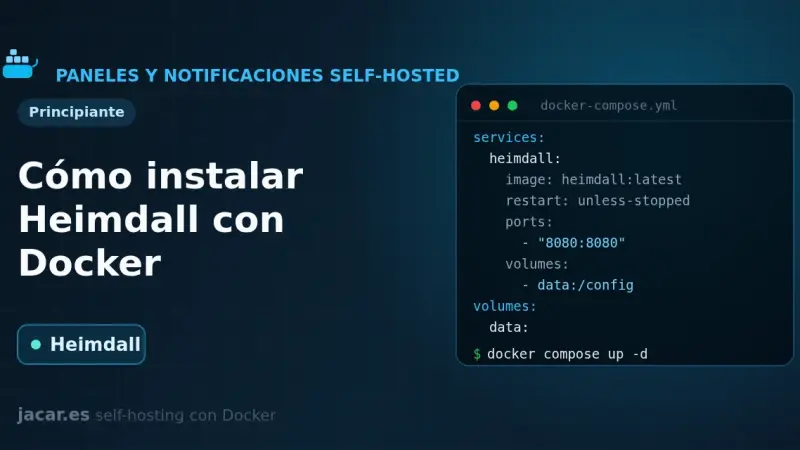
Heimdall is a self-hosted application dashboard, maintained by LinuxServer.io and written in PHP with Laravel, that gathers the links to all your services on a single elegant page. With Docker it installs as one container using the LinuxServer image and the /config volume, with no external database, and it supports enhanced apps that show live status.
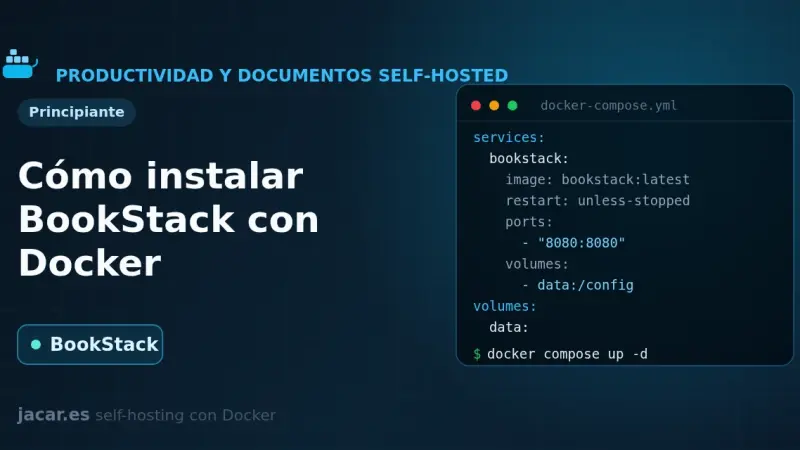
BookStack is an open-source documentation wiki platform, written in PHP with Laravel, that organises content into shelves, books, chapters and pages. With Docker it installs in minutes using the LinuxServer image alongside a MariaDB database, and you only need to set APP_URL and APP_KEY in a single docker-compose.yml file.
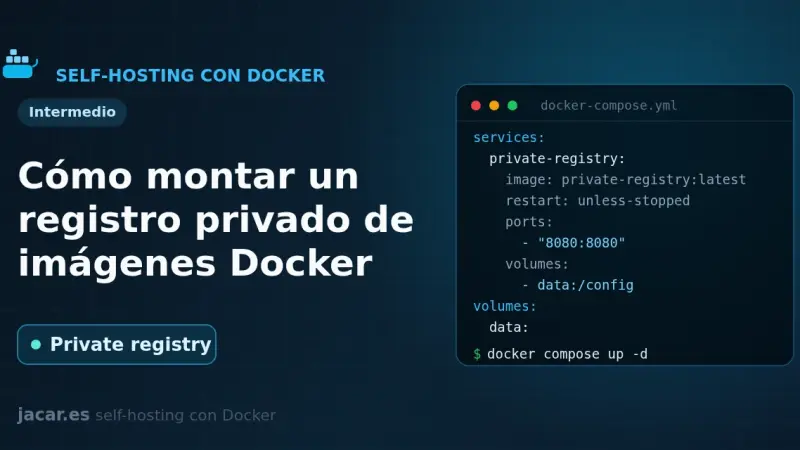
A private Docker registry is your own image store: the official registry image listens on port 5000, keeps layers in a volume and, with htpasswd authentication in bcrypt format and HTTPS behind a reverse proxy, lets you push and pull images without depending on Docker Hub or its pull-rate limits.
Coolify is a self-hosted deployment platform that runs on top of Docker: it manages Git applications, databases, and SSL certificates from its own web panel. It installs with an official script that brings up Docker and the Coolify containers in 2 to 5 minutes on Ubuntu 24.04 or Debian 13, with no additional manual steps.
Kubernetes won the orchestration battle, but Docker Swarm stays maintained inside Docker Engine and makes real sense for small teams without dedicated SRE, self-hosted stacks on 1-5 VPS, and edge mini-clusters. In those contexts, Swarm's minimal learning curve and low operational cost outweigh Kubernetes's advanced features.
n8n is the low-code automation project that has best adapted to self-hosting. A walk through the real install with Docker Compose, the database and queue decisions to make, and the points where most people trip up the first time.
An Authentik Docker Compose install now needs only three containers: PostgreSQL, the server and the worker, since Redis stopped being mandatory in version 2025.10. Once running, it acts as your identity provider for single sign-on over OAuth2, OIDC, SAML and LDAP, and a reverse proxy such as Traefik can delegate authentication to it through forward auth.
A year ago open weights were a gamble; today they are a real production option. I review what has worked, what has not, and how Llama, DeepSeek, Qwen, and Mistral are fitting into enterprise architectures that used to depend on closed APIs.
Coolify delivers a Vercel- or Heroku-like experience on your own servers: automatic HTTPS, managed databases, and branch previews without per-build or bandwidth fees. After several months using it on production VPS, here is where it shines, where it still has rough edges, and which teams will genuinely benefit from it.
A home lab is a self-hosted services lab, at home or on a VPS, where you practice real system administration: reverse proxy, centralized authentication, monitoring with Prometheus and Grafana, and backups verified with Restic. A second-hand mini PC with 16 GB of RAM is enough for thirty or forty containers, and what you learn transfers directly to professional work.
Semaphore is the open-source Ansible web UI that solves the four scaling problems: audit trails, role-based permissions, execution history, and centralised secrets. It consumes ~500 MB versus AWX at ~4 GB. The pragmatic choice for mid-size teams that have outgrown running playbooks from a shared terminal.
Retool and Appsmith cut internal tool development time from weeks to days. Retool leads the commercial SaaS market with polished components and enterprise permissions; Appsmith brings open source self-hosting at low or zero cost. Low-code works for dashboards, forms, and simple workflows, and breaks on complex logic or highly custom interfaces.
6 min2284.4
We use first- and third-party cookies to analyze site traffic. You can accept them, reject them, or configure your choice.
Learn more about cookies
Cookie preferences
NecessaryEssential for the site to work. Always on.
AnalyticsHelp us understand how the site is used (Google Analytics).