How to enable CrowdSec 1.8 bot detection
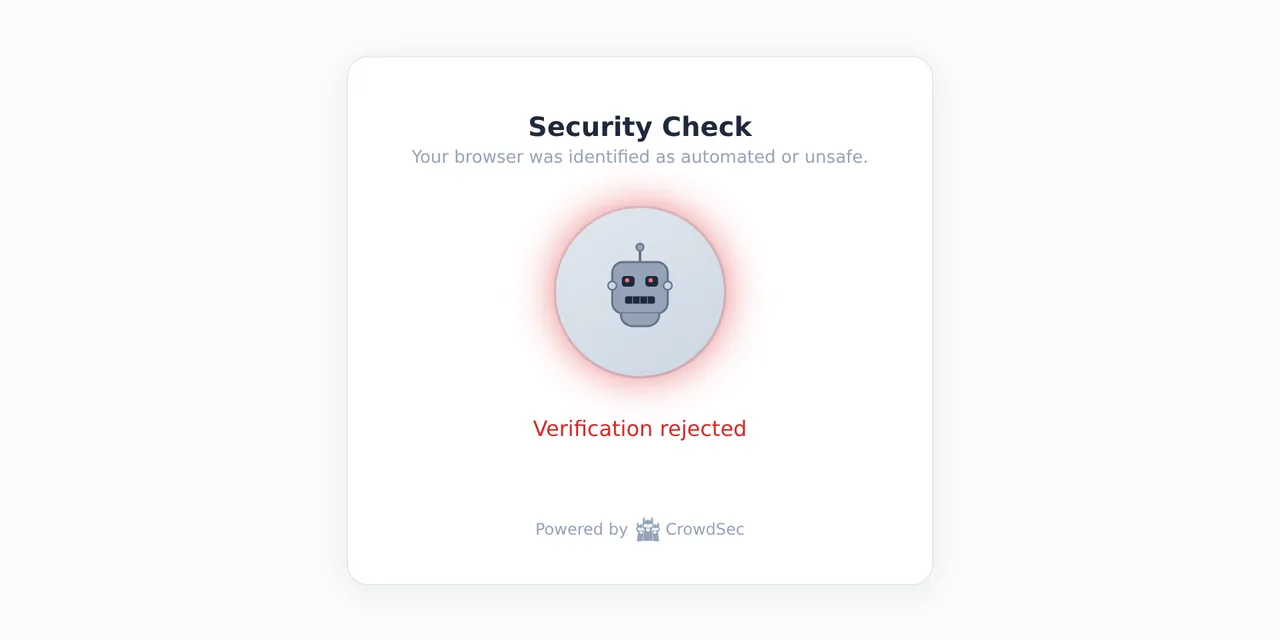
Table of contents
- Key takeaways
- What CrowdSec 1.8 bot detection does
- What you need before enabling it
- How to build the lab with Docker Compose
- How to check that the bouncer serves the challenge
- What CrowdSec sees when an automated browser arrives
- How long a real visitor takes to pass the challenge
- A browser that never finishes the challenge
- How to stop your CSP from freezing the challenge
- How to limit the challenge to the paths that matter
- What happens to Googlebot and AI crawlers
- When the challenge ends in an IP ban
- Limits of an alpha feature
- Frequently asked questions
- Does CrowdSec bot detection replace a captcha?
- Does it block Googlebot and hurt SEO?
- Does it work with Traefik?
- Conclusion
- Sources
CrowdSec 1.8 adds bot detection to its WAF: before a request goes through, the client gets a page with a proof of work and a browser fingerprint. The feature is in alpha, and it shows at the edges. This guide enables it with Docker behind the OpenResty bouncer, tests it with curl, with Playwright and with a Chromium that no automation drives, and records the traps I hit on the way: the site’s CSP, a missing collection and a browser that waits forever.
Key takeaways
- Bot detection arrived with CrowdSec 1.8.0 on 31 August 2026 and the documentation labels it alpha; this guide uses 1.8.1, from 3 September.
- You enable it with the
crowdsecurity/appsec-bot-challengecollection and thecrowdsecurity/appsec-bot-*wildcard in the AppSec acquisition, and only behind a compatible bouncer. - A Chromium driven by Playwright scored 570 points against a threshold of 75; a Chromium with no automation passed in a median of 1.6 s, 0.8 s of it a fixed wait.
- If your web server adds its own Content-Security-Policy, the challenge page freezes; an nginx
mapfixes it. - Googlebot, GPTBot and the other known crawlers skip the challenge only when their IP is verified; a fake User-Agent from another IP gets the page all the same.
What CrowdSec 1.8 bot detection does
Bot detection is a new phase of the AppSec component (the CrowdSec WAF) that asks what the client is instead of what it sends. When a request arrives without the __crowdsec_challenge cookie, the bouncer does not pass it to the origin. Instead it returns a page that solves a proof of work and collects a device fingerprint with fpscanner, the open source library by Antoine Vastel. The browser sends both to /crowdsec-internal/challenge/submit and the AppSec component decides.
The decision is a sum of points. Each fingerprint signal adds a weight. Automation markers (cdp, webdriver, playwright or a bot User-Agent) are worth 100; headless browser traits, 50; and weak signals such as a UTC timezone, 30, 15 or 5. If the sum reaches the threshold, the submission is rejected and an alert is left behind; otherwise the browser gets the cookie and carries on.
CrowdSec 1.8.0 came out on 31 August 2026, and 1.8.1, which fixes a false positive with Brave and its shields turned on, on 3 September. The project is MIT licensed and its repository has 14,866 stars. The bot detection documentation[1] is clear about the state of the feature: "Bot detection is currently in alpha. It’s ready to try and we’d love your feedback, but the configuration, helpers and shipped rules may still change between releases." That is why everything below pins versions.
What you need before enabling it
You need four pieces, and the third is the least expected:
- An AppSec component that already works. If you are starting from scratch, the guide to installing CrowdSec as a community WAF covers the agent, the local API and the bouncers.
- A bouncer that understands the
challengeremediation. The enable page[2] warns that behind an incompatible one the most likely result is silently refusing every client. - A host able to compile WebAssembly: arm64, or amd64 with SSE4.1, plus permission to map executable memory. Without it, CrowdSec does not start and says so with
wasm compiler mode unavailable. - Clients that run JavaScript and accept cookies. An API, a monitor or an RSS reader will never pass the challenge, so you have to exempt them.
The challenge code in 1.8.1[3] explains the WebAssembly requirement. The wazero interpreter mode turned out "at least 60 times slower" at obfuscating the JavaScript, so only the compiler is accepted. On my machine, an arm64 inside Docker, the runtime started without complaint and took 2 s on every start or reload.
These are the bouncers the documentation lists as compatible and what I checked for each:
| Bouncer | Since which version | What I checked |
|---|---|---|
| nginx and OpenResty (Lua) | 1.2.0, from 21 July 2026, with Lua library 1.0.15 | tested with crowdsecurity/openresty:v1.2.3 |
| Traefik (maxlerebourg plugin) | 1.8.0-alpha prerelease, from 12 September 2026 | not tested |
| HAProxy SPOA and Envoy | listed as compatible | not tested |
I worked out the Lua library version from the code: 1.0.14 does not mention the challenge remediation and 1.0.15 does. If your proxy is Traefik, as in the Traefik with Docker Compose install, the challenge requires that prerelease of the 1.8.0-alpha plugin[4].
How to build the lab with Docker Compose
I ran three containers on their own network: CrowdSec 1.8.1, the OpenResty 1.2.3 bouncer and traefik/whoami as an origin that echoes the request it receives. Everything ran on 16 September 2026 in a linux/arm64 devcontainer with 18 cores. The first half of compose.yaml declares CrowdSec with its collections and the bouncer key:
services:
  crowdsec:
    image: crowdsecurity/crowdsec:v1.8.1
    environment:
      COLLECTIONS: >-
        crowdsecurity/appsec-virtual-patching
        crowdsecurity/appsec-generic-rules
        crowdsecurity/appsec-bot-challenge
      BOUNCER_KEY_openresty: lab_bouncer_key
    volumes:
      - ./appsec.yaml:/etc/crowdsec/acquis.d/appsec.yaml:ro
      - cs-data:/var/lib/crowdsec/data
      - cs-config:/etc/crowdsec
The COLLECTIONS variable installs three collections at startup, and the second one is not optional. On my first attempt I only listed the virtual patching and challenge collections, and CrowdSec died while loading the appsec-default config:
time="2026-09-16T14:07:44Z" level=fatal msg="crowdsec init: while
loading acquisition config: /etc/crowdsec/acquis.d/appsec.yaml:
datasource of type appsec: unable to build appsec_config: unable to
load outofband rule crowdsecurity/experimental-* : no appsec-rules
found for pattern crowdsecurity/experimental-*"
The appsec-default config loads the crowdsecurity/generic-* and crowdsecurity/experimental-* rules, which ship in appsec-generic-rules. The AppSec quickstart installs both collections; the challenge page assumes you already have them.
The second half, under the same services: key, starts OpenResty with the AppSec URL and the test origin. The three timeouts are explicit because the image’s config template leaves them empty:
services:
  # the crowdsec service from the previous block goes here
  openresty:
    image: crowdsecurity/openresty:v1.2.3
    depends_on: [crowdsec, whoami]
    environment:
      API_URL: http://crowdsec:8080
      API_KEY: lab_bouncer_key
      APPSEC_URL: http://crowdsec:7422
      APPSEC_CONNECT_TIMEOUT: "100"
      APPSEC_SEND_TIMEOUT: "100"
      APPSEC_PROCESS_TIMEOUT: "1000"
    volumes:
      - ./site.conf:/etc/nginx/conf.d/default.conf:ro
    ports:
      - "127.0.0.1:21600:80"

  whoami:
    image: traefik/whoami:v1.11.0

volumes:
  cs-data:
  cs-config:
The appsec.yaml file is the AppSec component’s acquisition. The crowdsecurity/appsec-bot-* wildcard loads the scoring config, its threshold and the exclusions that come with the collection in one go:
name: appsec-bots
source: appsec
listen_addr: 0.0.0.0:7422
appsec_configs:
  - crowdsecurity/appsec-default
  - crowdsecurity/appsec-bot-*
labels:
  type: appsec
The site.conf file replaces the image’s default server and sends everything to the origin. The bouncer already hooks in at http level through the image’s crowdsec_openresty.conf, so nothing else needs changing:
server {
    listen 80;
    location / { proxy_pass http://whoami:80; }
}
After docker compose up -d, the CrowdSec log confirms the challenge with WAF challenge runtime initialized and pow_difficulty=20. It also warns that there is no master_secret: fine for a single instance, but every restart invalidates the cookies already issued.
How to check that the bouncer serves the challenge
A request without a cookie returns a 200 with the challenge page instead of the origin’s response. This command prints the status and splits the challenge’s own CSP into lines:
curl -s -D - -o /dev/null http://127.0.0.1:21600/contacto/ \
  | grep -i -E '^HTTP|^content-security' | tr ';' '\n'
The output confirms that the response comes from the challenge and not from whoami:
HTTP/1.1 200 OK
Content-Security-Policy: default-src 'self'
 script-src 'self' 'unsafe-inline'
 style-src 'self' 'unsafe-inline'
 img-src 'self' data:
 worker-src 'self' blob:
The documentation talks about "a small HTML body", but the page weighed between 294 and 300 KB depending on the request. In the first one, 245,397 of its 296,641 bytes were the inline obfuscated JavaScript module, and fpscanner.js (36,315 bytes) and pow-worker.js (7,544 bytes) download on top. With the host at a load average of 83 on 18 cores, serving it took a median of 3.1 to 3.3 ms across three batches of 21 requests. An exempted path took 1.2 to 2.2 ms.
I repeated the request with different paths and clients. These are the responses:
| Request | Result |
|---|---|
GET / and GET /blog/post-1 with curl |
challenge page |
GET / with a Googlebot or GPTBot User-Agent |
challenge page |
POST /contacto with a form |
challenge page |
/robots.txt, /sitemap.xml and /feed/ |
origin |
/api/v1/items and /wp-json/wp/v2/posts |
origin |
/assets/app.css and /webhooks/stripe |
origin |
/.env |
403 from the WAF, rule vpatch-env-access |
The paths that reach the origin are the collection’s path exclusions. The POST deserves attention: a form sent without a cookie gets the challenge page and its body never reaches the application.
What CrowdSec sees when an automated browser arrives
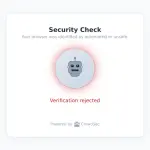
A Chromium driven by Playwright solves the proof of work and still stays out. I launched Chromium 154.0.8037.0 with Playwright 1.64.0-alpha-2026-09-14 in headless mode: it submitted the challenge after 216 ms and got "Verification rejected". The alert shows up in cscli alerts list --kind bot-detection, and this filter pulls out the reason and the breakdown:
cscli alerts inspect 3 -o json | jq -r '.meta[]
  | select(.key=="fail_reason" or .key=="score_reasons")
  | .value | fromjson[]' | tr ',' '\n'
Five 100-point signals add up to 500, almost seven times the default threshold:
request score 570
cdp=100
webdriver=100
webdriver_writable=100
webdriver_iframe=100
bot_user_agent=100
missing_chrome_object=50
utc_timezone=15
swiftshader_renderer=5
The same browser with a window, under Xvfb, dropped to 420 points. It loses bot_user_agent and missing_chrome_object, but cdp and the three webdriver markers still add up to 400, so it would not pass the permissive threshold of 100 either. Any automation over the DevTools protocol leaves the cdp marker, and that includes agents that browse with browser-use. I did not test headless browsers written from scratch, such as Obscura; their result will depend on which signals they expose.
A rejected submission leaves an alert of kind bot-detection, but no decision. A single attempt blocks nobody.
How long a real visitor takes to pass the challenge
A Chromium with no automation passed the challenge in a median of 1.6 s, and half of that time is a fixed pause. I launched it three times without DevTools, with a fresh profile, the Europe/Madrid timezone, a 1600×900 window on Xvfb and the summarization API turned off, for the reason the next subsection explains. The OpenResty log gives these times, counted from the first request:
| Attempt | Challenge submitted | Origin page |
|---|---|---|
| 1 | 0.447 s | 1.268 s |
| 2 | 0.797 s | 1.605 s |
| 3 | 0.828 s | 1.639 s |
The host’s load average hovered around 73 on 18 cores during the three runs, and the submission times include that. The 0.8 s between the submission and the real page does not depend on the machine: the challenge script waits 800 ms with setTimeout before reloading. The resulting cookie is __crowdsec_challenge, 2,204 characters long, with Max-Age=43199 (12 hours), HttpOnly and SameSite=Lax.
A browser that never finishes the challenge
The first attempt with that Chromium did not pass: it stayed on "Consulting the crowd" for more than 45 s without submitting anything.
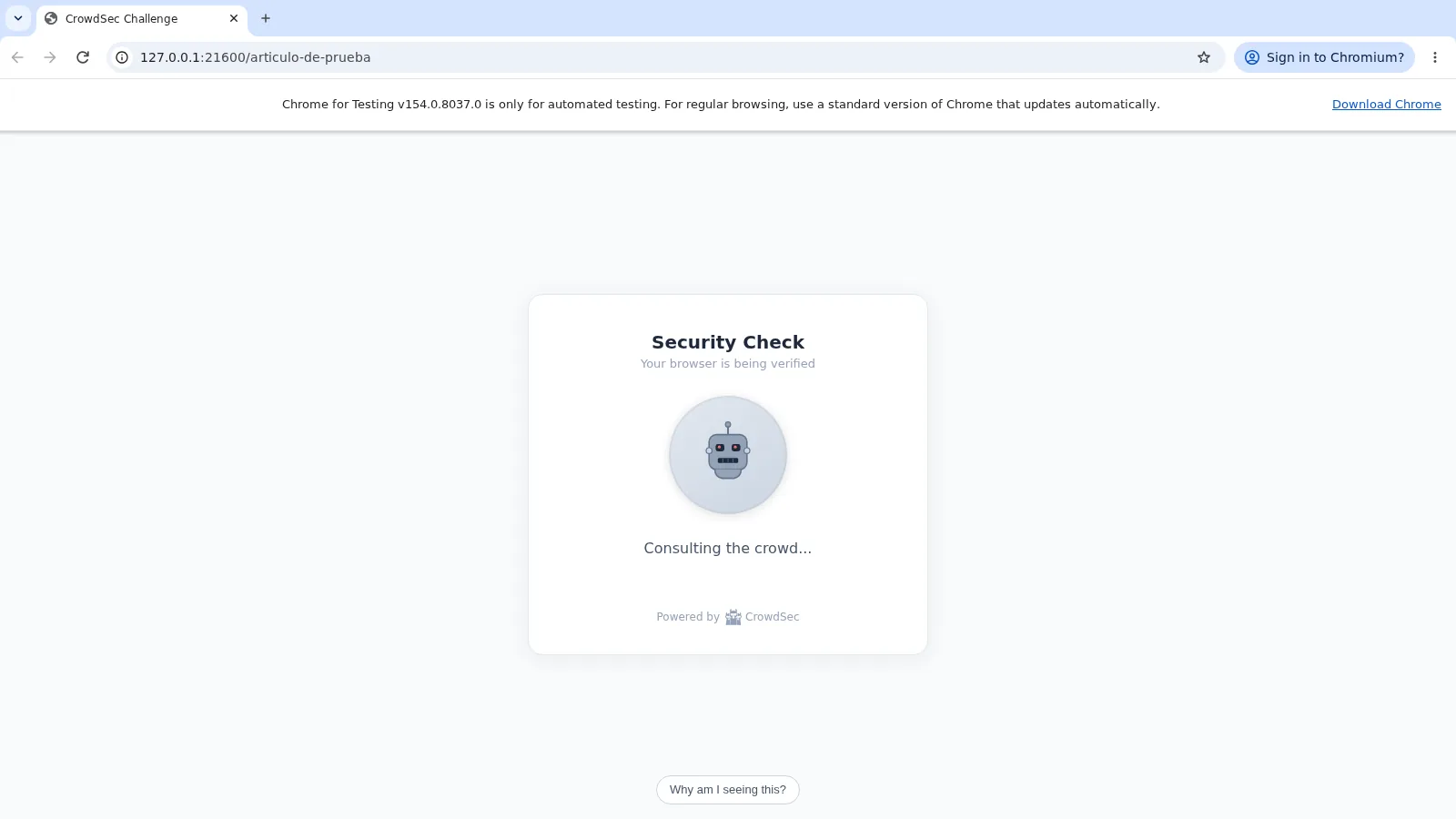
The cause is in fpscanner. Among its probes it calls Summarizer.availability(), the summarization API built into Chrome, and waits for the answer with no time limit. Since all probes are joined with Promise.all, one that never answers blocks the whole fingerprint. The fpscanner source code[5] already records the problem for another browser: "Opera exposes Summarizer but availability() never settles, hanging the entire collection."
Starting the same binary with --disable-blink-features=AISummarizationAPI, it submitted the challenge in under a second. What I tested is Chrome for Testing 154 on Linux arm64, not a user’s stable Chrome, and I do not know whether the call answers there. I do know the symptom exists and that the page gives no warning: the visitor watches the animation with no end. If you enable the challenge, watch the gap between challenges requested and submitted in cscli metrics show bot-detection.
How to stop your CSP from freezing the challenge
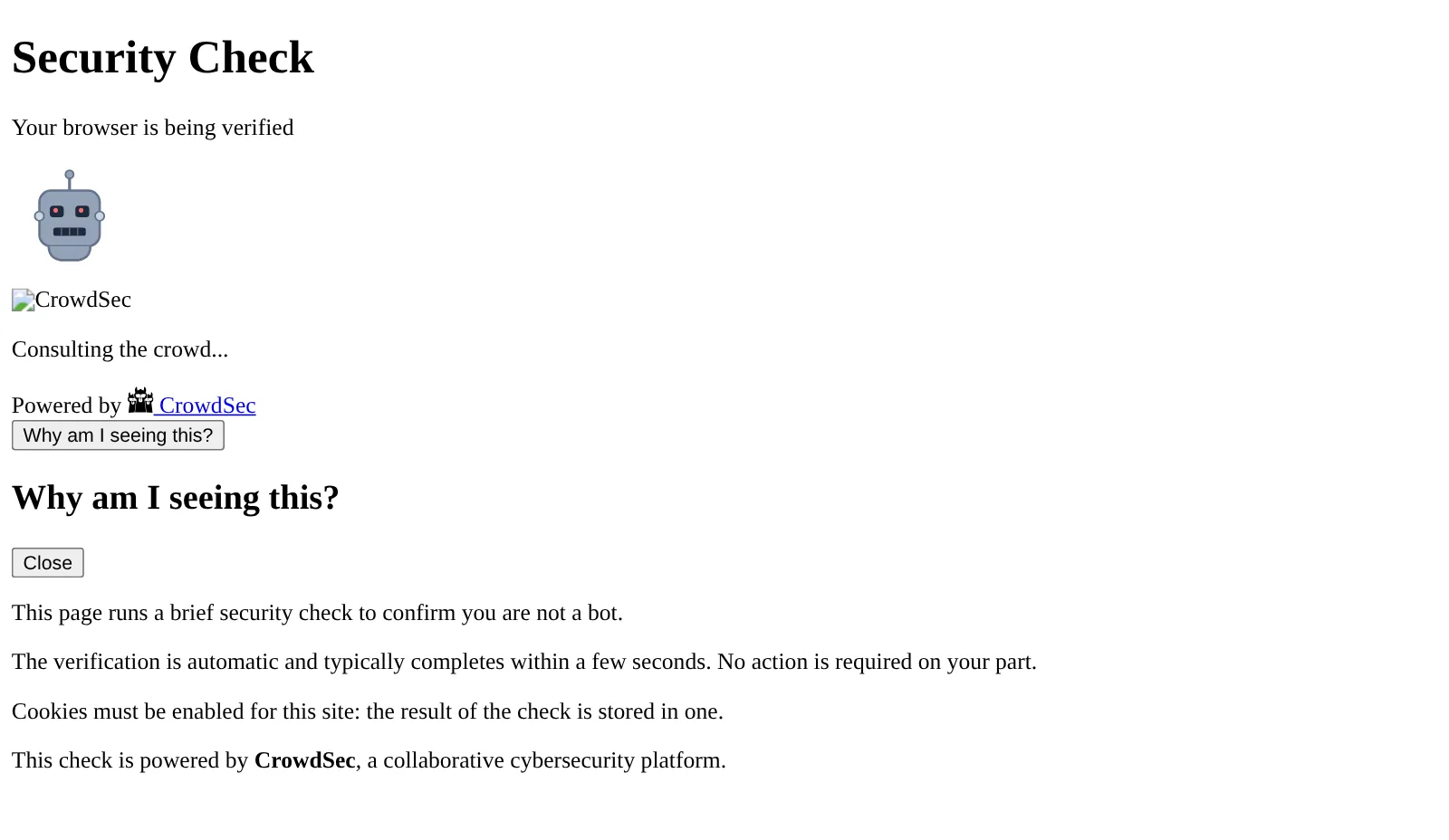
If your web server adds a Content-Security-Policy (CSP) without 'unsafe-inline' or without blob:, the challenge never runs. The challenge page carries its own permissive CSP, but nginx adds yours next to it and the browser enforces both. I reproduced it with a second server that adds default-src 'self'; script-src 'self': Chromium logged 6 CSP errors, the page lost its styles and it never submitted the challenge.
There is a nuance the CrowdSec documentation does not mention. If your policy uses nonces, adding 'unsafe-inline' does not save you. The MDN CSP reference[6] explains it: when a directive carries a nonce, "the browser ignores unsafe-inline". That is the case on this blog, whose nginx sends a script-src with a different nonce on every request.
The fix CrowdSec proposes is to add your policy only when the response does not carry one already. A map on the outgoing header leaves the variable empty for the challenge page, and nginx does not send an empty header:
map $sent_http_content_security_policy $hdr_csp {
    ""  "default-src 'self'; script-src 'self'; object-src 'none'";
}

server {
    listen 82;
    add_header Content-Security-Policy $hdr_csp;
    location / { proxy_pass http://whoami:80; }
}
With that change on a third server, the challenge page carried a single CSP, its own. Playwright got as far as submitting the challenge, and was rejected as before. The /robots.txt path, which does reach the origin, kept getting the site policy. If your policy already comes from another map, as on this blog, chain the two instead of replacing yours.
How to limit the challenge to the paths that matter
By default the challenge covers every HTML page, and on a blog that makes every reader who arrives from a search engine pass the test. The customization documentation[7] proposes an overlay config that exempts everything you do not want to protect. This one limits the challenge to the contact form (/contacto on my test site) and the WordPress login:
name: local/challenge-forms-only
inband:
  pre_eval:
    - filter: >-
        !(req.URL.Path startsWith "/contacto"
        || req.URL.Path startsWith "/wp-login.php")
      apply:
        - ExemptFromChallenge("outside-forms")
I copied it to /etc/crowdsec/appsec-configs/, added its name to appsec_configs (the crowdsecurity/appsec-bot-* wildcard does not include it) and reloaded CrowdSec. After that, / and /blog/entrada reached the origin, while /contacto/ and /wp-login.php got the challenge.
What happens to Googlebot and AI crawlers
Known crawlers skip the challenge only when CrowdSec verifies that the IP belongs to them. The appsec-bot-challenge-exclude-* configs call MatchKnownBot(), which checks the ranges each company publishes or a forward-confirmed reverse DNS lookup. My curl with a Googlebot User-Agent from a private IP got the challenge, which is the correct outcome; I could not test the opposite path because I have no Google IP.
The bot list is longer than the default configuration page[8] says. Its table names 24, but the configs the hub installed on 16 September 2026 verify 40:
| Config | Bots | Examples |
|---|---|---|
exclude-search-engines |
17 | googlebot, bingbot, applebot, duckduckbot, ahrefs, semrush |
exclude-ai-crawlers |
12 | gptbot, openai-searchbot, perplexitybot, anthropic, mistralai-user |
exclude-social |
7 | meta, discord, telegram, twitterbot, linkedin |
exclude-monitoring |
4 | uptimerobot, cookiebot, datadog, pagerduty |
For search rankings, what matters is that a crawler missing from that list sees the challenge page and not your content. Check your logs before enabling it site-wide: if a bot you care about is missing, add it with your own known-bot file or exempt its path.
When the challenge ends in an IP ban
A rejected challenge only leaves an alert; the ban comes from the two behavioural scenarios the collection installs. The appsec-bot-challenge-too-many-requests scenario is a leaky bucket with capacity 10 and a 20 s leak, counting challenges served and never submitted. With 14 back-to-back requests from curl, the scenario fired with 11 events in 48.7 ms and CrowdSec created a 4-hour ban. The bouncer enforced it about a second later, and from then on the IP got a 403 even on /robots.txt.
Before that I had to remove the crowdsecurity/whitelists parser. All my requests came from 172.21.0.1, the Docker gateway, and that whitelist discards private IPs: 22 out of 22 events were dropped and the scenario never fired. If you test from your local network, the same will happen to you.
Limits of an alpha feature
What works today may change in the next release, and there are costs worth accepting before you enable it:
- Pin the versions: CrowdSec 1.8.1, the
crowdsecurity/appsec-bot-challengecollection 0.7 and bouncer 1.2.3; upgrade on purpose, not by drifting withlatest. - With more than one AppSec instance,
master_secretandkey_rotation_intervalmust match or the cookies from one node are not valid on another. - Any API or probe outside an exempted path gets the challenge; exempt it or give it a cookie with
GrantChallengeCookie. - Obfuscation only delays an attacker, and the configuration page[9] admits it: "obfuscation buys time and cost, not invisibility".
- The CrowdSec container used 311 MiB of memory with 198 in-band rules and the challenge active.
Left untested: the Traefik plugin, HAProxy, Envoy, an amd64 host, the cookie’s Secure attribute under HTTPS, and the Firefox, Safari and stable Chrome browsers.
Frequently asked questions
Does CrowdSec bot detection replace a captcha?
For telling browsers from scripts, yes, and without relying on a third party. The bouncer’s captcha remediation needs reCAPTCHA, hCaptcha or Turnstile; the 1.8 challenge is computed and validated in your own AppSec component. It asks nothing of the visitor, but it requires JavaScript and cookies.
Does it block Googlebot and hurt SEO?
No, as long as Googlebot comes from its own IPs: the exclude-search-engines config verifies it and lets it through without a cookie. A crawler that is not on the lists does see the challenge, so decide which bots you care about before enabling it site-wide.
Does it work with Traefik?
Only with the 1.8.0-alpha prerelease of the maxlerebourg plugin, published on 12 September 2026. I have not tested it: in this article the challenge runs behind the OpenResty 1.2.3 bouncer.
Conclusion
CrowdSec 1.8 bot detection delivers against automated browsers: Playwright did not pass with or without a window, and a clean Chromium did. The failures sit around it: a site CSP freezes the challenge, CrowdSec does not even start without appsec-generic-rules, and a browser whose summarization API never answers waits with no end. Enable it first on the paths that attract abuse, such as forms and logins, pin versions and watch the gap between challenges requested and submitted. The Spanish version of this article is at Cómo activar la detección de bots de CrowdSec 1.8.
Sources
Source code
Access all the source code for this post on GitHub.
View on GitHub