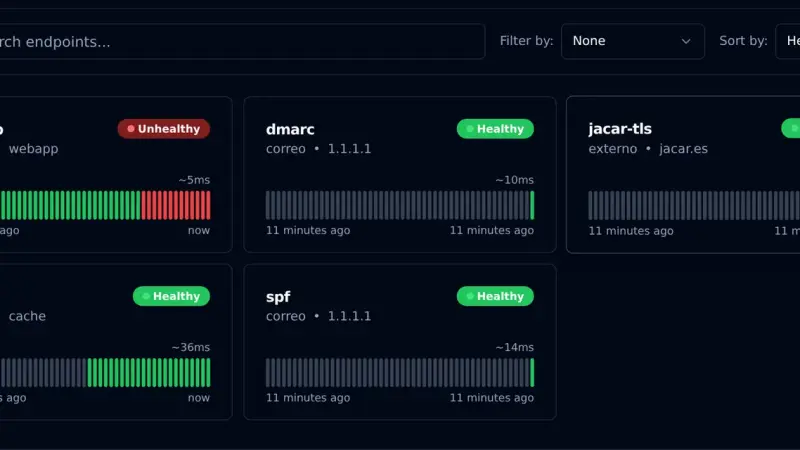
Gatus is an uptime monitor you configure with YAML files instead of a web interface. With Docker Compose, the v5.37.0 image and a volume for SQLite, it checks HTTP, TCP, certificates and DNS TXT records, and alerts through a webhook. In my test it alerted on an nginx outage after 30 seconds, the time three 10-second checks take.
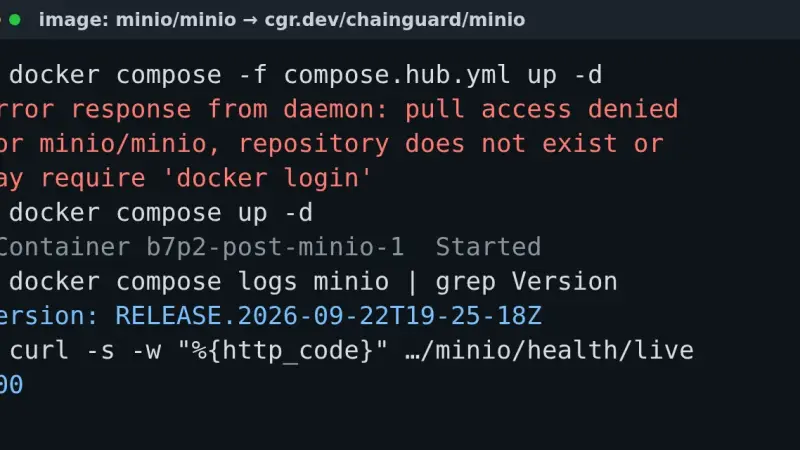
The pull access denied for minio/minio error appears because MinIO removed its Docker Hub images in September 2026, and quay.io has required an account since the 24th. Point your compose file at cgr.dev/chainguard/minio, at the pgsty/silo fork or at an image built from source: your existing data keeps working.
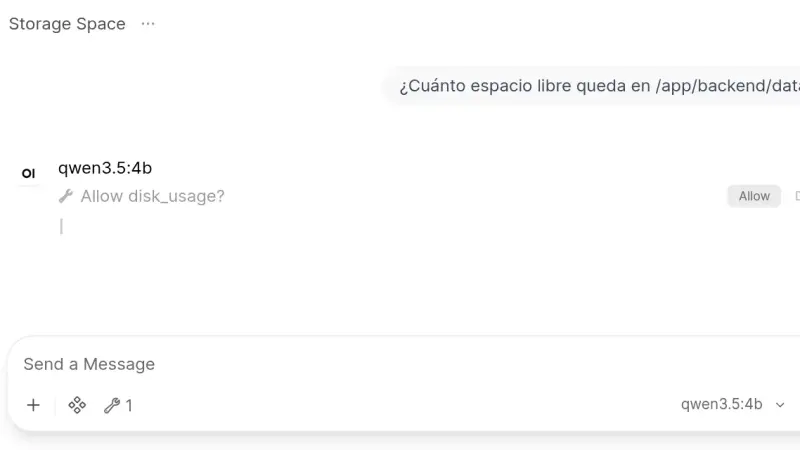
Open WebUI 0.11.4 installs from a two-service docker-compose.yml: Ollama runs the models and the slim Open WebUI image, which on arm64 downloads 176 MB against 1.49 GB for the full one, serves the interface. This guide creates the admin account, chats with a local model and turns on tool approval.
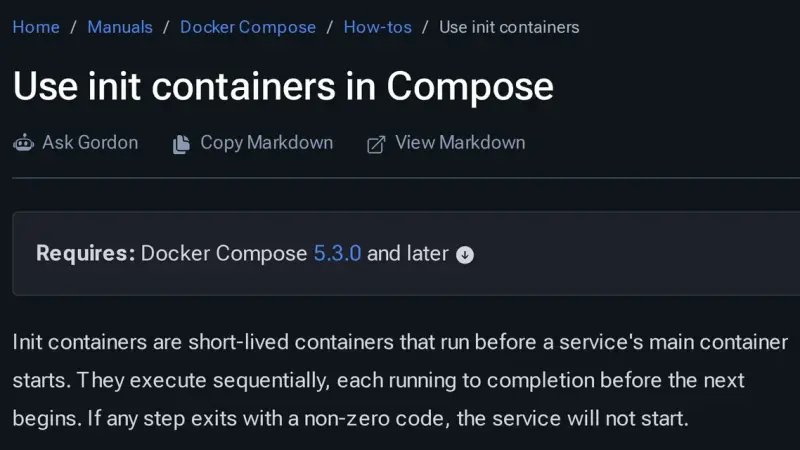
Docker Compose 5.3.0, released on 2 July 2026, adds init containers through the pre_start key: steps that run in ephemeral containers, in order, before the service starts. Use them for migrations, volume permissions and generated configuration. Compose 2.40.3 rejects the whole file, and every step must be idempotent because it runs again.
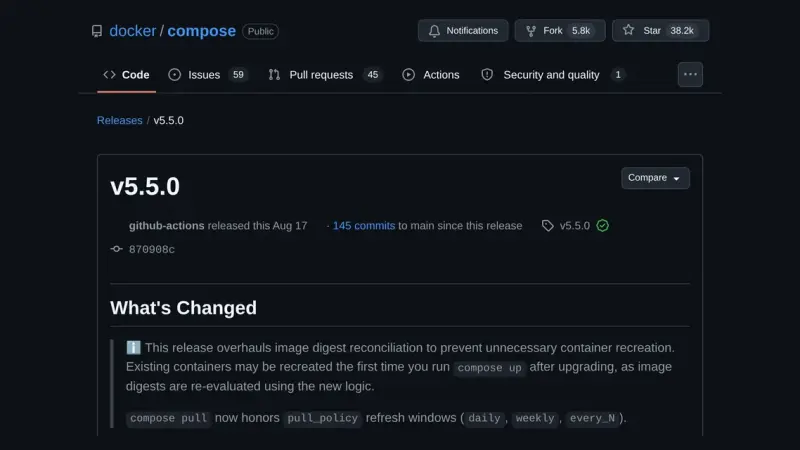
Docker Compose 5.5 changes the digest it uses to decide whether a container's image has changed. On the containerd image store, containers that Compose 2.40 or a pulling 5.4 up labelled with the index digest are recreated once on the first up, with no real change. up --dry-run lists them beforehand.
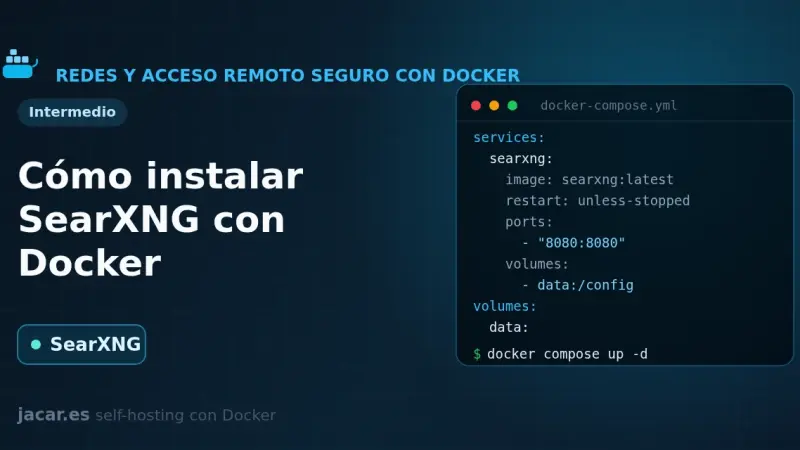
SearXNG is a free, privacy-respecting metasearch engine that aggregates results from more than 70 services without tracking or profiling you. With Docker you bring it up in a container alongside Valkey, set a secret_key in settings.yml and in minutes you have your own private search engine listening on port 8080.
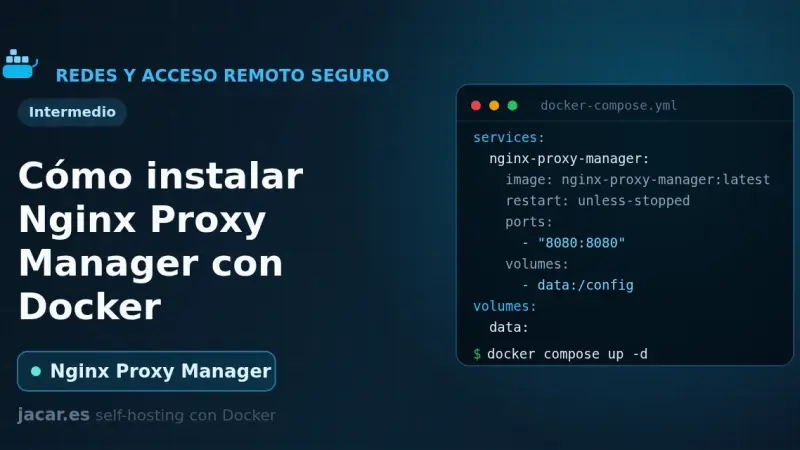
Nginx Proxy Manager is an open-source reverse proxy that puts a web interface over Nginx and Certbot, so you create proxy hosts and request Let's Encrypt certificates with a few clicks. With Docker it installs as a container next to its database, exposes ports 80, 443 and 81, and spares you from editing Nginx config files by hand.
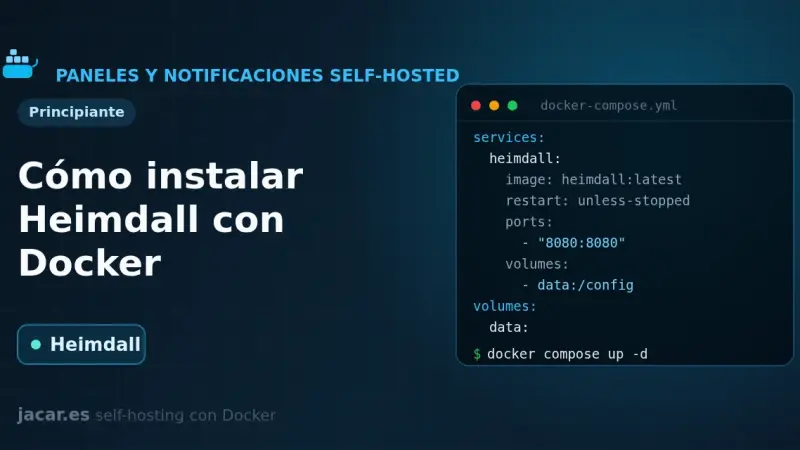
Heimdall is a self-hosted application dashboard, maintained by LinuxServer.io and written in PHP with Laravel, that gathers the links to all your services on a single elegant page. With Docker it installs as one container using the LinuxServer image and the /config volume, with no external database, and it supports enhanced apps that show live status.
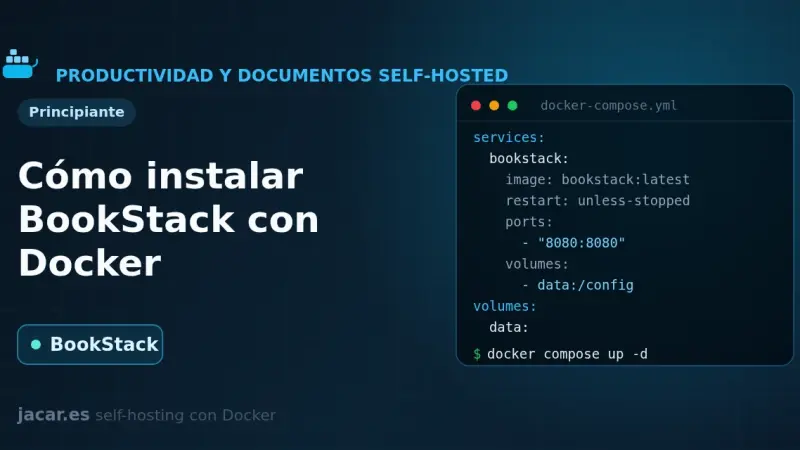
BookStack is an open-source documentation wiki platform, written in PHP with Laravel, that organises content into shelves, books, chapters and pages. With Docker it installs in minutes using the LinuxServer image alongside a MariaDB database, and you only need to set APP_URL and APP_KEY in a single docker-compose.yml file.
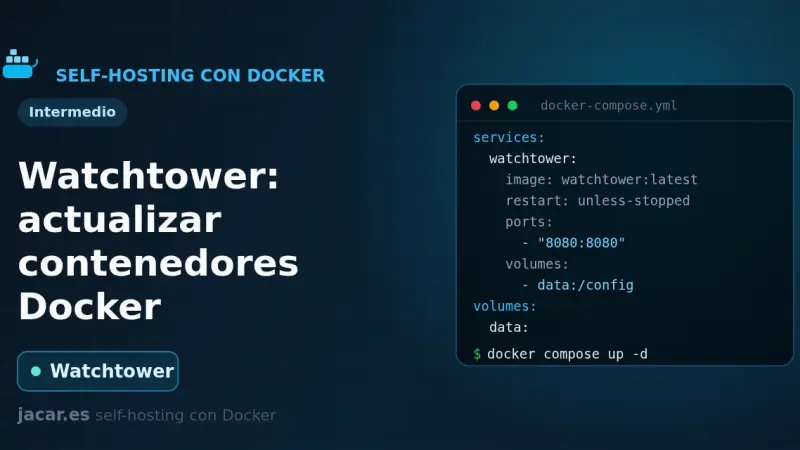
Watchtower is a container that watches your Docker registries, detects when a newer image is available, pulls it and recreates your container with the same options. You configure it with a small docker-compose.yml, it polls every 24 hours by default, and you can restrict it with labels or keep it in notify-only mode.
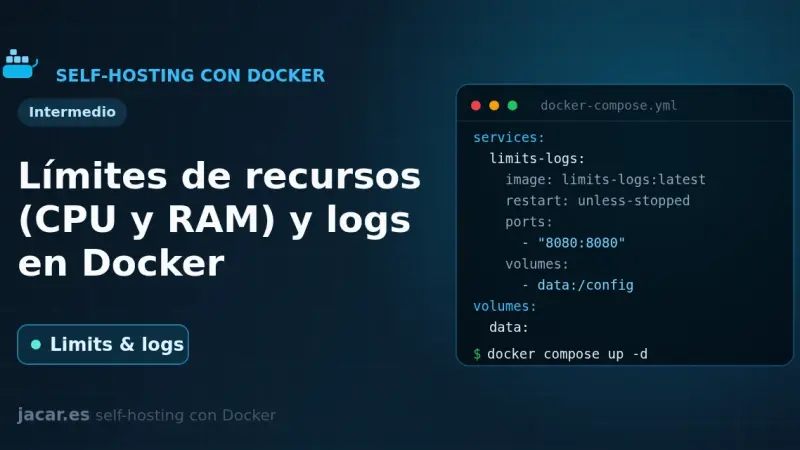
By default Docker limits neither the CPU nor the RAM of a container: a single one can exhaust the whole server. In Compose you bound them with deploy.resources.limits (cpus, memory) or the mem_limit and cpus shortcuts, and you control logs with the local driver, which rotates at 20 MB and 5 files by default.
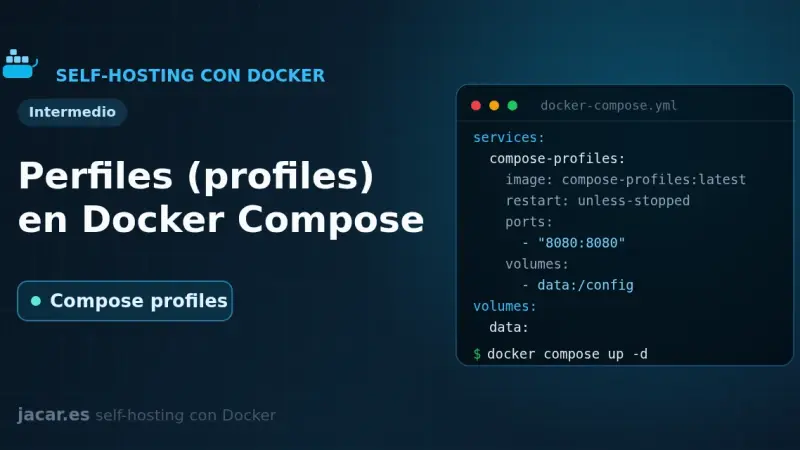
Docker Compose profiles tag services so they only start when you enable their profile with --profile or COMPOSE_PROFILES. Services without a profile always run; tagged ones stay idle until you ask for them. That lets a single file hold the core stack, debugging tools and optional extras without duplicate compose files.
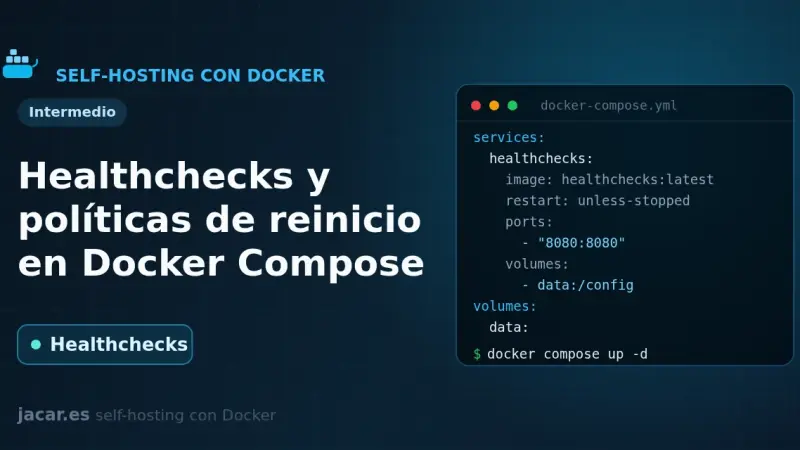
A healthcheck is a command Docker runs periodically inside the container to decide whether the service is healthy; its state moves from starting to healthy or unhealthy. Combined with a restart policy (no, always, on-failure or unless-stopped) and with depends_on and the service_healthy condition, it stops an application from starting before its database.
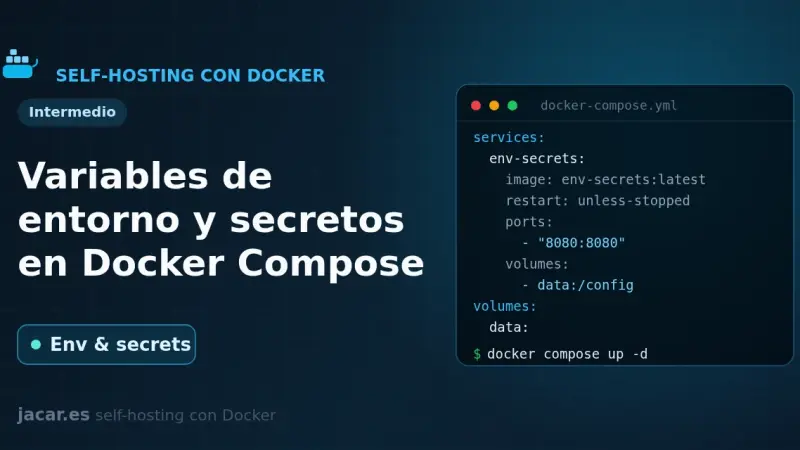
Docker Compose gives you three ways to pass configuration into a container: the environment key, the env_file attribute and the .env file for interpolation. For sensitive data, do not use environment variables; Docker Compose secrets are mounted as read-only files under /run/secrets/, away from logs and the process environment.
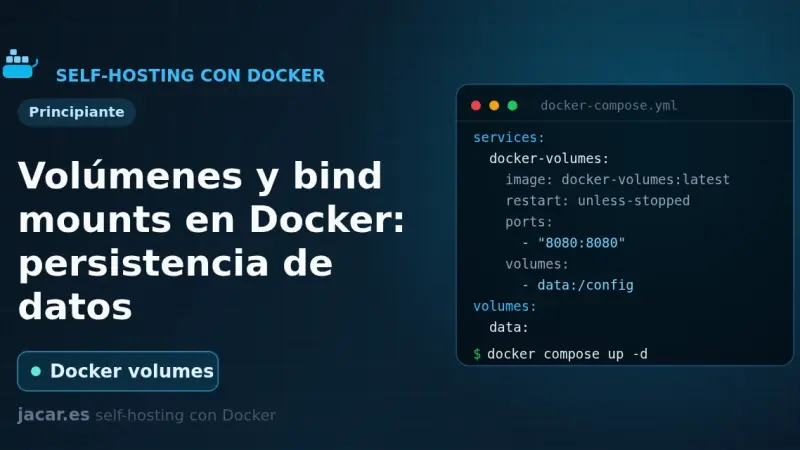
A container loses its data the moment you delete it, unless you store that data outside. Docker gives you two ways: named volumes, which it manages itself under /var/lib/docker/volumes, and bind mounts, which link a host folder. Here you will see when to use each, how to mount them in Compose and how to back them up.
You install Portainer with Docker Compose by writing a single compose.yaml file and running two commands. Portainer CE 2.40 STS supports Docker Compose v2 natively, enables HTTPS on port 9443 out of the box, and manages Docker Engine, Swarm, Kubernetes and ACI from one panel. It runs on Ubuntu 24.04 or Debian 13.
n8n is the low-code automation project that has best adapted to self-hosting. A walk through the real install with Docker Compose, the database and queue decisions to make, and the points where most people trip up the first time.
An Authentik Docker Compose install now needs only three containers: PostgreSQL, the server and the worker, since Redis stopped being mandatory in version 2025.10. Once running, it acts as your identity provider for single sign-on over OAuth2, OIDC, SAML and LDAP, and a reverse proxy such as Traefik can delegate authentication to it through forward auth.
Traefik is a reverse proxy that automatically discovers Docker containers through labels and renews TLS certificates via Let's Encrypt without manual work. To install it with Docker Compose, define its static configuration in traefik.yml, generate basic-auth credentials for the dashboard, and start the container connected to a dedicated Docker network.
Docker Compose is Docker's official tool for defining and running multi-container applications with a YAML file: one command spins up every service, network, and volume it describes. On Ubuntu 20.04 it is installed by downloading the standalone binary from GitHub, though Docker recommends moving to the v2 CLI plugin, since v1 is no longer maintained.
5 min2744.2
We use first- and third-party cookies to analyze site traffic. You can accept them, reject them, or configure your choice.
Learn more about cookies
Cookie preferences
NecessaryEssential for the site to work. Always on.
AnalyticsHelp us understand how the site is used (Google Analytics).