Watchtower: Automatically Update Docker Containers
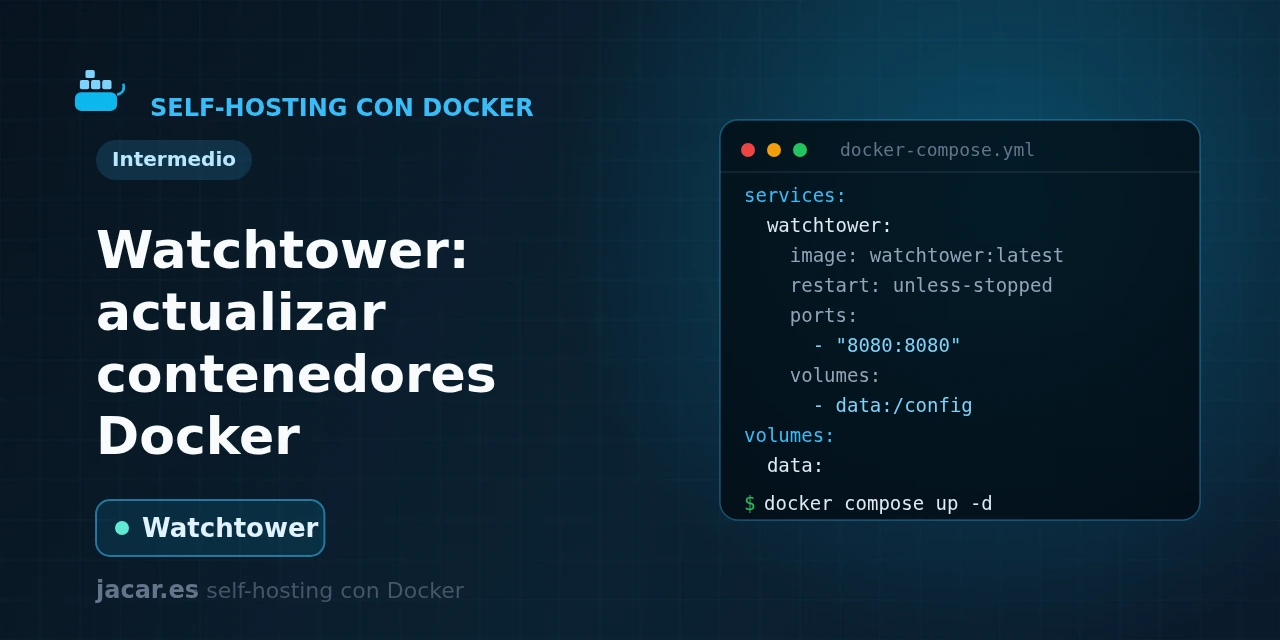
Table of contents
- Key takeaways
- What does Watchtower do?
- The Watchtower docker-compose.yml
- Selective updates with labels
- Update notifications
- Risks of automatic updates and how to mitigate them
- Frequently asked questions
- Is it safe to let Watchtower update everything automatically?
- Does Watchtower still work now that the original project is archived?
- How do I update only some containers?
- Conclusion
- Sources
Watchtower is a container that keeps the rest of your Docker containers up to date without you having to do anything. It watches the image registries, notices when a newer version of the images you run is published, pulls it and recreates your service with exactly the same options (ports, volumes and variables). In this guide you will see what it does, a ready-to-copy docker-compose.yml, how to limit updates to the containers you choose, and how to get a notification every time it updates. The same explanation is available in Spanish.
Key takeaways
- Watchtower compares each container’s image with the one in the registry and, if a newer one exists, pulls it and recreates the container with the same configuration.
- It only needs the Docker socket mounted (
/var/run/docker.sock); it has no web interface and its image, written in Go, is small. - The original
containrrr/watchtowerproject was archived on 17 December 2025 at version 1.7.1; today the recommended option is the maintained forknickfedor/watchtower, now at 1.19.0 (June 2026). - By default it polls every 24 hours (86400 seconds), but you can set a schedule with a cron expression or leave it in notify-only mode.
- You can restrict which containers it updates with labels and send notifications to Gotify, ntfy, Telegram or email.
What does Watchtower do?
Watchtower solves a repetitive home-server maintenance task: periodically checking whether your container images have a new version and applying it. Instead of connecting over SSH, running docker compose pull and recreating each service by hand, you leave a watching container that does that work for you.
The way it works is this. On every poll interval, Watchtower queries the image registry each container came from and compares the local image identifier with the remote one. If it finds a newer image, it pulls it, stops the container gracefully and starts it again from the new image, keeping the original ports, volumes and environment variables. The whole process relies on the Docker socket, which is the only thing you have to mount.
There is one piece of context worth knowing before installing it. The original repository, containrrr/watchtower, was archived on 17 December 2025 and its last published version was 1.7.1, from 2023, which no longer receives security patches. The active continuation is a community fork, nickfedor/watchtower (also available as ghcr.io/nicholas-fedor/watchtower), compatible piece by piece and at version 1.19.0, released on 30 June 2026. That is why the templates in this guide use the fork’s image.
The Watchtower docker-compose.yml
Here is a minimal, working docker-compose.yml. Notice that it pins a specific image version instead of :latest: using the moving tag on your own services is exactly what makes an update unpredictable, so it is worth avoiding on Watchtower itself too.
services:
  watchtower:
    image: nickfedor/watchtower:1.19.0
    container_name: watchtower
    restart: unless-stopped
    volumes:
      - /var/run/docker.sock:/var/run/docker.sock
    environment:
      WATCHTOWER_POLL_INTERVAL: "86400"
      WATCHTOWER_CLEANUP: "true"
      TZ: "Europe/Madrid"
With this file, Watchtower checks every image once a day and, thanks to WATCHTOWER_CLEANUP, removes the old image after each update so orphaned layers do not pile up on disk. Start it and follow its logs with:
docker compose up -d
docker compose logs -f watchtower
If you prefer a fixed schedule instead of an interval, replace WATCHTOWER_POLL_INTERVAL with WATCHTOWER_SCHEDULE and a six-field cron expression; for example, "0 0 4 * * *" checks the images every day at four in the morning. You cannot set both the interval and the schedule at once.
Watchtower has no web panel. If you want an interface to see and update your containers by hand, pair it with Portainer: Watchtower automates and Portainer gives you visual control when you need it.
Selective updates with labels
Updating everything blindly is rarely a good idea. Watchtower can watch only the containers you mark: enable WATCHTOWER_LABEL_ENABLE and add the label com.centurylinklabs.watchtower.enable=true to each service you want kept current. The rest stays untouched.
services:
  watchtower:
    image: nickfedor/watchtower:1.19.0
    restart: unless-stopped
    volumes:
      - /var/run/docker.sock:/var/run/docker.sock
    environment:
      WATCHTOWER_LABEL_ENABLE: "true"
      WATCHTOWER_CLEANUP: "true"

  gitea:
    image: gitea/gitea:1.24
    restart: unless-stopped
    labels:
      com.centurylinklabs.watchtower.enable: "true"
In this example, only gitea will be updated; a database or any sensitive service without the label stays as it is. The opposite approach also exists: let Watchtower watch everything and exclude specific services with the label set to "false". For a home server, enabling by label is the safer option, because a container updates only when you opt it in.
Update notifications
An automatic update does not mean you should find out about it by chance. Watchtower sends alerts through shoutrrr[1], which supports Gotify, ntfy, Telegram, email or Slack, among others. You point it at a notification URL:
    environment:
      WATCHTOWER_POLL_INTERVAL: "86400"
      WATCHTOWER_NOTIFICATION_URL: "gotify://gotify.mydomain.com/TOKEN?title=Watchtower"
      WATCHTOWER_NOTIFICATIONS_LEVEL: "info"
With that configuration you will get a message every time Watchtower updates something, with the list of affected containers. If you do not have your own notification server yet, the Gotify with Docker guide explains how to set one up in five minutes and get the token that goes in the URL.
Risks of automatic updates and how to mitigate them
Watchtower’s convenience has a downside: a new version can introduce a breaking change and knock out a service while nobody is watching. That is why its own maintainers recommend it for homelabs, media servers and development environments, and advise against using it in commercial production. These practices remove almost all of the risk:
- Pin major versions. Use tags such as
postgres:17instead ofpostgres:latestso Watchtower only applies minor patches within that branch and never a major-version jump. - Start in notify-only mode. With
WATCHTOWER_MONITOR_ONLY: "true", Watchtower checks and notifies but touches nothing; you decide when to update. - Enable by label. Automatically update what does not cause trouble and leave databases and delicate services out.
- Keep backups of your volumes. That is the safety net that lets you roll back if an update goes wrong.
As a one-off check, you can run a single pass and exit without leaving the container resident, handy for testing before you schedule it:
docker run --rm
  -v /var/run/docker.sock:/var/run/docker.sock
  nickfedor/watchtower:1.19.0 --run-once
Frequently asked questions
Is it safe to let Watchtower update everything automatically?
It depends on the service. For a homelab, enabling it by label only on stateless applications is fairly safe. On databases or critical services, notify-only mode or manual updates are preferable, because a major-version jump may require a migration. Pinning the image’s major version and keeping backups removes almost all of the risk.
Does Watchtower still work now that the original project is archived?
Yes. The containrrr/watchtower:1.7.1 image still starts and updates containers, but it no longer receives security patches. The recommended move is to migrate to the maintained nickfedor/watchtower fork, which is compatible piece by piece: in practice you only change the image name in your docker-compose.yml.
How do I update only some containers?
Add WATCHTOWER_LABEL_ENABLE: "true" to the Watchtower service and put the label com.centurylinklabs.watchtower.enable=true only on the containers you want kept current. Those without it are excluded, so you can automate the trivial ones and manage the delicate ones yourself.
Conclusion
Watchtower takes one of the most tedious parts of running services on Docker off your plate: keeping an eye on every new version. With a ten-line docker-compose.yml your updates stay current, and with labels and notify-only mode you keep control over what gets updated and when. Remember to use the nickfedor/watchtower fork, pin the major versions of your images and keep backups of your volumes. The natural next step is to make sure you receive the alerts by setting up your own Gotify server.
Sources: [1] Watchtower (maintained fork, github.com/nicholas-fedor)[2], [2] Official fork arguments documentation (watchtower.nickfedor.com)[3], [3] Original archived repository (github.com/containrrr/watchtower)[4], [4] Fork image on Docker Hub (nickfedor/watchtower)[5].