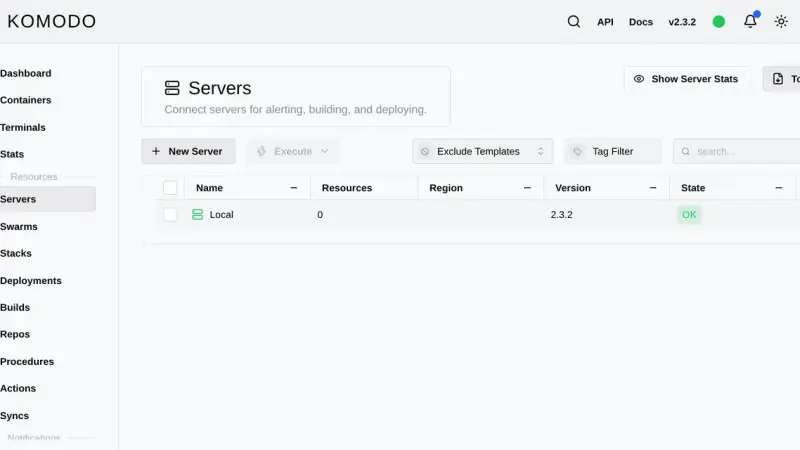
Komodo is a Rust web application that manages containers, compose stacks and image builds across as many servers as you want. You install it with an official compose file that starts MongoDB, the Core server on port 9120 and the Periphery agent, then add each extra machine with an onboarding key.
Dockge edits your compose files and leaves them untouched on disk; Portainer is the mature all-round console, with roles and GitOps reserved for Business Edition, free up to three nodes; Komodo deploys from Git across several servers with nothing held back for paying users, at the cost of a database and one agent per machine.
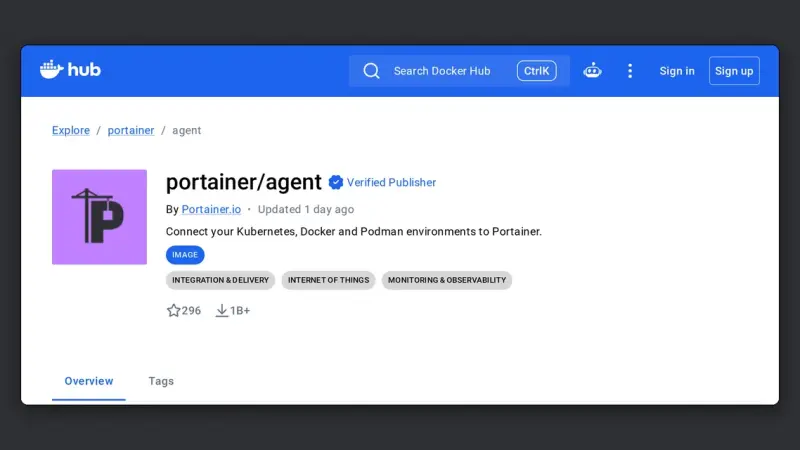
The Portainer Agent is a container you deploy on each remote machine, exposing port 9001 over TLS. The Portainer server connects to it and manages that host as one more environment, without exposing the Docker socket to the network or maintaining permanent SSH tunnels.
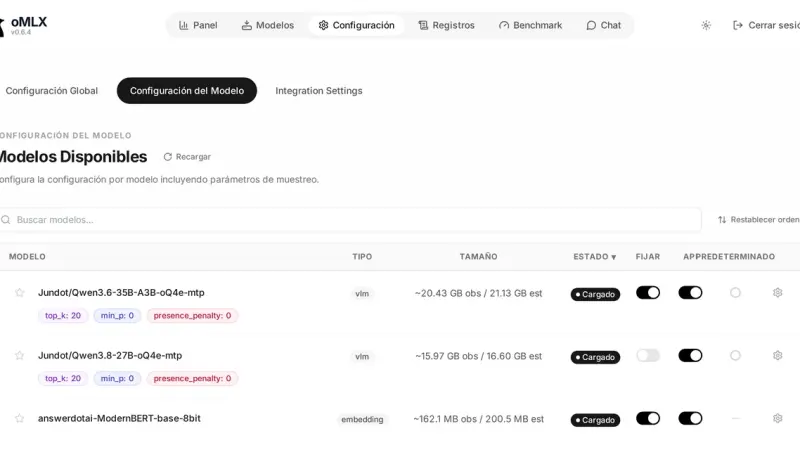
oMLX manages each model's lifecycle with four pieces: a downloader that pulls weights from Hugging Face, aliases that rename the model in the API, a TTL that unloads it after idle time, and a tiered KV cache that spills blocks to SSD when RAM fills up.
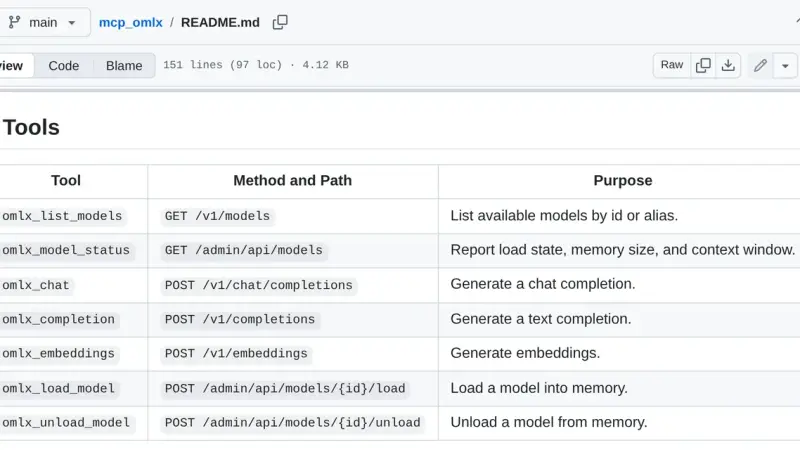
oMLX MCP is a bridge that exposes your local oMLX server as Model Context Protocol tools. The mcp_omlx package connects Claude Desktop to the models running on your Mac and gives you seven tools to list models, load and unload them from memory, and run inference without leaving the client.
8 min34
We use first- and third-party cookies to analyze site traffic. You can accept them, reject them, or configure your choice.
Learn more about cookies
Cookie preferences
NecessaryEssential for the site to work. Always on.
AnalyticsHelp us understand how the site is used (Google Analytics).