How to Install IT-Tools with Docker
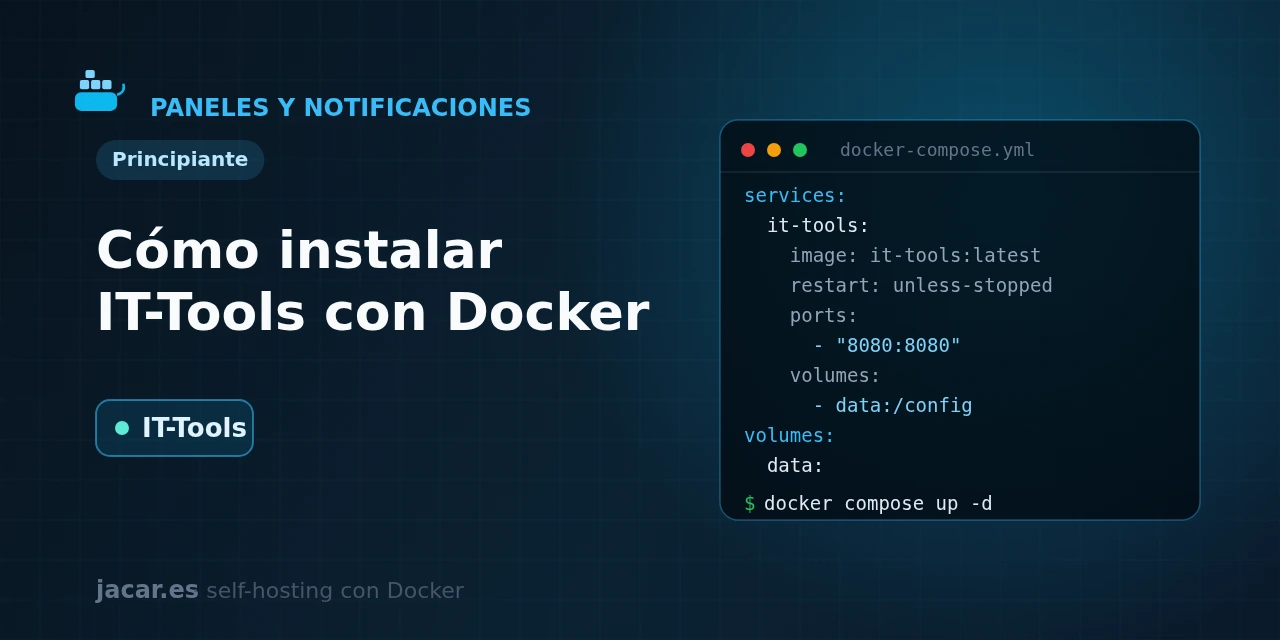
Table of contents
- Key takeaways
- What is IT-Tools and what is it for?
- What utilities does IT-Tools include?
- What does the docker-compose.yml for IT-Tools look like?
- Why is IT-Tools private by design?
- How do you protect it behind authentication?
- Frequently asked questions
- Does IT-Tools need a database or a volume?
- Is it safe to paste a JWT or a password into IT-Tools?
- Why has the latest tag not been updated for a while?
- Conclusion
- Sources
IT-Tools is a toolbox of more than eighty developer utilities that runs entirely in your browser, without sending your data to any server. In this guide you bring it up from a single docker-compose.yml, enter through port 80, review which tools it ships and learn to protect it behind authentication, since it has no access control of its own. By the end you will have your own JWT parser, hashes, cron expressions and converters without relying on third-party sites. The same explanation is available in Spanish.
Key takeaways
- IT-Tools is an open-source collection of more than 80 utilities for developers (create, encrypt, convert and generate), grouped into categories such as cryptography, converters, network and text.
- It is a single-page application built in Vue and served by nginx: all the work happens in your browser, so it has no backend, no database and no volumes to back up.
- The container exposes port 80; the usual approach is to publish it only on
127.0.0.1and map it to a host port of your choice, for example8080. - The project has more than 39,000 stars on GitHub and is distributed under the GPLv3 licence; the official image lives at
corentinth/it-tools. - Pin the dated tag
corentinth/it-tools:2024.10.22-7ca5933instead of:latest; the repository also publishes anightlytag with the most recent utilities.
What is IT-Tools and what is it for?
IT-Tools is, in the words of its own repository, a "collection of handy online tools for developers, with great UX". Instead of keeping a dozen tabs open across different websites to decode a JWT, compute a hash or generate a password, you gather all those utilities on a single page that you host yourself. Corentin Thomasset created it, and it has become one of the most popular self-hosted projects: it passes 39,000 stars on GitHub.
The key to understanding it is that IT-Tools is not a service, it is a static website. It is built with Vue and TypeScript, compiled down to HTML and JavaScript, and the Docker image is only an nginx serving those files. There is no process that stores state, no user account and no data that persists across restarts.
That makes it extremely lightweight and, as we will see, private by design. It fits perfectly in a homelab alongside other utilities that also process everything locally, such as Stirling-PDF for handling documents.
What utilities does IT-Tools include?
The point of IT-Tools is variety. The more than eighty tools are organised into categories that cover almost any routine programming and system-administration task:
- Cryptography and security: password and token generator, hashes (MD5, SHA-1, SHA-256), HMAC, bcrypt, AES encryption and decryption, and a JWT parser that breaks the token into its header and payload.
- Converters: base64, a colour converter (HEX, RGB, HSL), a cron expression generator and explainer, number bases, dates, and conversion between YAML and JSON.
- Web and development: URL encode and decode, URL parser, MIME types, HTTP status codes, basic-auth credentials generator and test data.
- Network: IPv4 subnet calculator, MAC address vendor lookup and IPv6 address generator.
- Text: lorem ipsum generator, diff comparer, string obfuscator and a text statistics counter.
Each tool works on its own: you enter, paste your data, get the result and copy it. There is nothing to save and no sign-in.
What does the docker-compose.yml for IT-Tools look like?
This is the simplest case in the whole series, precisely because IT-Tools keeps no state. You need no persistent volume and no database: you just start the image and publish its port. Here is a complete docker-compose.yml, with the tag pinned to a specific version, the port published only on the machine itself and a health check that verifies nginx responds:
services:
  it-tools:
    image: corentinth/it-tools:2024.10.22-7ca5933
    container_name: it-tools
    restart: unless-stopped
    ports:
      - "127.0.0.1:8080:80"
    healthcheck:
      test: ["CMD", "wget", "--spider", "-q", "http://127.0.0.1:80"]
      interval: 30s
      timeout: 5s
      retries: 3
A couple of details are worth noting. The container listens on port 80 (nginx’s), and with 127.0.0.1:8080:80 you keep it reachable only from the server itself on port 8080; that way nobody reaches it from outside until you decide how to publish it. There is no volumes or environment section because the application has no settings to persist. If you prefer the GitHub registry, replace the image: line with ghcr.io/corentinth/it-tools:2024.10.22-7ca5933, the same dated tag mirrored on GitHub Container Registry.
Start the stack and check the status:
docker compose up -d
docker compose ps
docker compose logs -f it-tools
Open http://127.0.0.1:8080 in the browser and you will see the grid of tools with its search box at the top. There is no installation and no wizard: the site is ready from the first start. To update, change the image tag and run docker compose pull followed by docker compose up -d.
Why is IT-Tools private by design?
Here is the strong reason to host it yourself instead of using any equivalent website. Because IT-Tools is a single-page application, all processing happens in your browser’s JavaScript. Decode a JWT, generate a hash or encrypt a piece of text, and that data never leaves your machine for the server. The nginx container only delivers the site’s files once; after that it never intervenes again.
This matters a great deal with sensitive data. A JWT contains the claims that identify your session, and a key or password you paste into a public third-party site travels to a server you do not control.
With your own IT-Tools instance, by contrast, the data stays in the browser and the traffic need not even leave your local network. It is the same local-processing philosophy that other tools in the series apply. It also turns IT-Tools into a safe replacement for the dozens of utility websites scattered across the Internet.
How do you protect it behind authentication?
IT-Tools ships no access system at all: whoever reaches its port uses the site. Because it is static and stores no data, the risk is not that stored information is stolen, but that you expose an internal tool to the Internet without need. The solution is not in the application, but in front of it.
The recommended approach is to put it behind a reverse proxy with delegated authentication. Traefik (a reverse proxy that routes HTTP traffic to each container and manages TLS certificates) is the proxy, and Authentik is the identity provider. On top of them you define a forwardAuth middleware that forces a login before letting the request through. In practice, you add labels to IT-Tools that route the domain and apply that middleware:
    labels:
      - "traefik.enable=true"
      - "traefik.http.routers.it-tools.rule=Host(`tools.mydomain.com`)"
      - "traefik.http.routers.it-tools.entrypoints=websecure"
      - "traefik.http.routers.it-tools.tls.certresolver=le"
      - "traefik.http.routers.it-tools.middlewares=authentik@docker"
      - "traefik.http.services.it-tools.loadbalancer.server.port=80"
If you do not want to run a full identity provider, you have two simpler alternatives. Keep the port bound to 127.0.0.1 and reach it over a VPN, WireGuard for example, a modern, lightweight VPN protocol that encrypts the tunnel between your machine and the server. The other option is basic authentication with the traefik.http.middlewares.it-tools-auth.basicauth.users label on the proxy itself.
Any of the three avoids the classic mistake of leaving an admin tool facing the Internet directly. And if you use a panel to gather all your services, you can link IT-Tools from Dashy.
Frequently asked questions
Does IT-Tools need a database or a volume?
No. IT-Tools is a static site: it keeps its state in the browser itself (some tools remember preferences in the client’s local storage), not on the server. The container only serves HTML and JavaScript files with nginx, so there is nothing to persist. That is why the docker-compose.yml has no volumes section and you can recreate or update the container without fear of losing data: there is no server-side data to lose.
Is it safe to paste a JWT or a password into IT-Tools?
In your own instance, yes, because the processing happens entirely in your browser and the data does not travel to the server. That is exactly the advantage of hosting it yourself versus using a public utility website, where you do not know what the server does with what you paste. Even so, avoid exposing your instance to the Internet without authentication and do not use it from a machine you do not trust.
Why has the latest tag not been updated for a while?
The dated stable version, 2024.10.22-7ca5933, marks the last tagged release, and the :latest tag points to that same spot. Development, however, continues: the project publishes a nightly tag that is rebuilt with the newest utilities. If you want the latest tools, use corentinth/it-tools:nightly; if you prefer stability, stay on the dated version and avoid depending on :latest.
Conclusion
IT-Tools is probably the easiest container in this whole series. With no volumes, no database and no mandatory variables, it starts from a nine-line docker-compose.yml and gives you more than eighty development utilities on port 80. The important part is not installing it but understanding it.
Because everything happens in the browser, it safely replaces public utility websites. It ships no access control, so publish it behind a proxy with authentication, never directly on the Internet. Pin the image tag, choose between the dated version and nightly, and you will have your own developer Swiss Army knife at home.
Sources: [1] Official IT-Tools repository on GitHub[1], [2] IT-Tools site and live demo[2], [3] IT-Tools image and tags on Docker Hub[3], [4] The New Stack: IT-Tools bundles developer utilities[4].
Sources
Source code
Access all the source code for this post on GitHub.
View on GitHub