
Learning path Beginner
Self-hosted dashboards and notifications with Docker
The front page of your homelab: service dashboards with Homepage, Homarr, Heimdall and Dashy; your own push notifications with ntfy and Gotify; developer utilities with IT-Tools; and website change monitoring with changedetection.io.
- 8 resources
- 19 views
- ~77 min
This path bundles eight guides for turning your homelab into a real control panel: a central dashboard for every service, your own push notifications, and daily utilities for monitoring and development, all deployed with Docker. It is the right path if you already have a container or two running and are tired of tracking IPs and ports in a notes app.
What you’ll be able to do
By the end you’ll know how to set up a dashboard that centralizes access and status for your services, run your own push notification server so mobile alerts do not depend on a third party, and automate alerts when a web page changes. The level is beginner: you only need Docker and Docker Compose installed and enough know-how to run a basic container; no prior experience with any of these specific tools is required.
How the path builds
You start by installing Homepage, the most widely used dashboard in the self-hosted world, then try alternatives with different approaches: Homarr, more focused on visual configuration, Heimdall, minimalist and shortcut-driven, and Dashy, highly customizable through YAML. With the dashboard sorted, you move on to notifications: ntfy gives you a minimal HTTP-based push system, and Gotify offers an alternative with its own app and full API. You close with two everyday utilities: IT-Tools, a developer toolbox that keeps you off third-party websites, and changedetection.io, which watches pages and alerts you the moment something changes.
All eight guides are short and hands-on: each one gets the service running with docker compose in a few minutes.
How to Install Homepage Dashboard with Docker
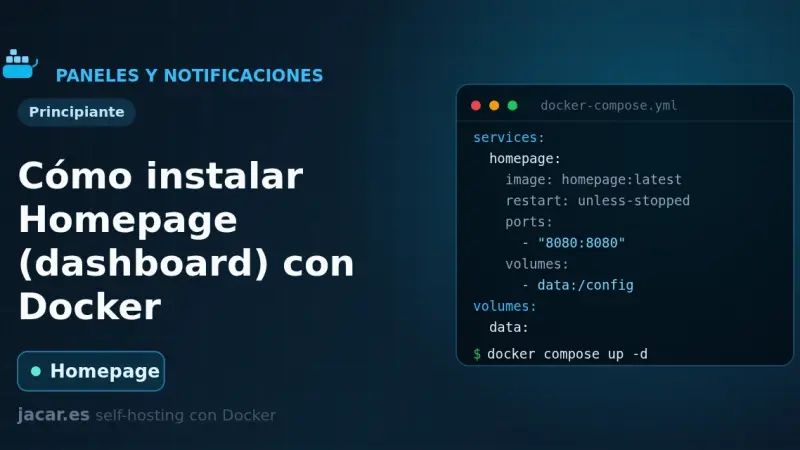
Homepage is a fast, fully static service dashboard written in Next.js that gathers all your containers into a single front page. With Docker you bring it up with a docker-compose.yml, configure it with YAML files, it listens on port 3000 and discovers your services automatically by reading each container's labels.
How to Install Homarr with Docker
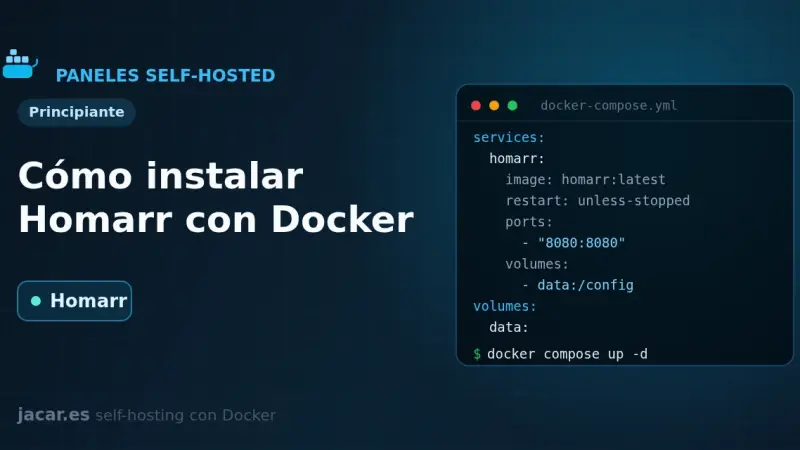
Homarr is a service dashboard for your homelab that you configure by dragging and dropping, with no YAML files to edit. With Docker you bring it up with a single docker-compose.yml, it listens on port 7575 and stores everything in its own SQLite database; you only need a 64-character encryption key before you start it.
How to Install Heimdall with Docker
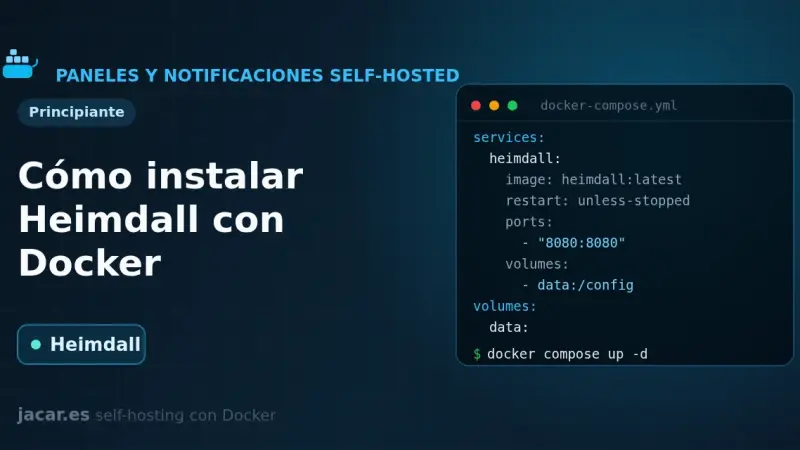
Heimdall is a self-hosted application dashboard, maintained by LinuxServer.io and written in PHP with Laravel, that gathers the links to all your services on a single elegant page. With Docker it installs as one container using the LinuxServer image and the /config volume, with no external database, and it supports enhanced apps that show live status.
How to Install Dashy with Docker
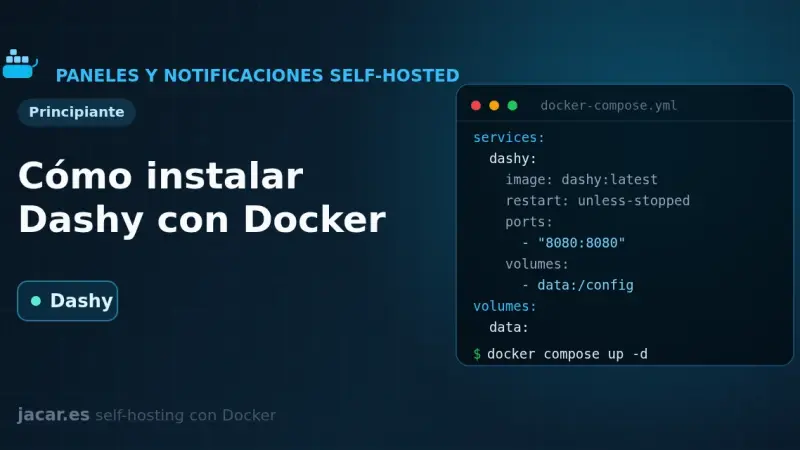
Dashy is a self-hosted start page, written in Vue, that gathers all your services onto a single page with status checking, widgets, themes and icons. With Docker you bring it up with a single docker-compose.yml and one image, lissy93/dashy; all its configuration lives in a conf.yml file that you edit by hand or from its visual interface.
How to Install ntfy with Docker
ntfy is a free, open-source HTTP-based push notification service that lets you send alerts to your phone or desktop with a simple PUT or POST request to a topic. This guide runs your own ntfy server with Docker Compose, publishes and subscribes to topics, and adds authentication and access control.
How to Install Gotify with Docker
Gotify is a self-hosted push notification server written in Go and released under the MIT license that gathers messages from your scripts and services in one place. This guide brings it up with Docker Compose on port 80, creates an application with its token and sends the first message through its REST API with curl.
How to Install IT-Tools with Docker
IT-Tools bundles more than eighty developer utilities (JWT, hashes, cron expressions, colour converters) into a single web app that runs entirely in your browser. With Docker you bring it up from one docker-compose.yml, it listens on port 80 and stores nothing: with no server and no database, it needs no volume either.
How to Monitor Website Changes with changedetection.io in Docker
changedetection.io is an open-source tool that watches web pages and alerts you when they change: prices, stock, versions or official notices. This guide installs it with Docker Compose, adds a Playwright browser container for JavaScript sites, creates watches with CSS or XPath filters and sends notifications to ntfy or Gotify.