How to Monitor Website Changes with changedetection.io in Docker
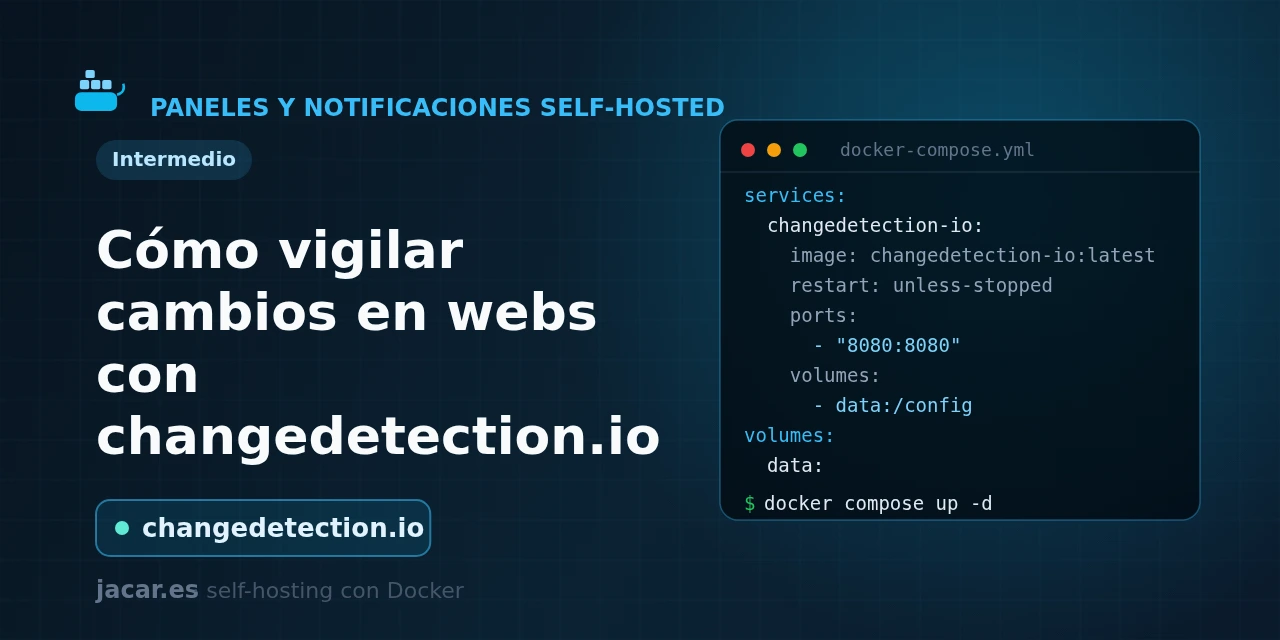
Table of contents
- Key takeaways
- What is changedetection.io and what is it for?
- What does the docker-compose.yml look like (with the optional Playwright browser)?
- How do you create a watch and refine it with CSS or XPath filters?
- How do you send notifications with ntfy or Gotify?
- What is it used for in practice (prices, stock, notices)?
- Frequently asked questions
- Do I need the Playwright browser container?
- How often does it check pages and does it use many resources?
- Is it safe to expose changedetection.io to the Internet?
- Conclusion
- Sources
There is information that only exists on a web page that offers neither notifications nor RSS: a product price, ticket availability, a paperwork date or the latest version of a piece of software. changedetection.io solves exactly that: it rechecks a page at the interval you set, spots when the text you care about changes and alerts you.
In this guide you run it with Docker Compose and add a Playwright browser container for JavaScript-heavy sites. Then you create your first watch with CSS or XPath filters and route the alerts to ntfy or Gotify. The same explanation is available in Spanish.
Key takeaways
- changedetection.io is an open-source app under the Apache-2.0 licence with around 32,300 stars on GitHub; its repository describes it as "the best and simplest tool for website change detection, web page monitoring and website change alerts".
- It is written in Python (Flask) and ships as the official image
ghcr.io/dgtlmoon/changedetection.io; the latest stable version is 0.55.8, released on 13 July 2026. - The web UI listens on port 5000 and keeps all its configuration and history in a single data directory mounted at
/datastore. - For sites that only load their content with JavaScript, you add a second browser container (
dgtlmoon/sockpuppetbrowser) listening on port 3000, which changedetection.io connects to through thePLAYWRIGHT_DRIVER_URLvariable. - Alerts are sent with Apprise, which supports more than 85 services: besides ntfy and Gotify you get Telegram, Discord, e-mail, webhooks and the rest of that list, each configured with a single URL.
What is changedetection.io and what is it for?
changedetection.io is a web page monitoring service. You give it a URL, how often you want it checked and which part of the page matters to you. From then on it downloads the page, compares the result with the previous version and alerts you only when something changes. Unlike an RSS reader, it needs the site to publish nothing special: it works on any page, because it compares the rendered content itself.
Internally it keeps a history of every check, so it does not just say "this changed": it shows you a diff with exactly which text was added or removed, just like version control. You can narrow the comparison to a specific area of the page (the price, the stock count, a headline) so a cookie banner or a rotating ad does not trigger false alerts. That is its real value: turning any static site into a reliable source of notifications.
The project is free software under the Apache-2.0 licence and active. A paid cloud edition funds development, but the self-hosted edition we install here is complete and free. Running it on your own server, you control the data and the check frequency with no third-party limits.
What does the docker-compose.yml look like (with the optional Playwright browser)?
Let us bring up two services: the app itself and a Chromium browser for JavaScript sites. The app needs no external database; a named volume for /datastore is enough, where it stores its configuration, history and alerts. Create a folder for the project and save this docker-compose.yml inside it. It pins version 0.55.8 instead of :latest, because a floating tag can jump to another version on a restart and change the behaviour with no warning:
services:
  changedetection:
    image: ghcr.io/dgtlmoon/changedetection.io:0.55.8
    container_name: changedetection
    restart: unless-stopped
    environment:
      BASE_URL: https://watch.yourdomain.com
      PLAYWRIGHT_DRIVER_URL: ws://browser-chrome:3000
    volumes:
      - changedetection-data:/datastore
    ports:
      - "127.0.0.1:5000:5000"
    depends_on:
      - browser-chrome
    healthcheck:
      test: ["CMD-SHELL", "python3 -c "import urllib.request,sys; sys.exit(0 if urllib.request.urlopen('http://localhost:5000/').status==200 else 1)""]
      interval: 60s
      timeout: 10s
      retries: 3
      start_period: 30s

  browser-chrome:
    image: dgtlmoon/sockpuppetbrowser:0.0.3
    container_name: changedetection-browser
    hostname: browser-chrome
    restart: unless-stopped
    cap_add:
      - SYS_ADMIN
    environment:
      SCREEN_WIDTH: "1920"
      SCREEN_HEIGHT: "1024"
      SCREEN_DEPTH: "16"
      MAX_CONCURRENT_CHROME_PROCESSES: "10"

volumes:
  changedetection-data:
Two important details. The port is published as 127.0.0.1:5000:5000, meaning it only listens on the server itself: the changedetection.io interface has no password by default, so it must never be exposed straight to the Internet. To reach it from outside, put it behind a reverse proxy with HTTPS and authentication, as explained in the guide on how to install Traefik with Docker Compose. Then set BASE_URL to that public URL so the links in the alerts point to the right place.
The second service, browser-chrome, is optional. You only need it to watch sites that build their content with JavaScript (modern shops, single-page apps). The PLAYWRIGHT_DRIVER_URL variable tells changedetection.io to use that browser with the Chromium fetch method; the sockpuppetbrowser container needs the SYS_ADMIN capability to start the Chrome sandbox. If you only watch simple sites, delete the browser-chrome service, the PLAYWRIGHT_DRIVER_URL line and the depends_on block, and it will work the same with the fast HTTP fetch method.
Start the services and check that they respond:
mkdir -p changedetection && cd changedetection
docker compose up -d
docker compose ps
docker compose logs -f changedetection
When the container’s status turns healthy, open http://SERVER-IP:5000 (or your domain if you already put it behind the proxy) and you will see the empty interface, ready to add your first watch. If you need to review installing the engine, see the guide on how to install Docker on Ubuntu 24.04.
How do you create a watch and refine it with CSS or XPath filters?
In the interface, paste the URL you want to watch into the top field and click Watch. changedetection.io downloads the page and saves a first snapshot. From then on it rechecks the page at the interval you configure: every few hours by default, and you can lower it to minutes or raise it to days. The first check fires no alert: it only sets the baseline the following ones will be compared against.
The problem with watching a whole page is noise: dates, visit counters, ads or banners change constantly and would flood you with false positives. So you open the watch’s settings (the Filters & Triggers tab) and narrow down exactly what to compare. There are three ways to do it:
- A CSS selector, for example
#priceor.product-price, to keep only that element. - XPath, such as
//span[@id="stock"], handy when CSS is not enough. - The visual selector, which shows you the rendered page and lets you click the block you care about; changedetection.io works out the selector for you.
You can also ignore lines containing certain words and fire triggers only when a text appears or disappears ("In stock", "Sold out"). You also choose the fetch method: the fast HTTP one for static sites or Playwright/Chromium (the browser-chrome container) for those that need JavaScript. With these filters, an alert stops being "something changed on the page" and becomes "the price dropped" or "it is back in stock".
How do you send notifications with ntfy or Gotify?
Detecting changes is useless if you never hear about them. changedetection.io uses the Apprise library, which talks to more than 85 notification services through URLs in a format of their own. You can define notifications globally (in Settings) or per watch. In the Notification URL List field you paste one URL per line; these are the two most common tools in a homelab:
ntfys://watch.yourdomain.com/changedetection
gotifys://gotify.yourdomain.com/AbCdEf012345
The first sends the alert to a topic called changedetection on your ntfy server over HTTPS (ntfys://); if your server requires authentication, the URL accepts a user and password with ntfys://user:pass@host/topic. The second delivers the message to Gotify, where the last segment (AbCdEf012345) is the token of the application you created. Always use the secure variant (ntfys://, gotifys://) when the service sits behind HTTPS.
The alert body and title are customised with tokens: {{watch_url}} inserts the watched URL, {{watch_title}} its name and {{diff}} the exact detected change. That way, on your phone, instead of a generic "there are changes" you get the link and the fragment that changed. Before saving, click Send test notification to confirm the URL is correct and the alert really arrives.
What is it used for in practice (prices, stock, notices)?
The use cases appear on their own once you have it running. The most popular is price watching: you point it at a product page, filter by the price selector and get an alert as soon as it drops, without relying on external comparison sites. Closely related is stock tracking: you watch a page with a trigger on the text "Sold out" to find out the instant an item, a ticket or a component is available again.
Beyond shopping, it is an excellent tool for following official information. Watch the opening date of an administrative deadline, an application’s terms of service, the status of an order or the notice of a new version on the download page of software that publishes no changelog feed.
Any page you would check "by hand now and then" is a candidate to become a watch. Since each result is stored in the /datastore volume, include that directory in your backups. If you need to review how data persists in Docker, see the guide on Docker volumes and bind mounts.
Frequently asked questions
Do I need the Playwright browser container?
Only for JavaScript sites: the fast HTTP fetch method downloads the HTML exactly as the server serves it, which is what you need on static pages and blogs. But shops and apps that load the price or stock with JavaScript after serving the page return a raw HTML that arrives empty. For those cases you add the dgtlmoon/sockpuppetbrowser container, which renders the page in a real Chrome (at 1920×1024) just like an actual browser. If you watch no such sites, you can do without it and save memory.
How often does it check pages and does it use many resources?
You decide the interval, per watch or globally, from minutes to days. The app itself is light because it only makes HTTP requests and compares text; usage only spikes when you use the Chromium browser, which opens a Chrome per check. That is why the sockpuppetbrowser container limits simultaneous processes with MAX_CONCURRENT_CHROME_PROCESSES (10 by default). For most homelabs, a sensible interval and the HTTP method whenever possible keep CPU and RAM use to a minimum.
Is it safe to expose changedetection.io to the Internet?
Not directly. The interface ships with no username or password, so in the docker-compose.yml we publish it only on 127.0.0.1. To reach it from outside, always put it behind a reverse proxy that adds HTTPS and an authentication layer, and also enable the internal password the app itself offers in its settings. That stops anyone from viewing, editing or deleting your watches.
Conclusion
changedetection.io turns any web page into a source of notifications. You watch the page, filter down to exactly the data you care about with a CSS or XPath selector and get an alert with the precise change on your phone. With a two-service docker-compose.yml you stand up the app and, when needed, a Playwright browser for JavaScript sites, with no dependency beyond a volume for /datastore. The natural next step is to lock it down behind a proxy with HTTPS, route the alerts to ntfy or Gotify and create your first watches for prices, stock and official notices.
Sources: [1] changedetection.io official repository on GitHub[1], [2] changedetection.io official site[2], [3] Wiki: Playwright content fetcher[3], [4] dgtlmoon/sockpuppetbrowser image on Docker Hub[4], [5] Apprise: notifications with ntfy[5].
Sources
Source code
Access all the source code for this post on GitHub.
View on GitHub