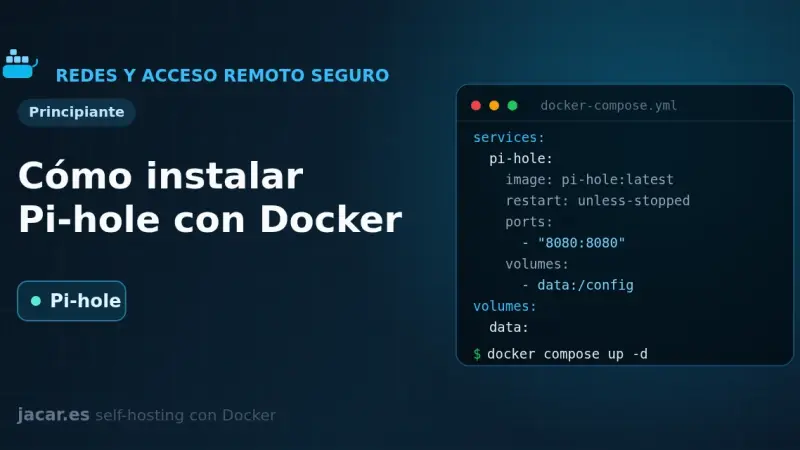
Pi-hole is a DNS server that blocks ads and trackers across your whole network. With Docker you install it from a single docker-compose.yml: version 6 embeds the web panel into the pihole-FTL binary, exposes DNS on port 53 and the admin UI on port 80, and is configured with FTLCONF_-prefixed variables.
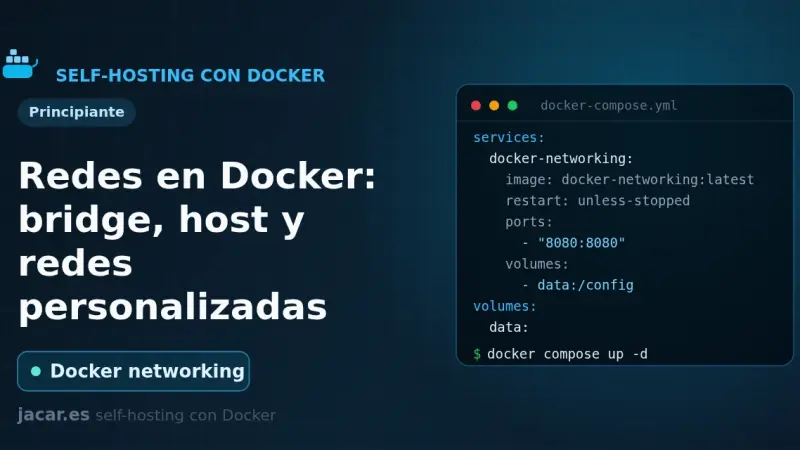
Docker ships six network drivers: bridge, host, none, overlay, macvlan and ipvlan. The default bridge network connects containers by IP but without name resolution. A user-defined bridge adds an internal DNS server so services find each other by name, and it is the recommended choice for almost any deployment.
Cilium Service Mesh replaces Istio or Linkerd sidecars with eBPF in the kernel: it handles policy, WireGuard encryption, and Hubble observability without a per-pod proxy, cutting memory overhead from roughly 100 GB to about 5 GB in a 100-node cluster. It suits large clusters with teams comfortable with eBPF.
6 min2534.7
We use first- and third-party cookies to analyze site traffic. You can accept them, reject them, or configure your choice.
Learn more about cookies
Cookie preferences
NecessaryEssential for the site to work. Always on.
AnalyticsHelp us understand how the site is used (Google Analytics).