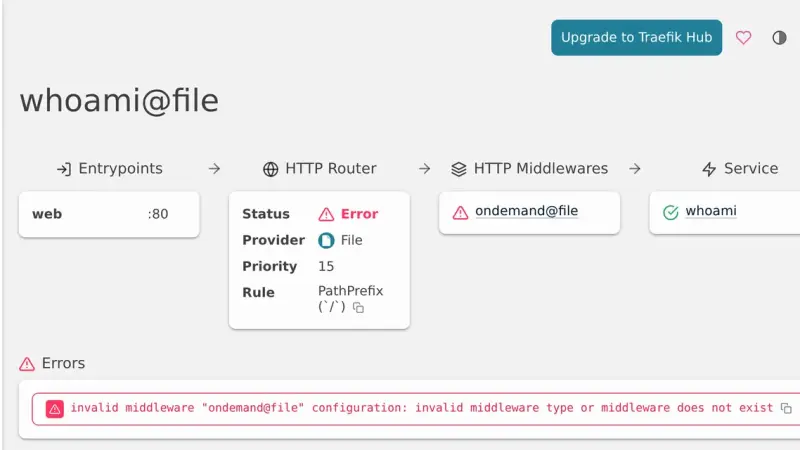
Traefik logged plugin integrity check failed because its plugin catalog served one zip and validated another. It hit Pangolin's Badger v1.8.0 and Sablier v1.3.1. Traefik fixed it on 30 October 2026: if you pinned the zip hash, remove that line or pin the new hash.
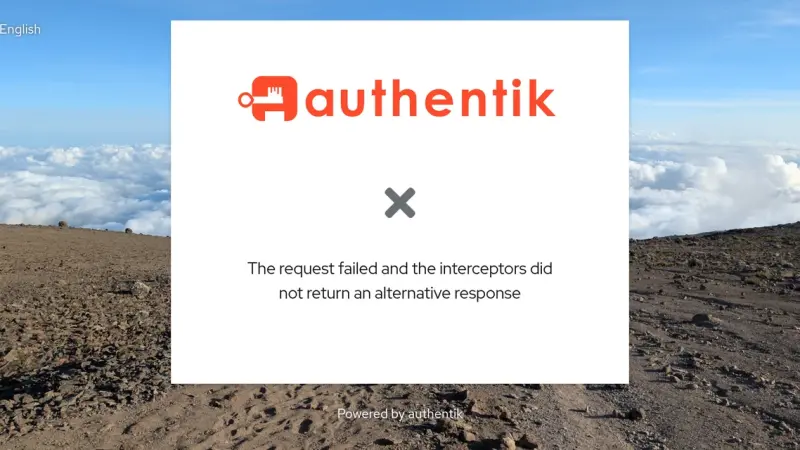
Authentik 2026.8 only accepts X-Forwarded-Proto, X-Forwarded-Host and X-Forwarded-For when the connection comes from a network listed in AUTHENTIK_LISTEN__TRUSTED_PROXY_CIDRS. If your reverse proxy sits outside the default private ranges, Authentik treats the request as HTTP and login breaks. Add the proxy's IP or network to that variable and restart.
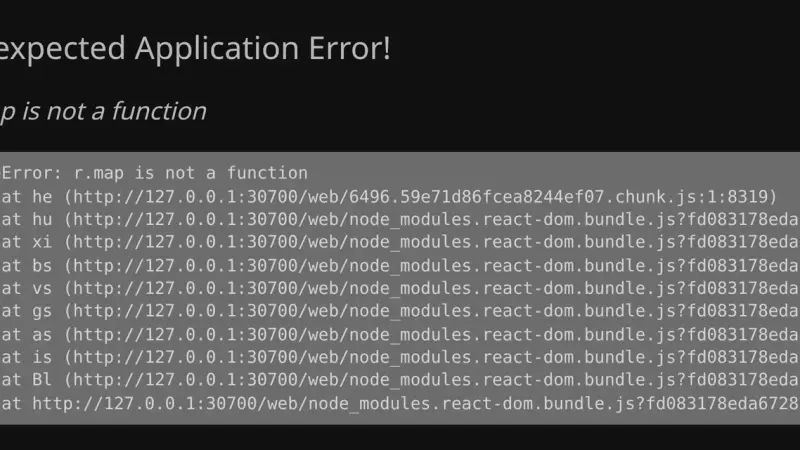
The Jellyfin 12 dashboard error r.map is not a function appears when /web/ConfigurationPages returns HTML or an empty body instead of JSON, and the web client keeps that answer in IndexedDB for 24 hours. Fix the reverse proxy, then delete the jellyfin-query-cache key and the browser's cached files.
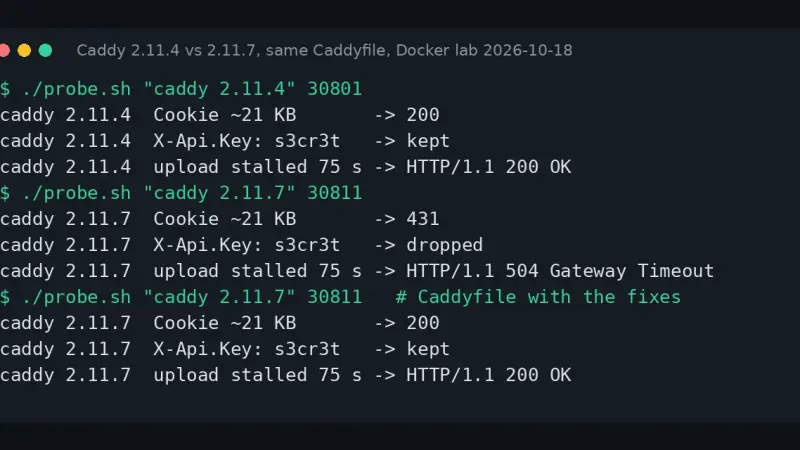
Since Caddy 2.11.6, request headers are capped at 16 KiB and anything larger gets 431 Request Header Fields Too Large. Raise the cap with max_header_size in the servers block. The same release silently drops headers that contain a dot, cuts stalled uploads after 60 s and stops inheriting client_auth from a wildcard site.
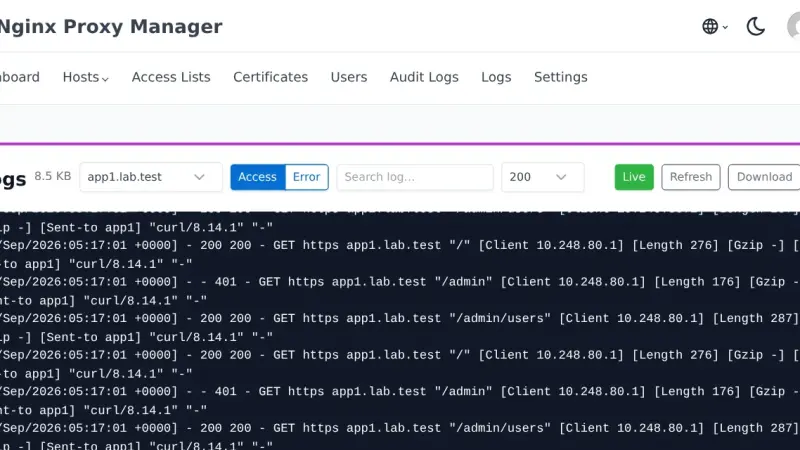
You upgrade Nginx Proxy Manager to 2.16.0 by changing the image tag and recreating the container. It ships no database migrations, and in my test it kept every host, certificate and access list. Back up data and letsencrypt first: rolling back to 2.15 by swapping only the image leaves any path you protect with the new feature unprotected.
Traefik is the default reverse proxy for Docker Swarm: automatic service discovery via labels, Let's Encrypt certificates with DNS challenge, and reusable middleware chains. This guide covers the overlay network, static and dynamic configuration, certificate storage for multi-manager setups, and the production decisions that actually matter.
Traefik is a reverse proxy that automatically discovers Docker containers through labels and renews TLS certificates via Let's Encrypt without manual work. To install it with Docker Compose, define its static configuration in traefik.yml, generate basic-auth credentials for the dashboard, and start the container connected to a dedicated Docker network.
7 min3004.4
We use first- and third-party cookies to analyze site traffic. You can accept them, reject them, or configure your choice.
Learn more about cookies
Cookie preferences
NecessaryEssential for the site to work. Always on.
AnalyticsHelp us understand how the site is used (Google Analytics).