What is oMLX and how it differs from MLX, Ollama and LM Studio
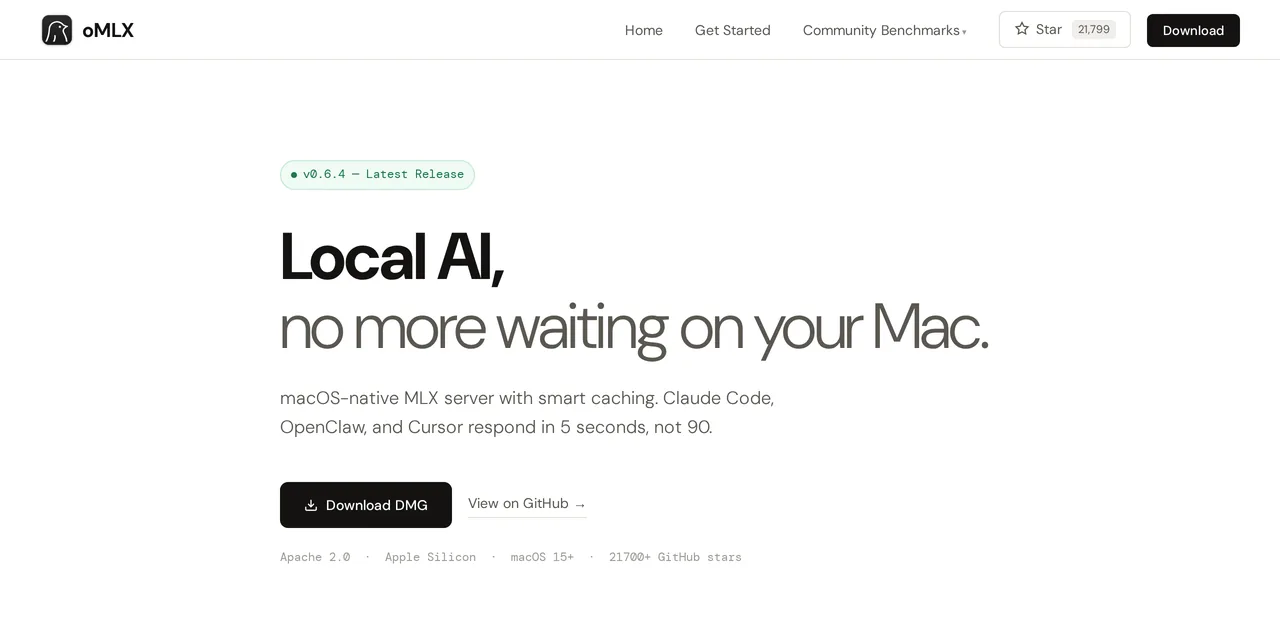
Table of contents
- Key takeaways
- What oMLX is, exactly
- oMLX is not MLX
- How it works inside
- oMLX against Ollama 0.40 and LM Studio on a Mac
- Which one to choose
- How to compare them on your own Mac
- Why there is no Windows, Linux or Docker version
- Frequently asked questions
- Are oMLX and MLX the same thing?
- Is oMLX faster than Ollama?
- Can I install oMLX on Windows or Linux?
- Which models does oMLX support?
- Conclusion
- Sources
oMLX is a local inference server for Apple Silicon Macs that turns Apple’s MLX framework into a permanent service with the OpenAI and Anthropic APIs. The most common confusion is taking it for Apple’s framework, which is one letter away. This article separates the two and compares oMLX with Ollama 0.40 and LM Studio as they stand on 27 October 2026, so you can decide which one fits you. oMLX’s measured speeds live on another page, linked at the end.
Key takeaways
- oMLX is a server, not a framework. It wraps MLX, Apple’s compute library, in a process with web endpoints and a native menu bar app.
- The latest stable version is 0.7.2, from 21 October 2026, under the Apache 2.0 licence.
- Since Ollama 0.40, Ollama also runs the models that have an MLX variant on MLX on a Mac, and LM Studio has served MLX models for a while. The engine is no longer what sets them apart.
- What does set oMLX apart is memory management: models loaded side by side with eviction, pinning and TTL, its own memory ceiling, and a KV cache that spills to the SSD and survives restarts.
- All three now speak the OpenAI API and Anthropic’s Messages API, so all three can serve Claude Code.
What oMLX is, exactly
oMLX is a language model server that runs on your Mac and exposes the models over HTTP. The project sums itself up as inference with continuous batching and a tiered KV cache, managed from the macOS menu bar.
Inside, it is a FastAPI process that wraps MLX and the mlx-lm and mlx-vlm libraries. On top it adds three things MLX does not have. They are an engine pool that keeps more than one model in memory, a key-value cache split between RAM and SSD, and endpoints compatible with OpenAI and Anthropic.
It is published by the developer jundot in the jundot/omlx repository, under Apache 2.0. The app is native, written in Swift and SwiftUI, not a browser wrapper: it starts and stops the server, keeps usage statistics and updates itself. Releases come fast: 0.7.1 shipped on 20 October, 0.7.2 the next day and 0.7.3rc1 on 27 October.
oMLX is not MLX
This is the distinction that drives the most searches, and each name is a different layer:
- MLX: Apple’s framework for matrix computation on the unified memory of M-series chips, with a NumPy-like API. It runs the operations, but it does not serve models or speak HTTP.
- mlx-lm: the library on top, which loads language models and generates text. It is what you use in a Python script.
- oMLX: the service layer. It puts mlx-lm inside a process that listens on a port, shares memory among the loaded models and answers in the formats your clients already know.
Put another way: MLX runs the model, and oMLX decides which model is loaded, how much memory it takes, who can call it and in which format.
How it works inside
Three pieces explain almost all of its behaviour. The first is the engine pool, which loads language, vision, embedding, reranker and decision models. It evicts the least recently used model when memory runs short, lets you pin models so they never unload, and supports a per-model time to live.
A memory guard enforces the overall ceiling. In the default tier, balanced, it keeps 8 % of RAM for macOS and other apps, with a floor of 3 GB and a cap of 8 GB. On a 128 GB Mac that leaves about 120 GB for models and cache.
The second is the tiered KV cache, its signature feature. It works in blocks with shared prefixes, a design taken from vLLM. Hot blocks stay in RAM and cold ones spill to the SSD in safetensors format. When another request arrives with the same prefix, the blocks are read from disk instead of recomputed, even after a server restart.
The third is continuous batching, which serves simultaneous requests through mlx-lm’s batch generator instead of queuing them. The maximum number of concurrent requests is set in the dashboard or on the command line.
oMLX against Ollama 0.40 and LM Studio on a Mac
All three serve local models on an Apple Silicon Mac, and in October 2026 they look more alike than they did in the spring. The table collects what each one’s documentation says, read on 27 October 2026:
| oMLX 0.7.2 | Ollama 0.40 | LM Studio | |
|---|---|---|---|
| Platforms | macOS 15 or later on Apple Silicon only | macOS, Linux and Windows | macOS, Linux and Windows |
| Engine on a Mac | MLX; GGUF of some models on the external Splash engine | MLX for models with an MLX variant; llama.cpp for the rest | llama.cpp for GGUF and MLX for MLX models |
| Interface | Menu bar, web dashboard and CLI | CLI and app | Desktop app, lms CLI and headless mode |
| OpenAI API | Yes, with the Responses API | Yes | Yes, with the Responses API |
| Anthropic API | /v1/messages and count_tokens |
A subset of the Messages API | /v1/messages |
| Models loaded at once | Usage-based eviction, pinning, per-model TTL and a memory ceiling | Up to 3 at once by default, unloaded after 5 idle minutes | 60-minute TTL and automatic eviction of the previous model when another loads |
| KV cache on the SSD across restarts | Yes | Not in its documentation | Not in its documentation |
The row that changed most is the engine. Since Ollama 0.40, the models its library publishes with an MLX variant run on MLX on a Mac, as I explain in Ollama 0.40 runs MLX by default. Comparing oMLX with Ollama is no longer comparing MLX with llama.cpp.
Which one to choose
The decision depends less on the engine than on how you will use the machine:
- Ollama, if you want the same workflow on your Mac and on a Linux server, or if downloading a model from its library and using it is all you need. The Mac install is in how to install Ollama on macOS.
- LM Studio, if you want a desktop app to search, try and compare models with a graphical interface, and serve them now and then. I cover it in LM Studio: exploring AI models from your desktop.
- oMLX, if the Mac has memory to spare and you want to treat it as a server for more than one tool at once: models pinned in memory, others that come and go on their own, and a cache that keeps a coding assistant’s long prefixes across sessions.
oMLX also exposes more engine settings, such as speculative decoding with Lightning MTP, whose measured effect is in the guide to installing oMLX on an M5 Max. The price is that the project moves fast: treat it as a tool you upgrade after reading each version’s notes.
How to compare them on your own Mac
I did not measure Ollama or LM Studio on the Mac for this article, so there is no figure here for which one generates more tokens per second. If you want to know for your case, measure all three the same way: streaming requests to their /v1/chat/completions endpoint, with the same instruction, the same answer length and a fixed temperature.
oMLX’s benchmark tool has an option, "Use external OpenAI API endpoint", that runs the same battery against another OpenAI-compatible server. The external server has to return token usage while streaming (stream_options.include_usage), and those results are not uploaded to the omlx.ai leaderboard. Before comparing, pin down what moves the numbers most: the context, the Mac’s thermal state and whether the cache is cold or warm. I explain it in how to measure oMLX without fooling yourself.
Why there is no Windows, Linux or Docker version
oMLX is MLX, and MLX belongs to Apple. It is built on the unified memory and the Metal engine of M-series chips, where the CPU and the GPU share one address space without copies. That memory model does not exist on a PC with a discrete graphics card.
That is where the requirements the project publishes come from: macOS 15 or later, Python 3.11 to 3.13 and an M1 to M5 chip. There is no Docker image either, because a container on macOS runs inside a Linux virtual machine with no access to Metal. If your machine is not an Apple Silicon Mac, the equivalent alternative is Ollama or llama.cpp.
Frequently asked questions
Are oMLX and MLX the same thing?
No. MLX is Apple’s compute framework for its M-series chips. oMLX is an independent server, by the developer jundot, that wraps MLX and exposes it over HTTP with the OpenAI and Anthropic APIs. It adds memory management, an on-disk cache and more than one model loaded at once.
Is oMLX faster than Ollama?
There is no general answer, and this article does not measure it. Since Ollama 0.40 both use MLX on a Mac for models with an MLX variant, so the difference depends on the model, the quantisation and settings such as speculative decoding. Measure both with the same request through the API, as explained above.
Can I install oMLX on Windows or Linux?
No. oMLX depends on MLX, which only runs on Metal and the unified memory of Apple Silicon. You need macOS 15 or later and an M-series chip; on other platforms use Ollama or llama.cpp.
Which models does oMLX support?
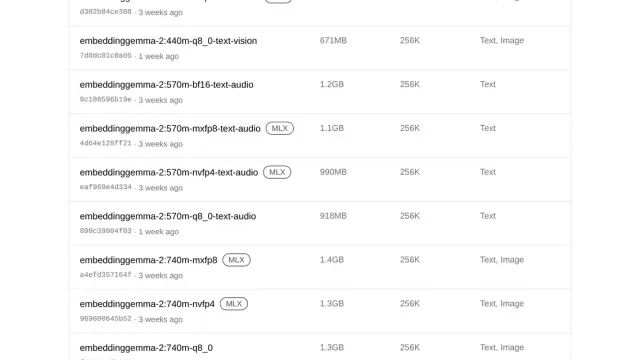
Any language model mlx-lm supports, and mlx-vlm vision models such as the Qwen3.5 series. It also serves OCR such as DeepSeek-OCR, embeddings such as BGE-M3 and EmbeddingGemma 2, rerankers and decision models such as Clef. GGUF files in the model folders are served by the external Splash engine, which in 0.7.2 supports specific Qwen models.
Conclusion
oMLX fills a narrow niche and fills it well: turning a Mac with memory to spare into a model server for more than one tool at once. With Ollama and LM Studio already running MLX and speaking Anthropic’s API, its edge is memory management and a cache that persists, not the engine.
If you want to see how fast it runs in practice, look at the benchmarks measured on an M5 Max. To install it, the Homebrew route is in installing, updating and uninstalling oMLX, and every guide, in order, is on the oMLX page. The Spanish version of this article is Qué es oMLX.
Sources: [1] jundot/omlx, official repository and documentation[1], [2] oMLX 0.7.2 release notes[2], [3] MLX, Apple’s machine learning framework[3], [4] Ollama’s Anthropic API compatibility[4], [5] Ollama FAQ[5], [6] LM Studio’s Anthropic-compatible endpoints[6], [7] Idle TTL and auto-evict in LM Studio[7].
Sources
Source code
Access all the source code for this post on GitHub.
View on GitHub