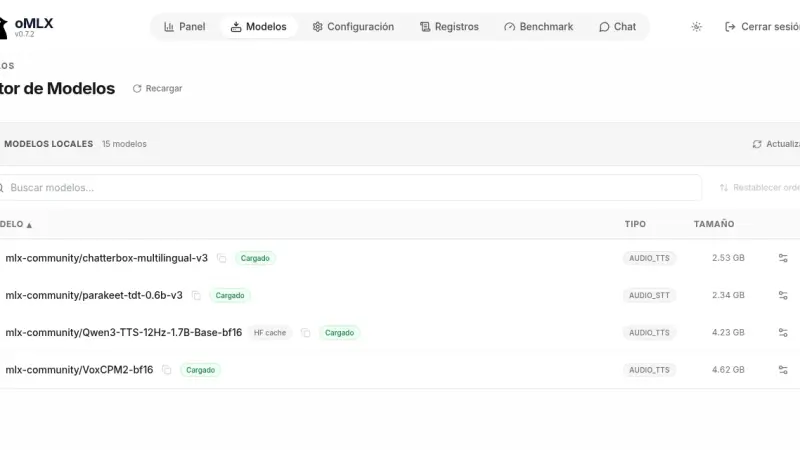
oMLX serves text-to-speech (TTS) models on an Apple Silicon Mac through the same API as OpenAI. With POST /v1/audio/speech you request audio in a preset voice, a voice described in plain language or a voice cloned from a few seconds of reference. On an M5 Max, Qwen3-TTS 1.7B generates each second of audio in 0.33 s.
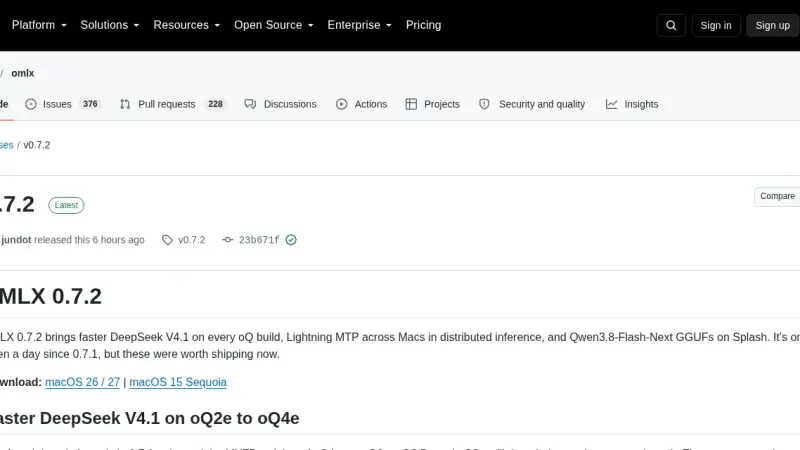
oMLX 0.7.2, released on 21 October 2026, one day after 0.7.1, speeds up DeepSeek V4.1 on the oQ2e to oQ4e quants, turns on Lightning MTP in multi-Mac clusters, runs Qwen3.8-Flash-Next GGUFs on Splash and stops re-prefilling the whole conversation on every Claude Code turn. You upgrade it from the app, Homebrew or source.
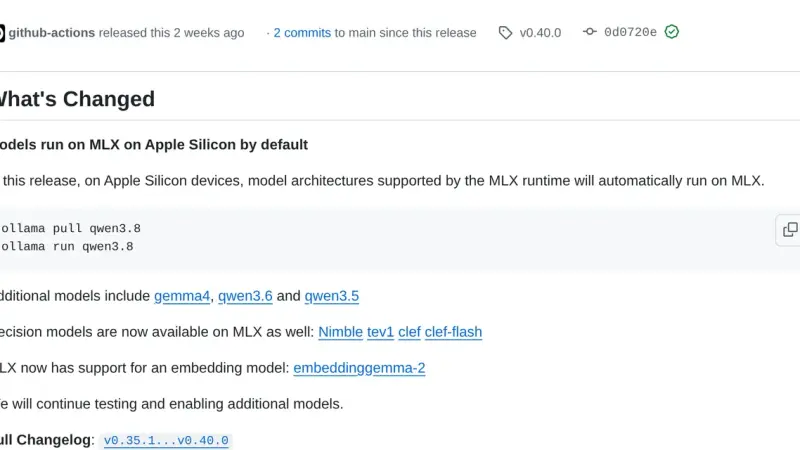
Since Ollama 0.40, released on 25 September 2026, models with a supported architecture run on MLX instead of llama.cpp on Apple Silicon Macs. Ollama picks the model variant at download time, and ollama ps shows in its RUNNER column which engine serves it. On Linux and Windows llama.cpp is still the default.
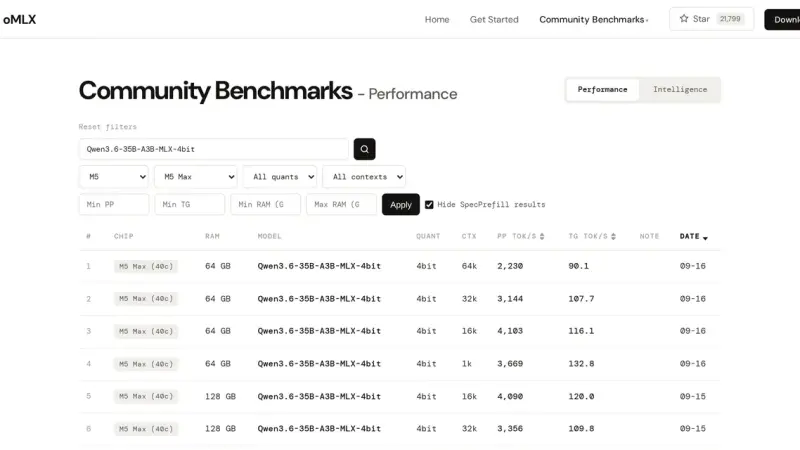
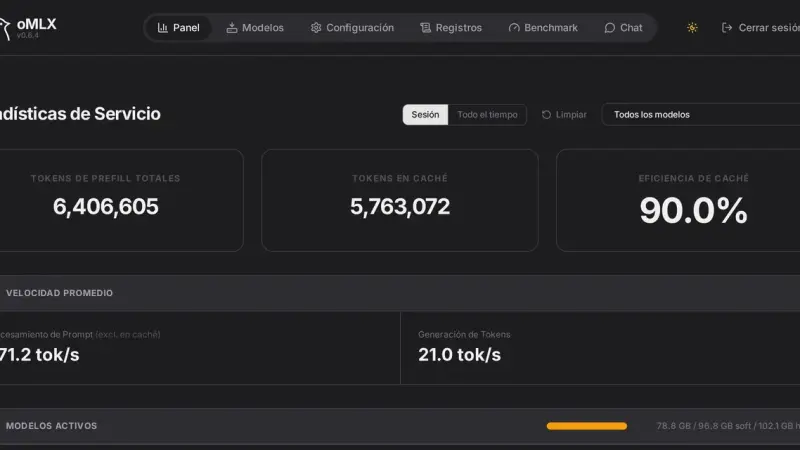
oMLX ships a benchmark tool in the panel that measures time to first token, time per output token, tokens per second and peak memory, with prompts from 1,024 to 200,000 tokens. The default memory ceiling is system RAM minus 8 GB, and that is what decides which context fits.
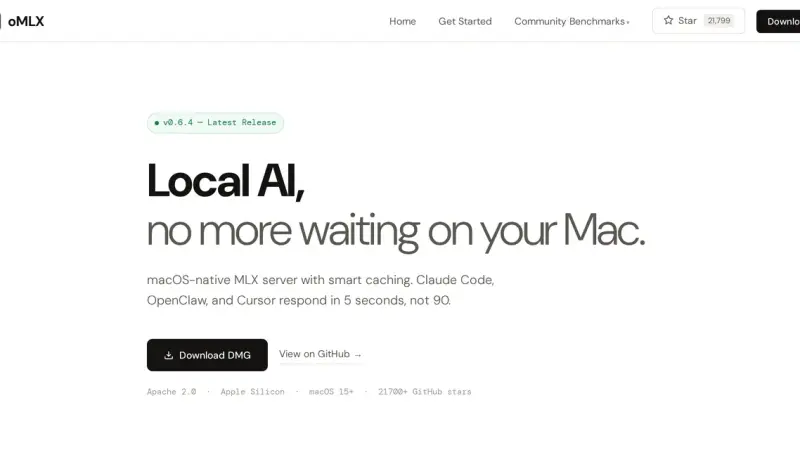
oMLX is a local inference server for Apple Silicon Macs that wraps Apple's MLX framework in a web process and exposes it through the OpenAI and Anthropic APIs. It adds continuous batching, on-disk KV caching and several models in memory at once, all driven from the menu bar.
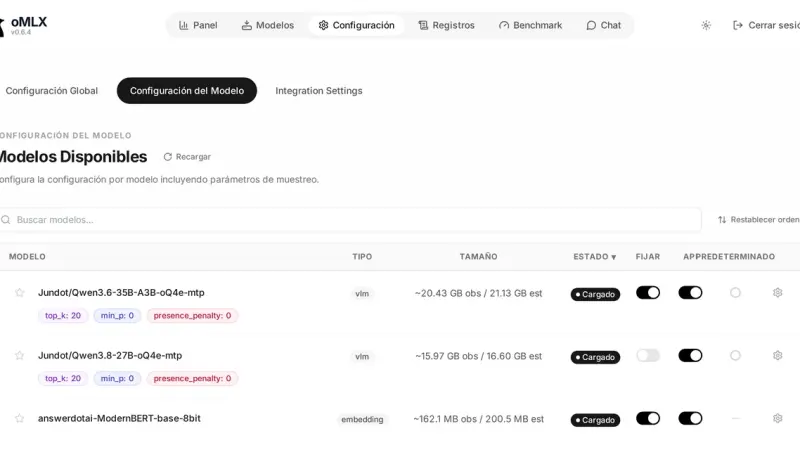
The oMLX panel lives at localhost:8000/admin and gathers monitoring, model loading and unloading, chat with history, a Hugging Face downloader, benchmarks and per-model settings. The command line covers the rest with four commands: serve, start, stop and launch, the last one for wiring up external clients.
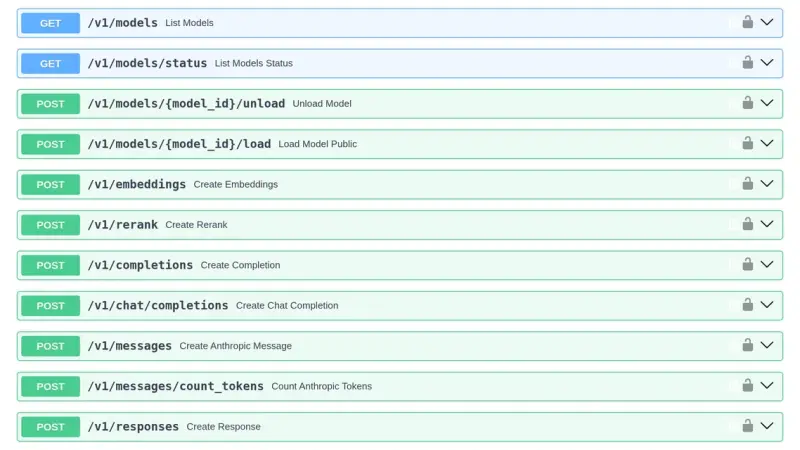
oMLX listens on 127.0.0.1:8000 by default and exposes eight endpoints compatible with OpenAI and Anthropic. The API key travels in the Authorization header or in x-api-key, supports sub-keys that only call the API, and can be skipped for local connections. Everything is configurable through settings.json, environment variables or flags.
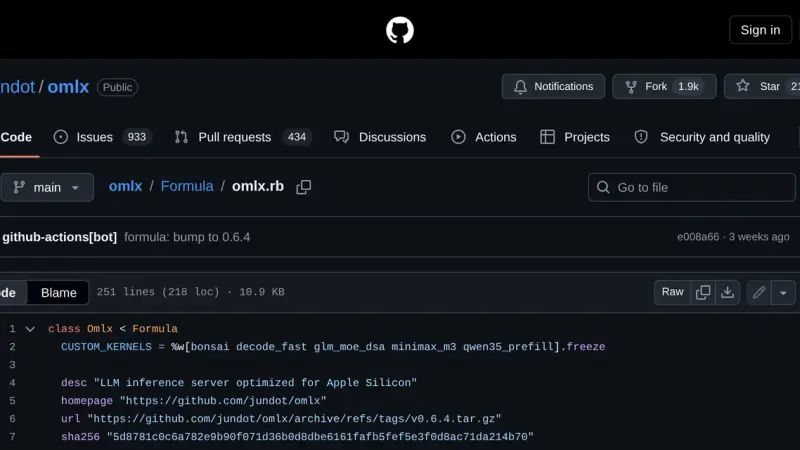
oMLX installs through Homebrew in two commands: first the tap for jundot's repository, then the formula. You end up with a launchd service that starts via omlx start, a log inside Homebrew's var directory and an upgrade path through brew upgrade. The current version is 0.6.4, released on 29 August 2026.
oMLX manages each model's lifecycle with four pieces: a downloader that pulls weights from Hugging Face, aliases that rename the model in the API, a TTL that unloads it after idle time, and a tiered KV cache that spills blocks to SSD when RAM fills up.
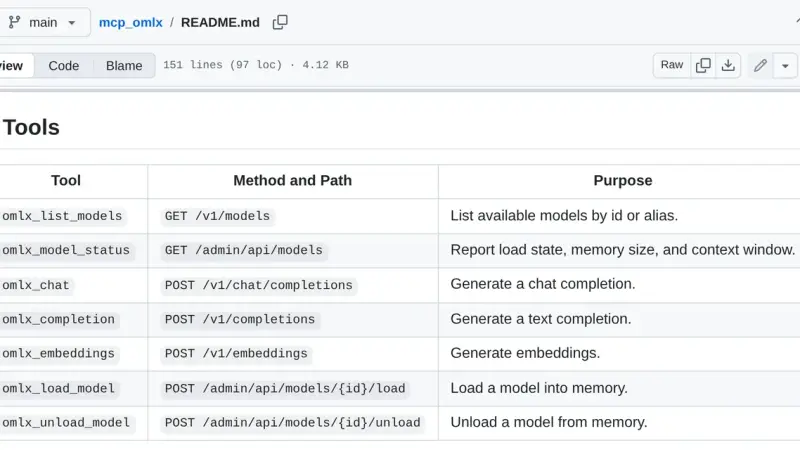
oMLX MCP is a bridge that exposes your local oMLX server as Model Context Protocol tools. The mcp_omlx package connects Claude Desktop to the models running on your Mac and gives you seven tools to list models, load and unload them from memory, and run inference without leaving the client.
Recipe for oMLX 0.6.4 on a Mac M5 Max with 128 GB: install, Claude Code and advanced settings with screenshots (Lightning MTP, VLM MTP and DFlash). Includes our own September 2026 benchmarks, with up to 1.88x more tokens per second.
41 min3.7K5.0
We use first- and third-party cookies to analyze site traffic. You can accept them, reject them, or configure your choice.
Learn more about cookies
Cookie preferences
NecessaryEssential for the site to work. Always on.
AnalyticsHelp us understand how the site is used (Google Analytics).