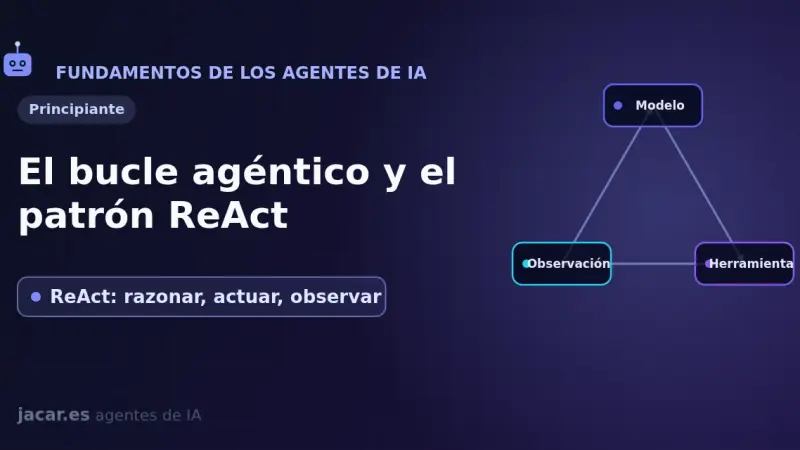
The ReAct pattern (Reason + Act) organizes an agent as a repeating three-step loop: reason about what to do, take an action with a tool, and observe the result. Introduced by Yao and colleagues in 2022, it interleaves reasoning and acting so the model can plan, consult external sources, and fix its own mistakes as it goes.
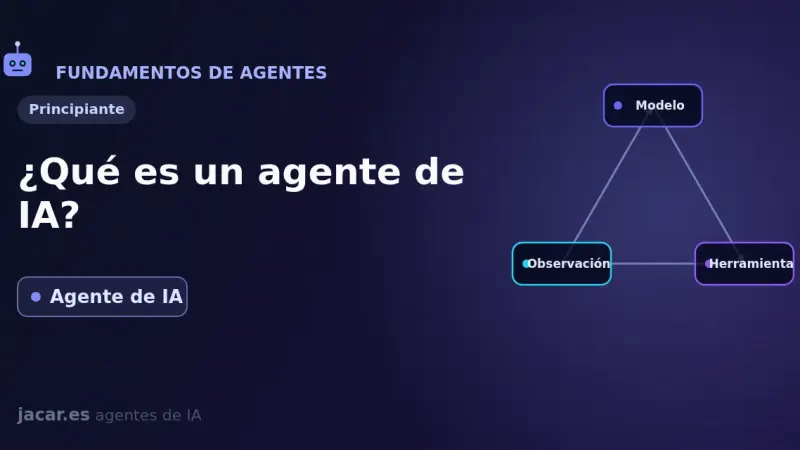
An AI agent is a program that uses a language model as its brain to decide for itself which steps to take toward a goal: it reasons, calls external tools, observes the result and repeats that loop until it is done. Unlike a chatbot, it does not just answer; it acts.
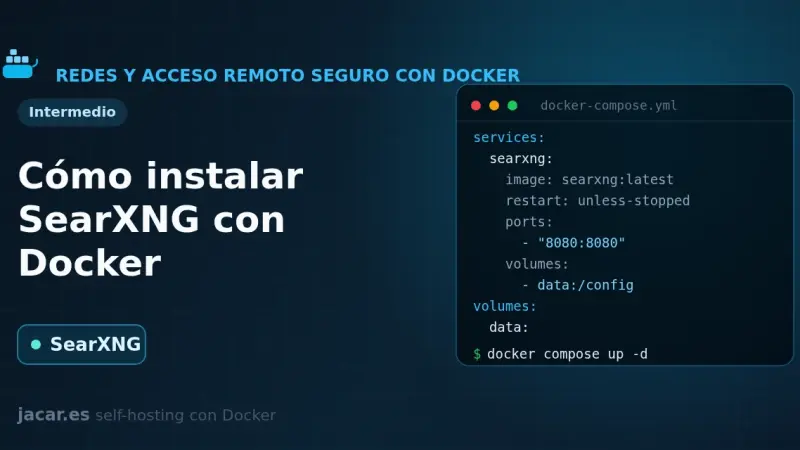
SearXNG is a free, privacy-respecting metasearch engine that aggregates results from more than 70 services without tracking or profiling you. With Docker you bring it up in a container alongside Valkey, set a secret_key in settings.yml and in minutes you have your own private search engine listening on port 8080.
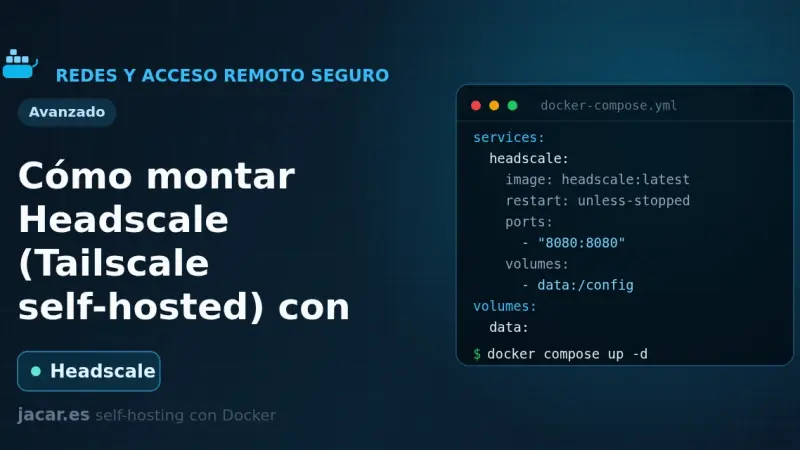
Headscale is a free, self-hosted implementation of the Tailscale control server: it gives you a private WireGuard mesh network without depending on Tailscale's cloud or its plan limits. This guide brings it up with Docker Compose in its version 0.29.2, prepares the config.yaml file, registers the first node and adds a web panel with headscale-ui.
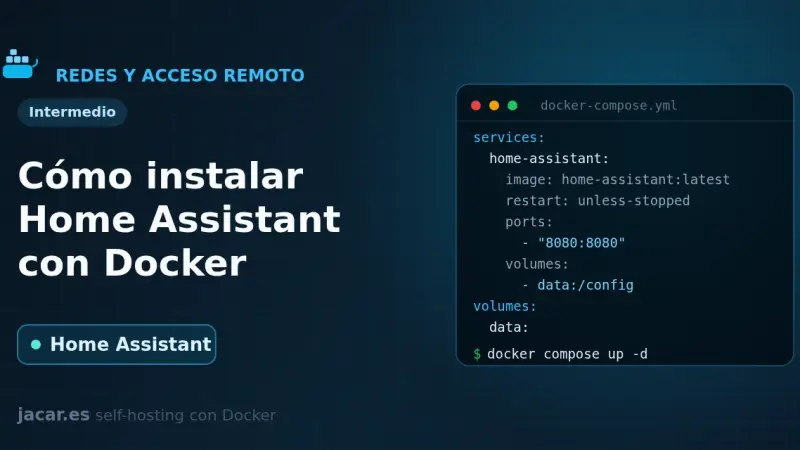
Home Assistant Container is the local home-automation platform installed as a Docker container: an official image, port 8123 and host-mode networking to discover devices. This guide brings it up with docker-compose, covers the first boot and backups, and makes clear it does not include the Supervisor add-on store.
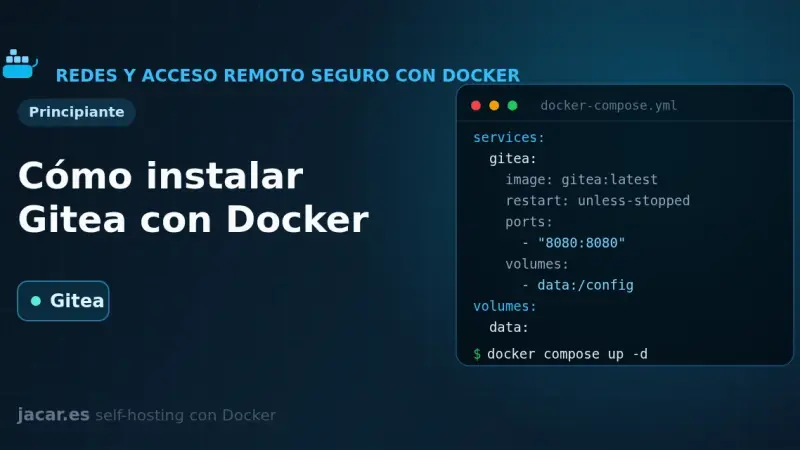
Gitea is a self-hosted Git service written in Go, lightweight and a single binary, an alternative to GitHub and GitLab. With Docker you install it from a docker-compose.yml alongside PostgreSQL: it publishes the web interface on port 3000 and Git over SSH on port 22, and is configured with GITEA__ variables. It ships Actions for CI and webhooks.
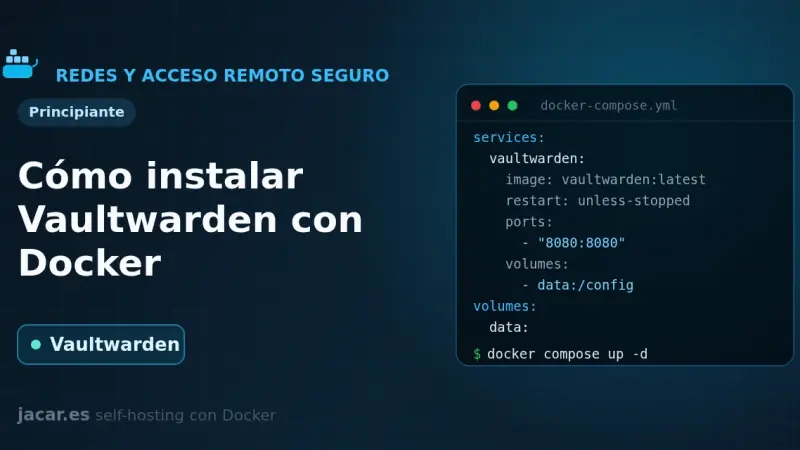
Vaultwarden is a Bitwarden-compatible password server written in Rust and released under the AGPL-3.0 license that barely uses any RAM. This guide brings it up with Docker Compose, publishes it behind a reverse proxy with HTTPS (mandatory for the browser encryption to work), protects the /admin panel with an ADMIN_TOKEN and closes off registration.
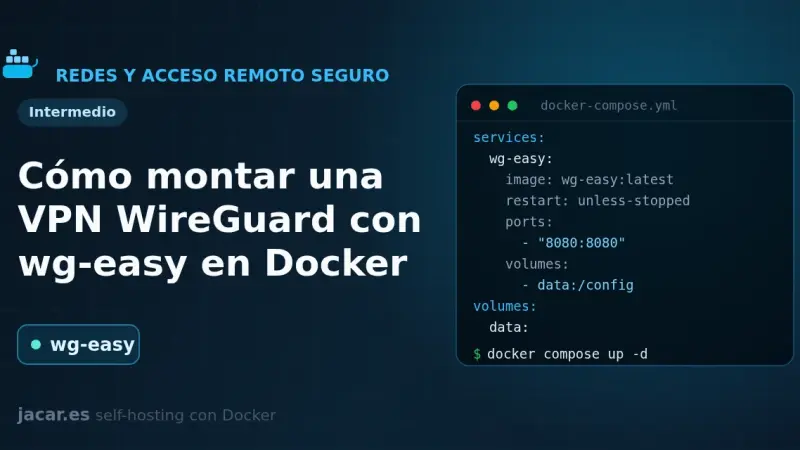
wg-easy is the simplest way to self-host a WireGuard VPN: a single container that bundles the server and a web panel to create clients in one click. This guide brings it up with Docker Compose in its version 15, completes the first-run setup wizard on port 51821 and connects your first device with a QR code.
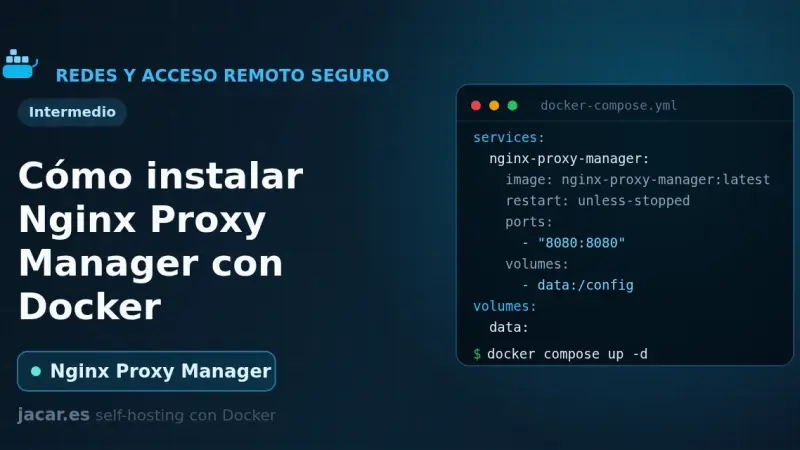
Nginx Proxy Manager is an open-source reverse proxy that puts a web interface over Nginx and Certbot, so you create proxy hosts and request Let's Encrypt certificates with a few clicks. With Docker it installs as a container next to its database, exposes ports 80, 443 and 81, and spares you from editing Nginx config files by hand.
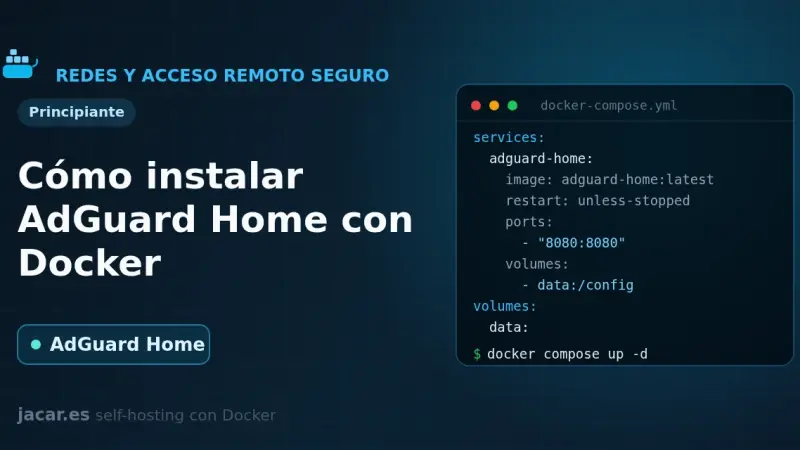
AdGuard Home is a free, open-source DNS server that blocks ads and trackers across your whole network from a single container. This guide brings it up with Docker Compose, fixes the port 53 conflict, walks through the setup wizard and turns on encrypted DNS and DNS rewrites.
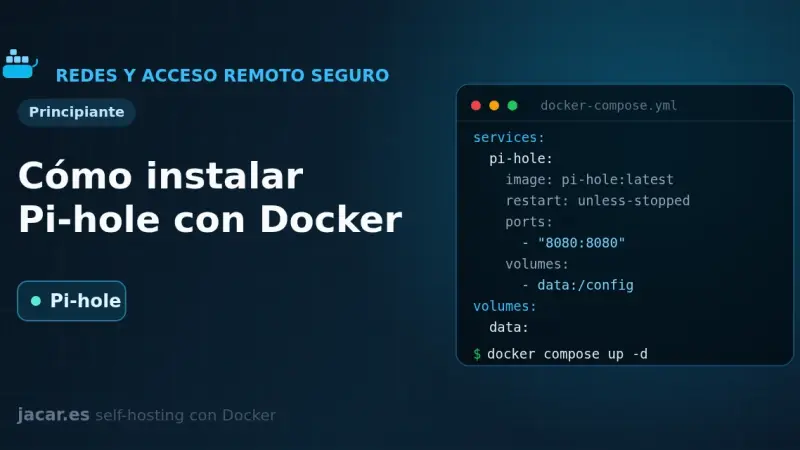
Pi-hole is a DNS server that blocks ads and trackers across your whole network. With Docker you install it from a single docker-compose.yml: version 6 embeds the web panel into the pihole-FTL binary, exposes DNS on port 53 and the admin UI on port 80, and is configured with FTLCONF_-prefixed variables.
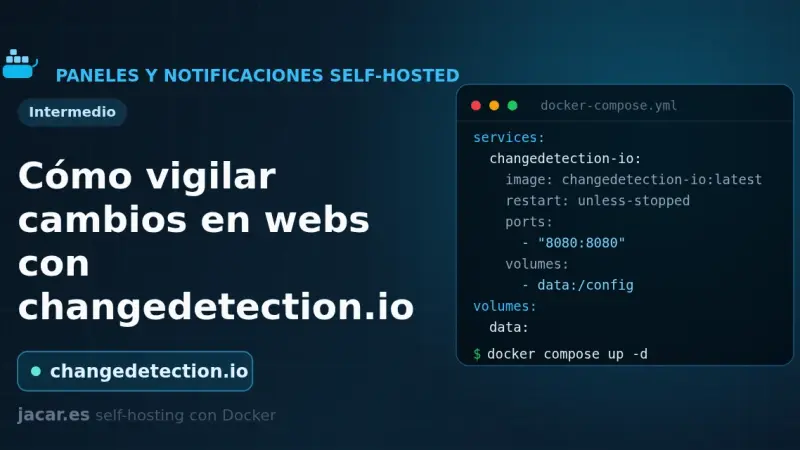
changedetection.io is an open-source tool that watches web pages and alerts you when they change: prices, stock, versions or official notices. This guide installs it with Docker Compose, adds a Playwright browser container for JavaScript sites, creates watches with CSS or XPath filters and sends notifications to ntfy or Gotify.
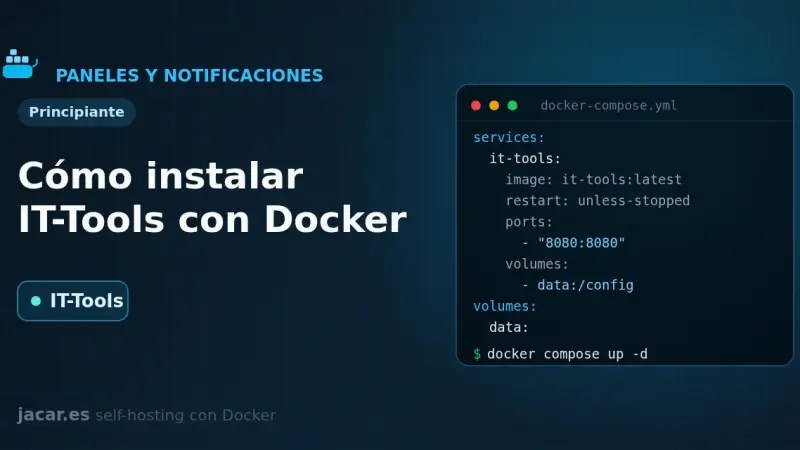
IT-Tools bundles more than eighty developer utilities (JWT, hashes, cron expressions, colour converters) into a single web app that runs entirely in your browser. With Docker you bring it up from one docker-compose.yml, it listens on port 80 and stores nothing: with no server and no database, it needs no volume either.
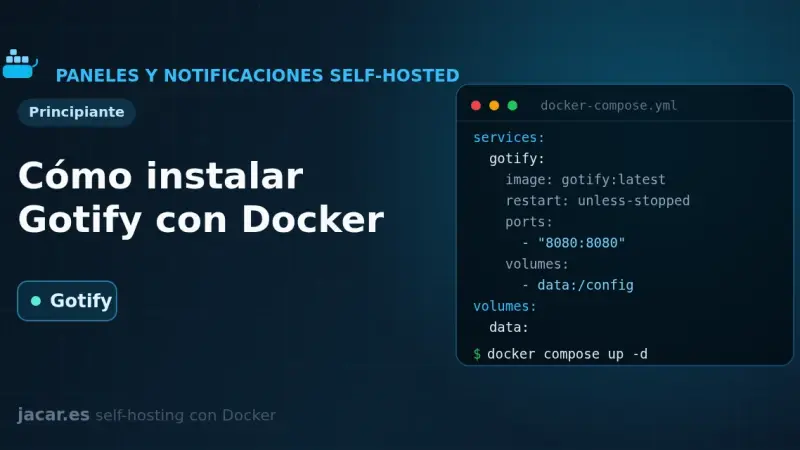
Gotify is a self-hosted push notification server written in Go and released under the MIT license that gathers messages from your scripts and services in one place. This guide brings it up with Docker Compose on port 80, creates an application with its token and sends the first message through its REST API with curl.
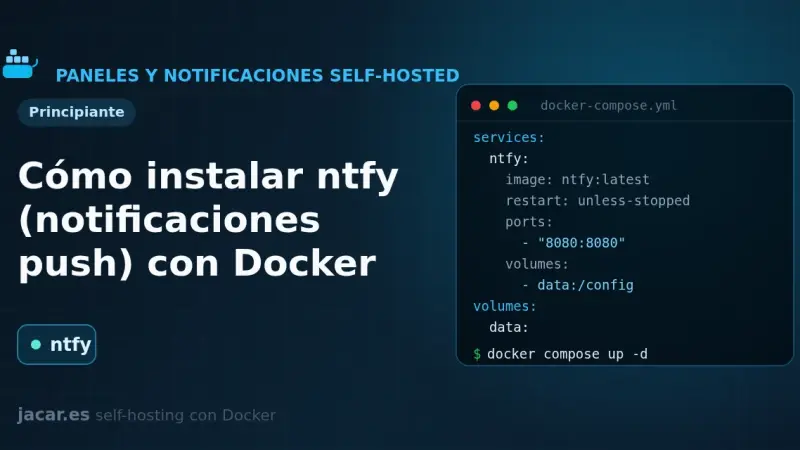
ntfy is a free, open-source HTTP-based push notification service that lets you send alerts to your phone or desktop with a simple PUT or POST request to a topic. This guide runs your own ntfy server with Docker Compose, publishes and subscribes to topics, and adds authentication and access control.
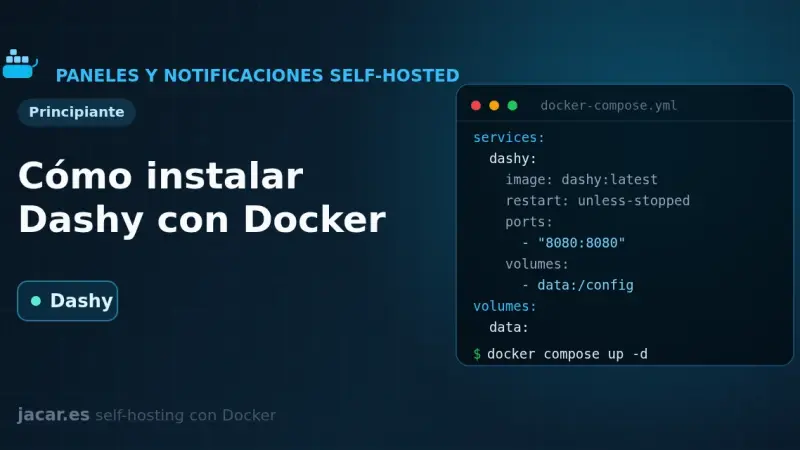
Dashy is a self-hosted start page, written in Vue, that gathers all your services onto a single page with status checking, widgets, themes and icons. With Docker you bring it up with a single docker-compose.yml and one image, lissy93/dashy; all its configuration lives in a conf.yml file that you edit by hand or from its visual interface.
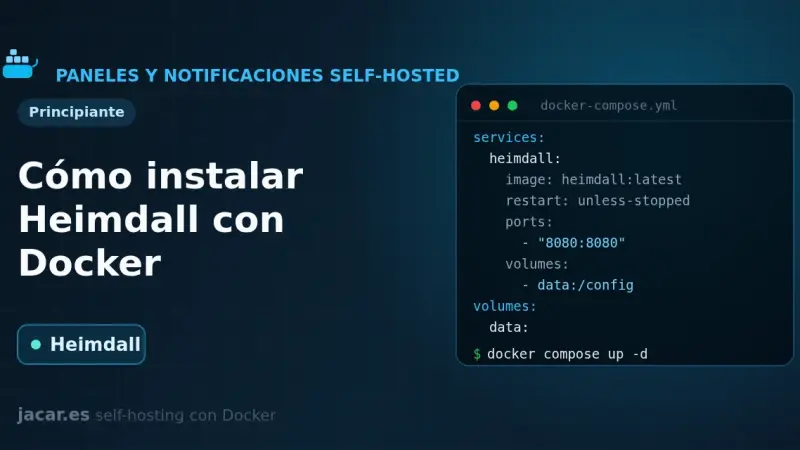
Heimdall is a self-hosted application dashboard, maintained by LinuxServer.io and written in PHP with Laravel, that gathers the links to all your services on a single elegant page. With Docker it installs as one container using the LinuxServer image and the /config volume, with no external database, and it supports enhanced apps that show live status.
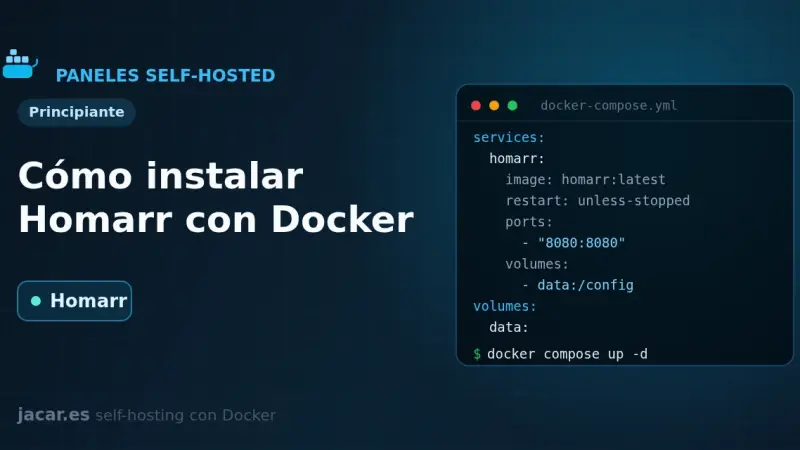
Homarr is a service dashboard for your homelab that you configure by dragging and dropping, with no YAML files to edit. With Docker you bring it up with a single docker-compose.yml, it listens on port 7575 and stores everything in its own SQLite database; you only need a 64-character encryption key before you start it.
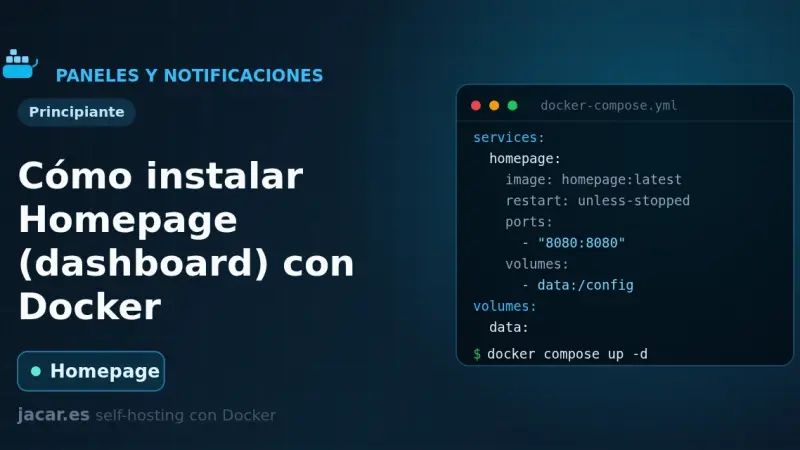
Homepage is a fast, fully static service dashboard written in Next.js that gathers all your containers into a single front page. With Docker you bring it up with a docker-compose.yml, configure it with YAML files, it listens on port 3000 and discovers your services automatically by reading each container's labels.
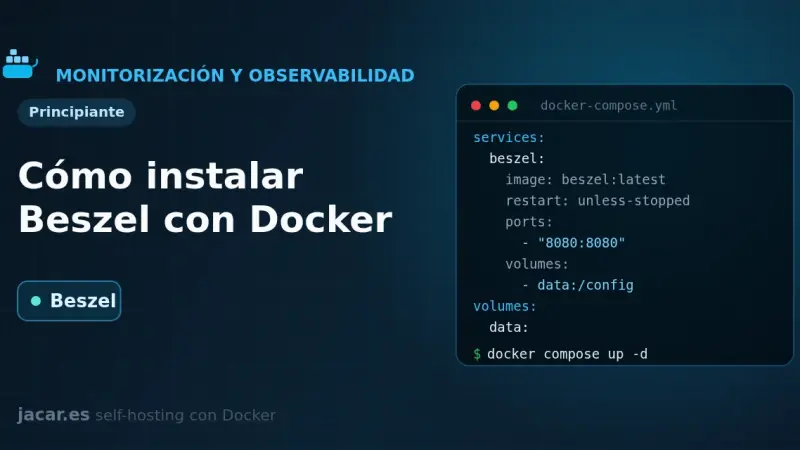
Beszel is a lightweight server monitoring platform built on PocketBase that splits into two pieces: a hub with a web dashboard on port 8090 and an agent that runs on each watched machine and listens on 45876. This guide brings both up with Docker Compose, pairs them and sets up alerts.
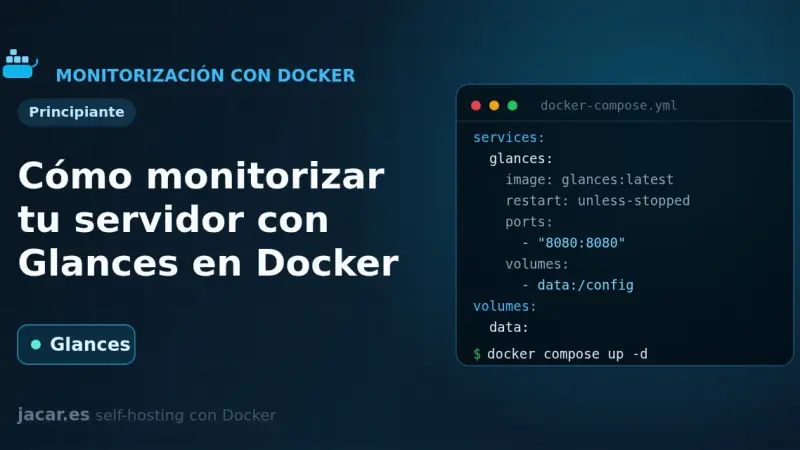
Glances is a real-time system monitor written in Python that, in web server mode, shows CPU, memory, disk, network and containers from the browser on port 61208. With Docker you bring it up with a single docker-compose.yml, mounting the Docker socket, and it also exposes a REST API at /api/4 to automate things.
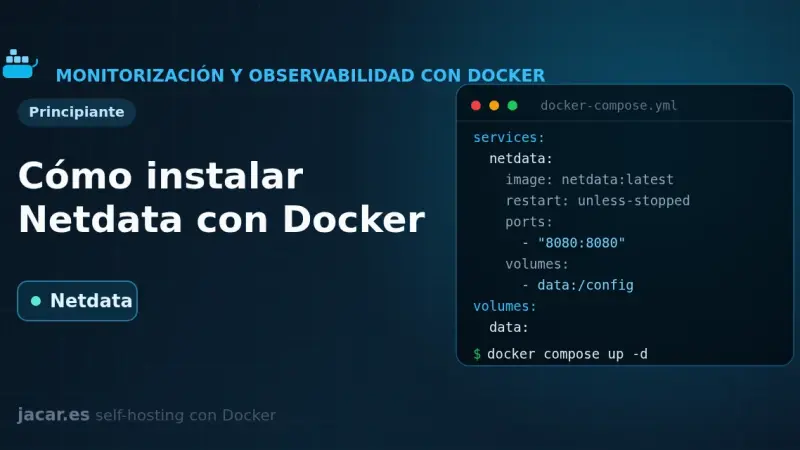
Netdata is a real-time monitoring system that, with Docker, shows hundreds of per-second metrics from your server and its containers with almost no configuration. It comes up with a single docker-compose.yml that mounts the host system paths, exposes a full dashboard on port 19999 and automatically detects every service you run.
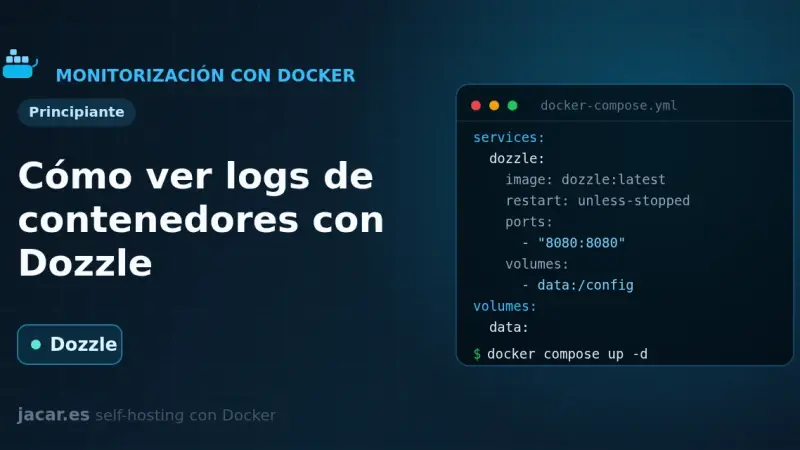
Dozzle is a real-time log viewer for containers, written in Go: it stores nothing, it reads the logs straight from the Docker socket and streams them to your browser. With Docker you bring it up with a single docker-compose.yml, it listens on port 8080 and shows the live logs of every one of your containers.
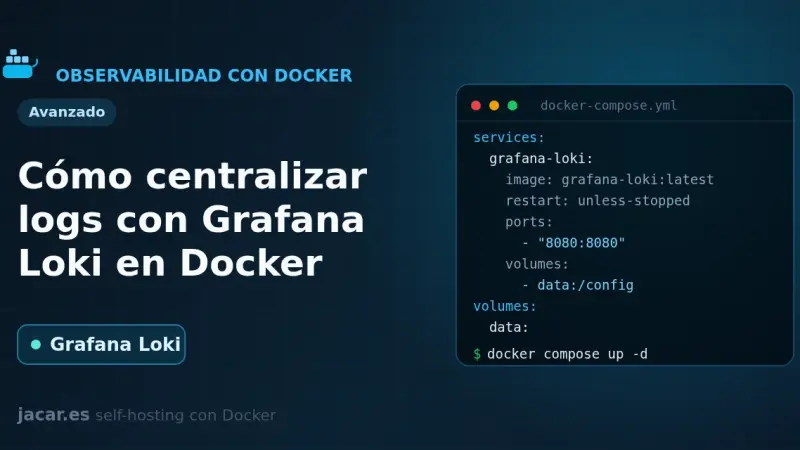
Grafana Loki is an open-source log aggregation system that indexes only labels and keeps the content compressed, which makes storage ten to a hundred times cheaper than Elasticsearch. With Docker you bring it up with a single docker-compose.yml, ship your logs with the Docker driver or Grafana Alloy and query them with LogQL in Grafana on port 3100.
10 min1
We use first- and third-party cookies to analyze site traffic. You can accept them, reject them, or configure your choice.
Learn more about cookies
Cookie preferences
NecessaryEssential for the site to work. Always on.
AnalyticsHelp us understand how the site is used (Google Analytics).