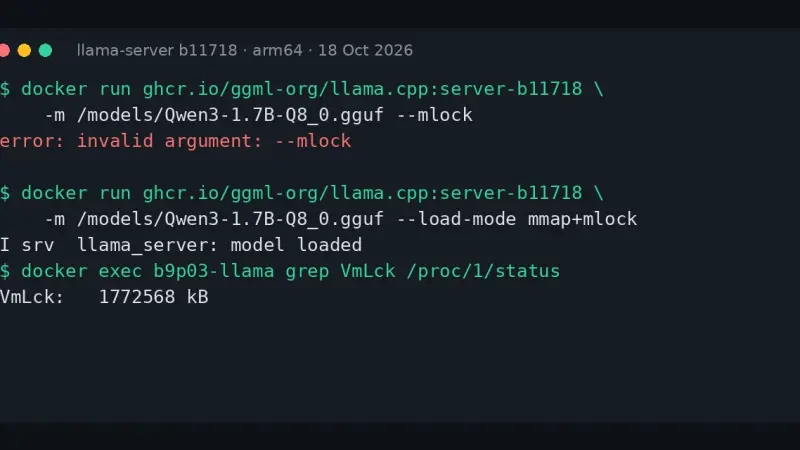
llama-server prints error: invalid argument: --mlock because build b10875, from 9 September 2026, deleted --mmap, --no-mmap, --mlock and --direct-io. Replace them with --load-mode: --mlock becomes mmap+mlock, --no-mmap becomes none and --direct-io becomes dio. The LLAMA_ARG_MLOCK and LLAMA_ARG_MMAP variables now do nothing, with no warning.
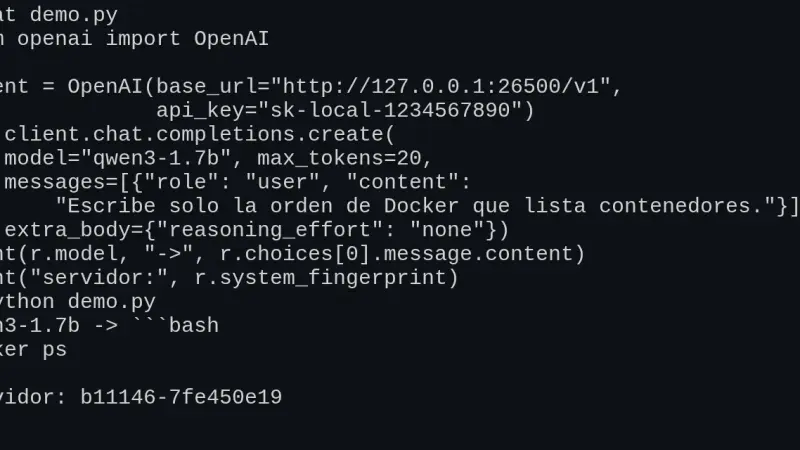
llama-server, the llama.cpp server, exposes /v1/chat/completions, /v1/completions, /v1/embeddings and /v1/models in OpenAI's format, so the official SDK works by changing base_url. I tested v0.5.0 in Docker: tools, schema-constrained JSON and Open WebUI work, but the context is split across slots and a named tool_choice is ignored.
Paperless-ngx 3 suggests title, tags, correspondent and dates with an LLM and answers questions about your documents, all locally with Ollama. You upgrade from 2.20.15 by changing the image tag. On CPU, Gemma 4 E4B took 25.8 s per suggestion and used about 7 GiB, provided you dodge a bug with reasoning models.
Without a GPU, on an 18-core arm64 CPU with llama.cpp v0.4.1, Maple-Preview generated 172.84 tokens/s on 6 threads: twice MiniCPM5-2B and 3.6 times Spark-X2.5-4B. The trade-off is 5.79 GiB of RAM and reasoning it cannot switch off. MiniCPM5 fits in 3.27 GiB and Spark writes the best Spanish. All three made facts up.
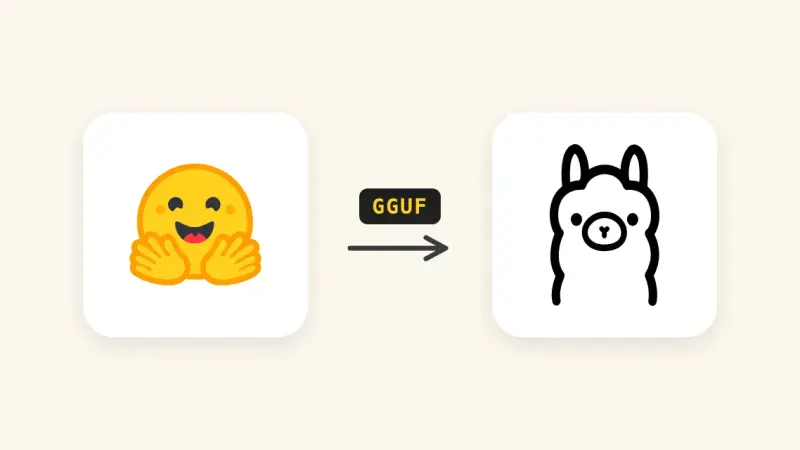
Since Ollama 0.34.1, ollama create no longer converts or quantizes safetensors weights. To import a Hugging Face model, download it with hf download, convert it to GGUF with llama.cpp's convert_hf_to_gguf.py, quantize it with llama-quantize and build it from a Modelfile. With MiniCPM5-2B on a CPU, the three stages took 35 s, 21 s and 2 s.
There are four ways to install llama.cpp: the llama.app script, which drops a 15 MB llama binary into ~/.local/bin; Homebrew; the server-v0.4.1 Docker image; or CMake. I tested them on 14 September 2026 on Linux arm64 with Gemma 4 E2B, in the terminal with llama cli and as an OpenAI-compatible API.
Small language models have become genuinely useful. Phi-3.5, Gemma 2, and Llama 3.2 fit on modest hardware and solve bounded tasks without reaching the cloud. A look at where they fit on the factory floor and when skipping the large model pays off.
Meta released Llama 3.2 with models as small as 1B and 3B parameters, built specifically to run on the device rather than in a datacentre. A look at what they can genuinely do, where the small sizes fall short, and how they compare with the alternatives.
Qualcomm, Intel and AMD Copilot+ processors have normalised the presence of an NPU in everyday PCs. A 40 TOPS NPU can run quantised Phi-3 Mini drawing just 5-10 W, versus 40-50 W for a laptop GPU doing the same task. What actually changes for running AI models locally, and when it is worth it.
6 min3624.5
We use first- and third-party cookies to analyze site traffic. You can accept them, reject them, or configure your choice.
Learn more about cookies
Cookie preferences
NecessaryEssential for the site to work. Always on.
AnalyticsHelp us understand how the site is used (Google Analytics).