On an arm64 CPU with no GPU, llama.cpp 0.5.0 served Qwen3-1.7B as a Q8_0 GGUF at 72.7 tokens/s per request and 236.9 tokens/s with 8 concurrent requests. vLLM 0.30, which only loads BF16 on Arm, reached 10.1 and 68.3 tokens/s and used 11.4 GiB of RAM against 7.0 GiB.
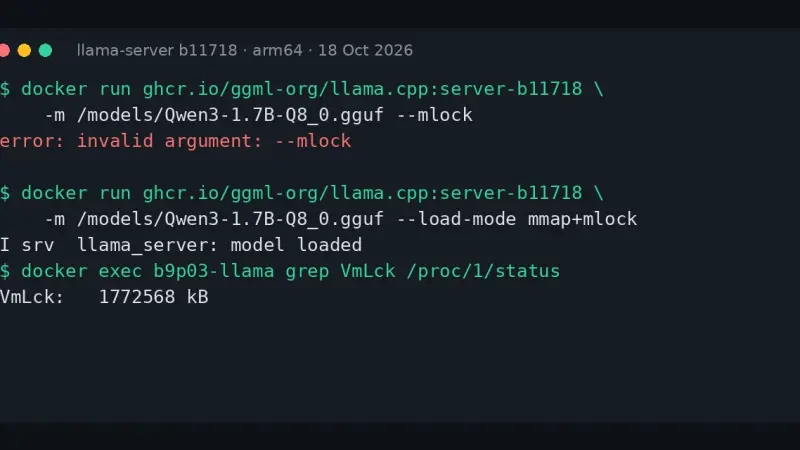
llama-server prints error: invalid argument: --mlock because build b10875, from 9 September 2026, deleted --mmap, --no-mmap, --mlock and --direct-io. Replace them with --load-mode: --mlock becomes mmap+mlock, --no-mmap becomes none and --direct-io becomes dio. The LLAMA_ARG_MLOCK and LLAMA_ARG_MMAP variables now do nothing, with no warning.
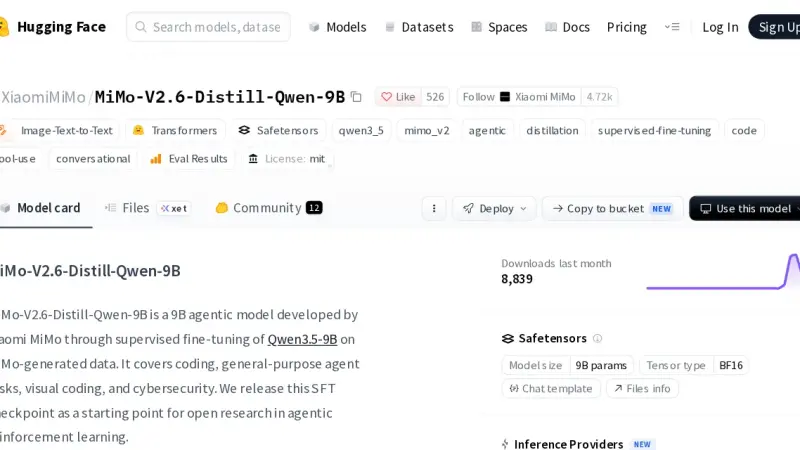
September 2026 produced few open models of home-machine size. The one worth disk space is Xiaomi's MiMo-V2.6-Distill-Qwen-9B, MIT licensed: in my CPU tests it got tool calls and JSON right. MiniCPM5-2B remains the small option, and DFM Mimir is only useful in Danish or English.
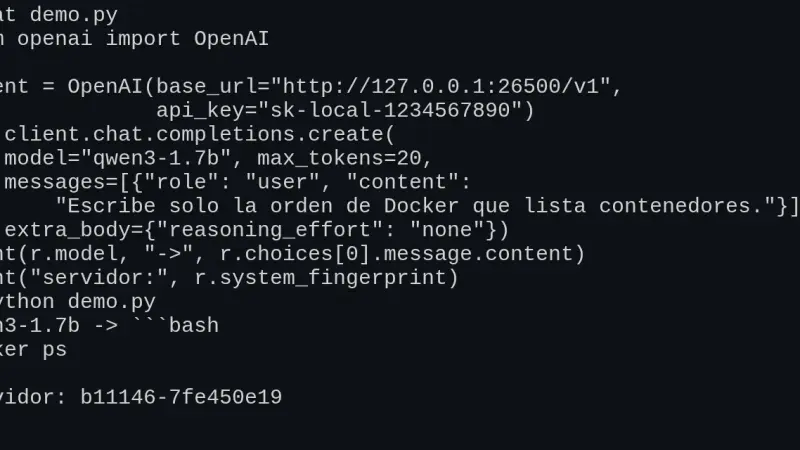
llama-server, the llama.cpp server, exposes /v1/chat/completions, /v1/completions, /v1/embeddings and /v1/models in OpenAI's format, so the official SDK works by changing base_url. I tested v0.5.0 in Docker: tools, schema-constrained JSON and Open WebUI work, but the context is split across slots and a named tool_choice is ignored.
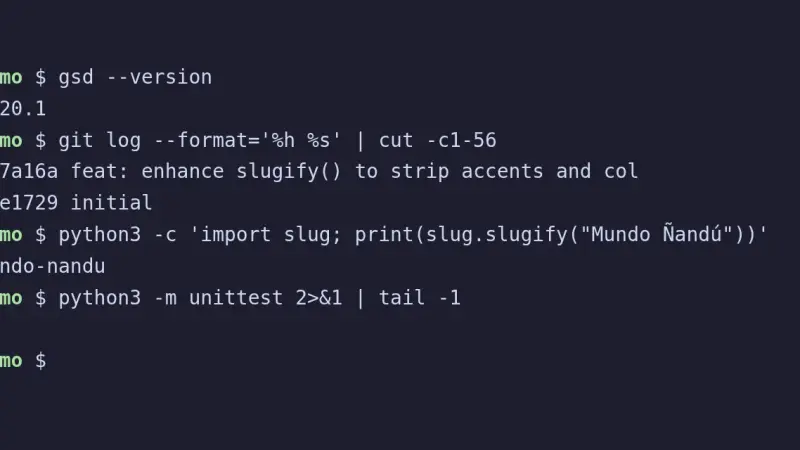
To install gsd-pi, the Open GSD terminal agent, run npx @opengsd/gsd-pi@latest with Node.js 22.18 or later. It works without an API key: with a models.json pointing at llama.cpp and a 64k context, a 4B Qwen3.5 finished a task with 12 passing tests and a commit. gsd-core, by contrast, installs inside Claude Code or OpenCode.
Shieldstral is the 3B safety classifier Mistral released in August 2026: it answers yes or no to a policy written in plain language. Converted to GGUF Q8_0 with llama.cpp and served on a CPU, it blocked no legitimate one among the 100 Spanish and English prompts I prepared, but let 8 of 17 injections through.
OpenCode uses a local model when you declare an @ai-sdk/openai-compatible provider in opencode.json with the llama-server or Ollama URL and the model's context limit. Version 1.18.31 sends 7,516 tokens on its first turn, so the 4k context Ollama assigns by default without a large GPU is not enough: reserve 32k.
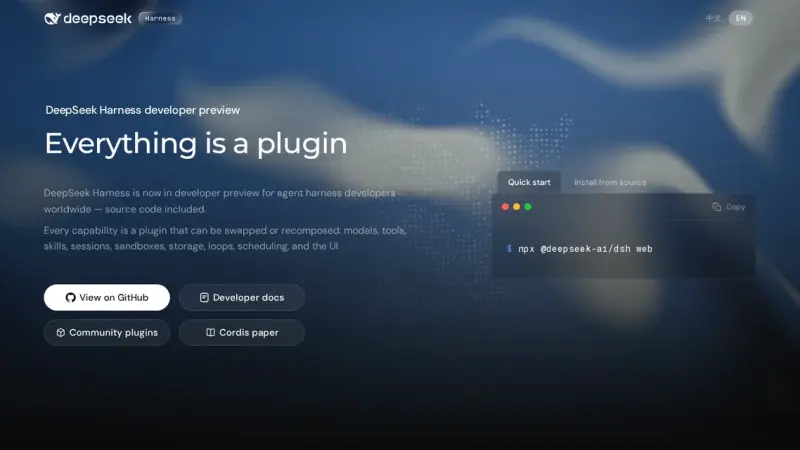
DeepSeek Harness (dsh) is the open-source agent harness DeepSeek released in August 2026. It works with a local model if you declare an openai-completions provider in settings.yaml that points at llama-server, with a placeholder key and the real context size. With Qwen3.5-4B on CPU it left the tests green in 4 of 5 attempts, but slowly.
Without a GPU, on an 18-core arm64 CPU with llama.cpp v0.4.1, Maple-Preview generated 172.84 tokens/s on 6 threads: twice MiniCPM5-2B and 3.6 times Spark-X2.5-4B. The trade-off is 5.79 GiB of RAM and reasoning it cannot switch off. MiniCPM5 fits in 3.27 GiB and Spark writes the best Spanish. All three made facts up.
OpenClaw 2026.9.4 installs with Docker Compose from the official GHCR image, which ships for amd64 and arm64. To run it without a cloud API, connect it to a llama-server on the compose file's internal network. Publish port 18789 on 127.0.0.1 only, because the repository's compose file opens it on every interface.
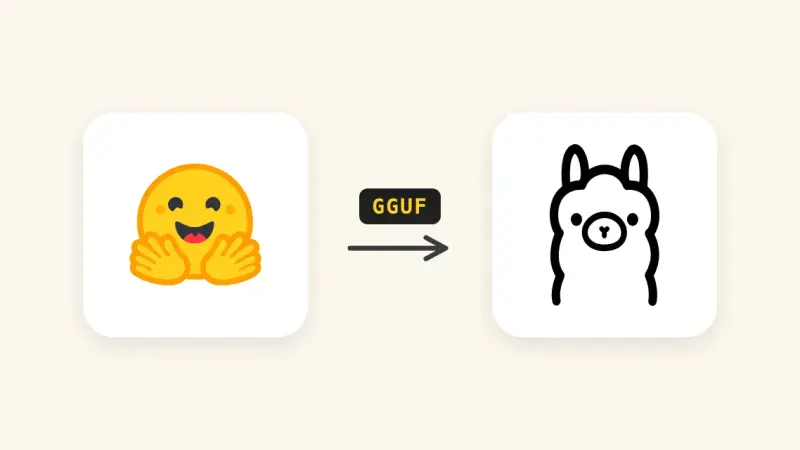
Since Ollama 0.34.1, ollama create no longer converts or quantizes safetensors weights. To import a Hugging Face model, download it with hf download, convert it to GGUF with llama.cpp's convert_hf_to_gguf.py, quantize it with llama-quantize and build it from a Modelfile. With MiniCPM5-2B on a CPU, the three stages took 35 s, 21 s and 2 s.
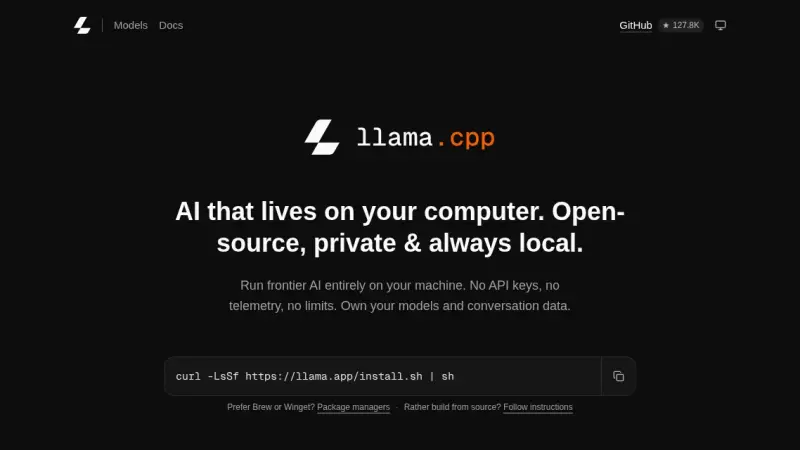
There are four ways to install llama.cpp: the llama.app script, which drops a 15 MB llama binary into ~/.local/bin; Homebrew; the server-v0.4.1 Docker image; or CMake. I tested them on 14 September 2026 on Linux arm64 with Gemma 4 E2B, in the terminal with llama cli and as an OpenAI-compatible API.
llama.cpp is the C++ library that powers Ollama and much of the local-LLM ecosystem. 2024 added speculative decoding with two- to three-fold speedups, an RPC server for sharding layers across machines, and a stable GGUF format. Ollama covers 90% of cases; going direct pays off with uncommon hardware or specific flags.
Ollama became the standard for running large language models locally in 2024. It wraps llama.cpp in a single binary with Docker-style CLI and an OpenAI-compatible API. Phi-3 Mini runs in 4 GB; Llama 3.1 8B Q4 needs 6 GB. For production traffic at scale, vLLM remains the correct choice.
With quantization, model weights are stored with fewer bits (4, 5, or 8 instead of 16), so Llama 2 13B shrinks from 26 GB to about 7.5 GB. With llama.cpp it runs on an ordinary 16GB-RAM laptop with no dedicated GPU, and the quality loss is smaller than intuition suggests.
7 min3404.5
We use first- and third-party cookies to analyze site traffic. You can accept them, reject them, or configure your choice.
Learn more about cookies
Cookie preferences
NecessaryEssential for the site to work. Always on.
AnalyticsHelp us understand how the site is used (Google Analytics).