Grafana Loki is an open-source log aggregation system that indexes only labels and keeps the content compressed, which makes storage ten to a hundred times cheaper than Elasticsearch. With Docker you bring it up with a single docker-compose.yml, ship your logs with the Docker driver or Grafana Alloy and query them with LogQL in Grafana on port 3100.
Grafana is the most widely used open-source platform for building dashboards and visualising metrics, and with Docker you bring it up with a single docker-compose.yml. It listens on port 3000, stores its data in /var/lib/grafana and connects to Prometheus, Loki or InfluxDB as data sources. Here you install it, provision it and publish it with Traefik.
Node Exporter and cAdvisor are the two exporters that feed Prometheus: the first collects host metrics (CPU, RAM, disk and network) on port 9100, and the second collects per-container metrics on port 8080. This guide brings both up with a single docker-compose.yml, connects them to Prometheus and explains which metrics to watch.
Prometheus is the most widely adopted open-source monitoring and alerting system for self-hosted infrastructure, and with Docker you bring it up with a single docker-compose.yml and a prometheus.yml. It collects metrics using a pull model, stores them in its time-series database and exposes them on port 9090, ready to query with PromQL and visualise in Grafana.
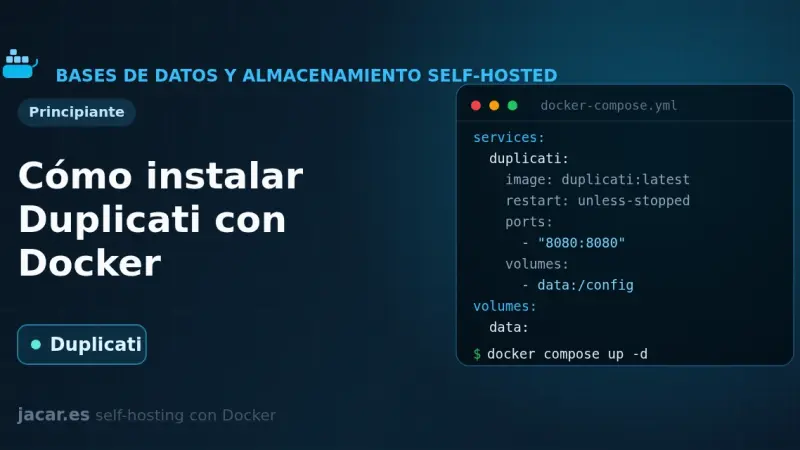
Duplicati is a free backup tool that encrypts your data with AES-256 before sending it and only uploads the blocks that have changed. With Docker you bring it up from a single docker-compose.yml, mount your folders read-only and schedule encrypted backups to S3, MinIO, B2 or SFTP. This guide covers installation, encryption, retention and restore.
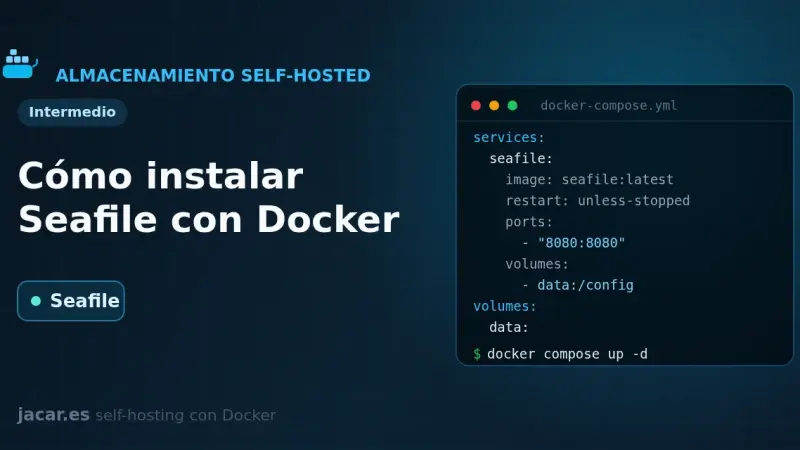
Seafile is an open-source file sync and storage platform that keeps data in blocks, Git style, which makes it very fast when you handle lots of files. With Docker it comes up in four containers (server, a MariaDB database, a Redis cache and a Caddy proxy) from a single docker-compose.yml file.
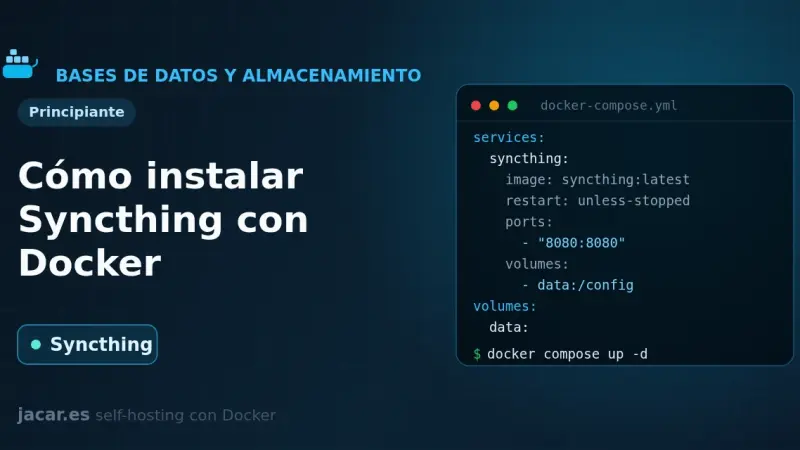
Syncthing is a free peer-to-peer file synchronisation tool: it keeps folders identical across your devices without going through the cloud and with all traffic encrypted. With Docker you bring it up from a single docker-compose.yml using host networking, PUID/PGID for permissions and a persistent volume. This guide covers the installation, device pairing and the ports you need.
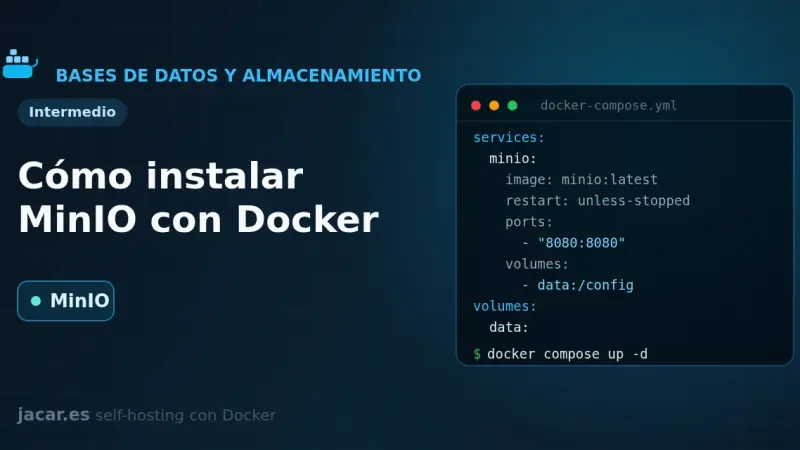
MinIO is an object storage server compatible with the Amazon S3 API that you can self-host with Docker. With a single docker-compose.yml you bring up the API on port 9000 and the console on 9001, create buckets and access keys with the mc client, and use it as an S3 backend for backups, attachments and photos.
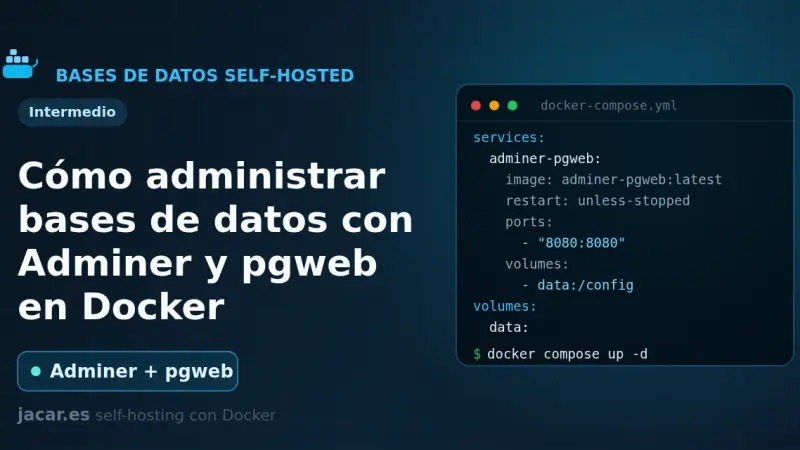
Adminer and pgweb are two web-based database managers that run in Docker with a single container each. Adminer is one PHP file that handles MySQL, PostgreSQL and six other engines; pgweb is a Go explorer dedicated to PostgreSQL. This guide brings a ready-to-copy docker-compose.yml and explains how to secure them properly.
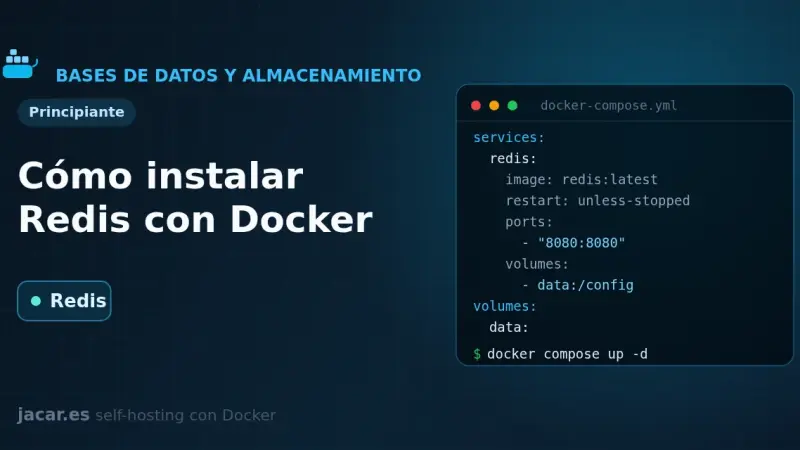
Redis is an in-memory key-value data store used as a cache, a job queue and a session manager. With Docker you bring it up from a single docker-compose.yml file, with persistence on a volume, a mandatory password and a healthcheck. This guide covers the installation, how to secure it and how it differs from Valkey.
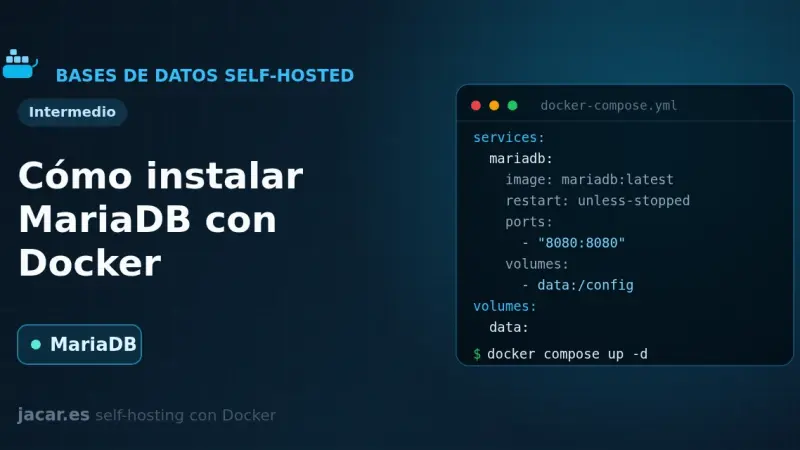
MariaDB is an open-source relational database, a fork of MySQL and compatible with it, that in Docker runs as a single container with a persistent volume. With this docker-compose.yml you set the root password, the database and the initial user through environment variables, and you keep your data even if you recreate the container.
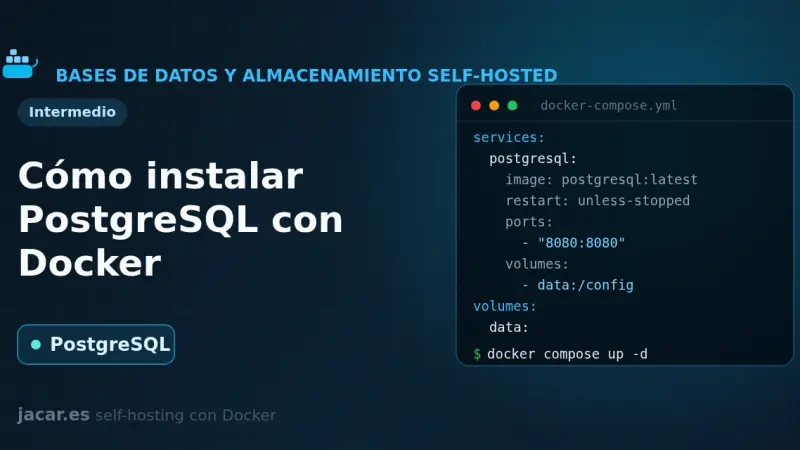
PostgreSQL, which its own project calls the most advanced open-source relational database, comes up in Docker with a single docker-compose.yml file. You define a persistent volume at the path version 18 expects, the superuser password and a pg_isready healthcheck, and within seconds you have a server on port 5432 ready for other containers to connect to it by the service name.
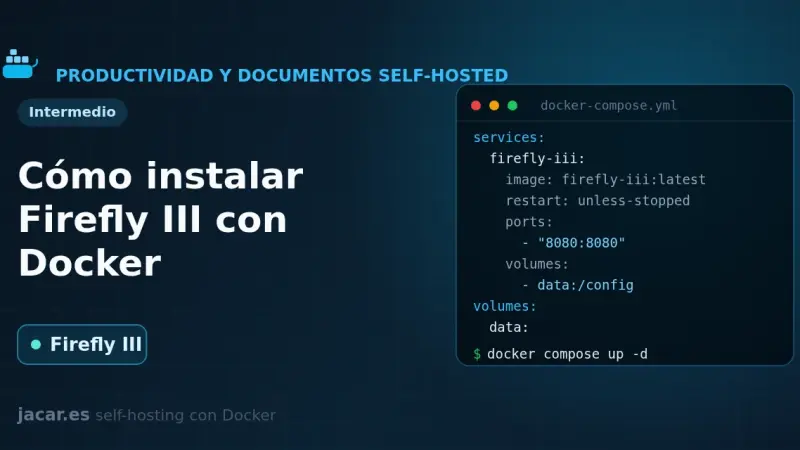
Firefly III is an open-source personal finance manager you self-host with Docker. With one docker-compose.yml file you bring up the application, a MariaDB database and the data importer, which connects to more than 6,000 banks through GoCardless. You generate the 32-character APP_KEY and keep control of all your money on your own server.
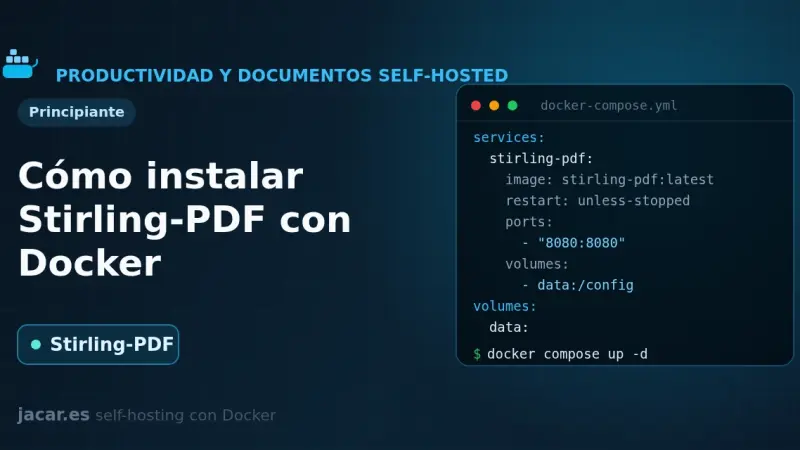
Stirling-PDF is a web-based Swiss Army knife for PDFs that you self-host with Docker in a single container. With one docker-compose.yml file you bring up more than fifty tools to merge, split, compress, convert, sign and OCR your documents, all processed on your own server and without sending anything to the cloud.
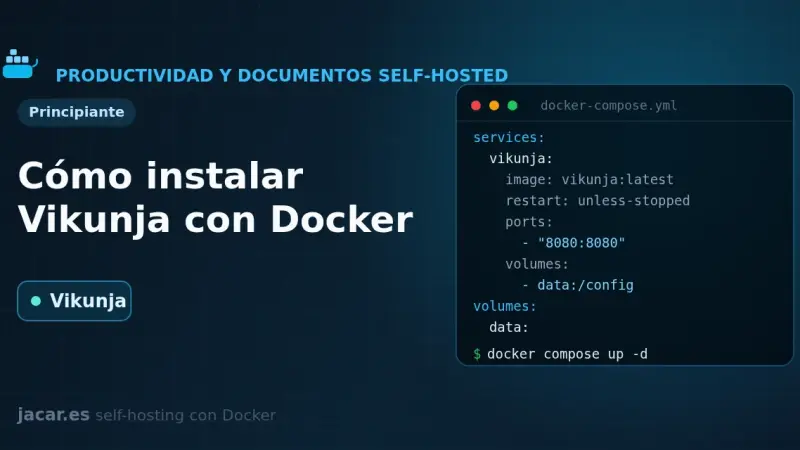
Vikunja is an open-source task manager that you self-host with Docker in a single image. With one docker-compose.yml file you bring up the application alongside a PostgreSQL database and organize your projects in list, kanban board, Gantt and table views, with all your data stored on your own server.
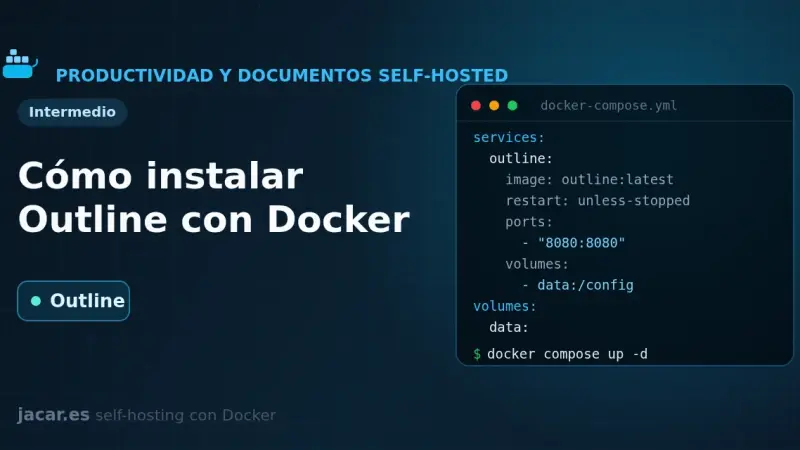
Outline is a source-available team wiki and knowledge base that in Docker needs three pieces: PostgreSQL, Redis and a login provider, because it ships with no local username and password. With one docker-compose.yml file you bring up the service, connect it to Authentik over OIDC and store attachments in MinIO.
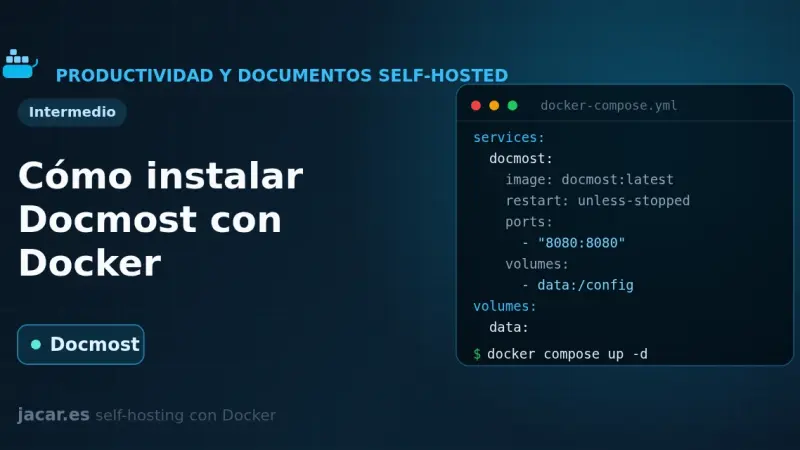
Docmost is an open-source wiki and knowledge base, a self-hosted alternative to Confluence and Notion. On Docker it runs as three containers: the application, a PostgreSQL database and a Redis cache. A single docker-compose.yml file gives you workspaces, real-time collaborative editing and full control over your documents.
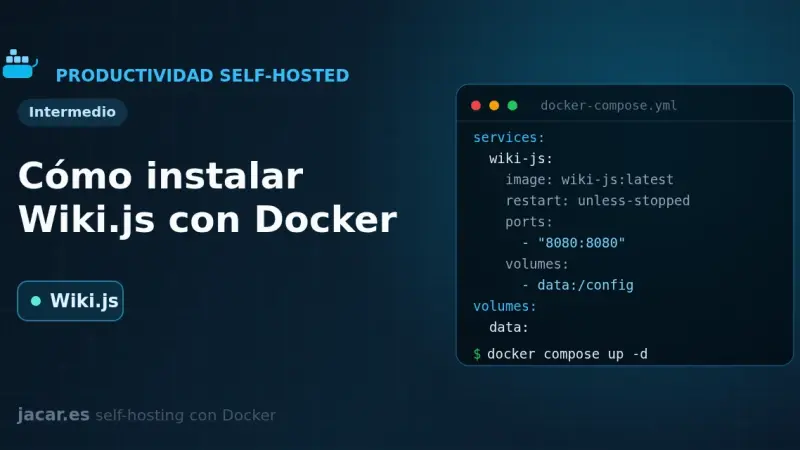
Wiki.js is an open-source wiki engine written in Node.js that, in Docker, runs as two containers: the application and a PostgreSQL database. With a single docker-compose.yml file you get your own wiki with a Markdown editor, version control and more than forty authentication methods, and your pages stored in a volume that you control.
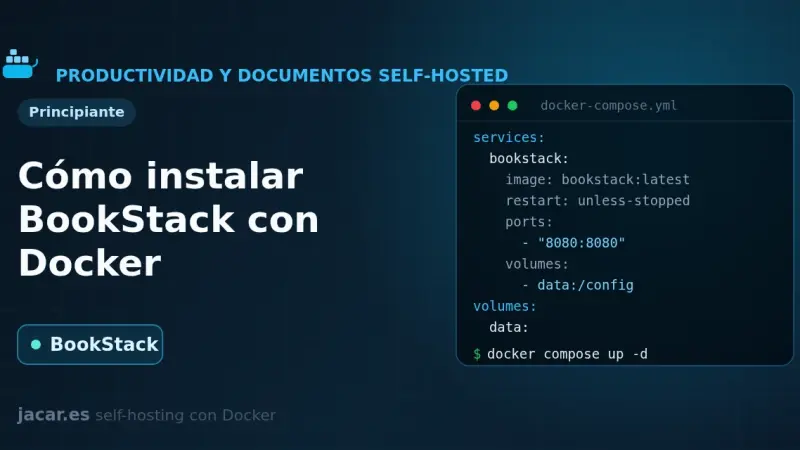
BookStack is an open-source documentation wiki platform, written in PHP with Laravel, that organises content into shelves, books, chapters and pages. With Docker it installs in minutes using the LinuxServer image alongside a MariaDB database, and you only need to set APP_URL and APP_KEY in a single docker-compose.yml file.
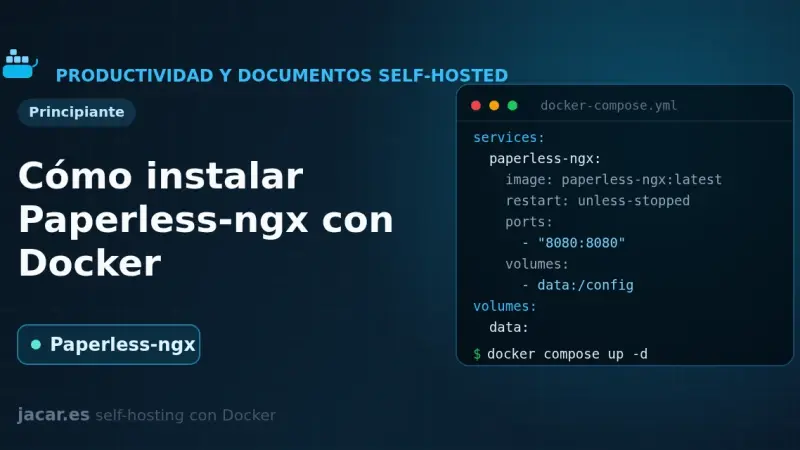
Paperless-ngx is an open-source document manager that digitises and archives your papers with full-text search. In Docker it runs as five containers (application, PostgreSQL database, Valkey queue, Gotenberg and Tika) through a single docker-compose.yml, and it performs OCR and automatic tagging on every document you drop into its consume folder.
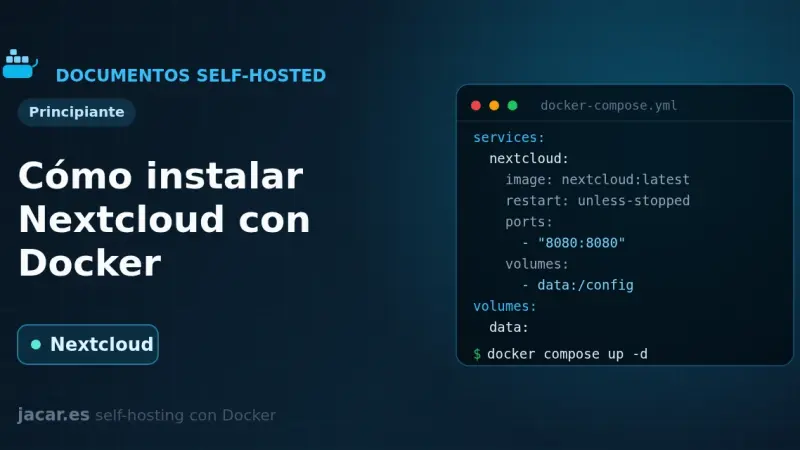
Nextcloud is an open-source private cloud platform that, in Docker, runs as three containers: the application, a MariaDB database and a Redis cache. With a single docker-compose.yml file you get your own self-hosted Drive, calendar and contacts in minutes, with your data stored in a volume that you control.
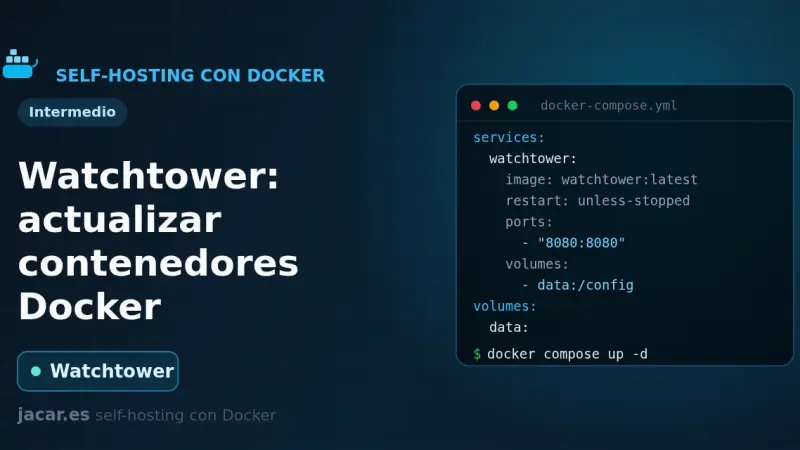
Watchtower is a container that watches your Docker registries, detects when a newer image is available, pulls it and recreates your container with the same options. You configure it with a small docker-compose.yml, it polls every 24 hours by default, and you can restrict it with labels or keep it in notify-only mode.
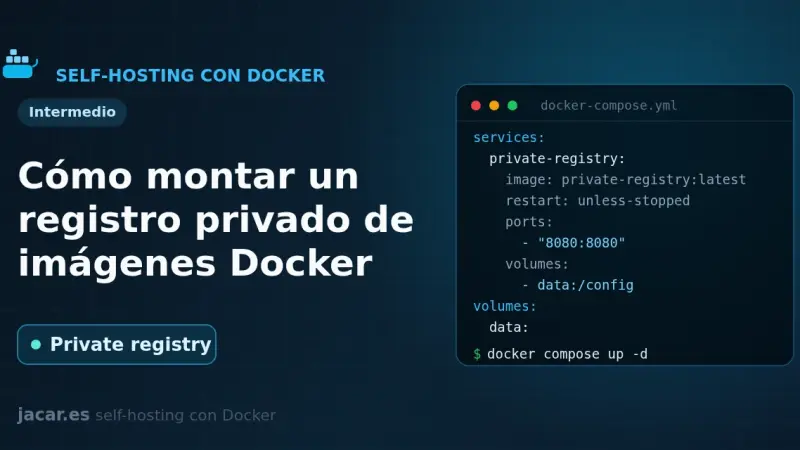
A private Docker registry is your own image store: the official registry image listens on port 5000, keeps layers in a volume and, with htpasswd authentication in bcrypt format and HTTPS behind a reverse proxy, lets you push and pull images without depending on Docker Hub or its pull-rate limits.
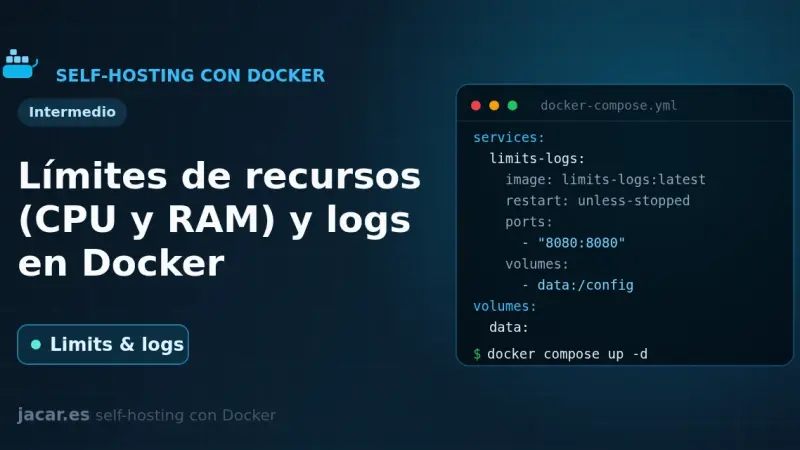
By default Docker limits neither the CPU nor the RAM of a container: a single one can exhaust the whole server. In Compose you bound them with deploy.resources.limits (cpus, memory) or the mem_limit and cpus shortcuts, and you control logs with the local driver, which rotates at 20 MB and 5 files by default.
Docker Compose profiles tag services so they only start when you enable their profile with --profile or COMPOSE_PROFILES. Services without a profile always run; tagged ones stay idle until you ask for them. That lets a single file hold the core stack, debugging tools and optional extras without duplicate compose files.
A healthcheck is a command Docker runs periodically inside the container to decide whether the service is healthy; its state moves from starting to healthy or unhealthy. Combined with a restart policy (no, always, on-failure or unless-stopped) and with depends_on and the service_healthy condition, it stops an application from starting before its database.
Docker Compose gives you three ways to pass configuration into a container: the environment key, the env_file attribute and the .env file for interpolation. For sensitive data, do not use environment variables; Docker Compose secrets are mounted as read-only files under /run/secrets/, away from logs and the process environment.
A container loses its data the moment you delete it, unless you store that data outside. Docker gives you two ways: named volumes, which it manages itself under /var/lib/docker/volumes, and bind mounts, which link a host folder. Here you will see when to use each, how to mount them in Compose and how to back them up.
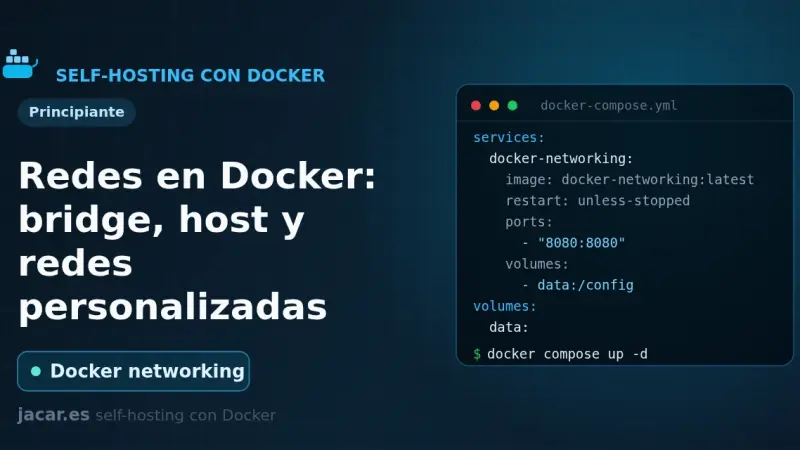
Docker ships six network drivers: bridge, host, none, overlay, macvlan and ipvlan. The default bridge network connects containers by IP but without name resolution. A user-defined bridge adds an internal DNS server so services find each other by name, and it is the recommended choice for almost any deployment.
PegaProx 0.9.x is an AGPL-3.0 panel that manages several Proxmox VE 8 and 9 clusters, plus XCP-ng, from a single screen. It adds live migration across clusters, OIDC with Entra ID, a CVE scanner and one-click hardening on top of the stock GUI, which only covers one cluster at a time.
100 must-have apps for your M5 Mac organised into 20 categories: browser, notes, terminal, IDE, containers, AI and more. Each pick with purpose, key features, plugins, pricing in EUR and the official link.
After fourteen months testing AI-integrated DevOps tools across several teams, the stack that stays is small: Claude Code, Cursor, and Aider for code; PagerDuty AIOps, Datadog Bits AI, and Grafana Assistant for alert triage; and OpenTofu with OPA for infrastructure generation bounded by policy rules.
Claude Code leads long-horizon agentic work, Cursor wins for fast daily interactive editing, Aider dominates CI-pipeline automation, and GitHub Copilot fits teams built around GitHub PRs; Windsurf competes with fresh traction. After a year using all five hard, the most productive combination for most people is still Claude Code plus Cursor.
Coolify is a self-hosted deployment platform that runs on top of Docker: it manages Git applications, databases, and SSL certificates from its own web panel. It installs with an official script that brings up Docker and the Coolify containers in 2 to 5 minutes on Ubuntu 24.04 or Debian 13, with no additional manual steps.
The AI tool stack a developer uses in 2026 looks nothing like it did eighteen months ago. Agentic editors, review tools, terminal agents, and test assistants have settled into recognizable roles. A practical guide by category.
After a decade of Prometheus, three years of consolidation around OpenTelemetry, and the open stack now mature with Grafana, Loki, and Tempo, concrete recommendations for teams starting or reviewing their observability layer: what fits, what is excess, and what to avoid.
Dokku is a single-server open-source PaaS that reproduces Heroku's git push deploy flow using Docker, buildpacks and an automatic SSL reverse proxy. Jeff Lindsay started it in 2013 and it is still actively maintained: release 0.35, from mid-2025, added Cloud Native Buildpack improvements and Caddy as an alternative to nginx.
Fly.io has spent years selling the idea that deploying an application across several regions should be almost as simple as pushing an image and writing one config line. After several real projects on the platform, here is an honest read on what it delivers, what is missing, and who it is worth choosing over more classic options.
n8n is the low-code automation project that has best adapted to self-hosting. A walk through the real install with Docker Compose, the database and queue decisions to make, and the points where most people trip up the first time.
Railway and Render have spent years filling the gap between Vercel and AWS. By the fall of 2025 their offering has matured enough for a seasoned assessment: where they beat Heroku, where they fall short of Fly, and what happens when a bill grows.
Spotify announced Backstage Plus, its own commercial offering built on top of the open Backstage project. The result is a de facto fork that raises uncomfortable questions about governance of company-donated CNCF projects. A look at the practical implications and what teams already running Backstage in production can do.
Dokploy has become the most talked-about free alternative to Vercel and Render. It promises Docker Swarm simplicity without the weight of Kubernetes or dependence on a single vendor. We look at where it delivers and where the promise breaks down.
WireGuard is simple over a single link, but hand-building a multi-node mesh quickly turns into a tangle of keys and routes. Patterns that work, when pure WireGuard earns its keep, and when it is worth leaning on Tailscale or Headscale instead.
MCP clients are now built into the editor itself: VS Code, Zed, Cursor, and several Neovim forks ship native support. The agent picks up project context in place, with no copying of files into a separate chat window. The practical questions become which servers to keep enabled and how to scope their permissions.
Polars runs 3 to 10 times faster than pandas on aggregations, joins, and filters over parquet datasets of 1 to 20 GB, and holds 40 to 60 percent less memory thanks to native Arrow columns. With the 1.x API frozen and Arrow interoperability, both libraries can coexist in one pipeline.
September 2026 review of the MCP servers I use daily: filesystem, git, fetch, and memory are still reference servers, and DBHub replaces the archived Postgres server. The official registry verifies who publishes, not the code's security, so I apply five criteria and list tools with the MCP Inspector before connecting anything.
Dependabot and Renovate chase the same goal with different philosophies. I compare both after years running them on my own and client projects, covering when one fits better and when the other suits a team's workflow more.
8 min2754.6
We use first- and third-party cookies to analyze site traffic. You can accept them, reject them, or configure your choice.
Learn more about cookies
Cookie preferences
NecessaryEssential for the site to work. Always on.
AnalyticsHelp us understand how the site is used (Google Analytics).