
Learning path Intermediate
Self-hosted databases and storage with Docker
The data layer of your infrastructure: PostgreSQL, MariaDB and Redis; S3 object storage with MinIO; sync and backups with Syncthing, Duplicati and Seafile, plus web database managers.
- 9 resources
- 9 views
- ~100 min
This path teaches you to build the data layer of a self-hosted Docker infrastructure: relational databases, an in-memory cache, S3-compatible object storage and file sync and backup tools. It is meant for readers who already know how to run standalone containers and want to learn to manage stateful services properly.
What you’ll learn
By the end you will be able to deploy PostgreSQL, MariaDB and Redis in containers with persistent volumes, manage those databases from a browser, stand up your own object store with MinIO and automate file sync and backups across several machines. This is an intermediate path: you should already have Docker and Docker Compose installed and be comfortable at the command line, though no prior database administration experience is required.
How the path builds
It starts with the two relational engines most common in self-hosting, PostgreSQL and MariaDB, then adds Redis as an in-memory cache and queue to speed up applications. With that base covered, it moves on to managing those databases from the browser with Adminer and pgweb before jumping to object storage with MinIO, which speaks the S3 API and is used across the self-hosted ecosystem as a backup backend. It closes with three sync and backup tools built for different jobs: Syncthing to replicate folders across machines without going through the cloud, Seafile as an alternative with version control and a web interface, and Duplicati to schedule encrypted backups. By the end you will have a complete data layer, with no dependency on third-party cloud services.
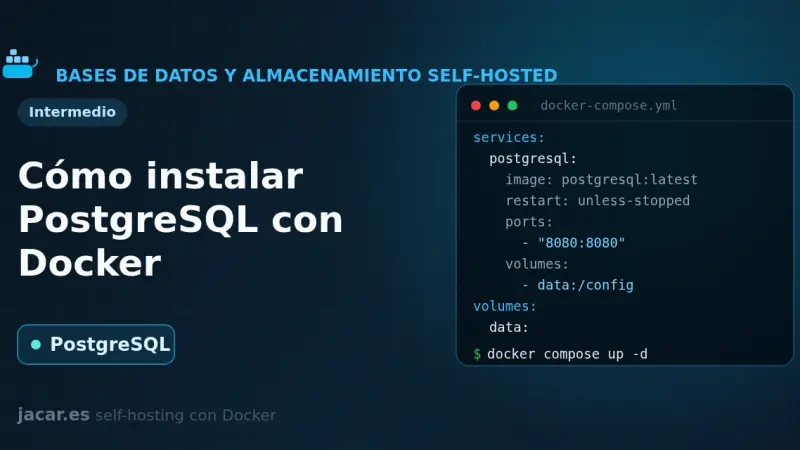
How to Install PostgreSQL with Docker
PostgreSQL, which its own project calls the most advanced open-source relational database, comes up in Docker with a single docker-compose.yml file. You define a persistent volume at the path version 18 expects, the superuser password and a pg_isready healthcheck, and within seconds you have a server on port 5432 ready for other containers to connect to it by the service name.
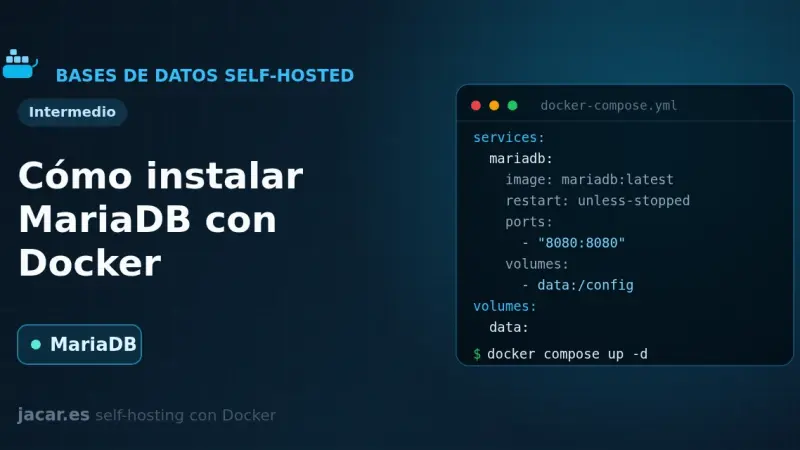
How to Install MariaDB with Docker
MariaDB is an open-source relational database, a fork of MySQL and compatible with it, that in Docker runs as a single container with a persistent volume. With this docker-compose.yml you set the root password, the database and the initial user through environment variables, and you keep your data even if you recreate the container.
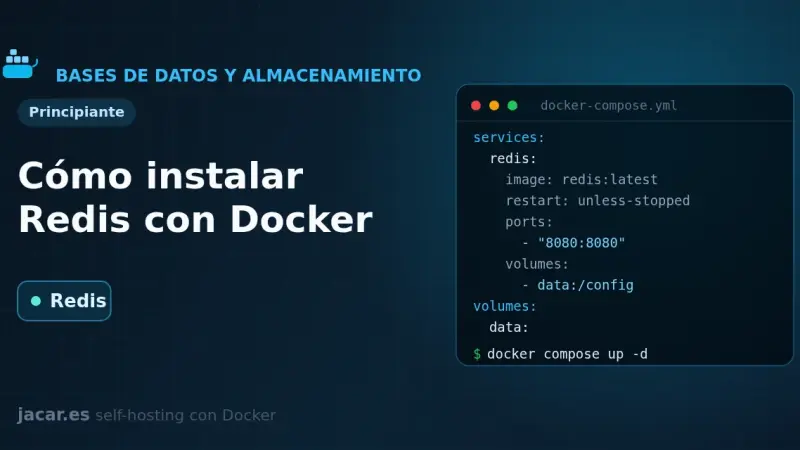
How to Install Redis with Docker
Redis is an in-memory key-value data store used as a cache, a job queue and a session manager. With Docker you bring it up from a single docker-compose.yml file, with persistence on a volume, a mandatory password and a healthcheck. This guide covers the installation, how to secure it and how it differs from Valkey.
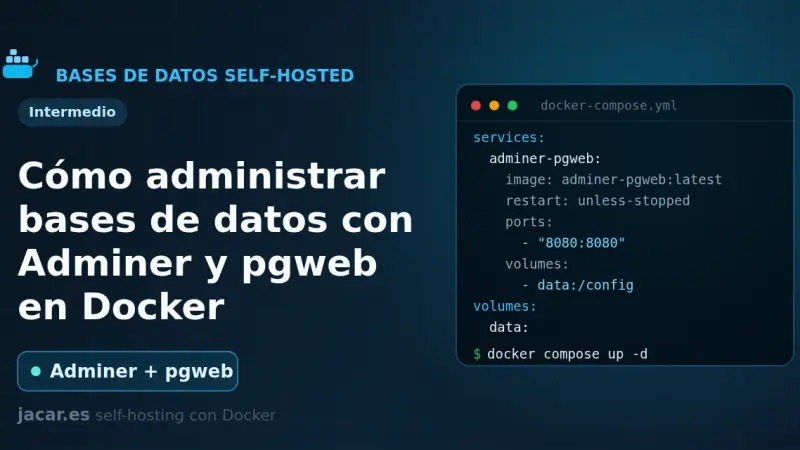
How to Manage Databases with Adminer and pgweb in Docker
Adminer and pgweb are two web-based database managers that run in Docker with a single container each. Adminer is one PHP file that handles MySQL, PostgreSQL and six other engines; pgweb is a Go explorer dedicated to PostgreSQL. This guide brings a ready-to-copy docker-compose.yml and explains how to secure them properly.
How to Install MinIO with Docker
MinIO is an object storage server compatible with the Amazon S3 API that you can self-host with Docker. With a single docker-compose.yml you bring up the API on port 9000 and the console on 9001, create buckets and access keys with the mc client, and use it as an S3 backend for backups, attachments and photos.
File Browser alternatives now that the project is archived
File Browser was archived on 31 August 2026 and its v2.63.23 carries at least 8 published vulnerabilities that will never be patched. After testing the alternatives in Docker on the same folder, FileBrowser Quantum is the drop-in replacement, copyparty the lightweight pick for sharing large files, and Filestash the right one when your data lives in S3, SFTP or SMB.
How to Install Syncthing with Docker
Syncthing is a free peer-to-peer file synchronisation tool: it keeps folders identical across your devices without going through the cloud and with all traffic encrypted. With Docker you bring it up from a single docker-compose.yml using host networking, PUID/PGID for permissions and a persistent volume. This guide covers the installation, device pairing and the ports you need.
How to Install Seafile with Docker
Seafile is an open-source file sync and storage platform that keeps data in blocks, Git style, which makes it very fast when you handle lots of files. With Docker it comes up in four containers (server, a MariaDB database, a Redis cache and a Caddy proxy) from a single docker-compose.yml file.
How to Install Duplicati with Docker
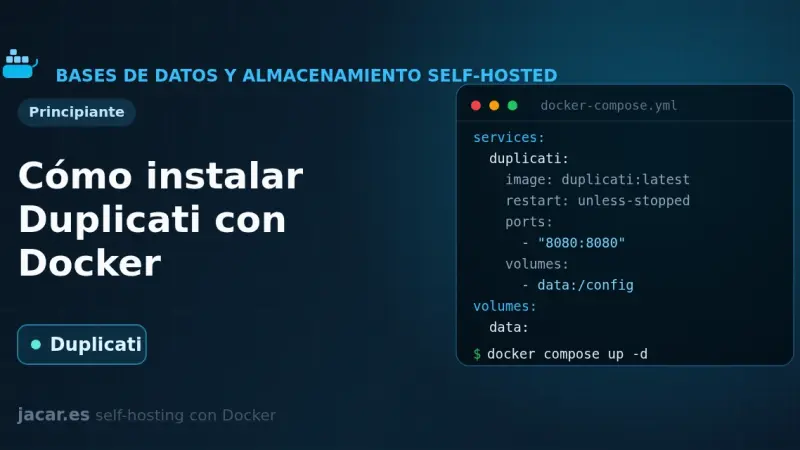
Duplicati is a free backup tool that encrypts your data with AES-256 before sending it and only uploads the blocks that have changed. With Docker you bring it up from a single docker-compose.yml, mount your folders read-only and schedule encrypted backups to S3, MinIO, B2 or SFTP. This guide covers installation, encryption, retention and restore.