Shieldstral is the 3B safety classifier Mistral released in August 2026: it answers yes or no to a policy written in plain language. Converted to GGUF Q8_0 with llama.cpp and served on a CPU, it blocked no legitimate one among the 100 Spanish and English prompts I prepared, but let 8 of 17 injections through.
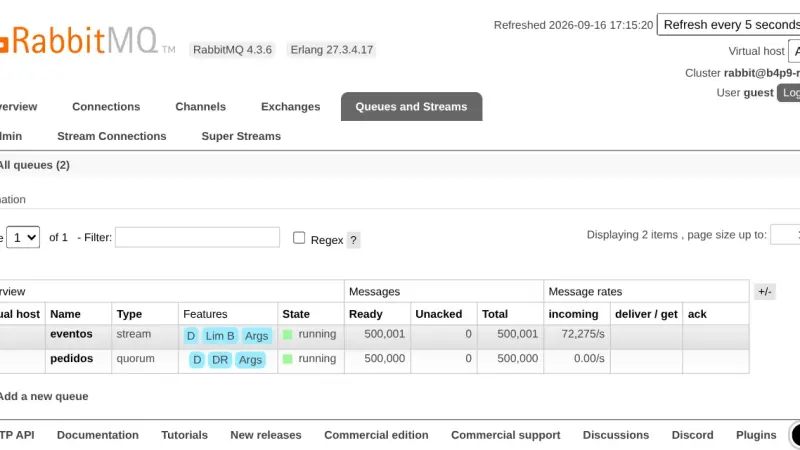
A RabbitMQ quorum queue deletes each message once it is acknowledged and fsyncs before accepting it; a stream keeps it for rereading. On RabbitMQ 4.3.6, with 1 KB messages, the quorum queue moved 45,156 msg/s and the stream, over its own protocol, 281,330 msg/s, using 9 KB of memory per million messages against 20.5 MB.
OpenCode uses a local model when you declare an @ai-sdk/openai-compatible provider in opencode.json with the llama-server or Ollama URL and the model's context limit. Version 1.18.31 sends 7,516 tokens on its first turn, so the 4k context Ollama assigns by default without a large GPU is not enough: reserve 32k.
To install OpenBao with Docker, run the openbao/openbao:2.6.2 image with Raft storage on a volume, initialise it with bao operator init and unseal it with three of the five keys. OpenBao is the MPL 2.0 fork of HashiCorp Vault and keeps its API, so your applications read secrets the same way.
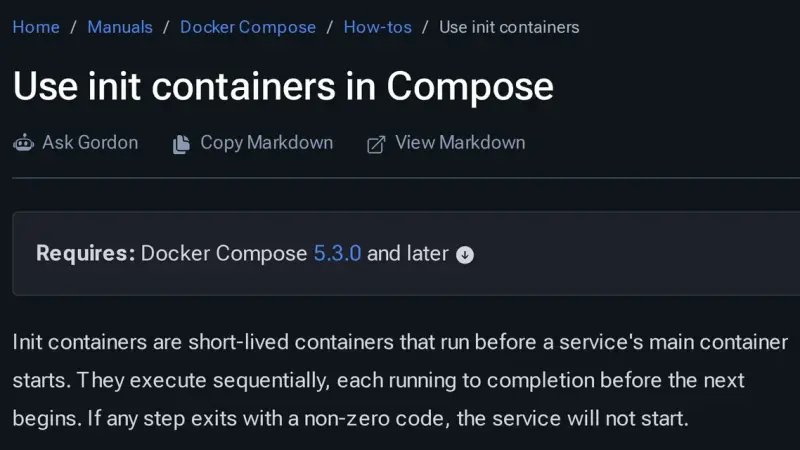
Docker Compose 5.3.0, released on 2 July 2026, adds init containers through the pre_start key: steps that run in ephemeral containers, in order, before the service starts. Use them for migrations, volume permissions and generated configuration. Compose 2.40.3 rejects the whole file, and every step must be idempotent because it runs again.
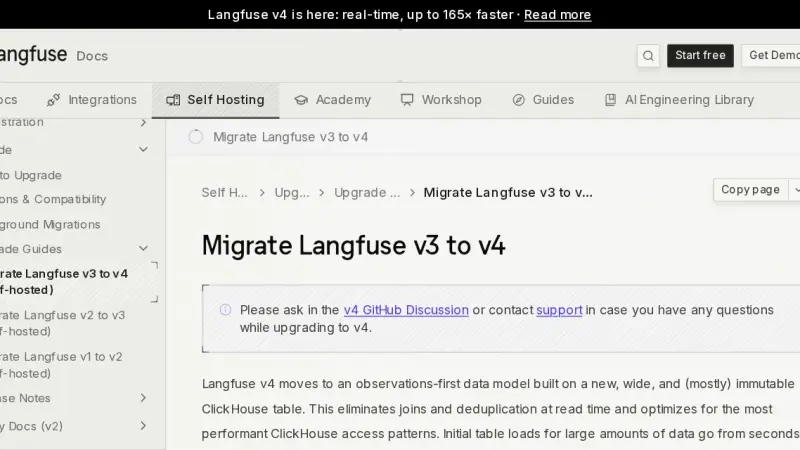
To migrate Langfuse v3 to v4 with Docker Compose, first upgrade ClickHouse to 26.4 while still on v3, back up PostgreSQL and ClickHouse, start v4 in dual write mode, backfill the history and cut over to events_only once every SDK is compatible. I tested it with 45,931 traces and three Python SDK versions.
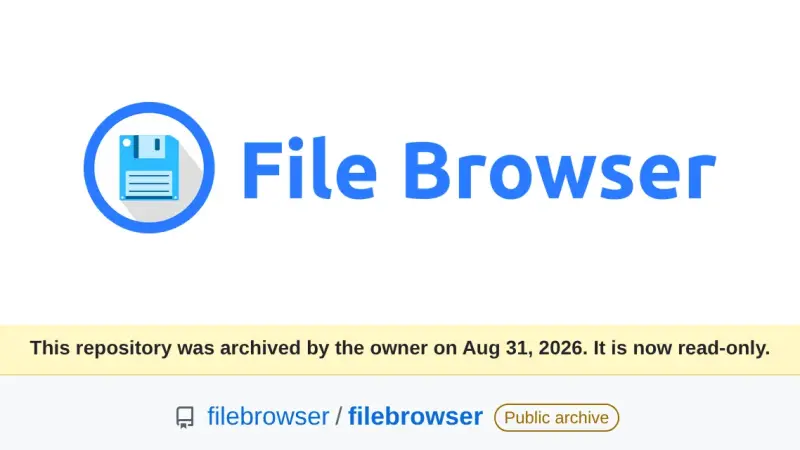
File Browser was archived on 31 August 2026 and its v2.63.23 carries at least 8 published vulnerabilities that will never be patched. After testing the alternatives in Docker on the same folder, FileBrowser Quantum is the drop-in replacement, copyparty the lightweight pick for sharing large files, and Filestash the right one when your data lives in S3, SFTP or SMB.
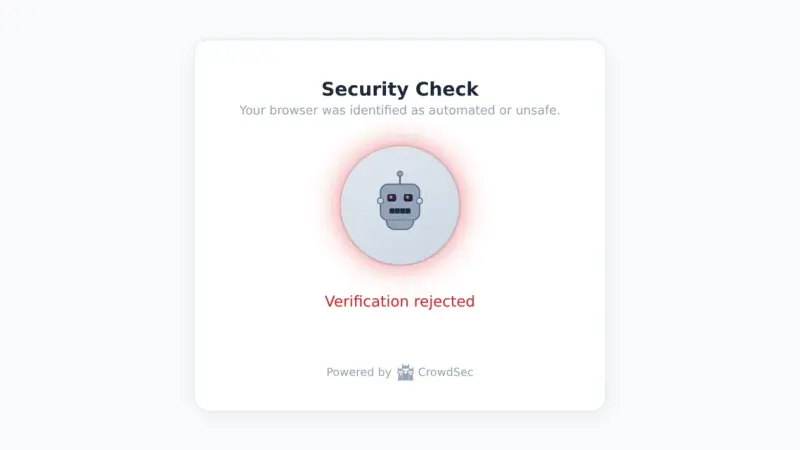
CrowdSec 1.8 adds bot detection to its WAF, still in alpha, which serves every visitor a page with a proof of work and a browser fingerprint. You enable it with the appsec-bot-challenge collection and its configs in the AppSec acquisition, always behind a compatible bouncer such as OpenResty 1.2.3.
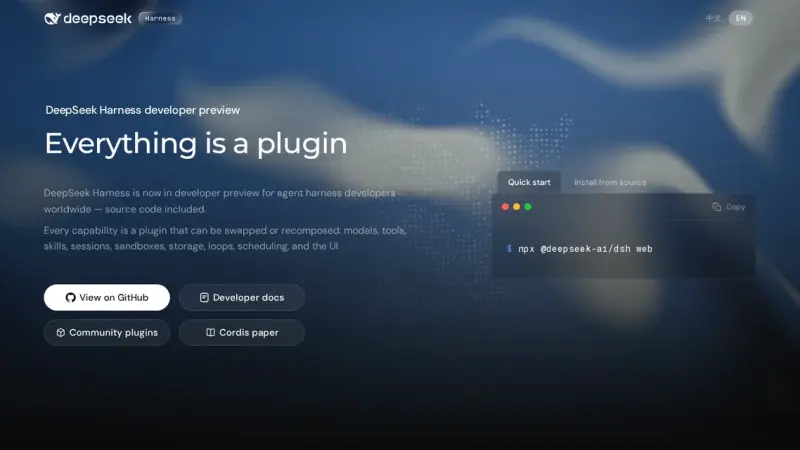
DeepSeek Harness (dsh) is the open-source agent harness DeepSeek released in August 2026. It works with a local model if you declare an openai-completions provider in settings.yaml that points at llama-server, with a placeholder key and the real context size. With Qwen3.5-4B on CPU it left the tests green in 4 of 5 attempts, but slowly.
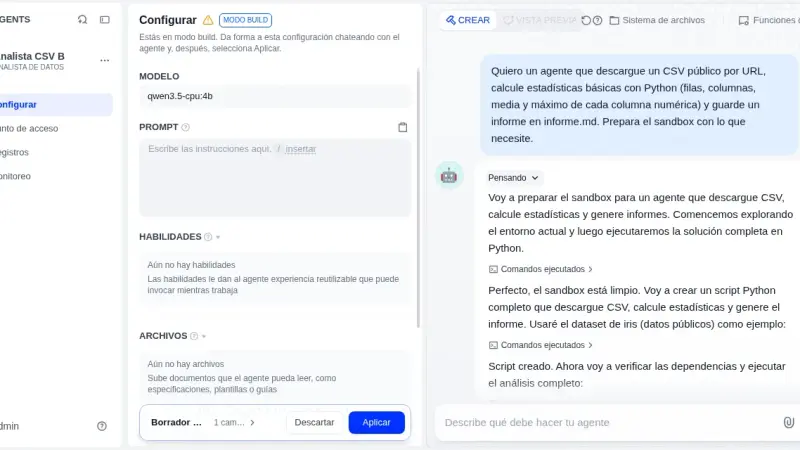
Dify Agent, the Linux-sandbox agent Dify introduced in 1.16, works with a local model once you install the Ollama plugin and switch on tool calling. With Dify 1.17.1 and Qwen3.5-4B on a CPU, the published agent returned correct figures in three out of three runs; Build mode finished none of its three sessions.
Paperless-ngx 3 suggests title, tags, correspondent and dates with an LLM and answers questions about your documents, all locally with Ollama. You upgrade from 2.20.15 by changing the image tag. On CPU, Gemma 4 E4B took 25.8 s per suggestion and used about 7 GiB, provided you dodge a bug with reasoning models.
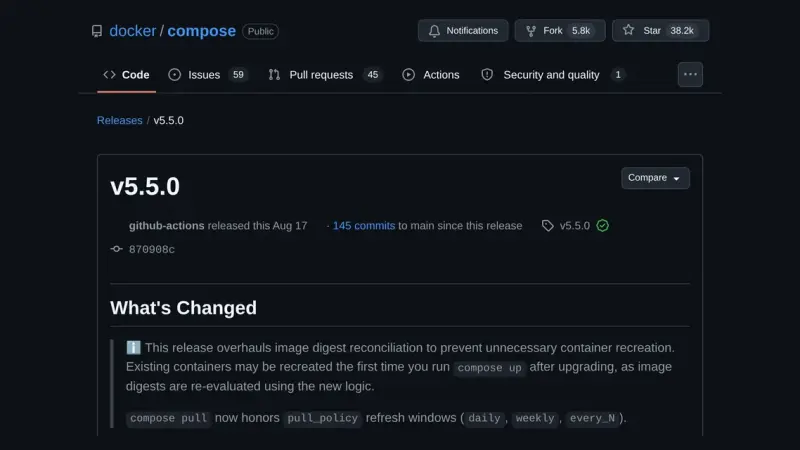
Docker Compose 5.5 changes the digest it uses to decide whether a container's image has changed. On the containerd image store, containers that Compose 2.40 or a pulling 5.4 up labelled with the index digest are recreated once on the first up, with no real change. up --dry-run lists them beforehand.
Without a GPU, on an 18-core arm64 CPU with llama.cpp v0.4.1, Maple-Preview generated 172.84 tokens/s on 6 threads: twice MiniCPM5-2B and 3.6 times Spark-X2.5-4B. The trade-off is 5.79 GiB of RAM and reasoning it cannot switch off. MiniCPM5 fits in 3.27 GiB and Spark writes the best Spanish. All three made facts up.
n8n 3.0 is not out yet: n8n plans it for October 2026 and the stable release is 2.39.6. To prepare a Docker install, open Settings > Migration Report, replace the removed nodes, pin the defaults that change, move binaryData to storage and try the v3-nightly image on a copy.
OpenClaw 2026.9.4 installs with Docker Compose from the official GHCR image, which ships for amd64 and arm64. To run it without a cloud API, connect it to a llama-server on the compose file's internal network. Publish port 18789 on 127.0.0.1 only, because the repository's compose file opens it on every interface.
Since Ollama 0.34.1, ollama create no longer converts or quantizes safetensors weights. To import a Hugging Face model, download it with hf download, convert it to GGUF with llama.cpp's convert_hf_to_gguf.py, quantize it with llama-quantize and build it from a Modelfile. With MiniCPM5-2B on a CPU, the three stages took 35 s, 21 s and 2 s.
Jellyfin 12.0 came out on 8 September 2026 and rewrites the database on startup, so there is no way back without a backup. In Docker, the safe path is to stop the container, copy /config, remove third-party plugins, change the tag to 12.0, migrate and run a full library scan.
MinIO images no longer pull from Docker Hub, and the quay.io copy is frozen in 2025. To migrate from MinIO to Garage with Docker, run Garage v2.4.1 next to MinIO, copy the buckets with rclone sync, verify them with rclone check, and switch endpoint, keys and region in your clients.
There are four ways to install llama.cpp: the llama.app script, which drops a 15 MB llama binary into ~/.local/bin; Homebrew; the server-v0.4.1 Docker image; or CMake. I tested them on 14 September 2026 on Linux arm64 with Gemma 4 E2B, in the terminal with llama cli and as an OpenAI-compatible API.
To install Forgejo with Docker, use the codeberg.org/forgejo/forgejo:16.0 image, which since 10 September 2026 is 16.0.4 and fixes a critical remote code execution flaw. Put it behind Caddy with REVERSE_PROXY_TRUSTED_PROXIES set to the proxy's IP, and register Forgejo Runner 13 against the instance's public URL.
Open Storage for Proxmox is a GPL-3.0 storage plugin you install on every Proxmox VE node. It creates one zvol per disk on TrueNAS 25.10, publishes it over iSCSI or NVMe/TCP through the API, with no SSH, and adds ZFS snapshots and clones. The current release is 2.1.23~beta3.
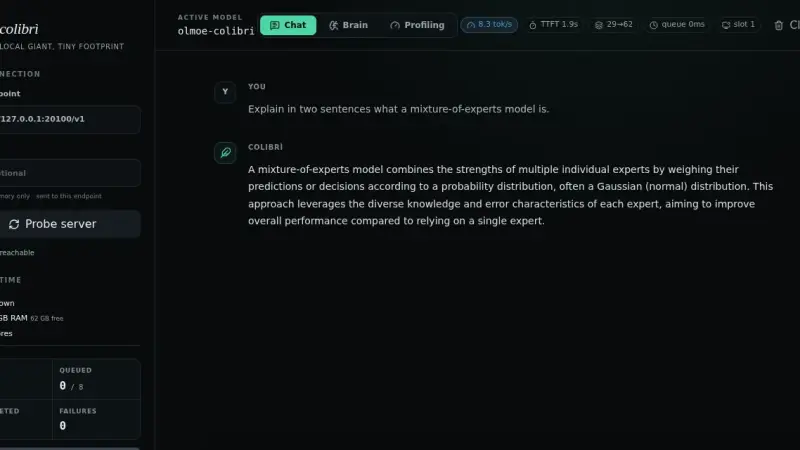
Colibri is an Apache 2.0 inference engine written in C that runs Mixture-of-Experts models of up to 2.8 trillion parameters without loading them whole: it keeps the dense part in RAM and reads from the SSD only the experts the router picks for each token. That is why its speed depends on the disk, the cache and free RAM.
Engram is a Go binary backed by SQLite and FTS5 that gives coding agents persistent memory over MCP. It stores decisions and conventions between sessions, syncs through git and needs no Node, Python or Docker. Its search is lexical rather than semantic, and that shapes what you should save.
n8n is not open source: its Sustainable Use License limits you to your own internal business purposes and forbids charging people to access a hosted instance. Activepieces publishes its core under MIT but keeps agents, projects and API access outside it. Windmill compiles to AGPLv3 from source, yet the distributed Community Edition is not open.
ThinkingBox is an MIT-licensed Microsoft sandbox that runs an agent against stateful MCP tools and judges it by the side effects it leaves in the system, not by what it claims to have done. Its companion benchmark covers 507 business tasks, each repeated twenty times.
Jellyfin is a GPL-2.0 media server that asks for no account and no subscription. You install it from the official compose file, which publishes port 8096 and mounts three separate volumes for configuration, cache and media. The stable release in August 2026 is 10.11.11, and hardware transcoding is included.
k3s and k0s are Kubernetes distributions you install on a conventional Linux host you keep administering; Talos Linux is an immutable operating system with no shell and no package manager, driven by an API, running upstream Kubernetes. They are not layers: you pick one, and node count decides which.
Agentic search means the model plans its own queries against the repository using grep, file listings and a language server, instead of querying an embedding index built beforehand. Claude Code and Cline work this way by design, yet Cursor and Devin Desktop still index, and their own documentation says so.
k3s is a conformant Kubernetes distribution that fits in a 68 MiB binary and installs with one command. It ships containerd, Flannel, CoreDNS, Traefik, ServiceLB and local storage already wired, keeps its state in SQLite, and has a node serving in three seconds.
Karakeep is a self-hosted bookmark manager that stores links, notes, images and PDFs, archives the whole page with monolith and videos with yt-dlp, and tags everything with a language model. It installs from a three-container compose file, and tagging works with either a hosted model or a local Ollama.
Agent Lightning is the Microsoft Research framework that applies reinforcement learning to the model behind an agent you already wrote. The agent points its OpenAI client at the Agent Lightning proxy instead of the model, and the proxy records requests, responses and rewards while the agent keeps its tools and control flow.
Pangolin is an identity-aware tunneled reverse proxy you install on a VPS with Docker Compose. The Newt connector opens the connection outward from your network to the server, so nothing at home listens for inbound traffic, and Traefik issues the Let's Encrypt certificates at the other end.
The 2026-07-28 revision turns MCP into a stateless protocol. The initialize exchange and the Mcp-Session-Id header are gone, and the protocol version plus client capabilities now travel inside the _meta field of every request. In exchange, Roots, Sampling and Logging are deprecated with a twelve-month window.
Qwen3-VL 8B at Q4_K_M is 4.68 GiB of weights plus a 1.08 GiB vision tower, and its KV cache costs 144 KiB per token. At 8,192 tokens of context the total is around 7 GiB and fits comfortably in 16 GB; at the native 256K it would ask for 36 GiB of cache alone and fits on no consumer card.
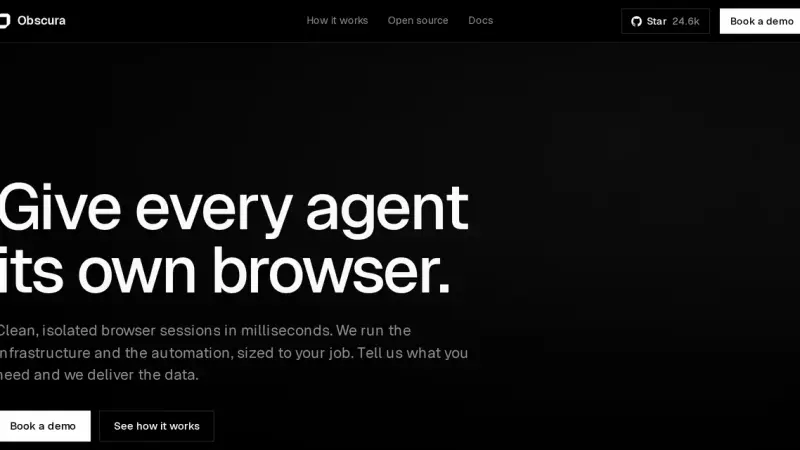
Obscura is a headless browser engine written in Rust and released under Apache-2.0. It runs JavaScript on V8, speaks the Chrome DevTools Protocol and replaces headless Chrome inside Playwright or Puppeteer without touching your code. Its measured advantage is memory: around 38 MB per session against 532 MB for Chromium.
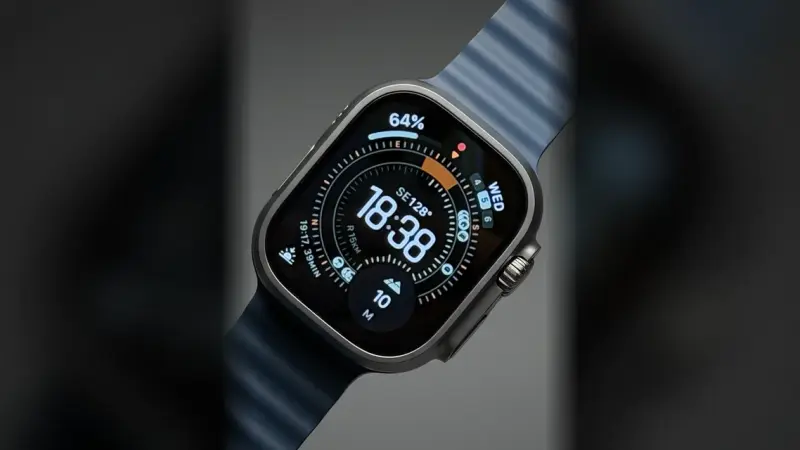
The Apple Watch Ultra 3 does not run Siri AI on its own. The model runs on the paired Apple Intelligence iPhone and on Private Cloud Compute, and Apple is not shipping Siri AI in the European Union because of its Digital Markets Act dispute. In the EU the watch keeps Workout Buddy, on-device Siri and its health alerts.
Immich installs from two files you download from its latest release, docker-compose.yml and .env, plus one docker compose up -d. The server listens on port 2283, the mobile app uploads your camera roll on its own, and your backup has to include the database, not just the photos.
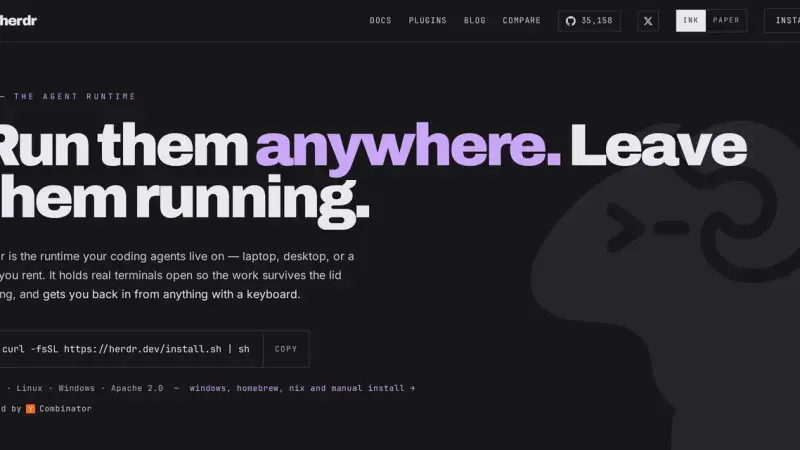
Herdr is a Rust terminal multiplexer that runs your coding agents inside a background server. It marks every pane as working, blocked or idle, and that status rolls up to the workspace, so you can see at a glance which agent is waiting on you.
Gemma 4 ships in five sizes under Apache 2.0. Quantised to 4 bits the weights run from 2.9 GB on the E2B to 17.5 GB on the 31B according to Google's own table, so your memory picks the size. And the 256K window adds another 10 GiB of cache on top.
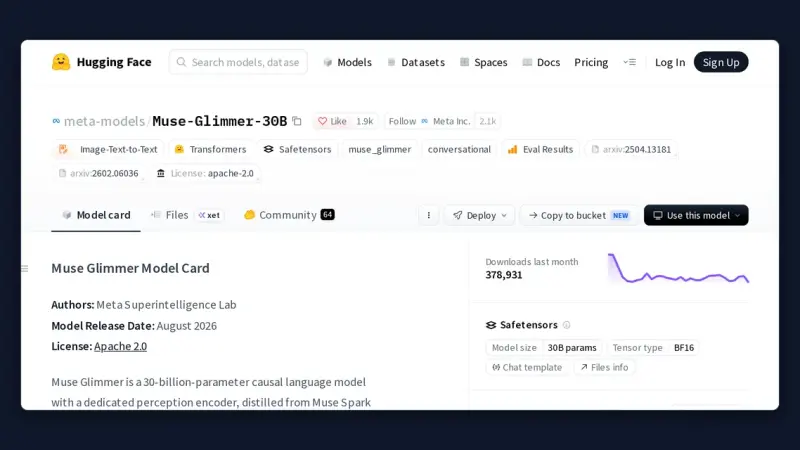
August 2026 produced about a dozen models with genuinely downloadable weights, and several names that exist only as a hosted API. The ones that change what fits on your own machine are Muse Glimmer 30B and Qwen3.8-27B, both Apache 2.0, plus Ling-3.0-tiny for smaller hardware.
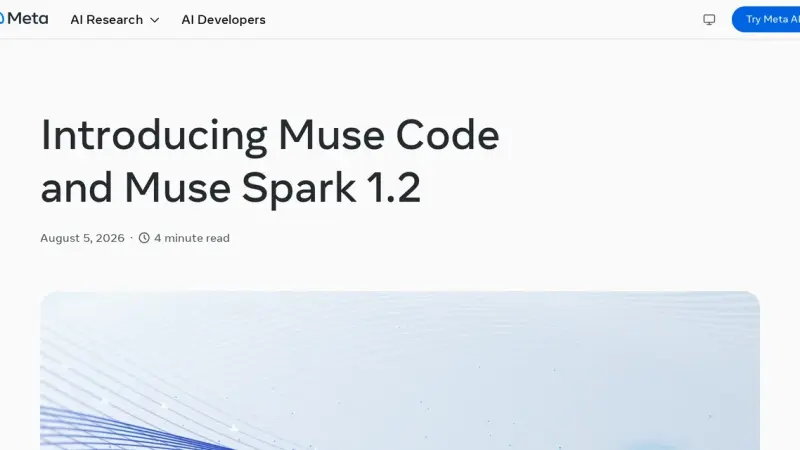
Muse Code is the terminal coding agent Meta Superintelligence Labs released in beta on 5 August 2026. It runs on Muse Spark 1.2, coordinates persistent background subagents, appends every model call and every edit to a local event log, and installs with a single command on macOS and Linux.
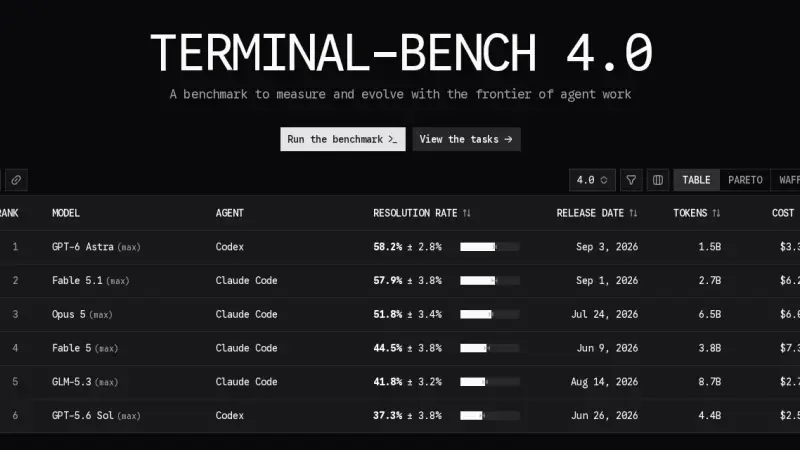
All three are terminal agents, but they bet on different things. On the official Terminal-Bench 4.0 board, published on 28 August 2026, Claude Code with Opus 5 solves 51.8% of trials at $18.09 each, and Codex with GPT-5.6 Sol solves 37.3% at $7.70. Muse Code appears on no board at all.
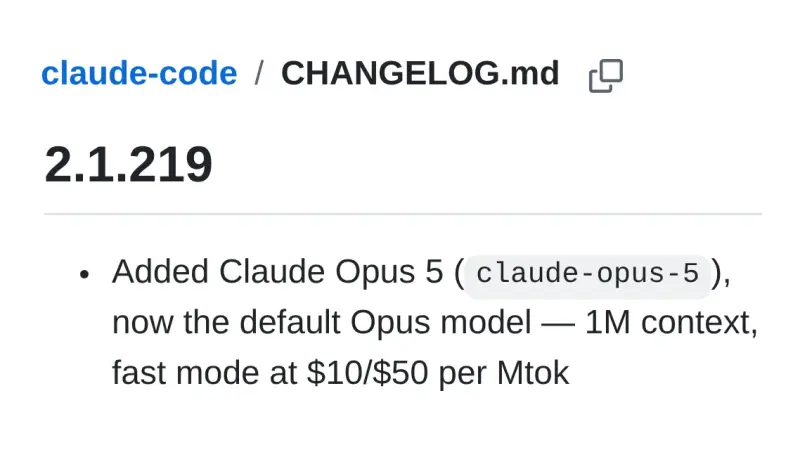
Between 1 June and 28 August 2026, Claude Code shipped 81 releases, from 2.1.160 to 2.1.251, carrying 149 additions. Four of them change how you actually work: Claude Opus 5 as the default, cross-session messaging, self-hosted environments, and credential masking in the sandbox.
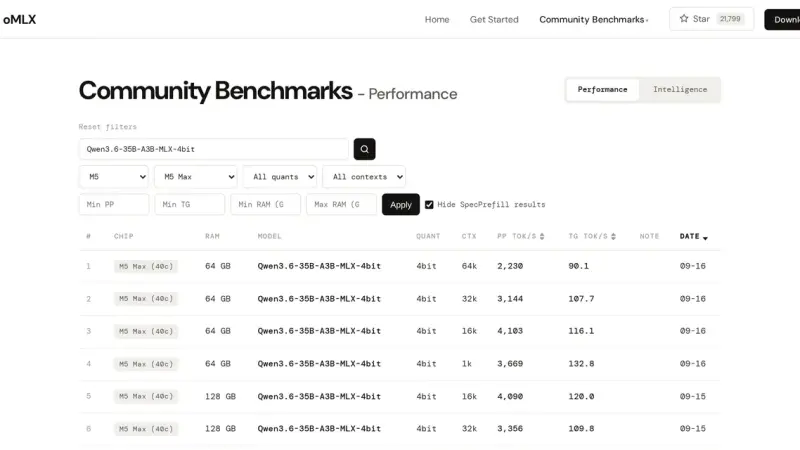
An oMLX tokens-per-second figure is only useful if it states the prompt length, the route, the cache state and the Mac's. On an M5 Max, Qwen3.8-27B's first token went from 1.12 to 65.5 seconds between a 1k and a 32k prompt. The default memory ceiling leaves 8 % of RAM for macOS, between 3 and 8 GB.
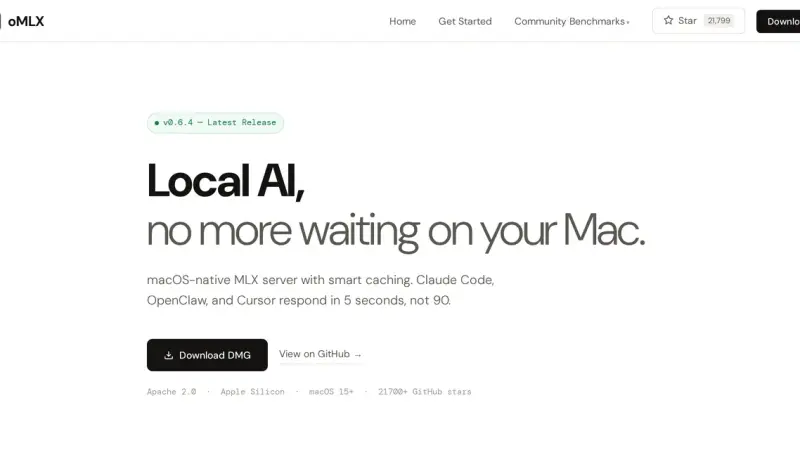
oMLX is a local inference server for Apple Silicon Macs that wraps Apple's MLX framework and exposes it through the OpenAI and Anthropic APIs. Since Ollama 0.40 all three major servers use MLX on a Mac, so what sets oMLX apart is memory: several models loaded with eviction and pinning, and an SSD KV cache that survives restarts.
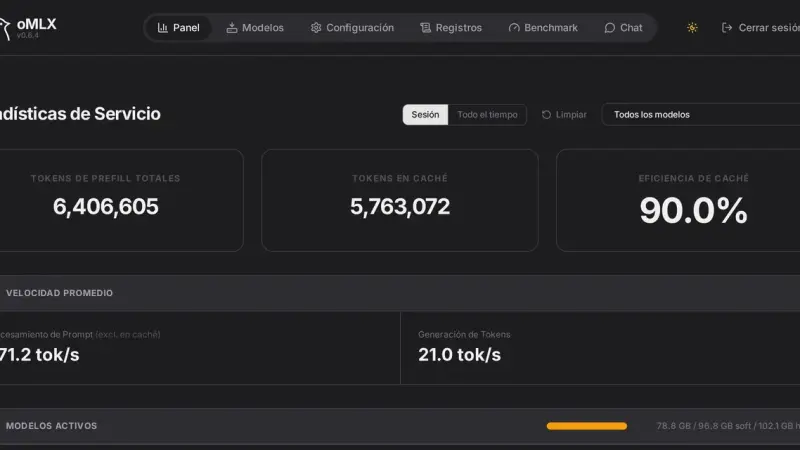
The oMLX panel lives at localhost:8000/admin and gathers monitoring, model loading and unloading, chat with history, a Hugging Face downloader, benchmarks and per-model settings. The command line covers the rest with four commands: serve, start, stop and launch, the last one for wiring up external clients.
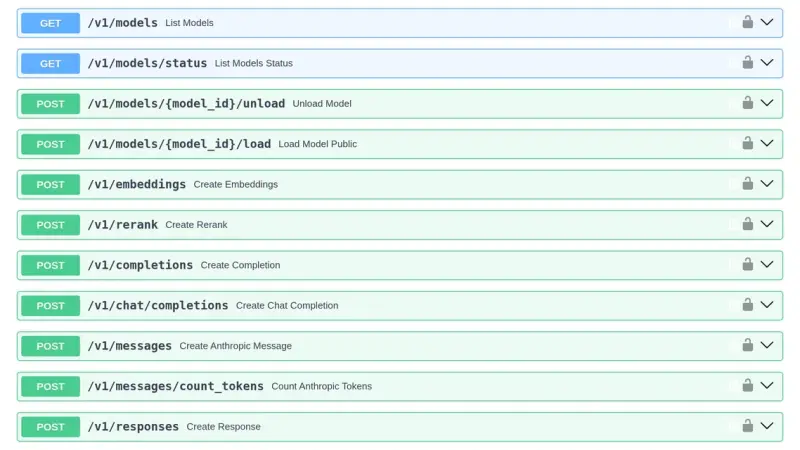
oMLX 0.7.2 listens on 127.0.0.1:8000 and serves OpenAI's API and Anthropic's Messages API on the same port. The key travels in Authorization: Bearer or in x-api-key and is mandatory as soon as the server listens beyond loopback. Errors come back in OpenAI's format, and the port changes with --port, OMLX_PORT or the server section of settings.json.
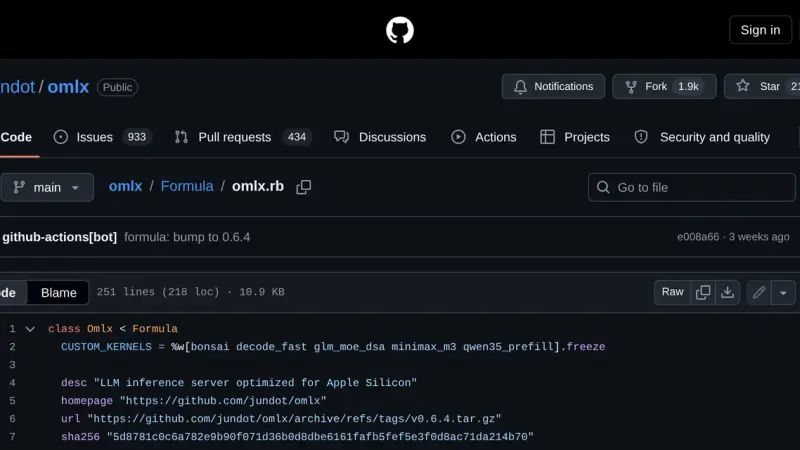
oMLX installs through Homebrew in two commands: first the tap for jundot's repository, then the formula. You end up with a launchd service that starts via omlx start, a log inside Homebrew's var directory and an upgrade path through brew upgrade. The current version is 0.6.4, released on 29 August 2026.
9 min82
We use first- and third-party cookies to analyze site traffic. You can accept them, reject them, or configure your choice.
Learn more about cookies
Cookie preferences
NecessaryEssential for the site to work. Always on.
AnalyticsHelp us understand how the site is used (Google Analytics).