SearXNG is a free, privacy-respecting metasearch engine that aggregates results from more than 70 services without tracking or profiling you. With Docker you bring it up in a container alongside Valkey, set a secret_key in settings.yml and in minutes you have your own private search engine listening on port 8080.
Headscale is a free, self-hosted implementation of the Tailscale control server: it gives you a private WireGuard mesh network without depending on Tailscale's cloud or its plan limits. This guide brings it up with Docker Compose in its version 0.29.2, prepares the config.yaml file, registers the first node and adds a web panel with headscale-ui.
Home Assistant Container is the local home-automation platform installed as a Docker container: an official image, port 8123 and host-mode networking to discover devices. This guide brings it up with docker-compose, covers the first boot and backups, and makes clear it does not include the Supervisor add-on store.
Gitea is a self-hosted Git service written in Go, lightweight and a single binary, an alternative to GitHub and GitLab. With Docker you install it from a docker-compose.yml alongside PostgreSQL: it publishes the web interface on port 3000 and Git over SSH on port 22, and is configured with GITEA__ variables. It ships Actions for CI and webhooks.
Vaultwarden is a Bitwarden-compatible password server written in Rust and released under the AGPL-3.0 license that barely uses any RAM. This guide brings it up with Docker Compose, publishes it behind a reverse proxy with HTTPS (mandatory for the browser encryption to work), protects the /admin panel with an ADMIN_TOKEN and closes off registration.
wg-easy is the simplest way to self-host a WireGuard VPN: a single container that bundles the server and a web panel to create clients in one click. This guide brings it up with Docker Compose in its version 15, completes the first-run setup wizard on port 51821 and connects your first device with a QR code.
Nginx Proxy Manager is an open-source reverse proxy that puts a web interface over Nginx and Certbot, so you create proxy hosts and request Let's Encrypt certificates with a few clicks. With Docker it installs as a container next to its database, exposes ports 80, 443 and 81, and spares you from editing Nginx config files by hand.
AdGuard Home is a free, open-source DNS server that blocks ads and trackers across your whole network from a single container. This guide brings it up with Docker Compose, fixes the port 53 conflict, walks through the setup wizard and turns on encrypted DNS and DNS rewrites.
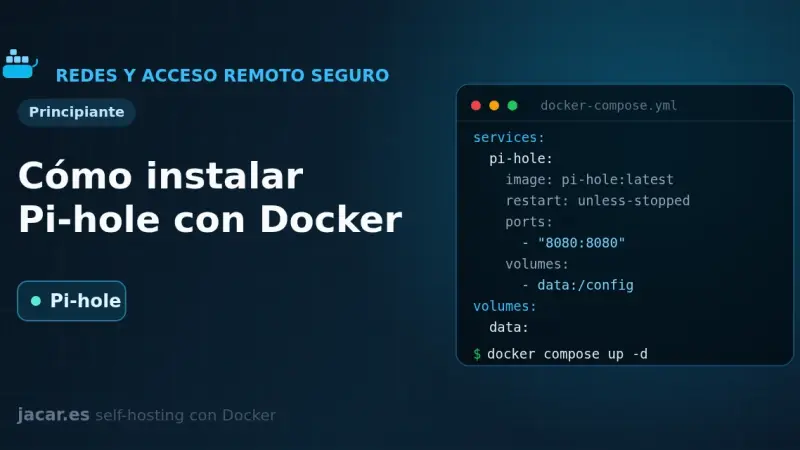
Pi-hole is a DNS server that blocks ads and trackers across your whole network. With Docker you install it from a single docker-compose.yml: version 6 embeds the web panel into the pihole-FTL binary, exposes DNS on port 53 and the admin UI on port 80, and is configured with FTLCONF_-prefixed variables.
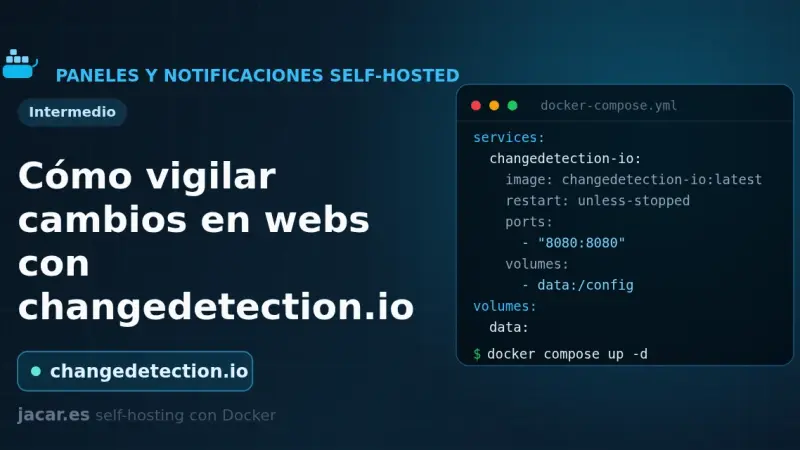
changedetection.io is an open-source tool that watches web pages and alerts you when they change: prices, stock, versions or official notices. This guide installs it with Docker Compose, adds a Playwright browser container for JavaScript sites, creates watches with CSS or XPath filters and sends notifications to ntfy or Gotify.
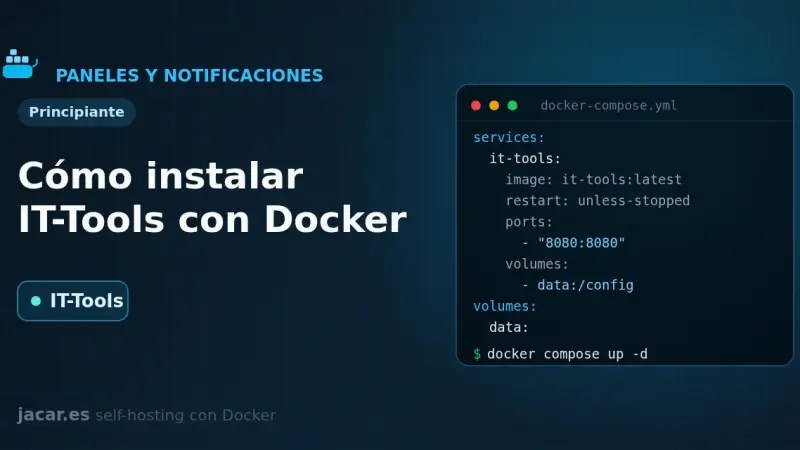
IT-Tools bundles more than eighty developer utilities (JWT, hashes, cron expressions, colour converters) into a single web app that runs entirely in your browser. With Docker you bring it up from one docker-compose.yml, it listens on port 80 and stores nothing: with no server and no database, it needs no volume either.
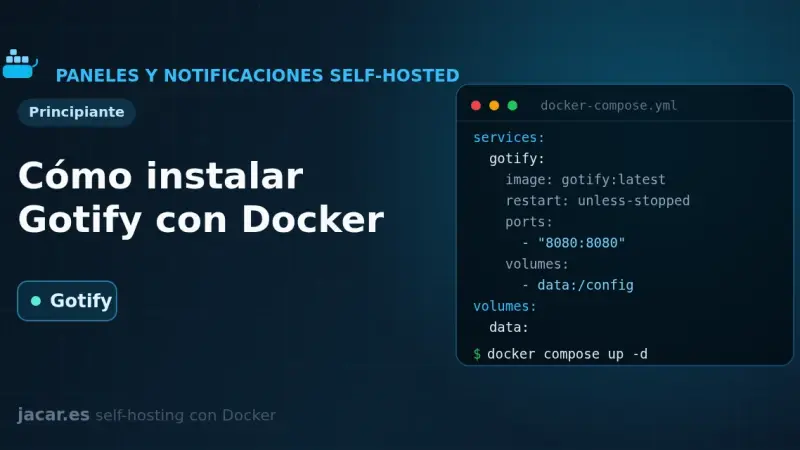
Gotify is a self-hosted push notification server written in Go and released under the MIT license that gathers messages from your scripts and services in one place. This guide brings it up with Docker Compose on port 80, creates an application with its token and sends the first message through its REST API with curl.
ntfy is a free, open-source HTTP-based push notification service that lets you send alerts to your phone or desktop with a simple PUT or POST request to a topic. This guide runs your own ntfy server with Docker Compose, publishes and subscribes to topics, and adds authentication and access control.
Dashy is a self-hosted start page, written in Vue, that gathers all your services onto a single page with status checking, widgets, themes and icons. With Docker you bring it up with a single docker-compose.yml and one image, lissy93/dashy; all its configuration lives in a conf.yml file that you edit by hand or from its visual interface.
Heimdall is a self-hosted application dashboard, maintained by LinuxServer.io and written in PHP with Laravel, that gathers the links to all your services on a single elegant page. With Docker it installs as one container using the LinuxServer image and the /config volume, with no external database, and it supports enhanced apps that show live status.
Homarr is a service dashboard for your homelab that you configure by dragging and dropping, with no YAML files to edit. With Docker you bring it up with a single docker-compose.yml, it listens on port 7575 and stores everything in its own SQLite database; you only need a 64-character encryption key before you start it.
Homepage is a fast, fully static service dashboard written in Next.js that gathers all your containers into a single front page. With Docker you bring it up with a docker-compose.yml, configure it with YAML files, it listens on port 3000 and discovers your services automatically by reading each container's labels.
Beszel is a lightweight server monitoring platform built on PocketBase that splits into two pieces: a hub with a web dashboard on port 8090 and an agent that runs on each watched machine and listens on 45876. This guide brings both up with Docker Compose, pairs them and sets up alerts.
Glances is a real-time system monitor written in Python that, in web server mode, shows CPU, memory, disk, network and containers from the browser on port 61208. With Docker you bring it up with a single docker-compose.yml, mounting the Docker socket, and it also exposes a REST API at /api/4 to automate things.
Netdata is a real-time monitoring system that, with Docker, shows hundreds of per-second metrics from your server and its containers with almost no configuration. It comes up with a single docker-compose.yml that mounts the host system paths, exposes a full dashboard on port 19999 and automatically detects every service you run.
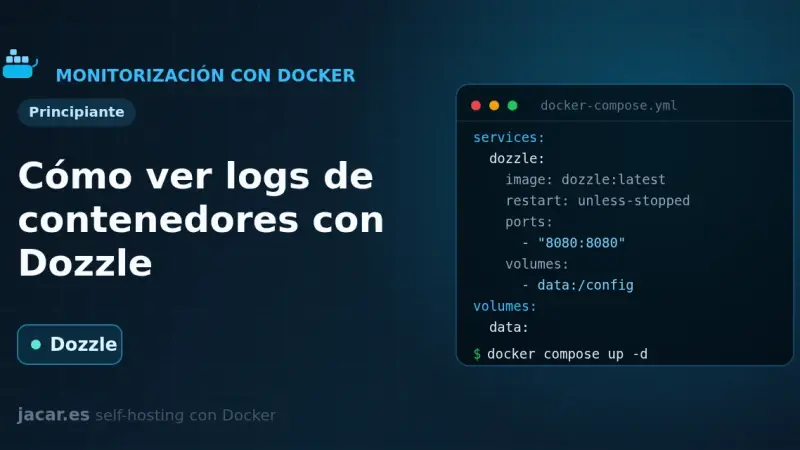
Dozzle is a real-time log viewer for containers, written in Go: it stores nothing, it reads the logs straight from the Docker socket and streams them to your browser. With Docker you bring it up with a single docker-compose.yml, it listens on port 8080 and shows the live logs of every one of your containers.
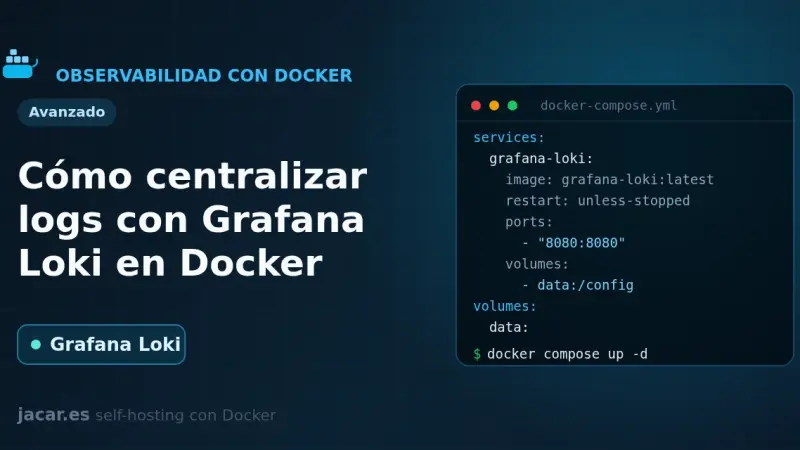
Grafana Loki is an open-source log aggregation system that indexes only labels and keeps the content compressed, which makes storage ten to a hundred times cheaper than Elasticsearch. With Docker you bring it up with a single docker-compose.yml, ship your logs with the Docker driver or Grafana Alloy and query them with LogQL in Grafana on port 3100.
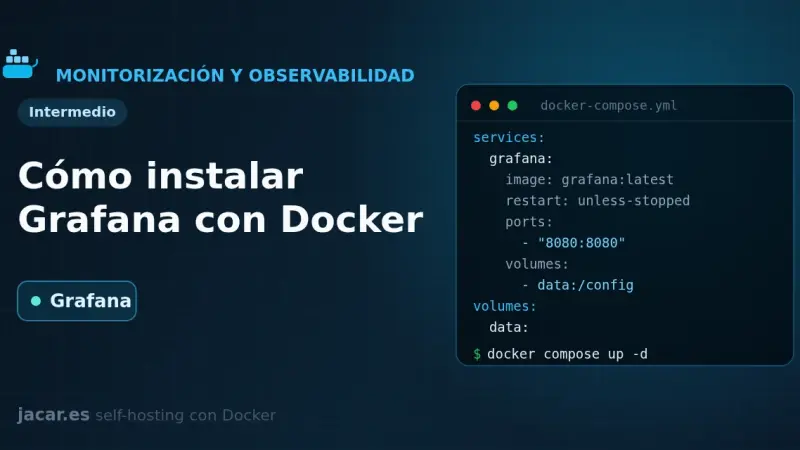
Grafana is the most widely used open-source platform for building dashboards and visualising metrics, and with Docker you bring it up with a single docker-compose.yml. It listens on port 3000, stores its data in /var/lib/grafana and connects to Prometheus, Loki or InfluxDB as data sources. Here you install it, provision it and publish it with Traefik.
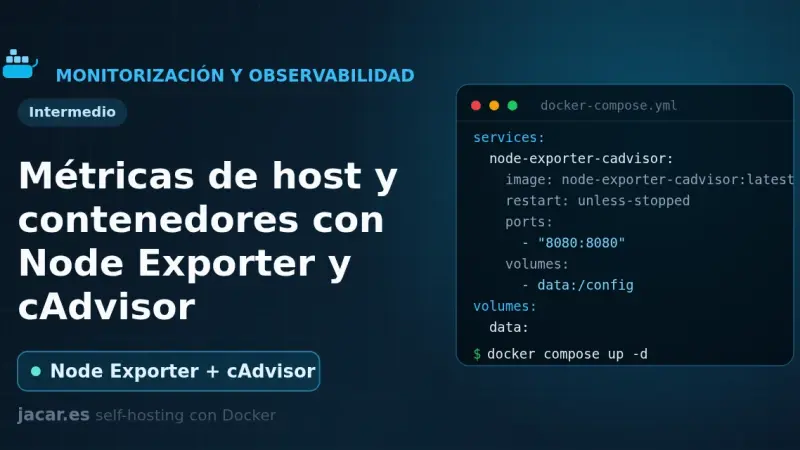
Node Exporter and cAdvisor are the two exporters that feed Prometheus: the first collects host metrics (CPU, RAM, disk and network) on port 9100, and the second collects per-container metrics on port 8080. This guide brings both up with a single docker-compose.yml, connects them to Prometheus and explains which metrics to watch.
Prometheus is the most widely adopted open-source monitoring and alerting system for self-hosted infrastructure, and with Docker you bring it up with a single docker-compose.yml and a prometheus.yml. It collects metrics using a pull model, stores them in its time-series database and exposes them on port 9090, ready to query with PromQL and visualise in Grafana.
Duplicati is a free backup tool that encrypts your data with AES-256 before sending it and only uploads the blocks that have changed. With Docker you bring it up from a single docker-compose.yml, mount your folders read-only and schedule encrypted backups to S3, MinIO, B2 or SFTP. This guide covers installation, encryption, retention and restore.
Seafile is an open-source file sync and storage platform that keeps data in blocks, Git style, which makes it very fast when you handle lots of files. With Docker it comes up in four containers (server, a MariaDB database, a Redis cache and a Caddy proxy) from a single docker-compose.yml file.
Syncthing is a free peer-to-peer file synchronisation tool: it keeps folders identical across your devices without going through the cloud and with all traffic encrypted. With Docker you bring it up from a single docker-compose.yml using host networking, PUID/PGID for permissions and a persistent volume. This guide covers the installation, device pairing and the ports you need.
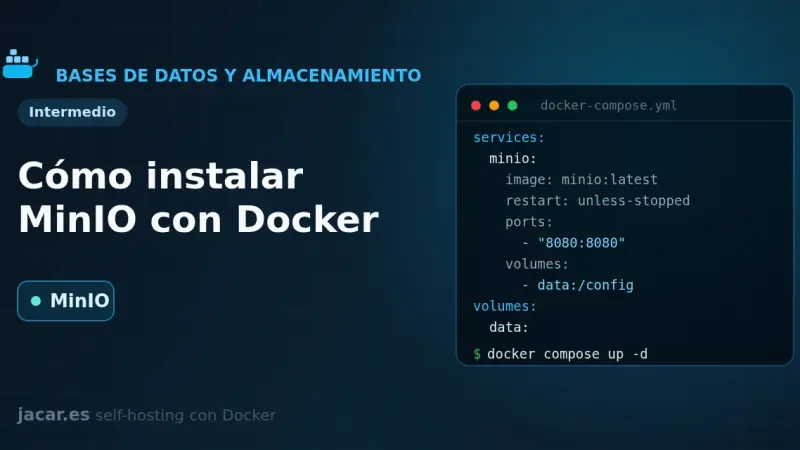
MinIO is an object storage server compatible with the Amazon S3 API that you can self-host with Docker. With a single docker-compose.yml you bring up the API on port 9000 and the console on 9001, create buckets and access keys with the mc client, and use it as an S3 backend for backups, attachments and photos.
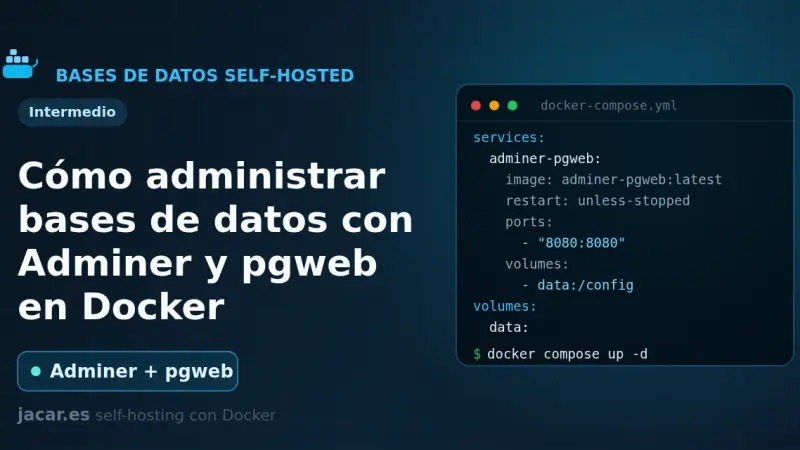
Adminer and pgweb are two web-based database managers that run in Docker with a single container each. Adminer is one PHP file that handles MySQL, PostgreSQL and six other engines; pgweb is a Go explorer dedicated to PostgreSQL. This guide brings a ready-to-copy docker-compose.yml and explains how to secure them properly.
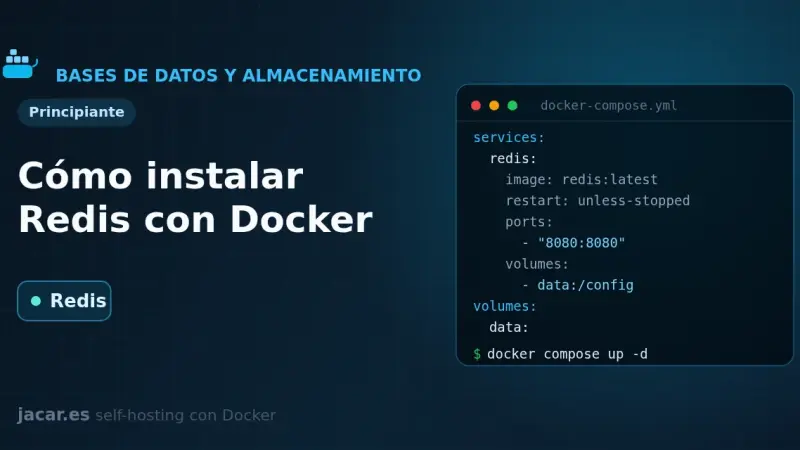
Redis is an in-memory key-value data store used as a cache, a job queue and a session manager. With Docker you bring it up from a single docker-compose.yml file, with persistence on a volume, a mandatory password and a healthcheck. This guide covers the installation, how to secure it and how it differs from Valkey.
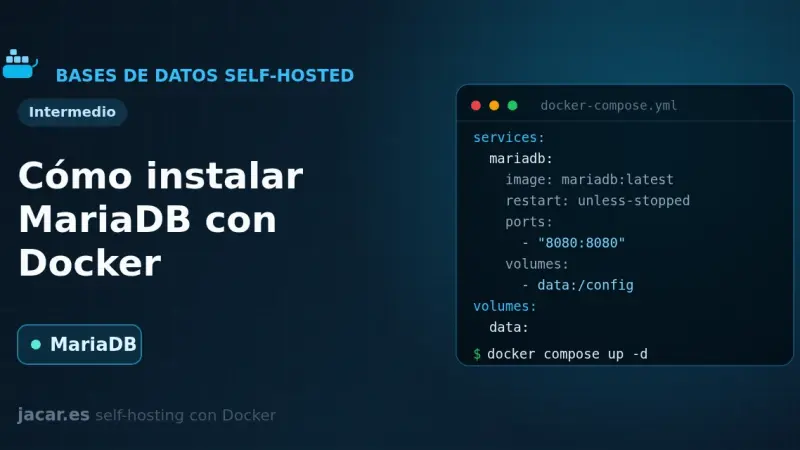
MariaDB is an open-source relational database, a fork of MySQL and compatible with it, that in Docker runs as a single container with a persistent volume. With this docker-compose.yml you set the root password, the database and the initial user through environment variables, and you keep your data even if you recreate the container.
PostgreSQL, which its own project calls the most advanced open-source relational database, comes up in Docker with a single docker-compose.yml file. You define a persistent volume at the path version 18 expects, the superuser password and a pg_isready healthcheck, and within seconds you have a server on port 5432 ready for other containers to connect to it by the service name.
Firefly III is an open-source personal finance manager you self-host with Docker. With one docker-compose.yml file you bring up the application, a MariaDB database and the data importer, which connects to more than 6,000 banks through GoCardless. You generate the 32-character APP_KEY and keep control of all your money on your own server.
Stirling-PDF is a web-based Swiss Army knife for PDFs that you self-host with Docker in a single container. With one docker-compose.yml file you bring up more than fifty tools to merge, split, compress, convert, sign and OCR your documents, all processed on your own server and without sending anything to the cloud.
Vikunja is an open-source task manager that you self-host with Docker in a single image. With one docker-compose.yml file you bring up the application alongside a PostgreSQL database and organize your projects in list, kanban board, Gantt and table views, with all your data stored on your own server.
Outline is a source-available team wiki and knowledge base that in Docker needs three pieces: PostgreSQL, Redis and a login provider, because it ships with no local username and password. With one docker-compose.yml file you bring up the service, connect it to Authentik over OIDC and store attachments in MinIO.
Docmost is an open-source wiki and knowledge base, a self-hosted alternative to Confluence and Notion. On Docker it runs as three containers: the application, a PostgreSQL database and a Redis cache. A single docker-compose.yml file gives you workspaces, real-time collaborative editing and full control over your documents.
Wiki.js is an open-source wiki engine written in Node.js that, in Docker, runs as two containers: the application and a PostgreSQL database. With a single docker-compose.yml file you get your own wiki with a Markdown editor, version control and more than forty authentication methods, and your pages stored in a volume that you control.
BookStack is an open-source documentation wiki platform, written in PHP with Laravel, that organises content into shelves, books, chapters and pages. With Docker it installs in minutes using the LinuxServer image alongside a MariaDB database, and you only need to set APP_URL and APP_KEY in a single docker-compose.yml file.
Paperless-ngx is an open-source document manager that digitises and archives your papers with full-text search. In Docker it runs as five containers (application, PostgreSQL database, Valkey queue, Gotenberg and Tika) through a single docker-compose.yml, and it performs OCR and automatic tagging on every document you drop into its consume folder.
Nextcloud is an open-source private cloud platform that, in Docker, runs as three containers: the application, a MariaDB database and a Redis cache. With a single docker-compose.yml file you get your own self-hosted Drive, calendar and contacts in minutes, with your data stored in a volume that you control.
Watchtower is a container that watches your Docker registries, detects when a newer image is available, pulls it and recreates your container with the same options. You configure it with a small docker-compose.yml, it polls every 24 hours by default, and you can restrict it with labels or keep it in notify-only mode.
A private Docker registry is your own image store: the official registry image listens on port 5000, keeps layers in a volume and, with htpasswd authentication in bcrypt format and HTTPS behind a reverse proxy, lets you push and pull images without depending on Docker Hub or its pull-rate limits.
By default Docker limits neither the CPU nor the RAM of a container: a single one can exhaust the whole server. In Compose you bound them with deploy.resources.limits (cpus, memory) or the mem_limit and cpus shortcuts, and you control logs with the local driver, which rotates at 20 MB and 5 files by default.
Docker Compose profiles tag services so they only start when you enable their profile with --profile or COMPOSE_PROFILES. Services without a profile always run; tagged ones stay idle until you ask for them. That lets a single file hold the core stack, debugging tools and optional extras without duplicate compose files.
A healthcheck is a command Docker runs periodically inside the container to decide whether the service is healthy; its state moves from starting to healthy or unhealthy. Combined with a restart policy (no, always, on-failure or unless-stopped) and with depends_on and the service_healthy condition, it stops an application from starting before its database.
Docker Compose gives you three ways to pass configuration into a container: the environment key, the env_file attribute and the .env file for interpolation. For sensitive data, do not use environment variables; Docker Compose secrets are mounted as read-only files under /run/secrets/, away from logs and the process environment.
9 min81
We use first- and third-party cookies to analyze site traffic. You can accept them, reject them, or configure your choice.
Learn more about cookies
Cookie preferences
NecessaryEssential for the site to work. Always on.
AnalyticsHelp us understand how the site is used (Google Analytics).